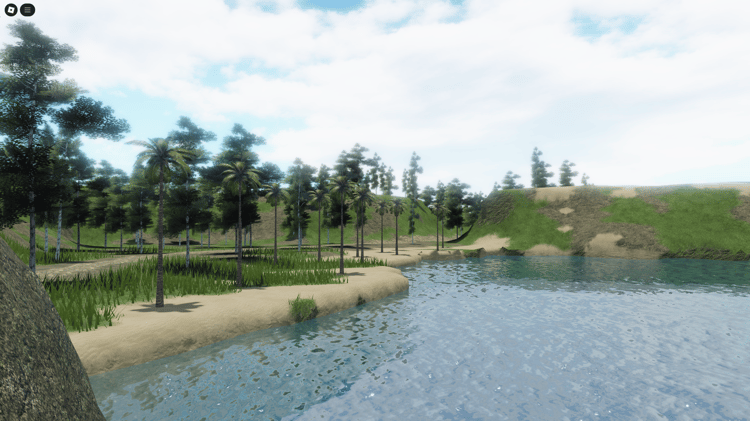
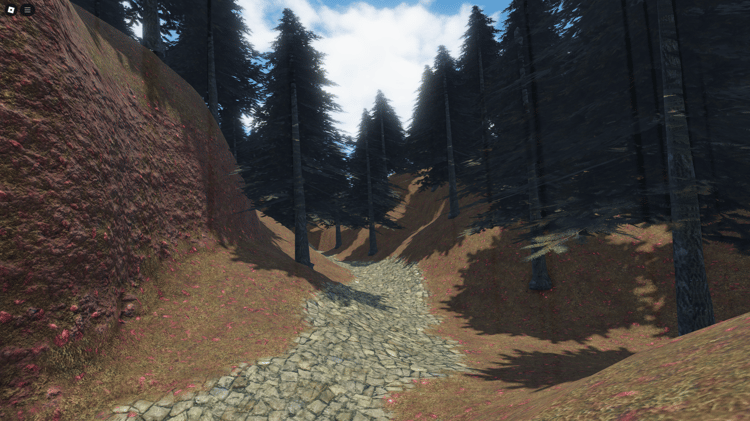
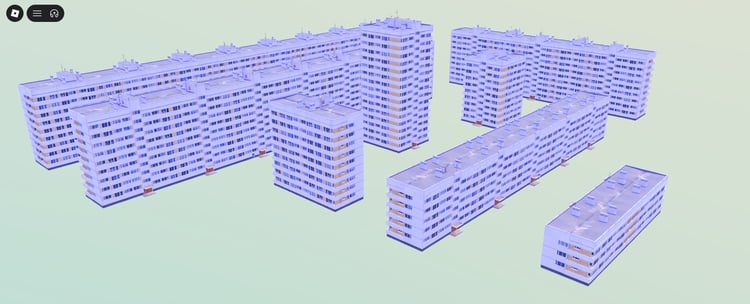
Start with the landscape. Plan where players go.
Free Roblox Terrain Templates for Roblox Studio
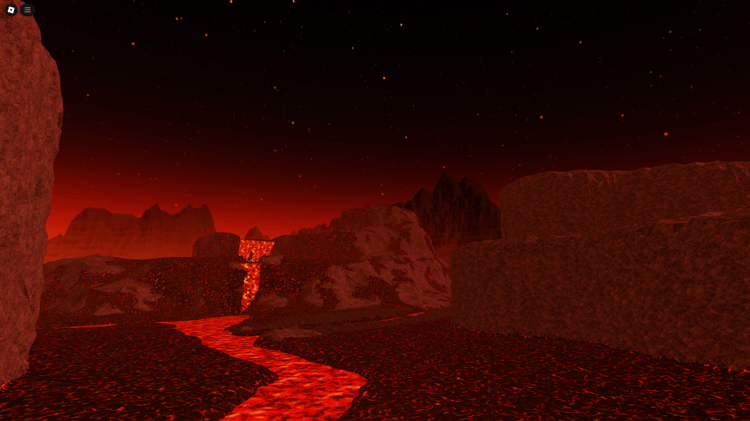
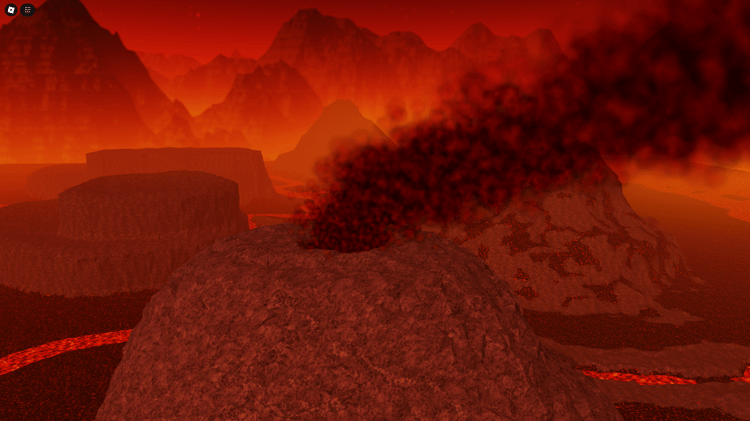
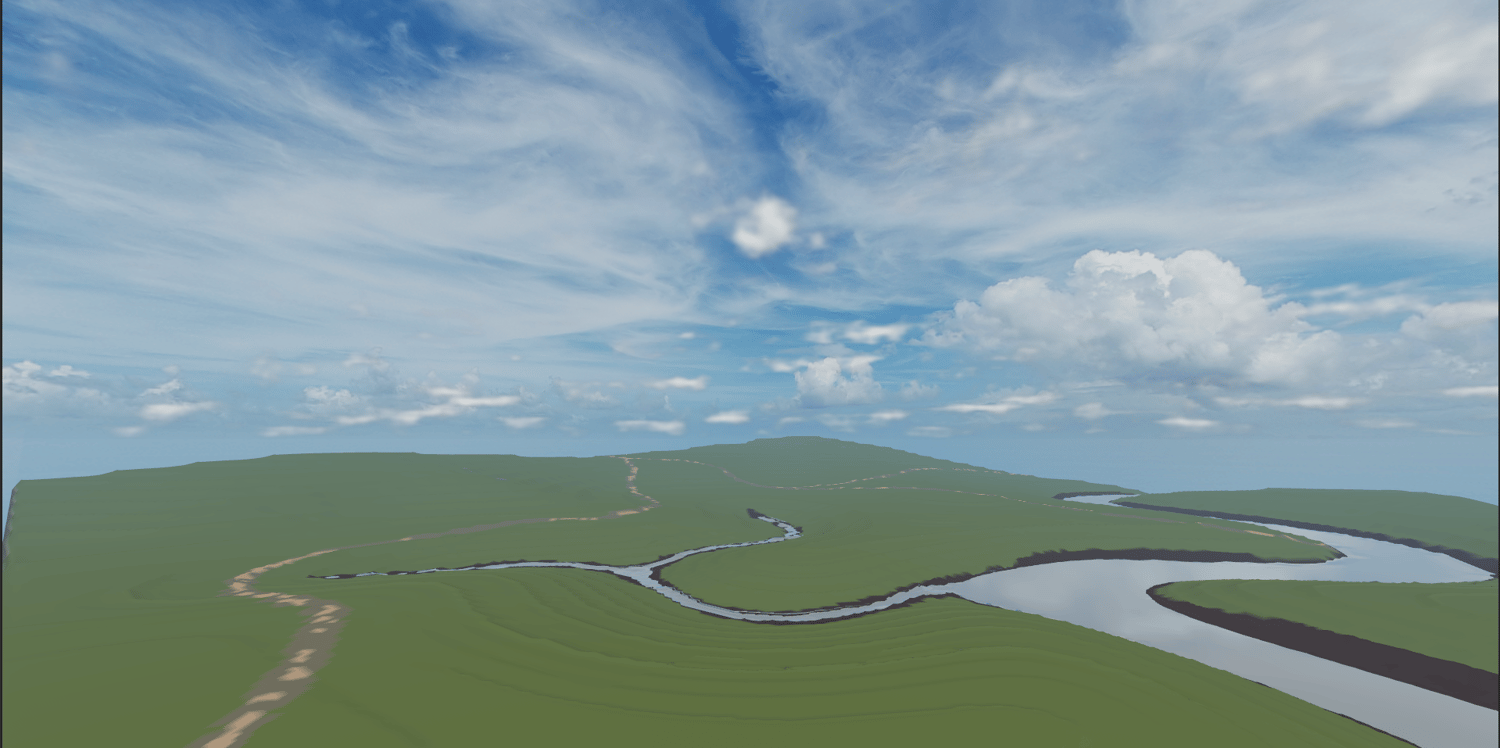
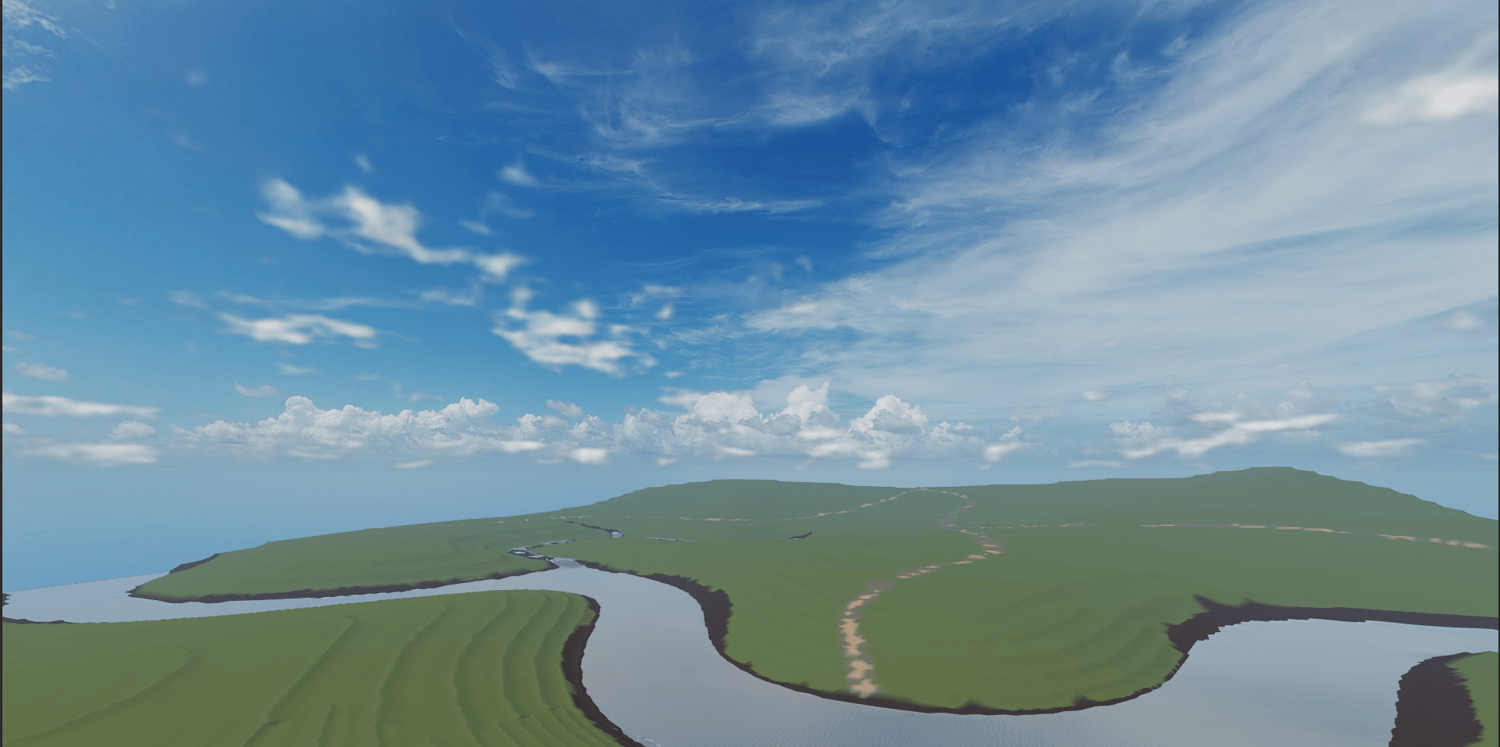
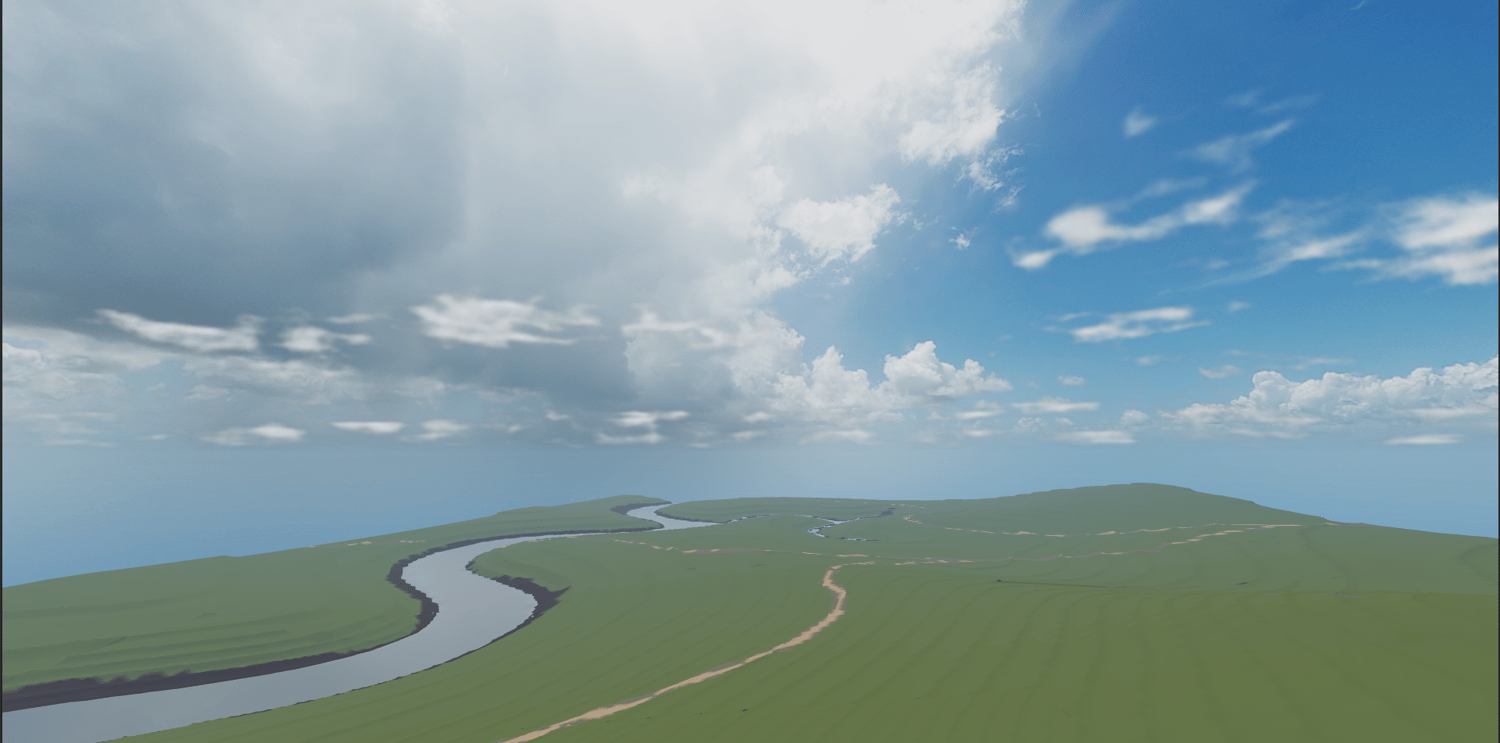
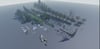
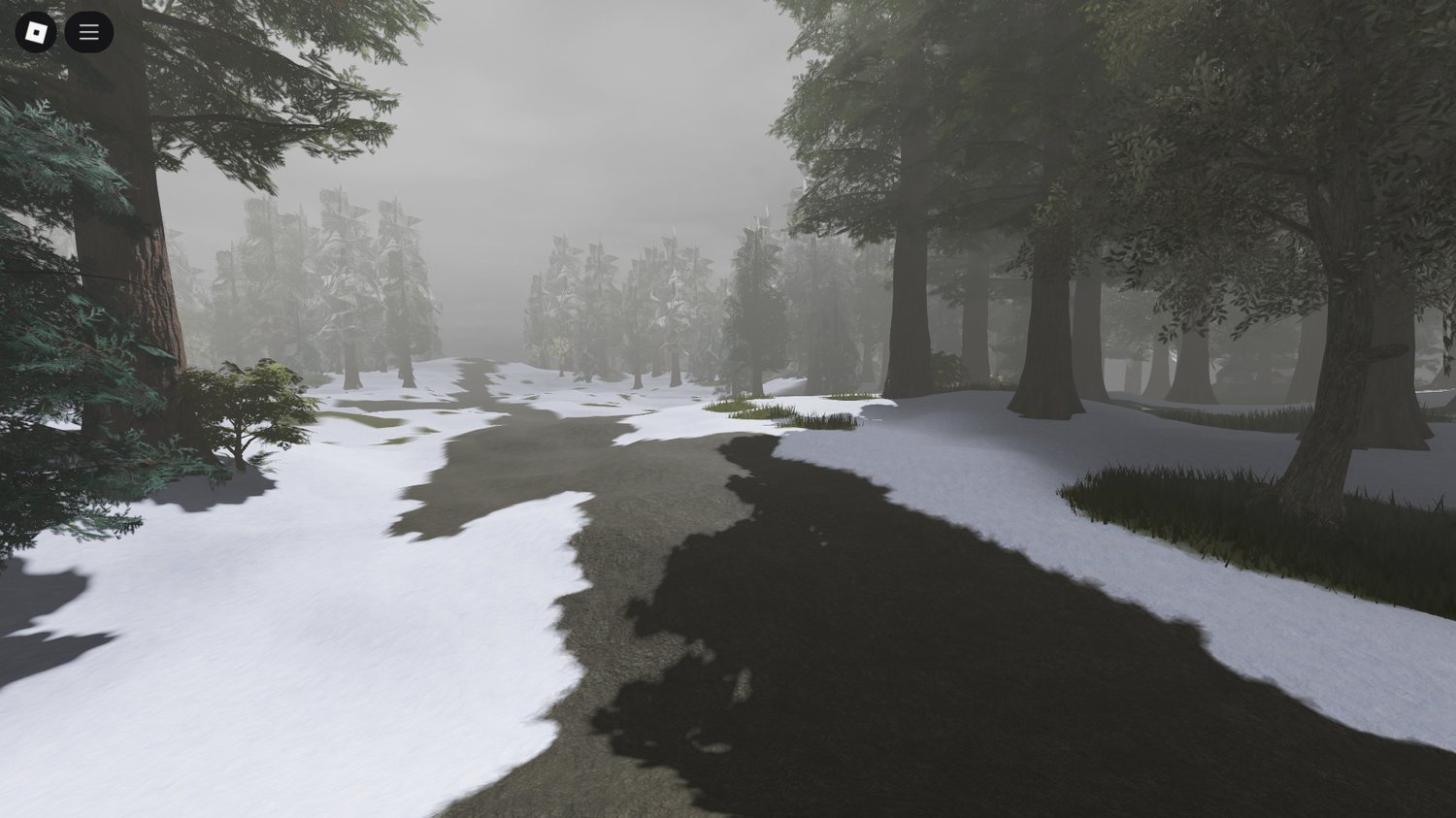
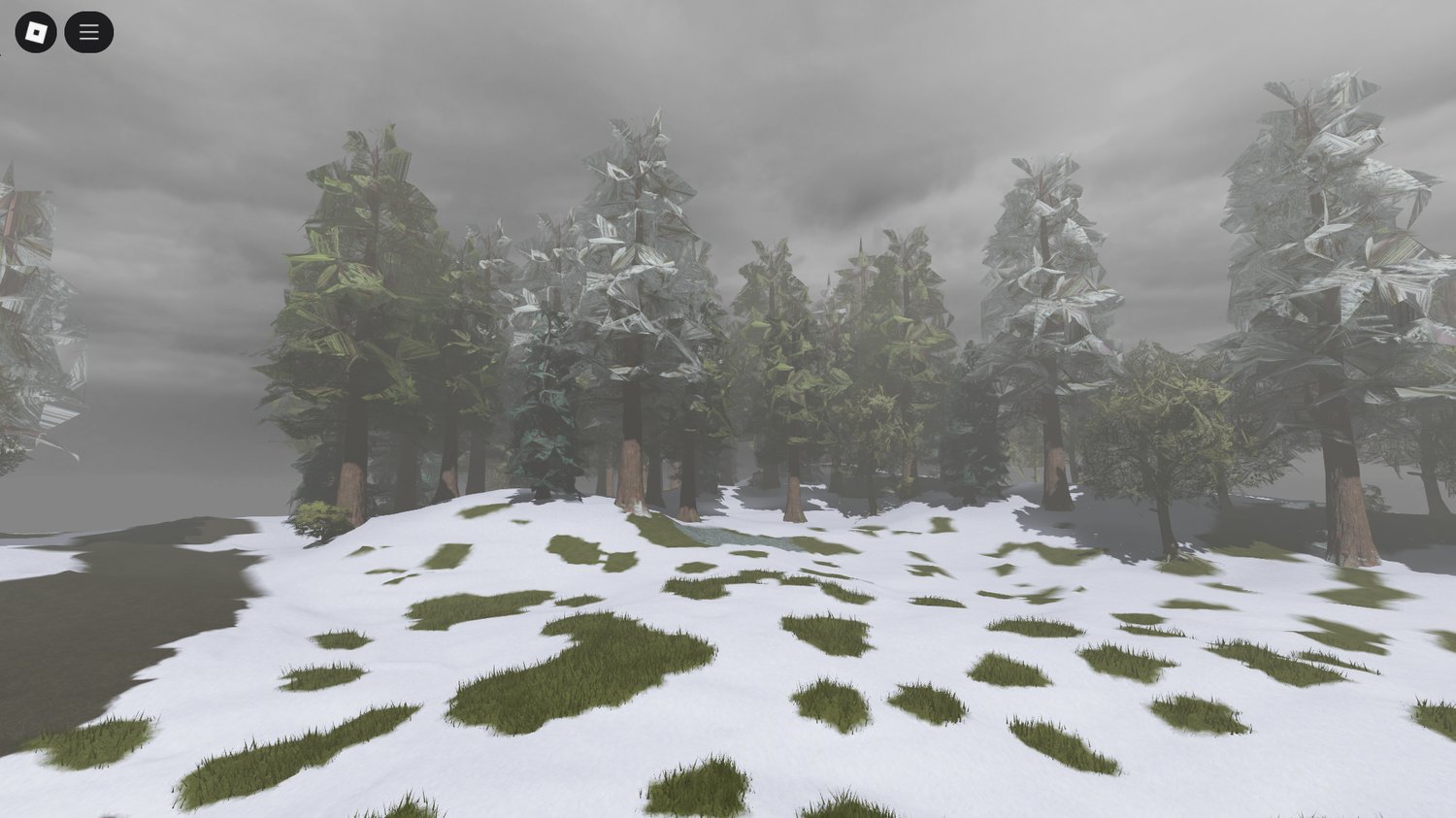
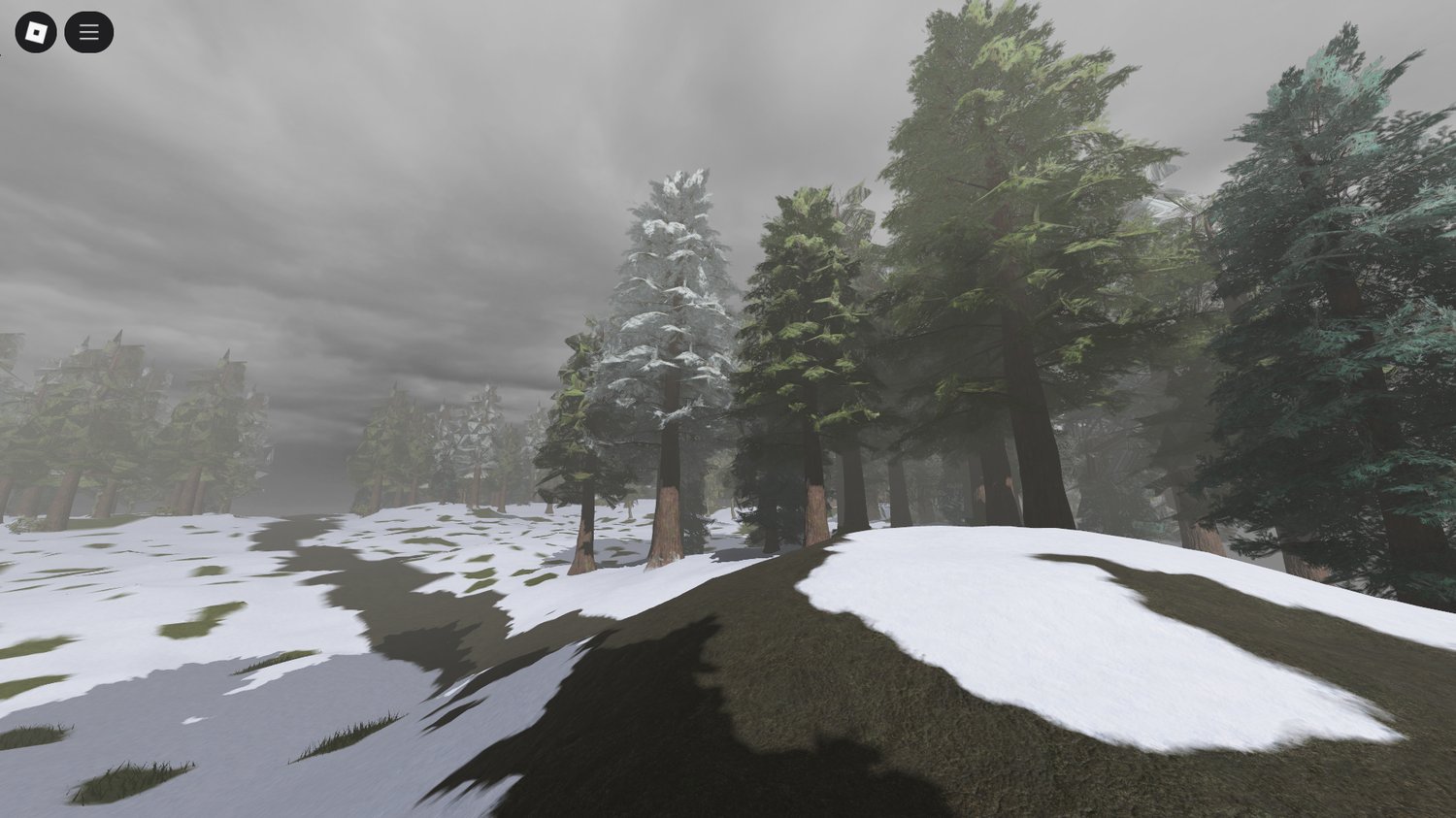
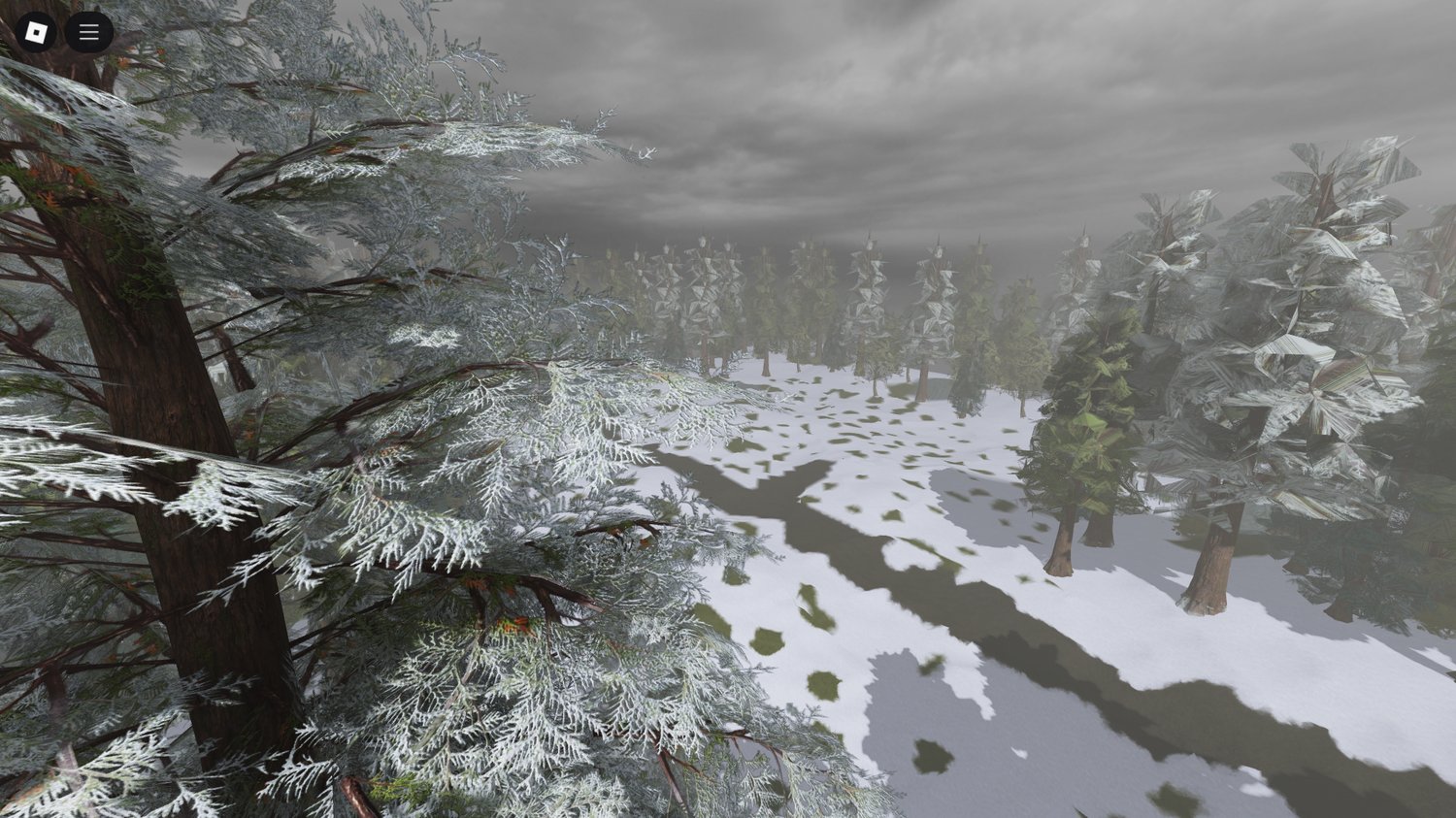
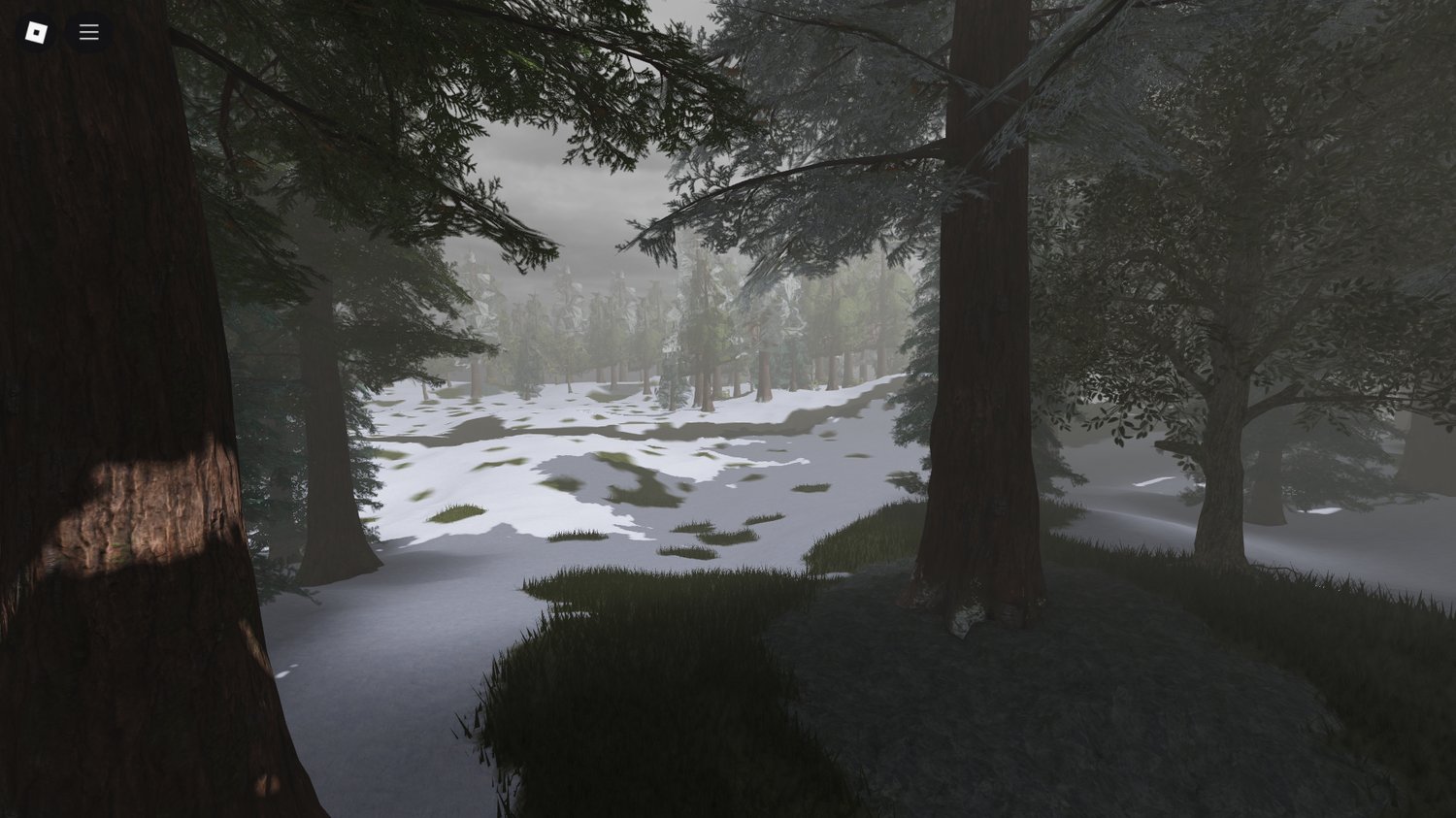
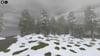
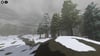
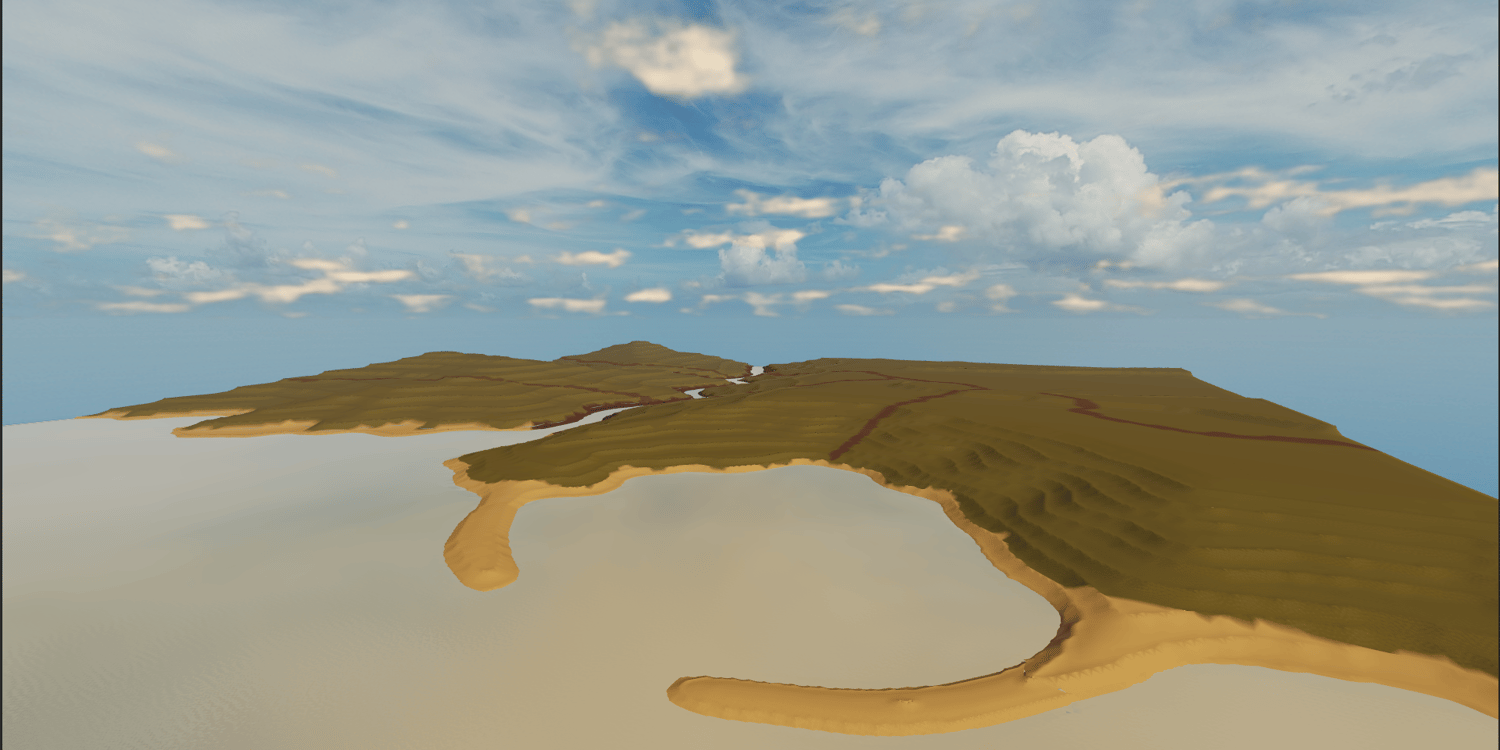
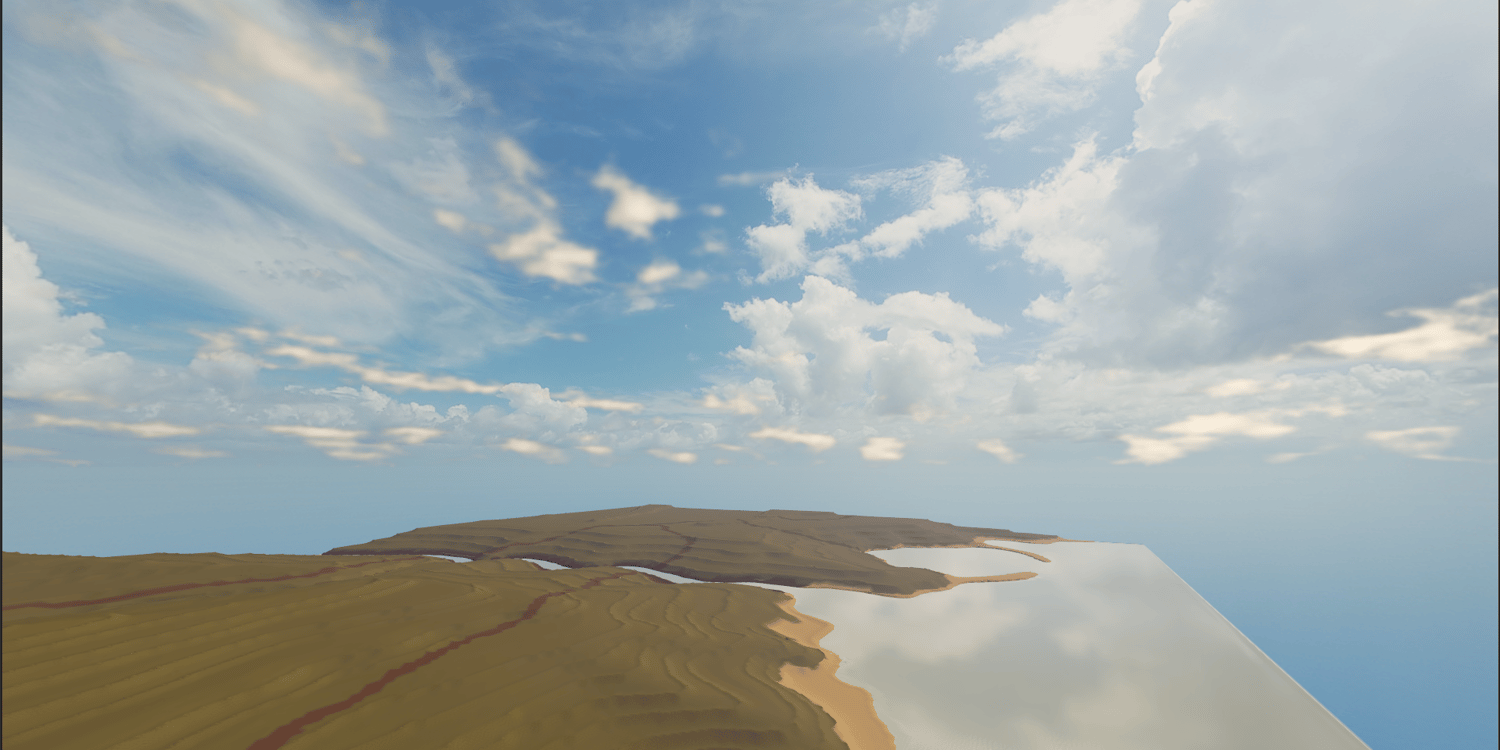
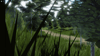
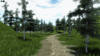
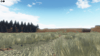
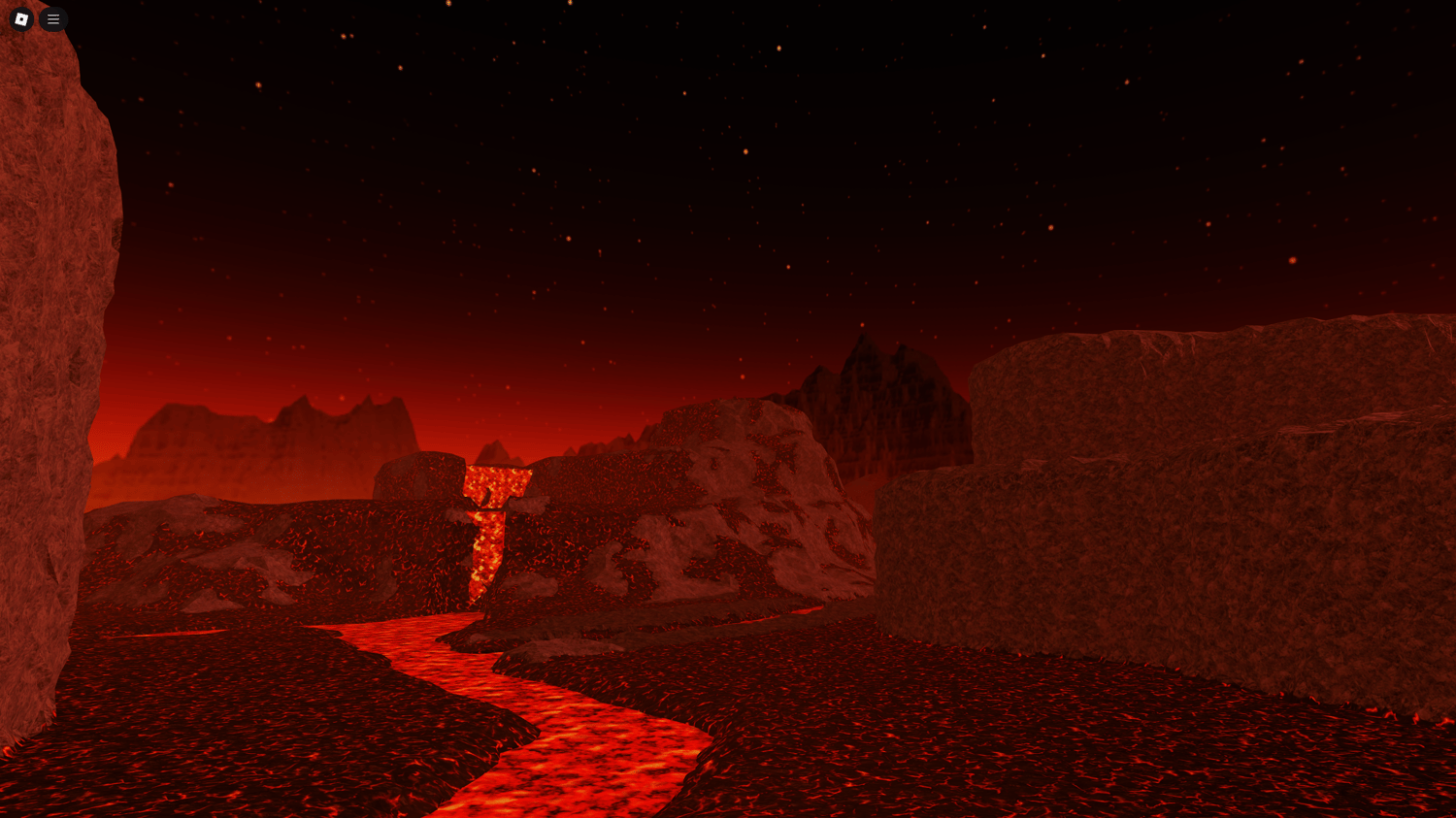
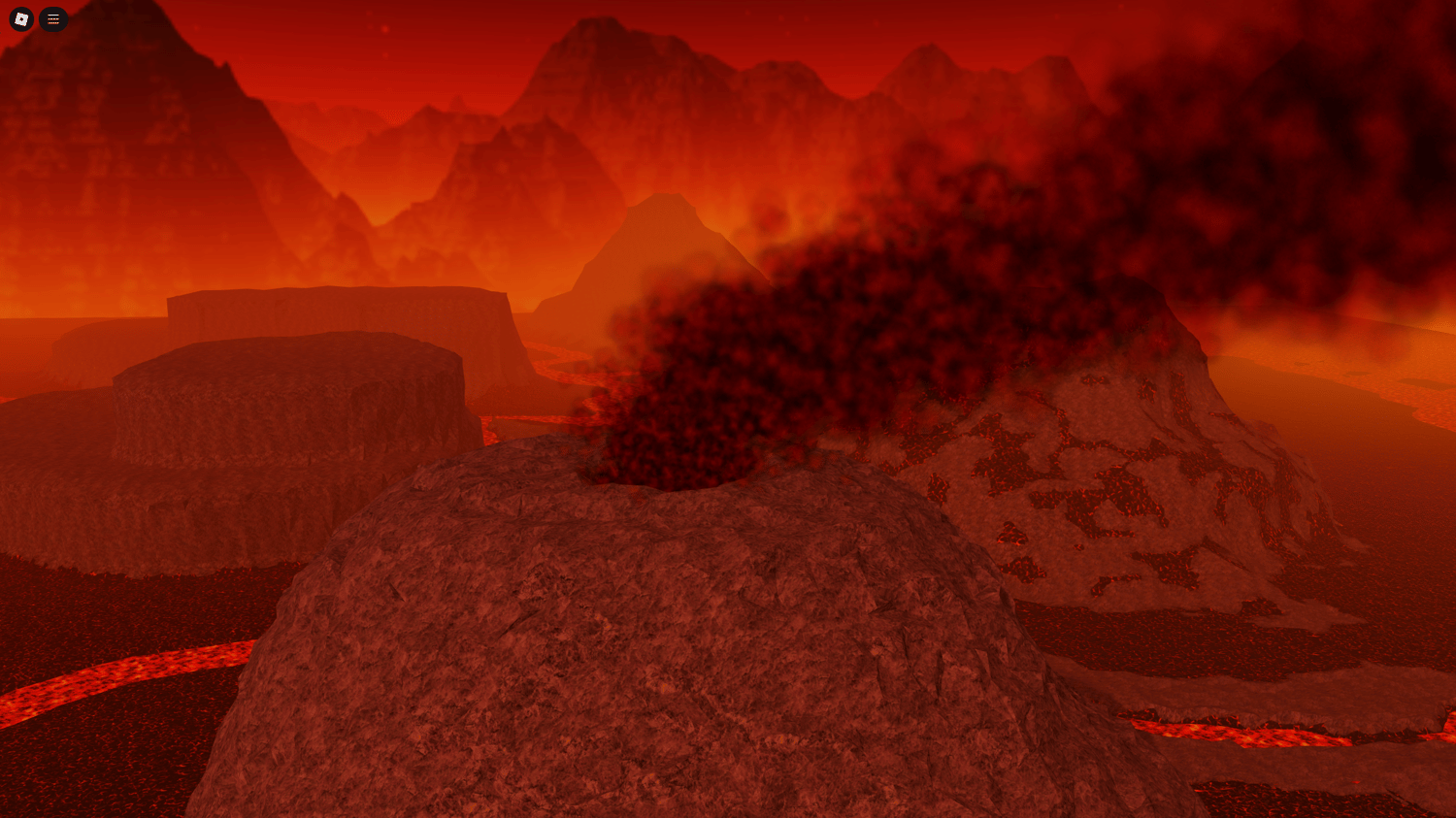
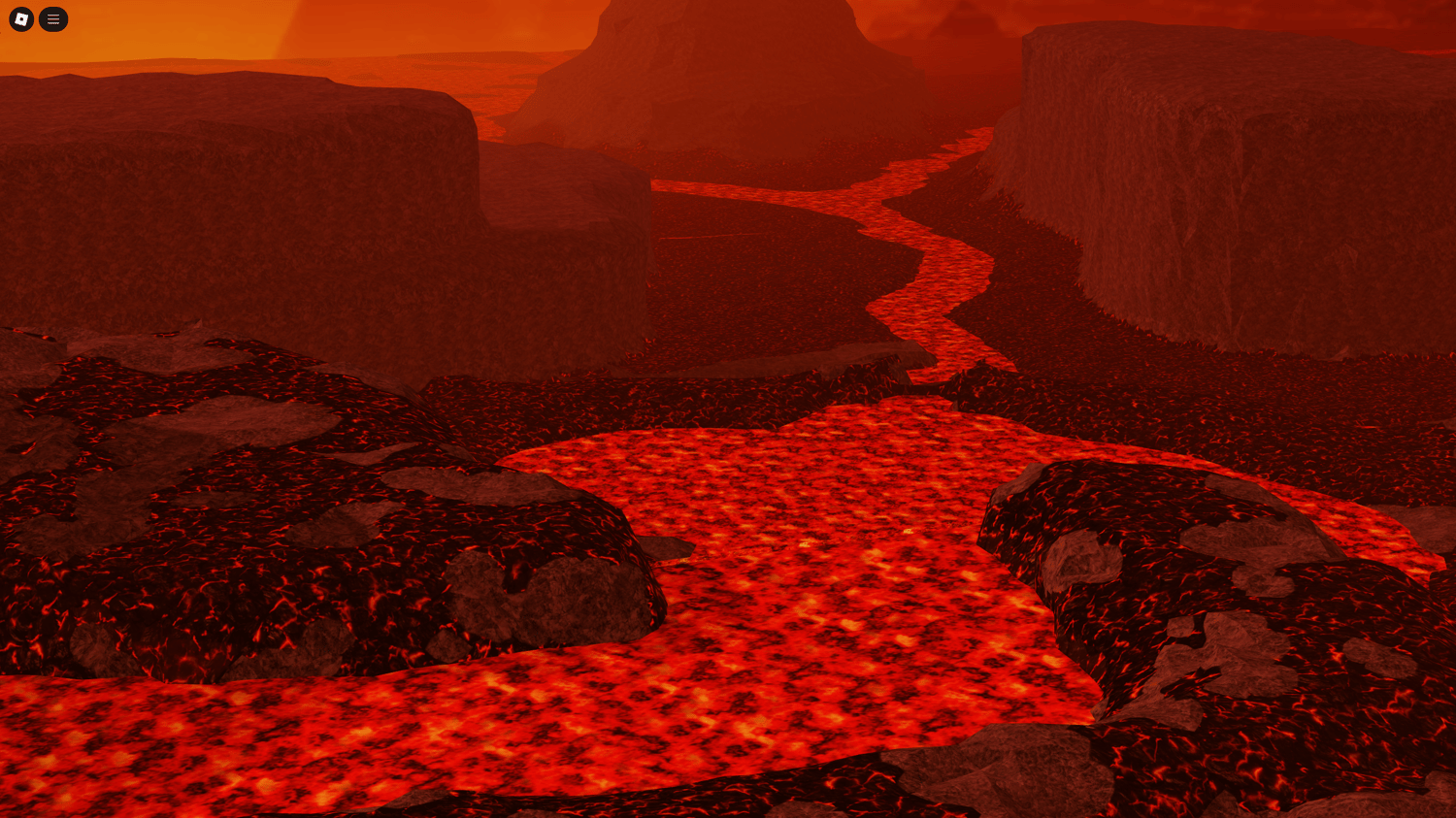
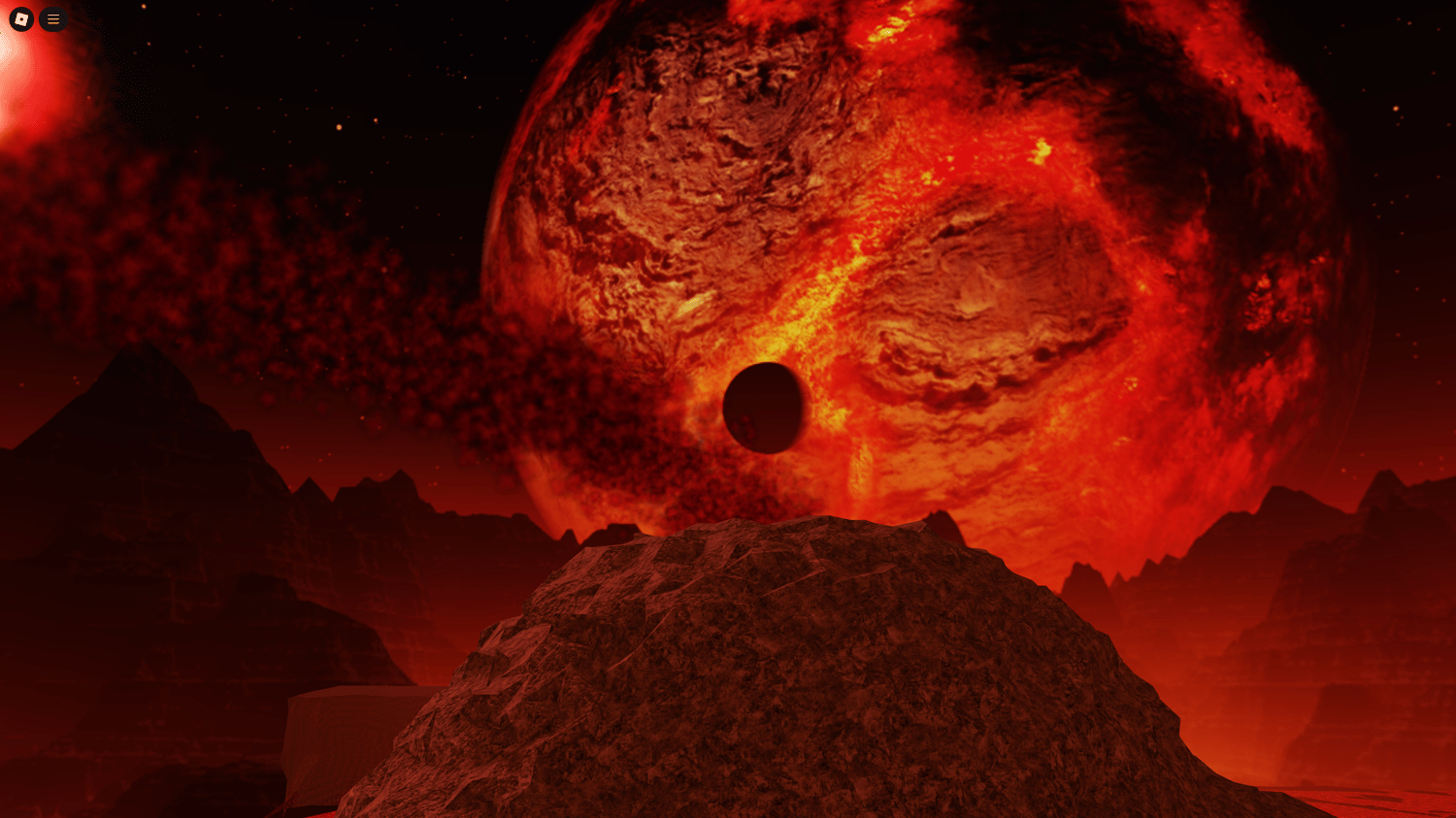
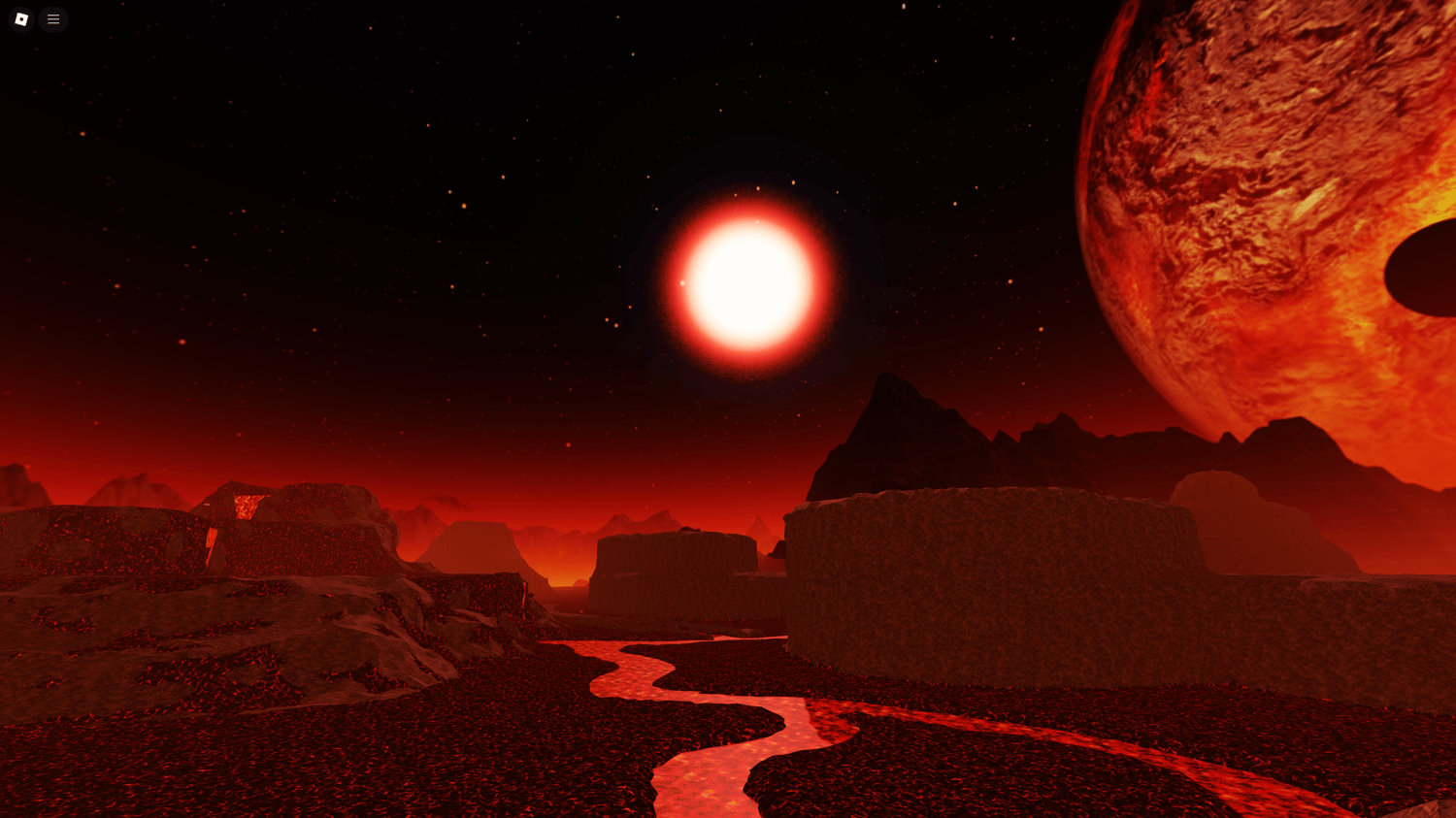
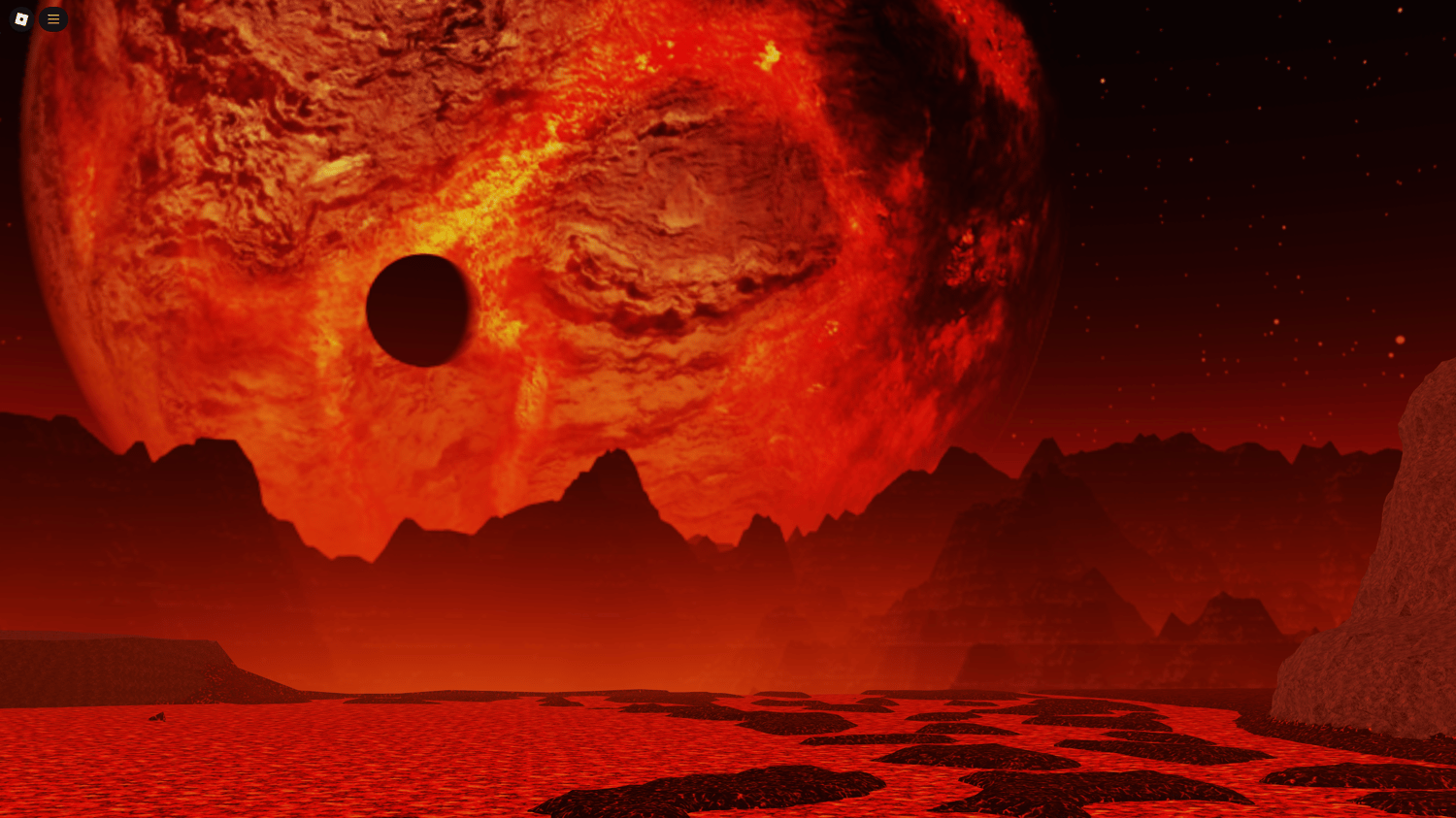
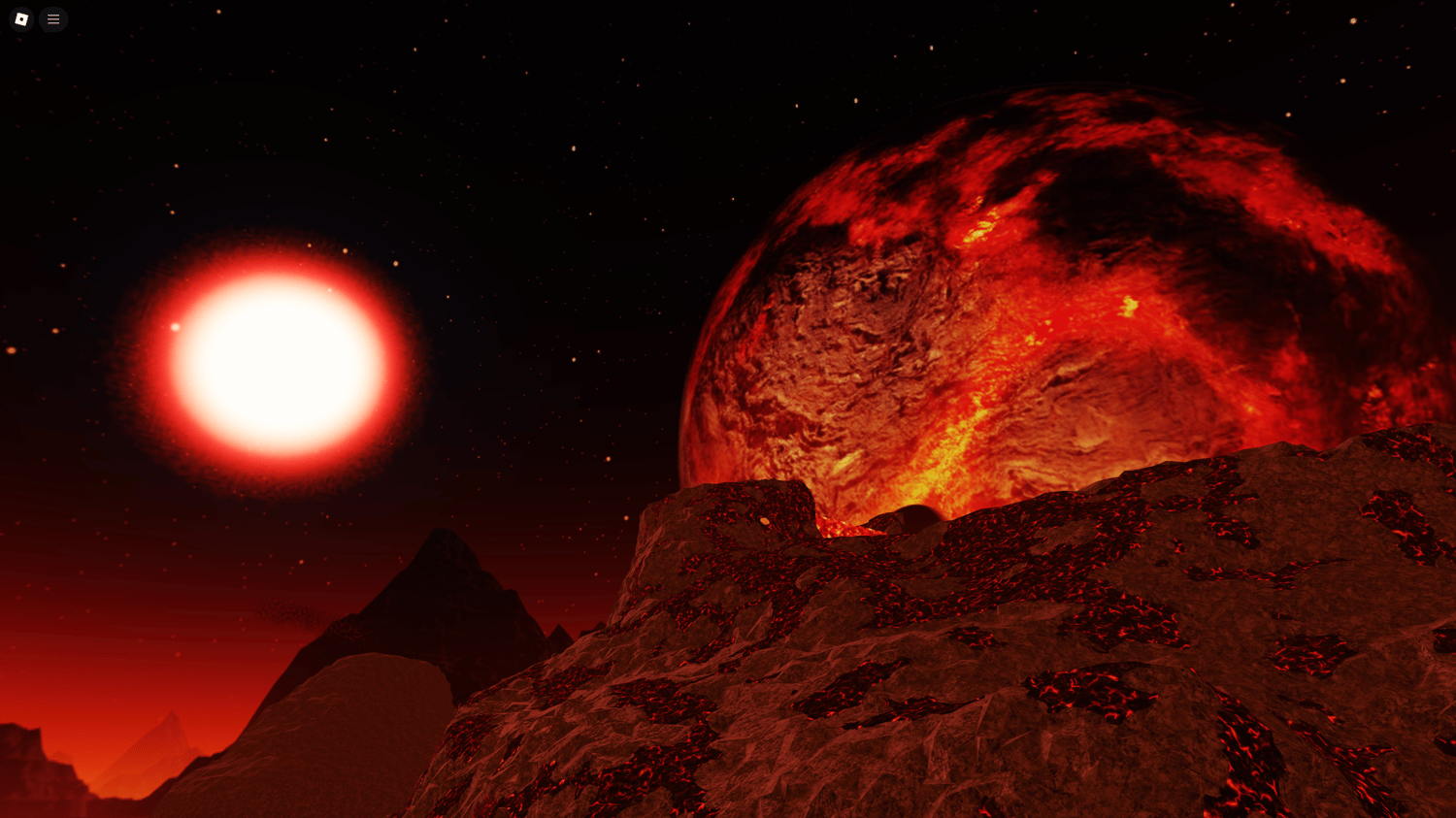
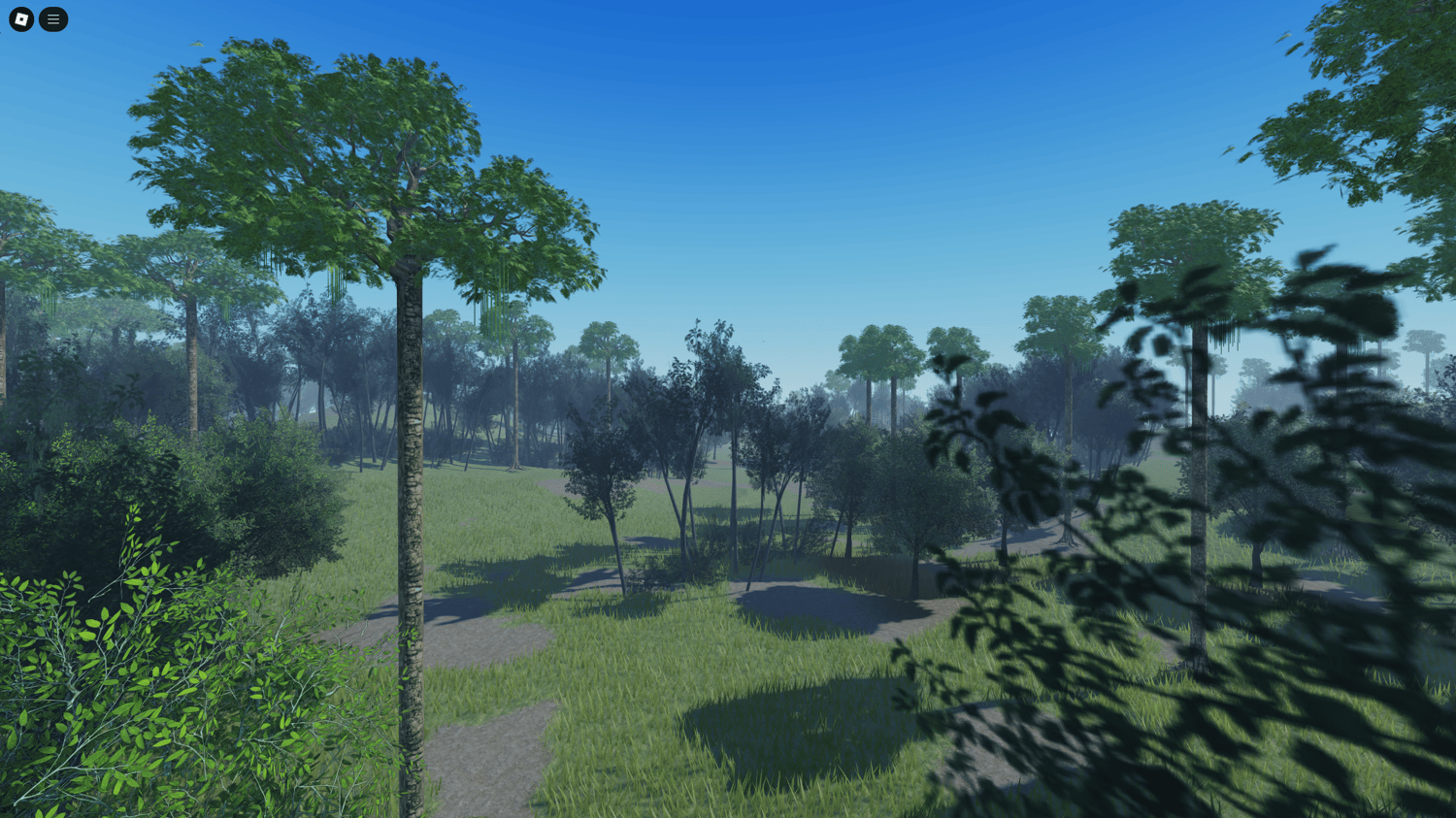
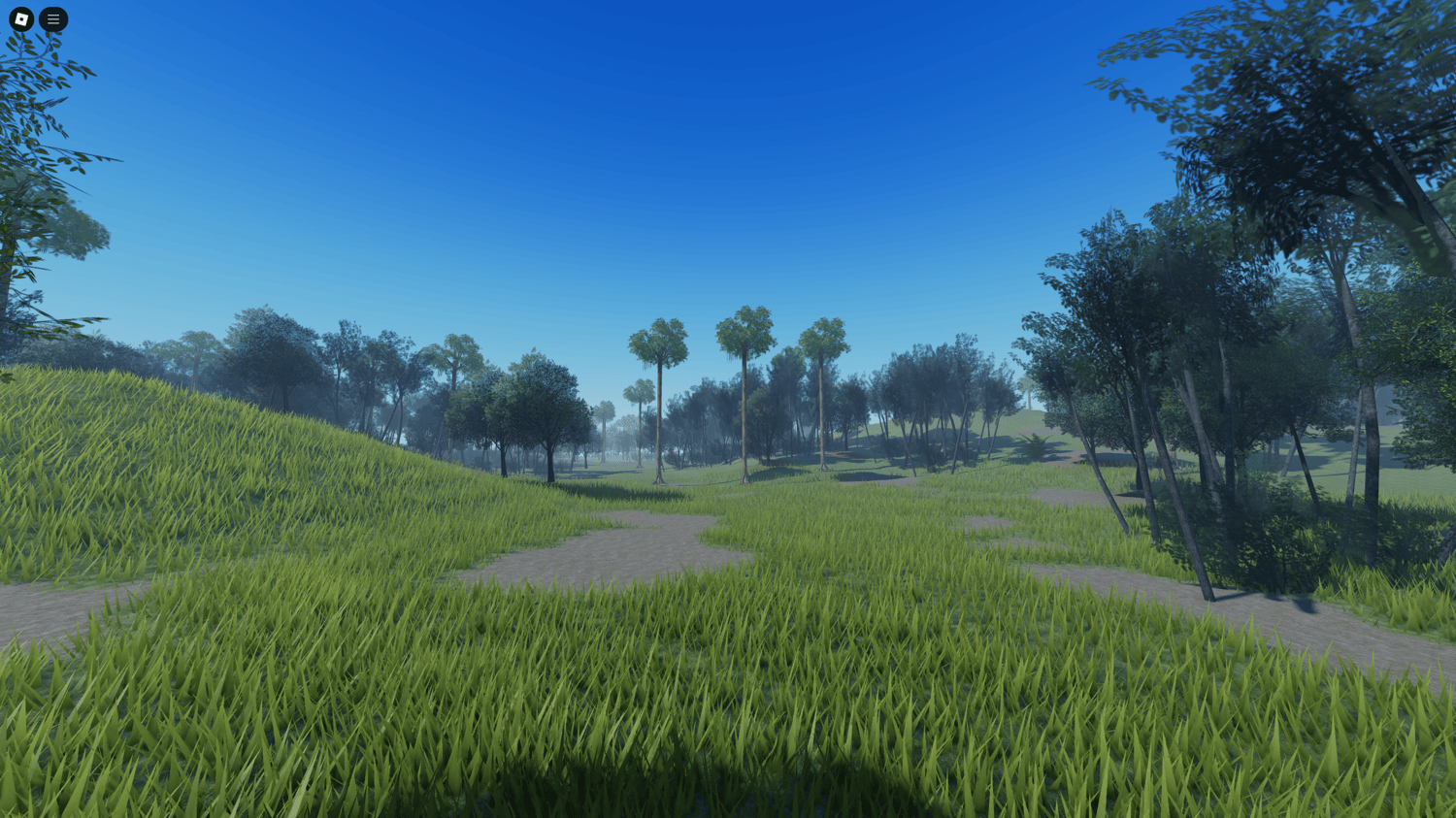
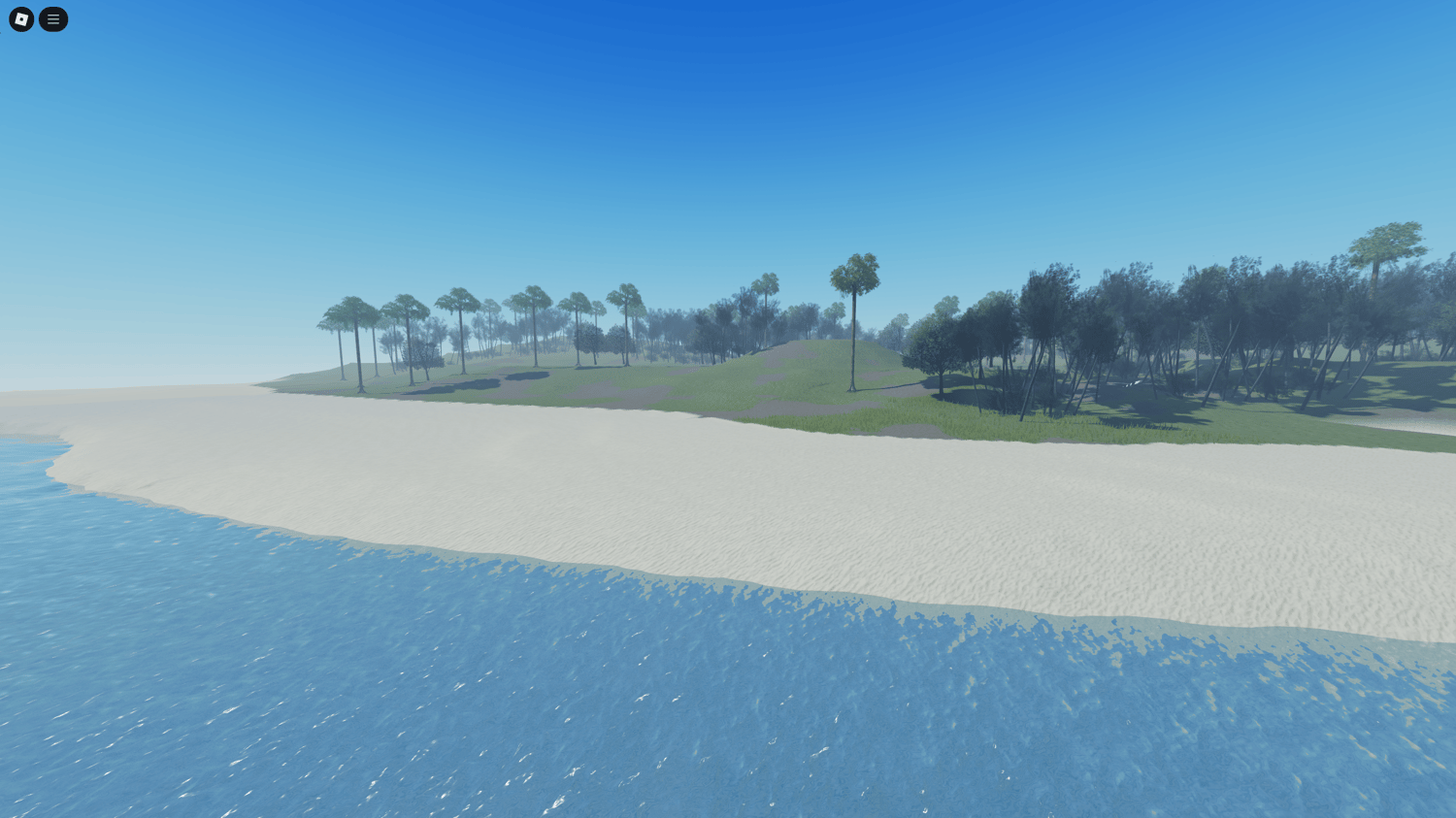
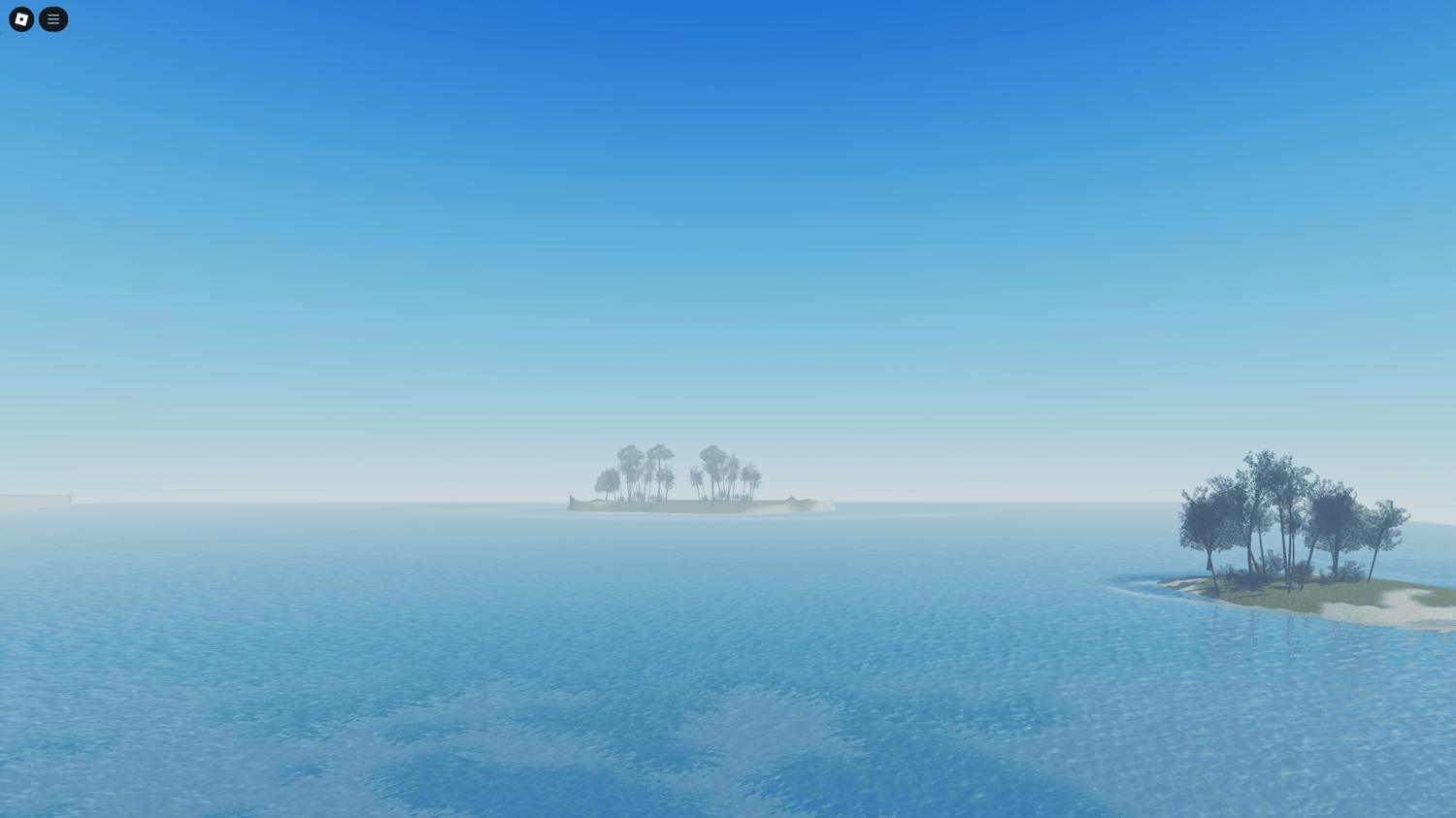
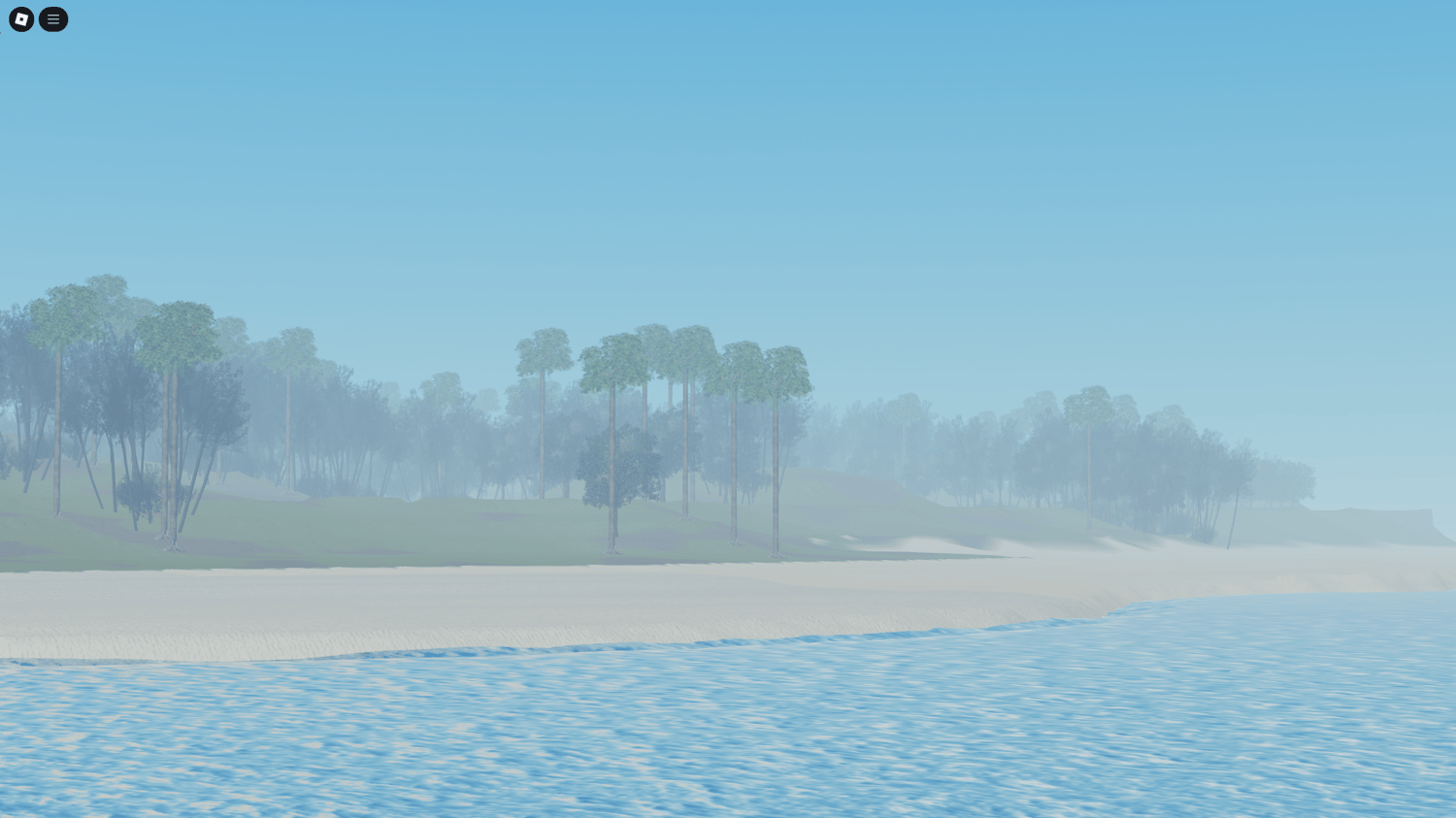
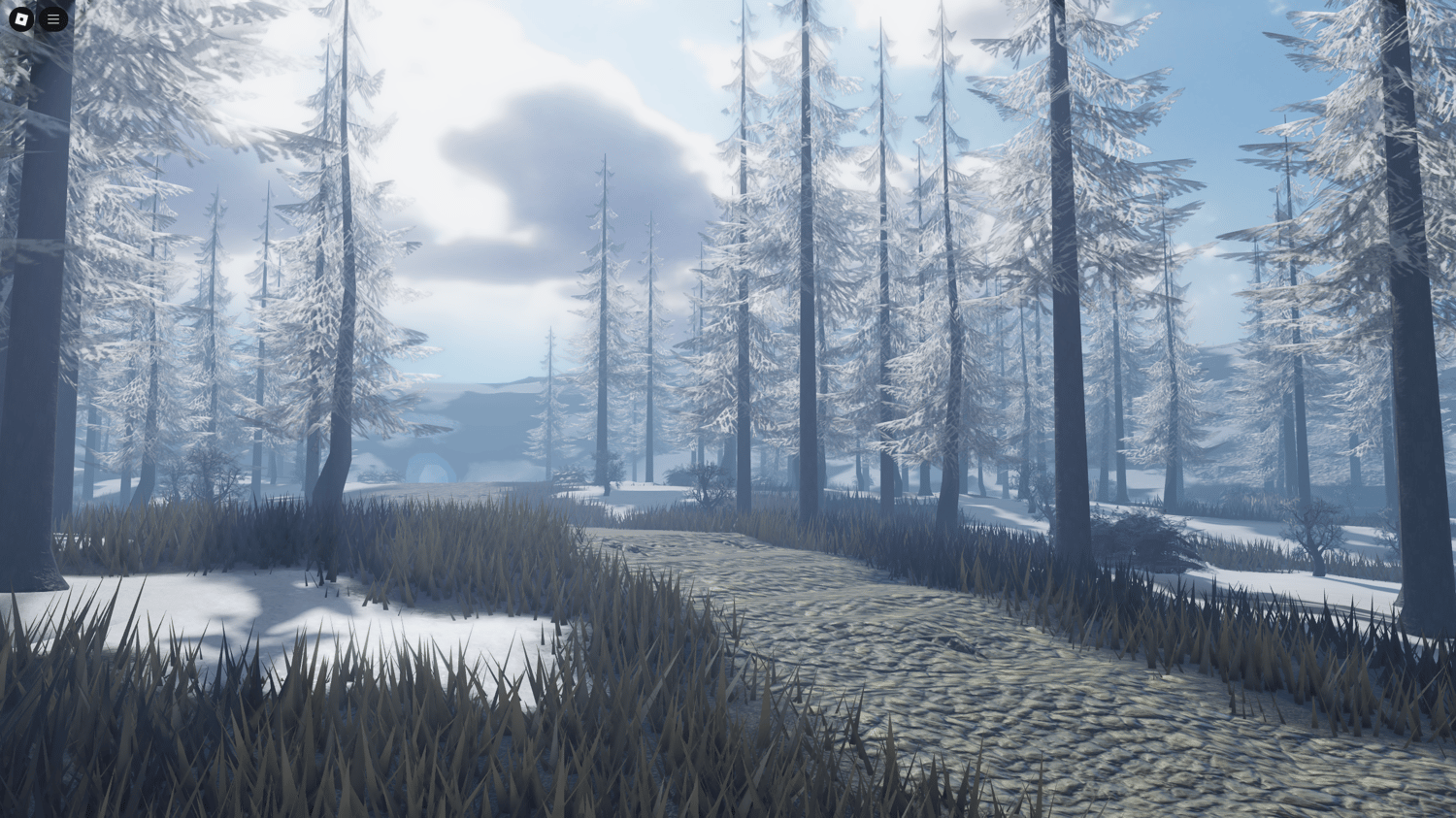
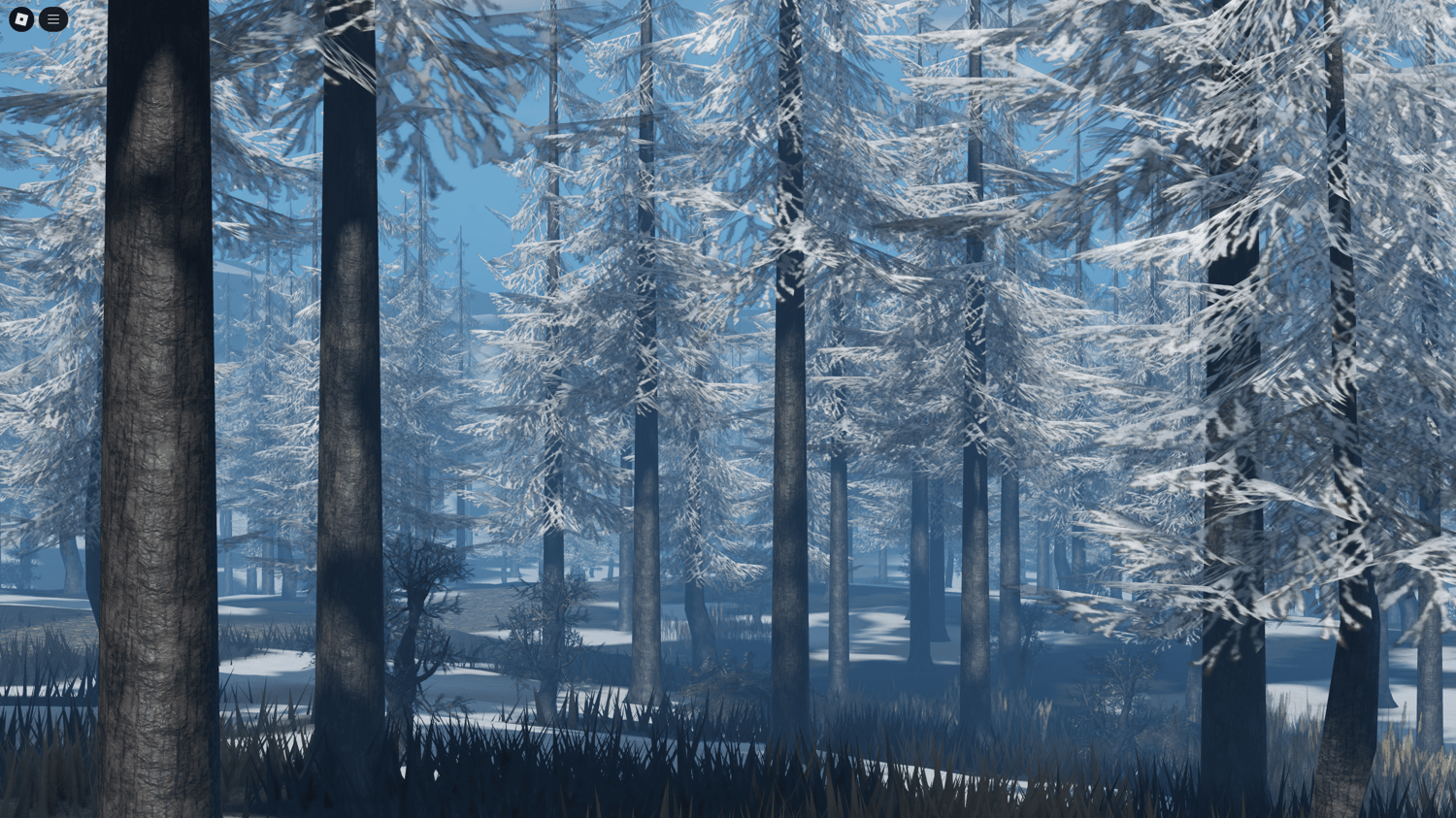
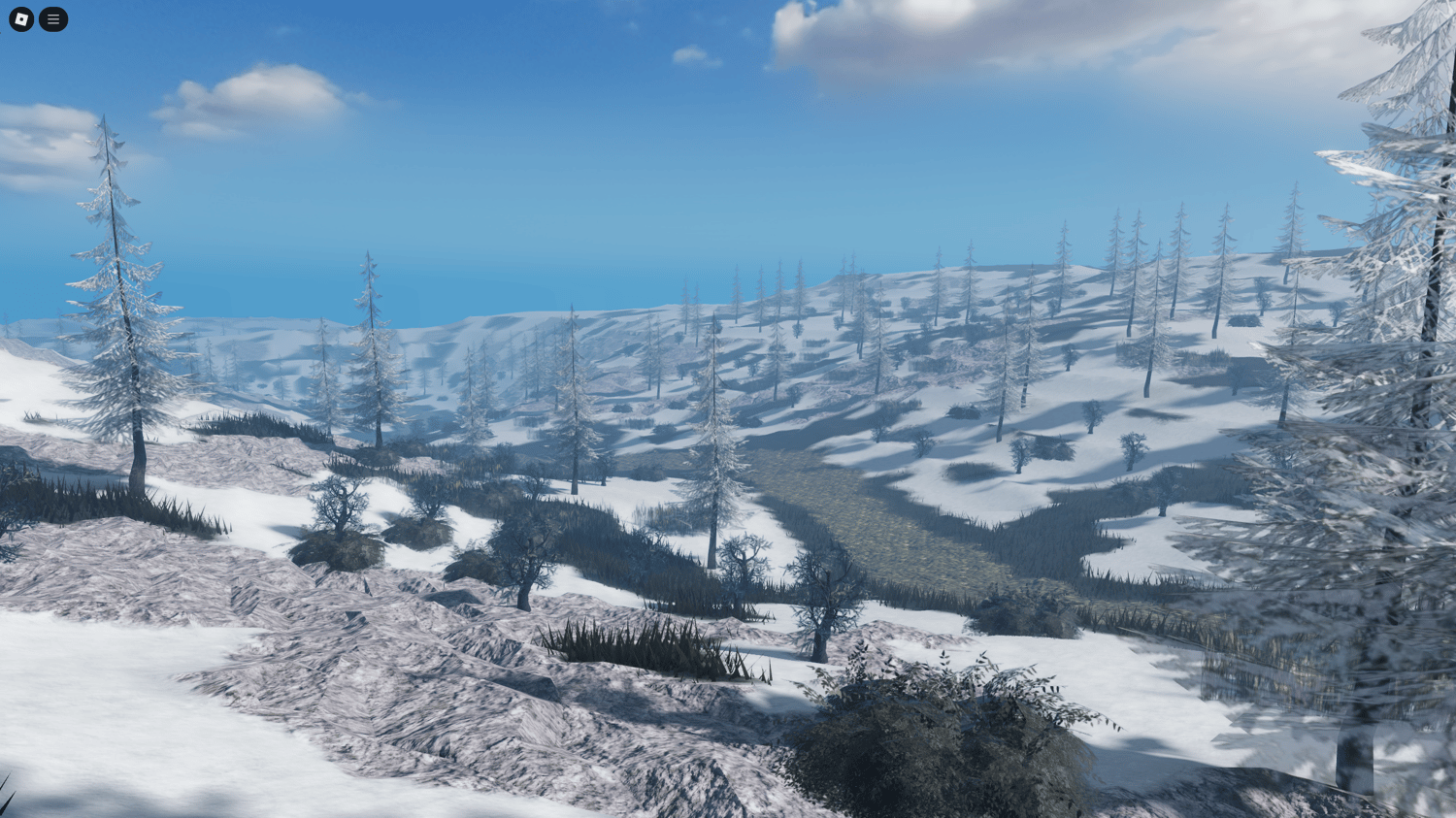
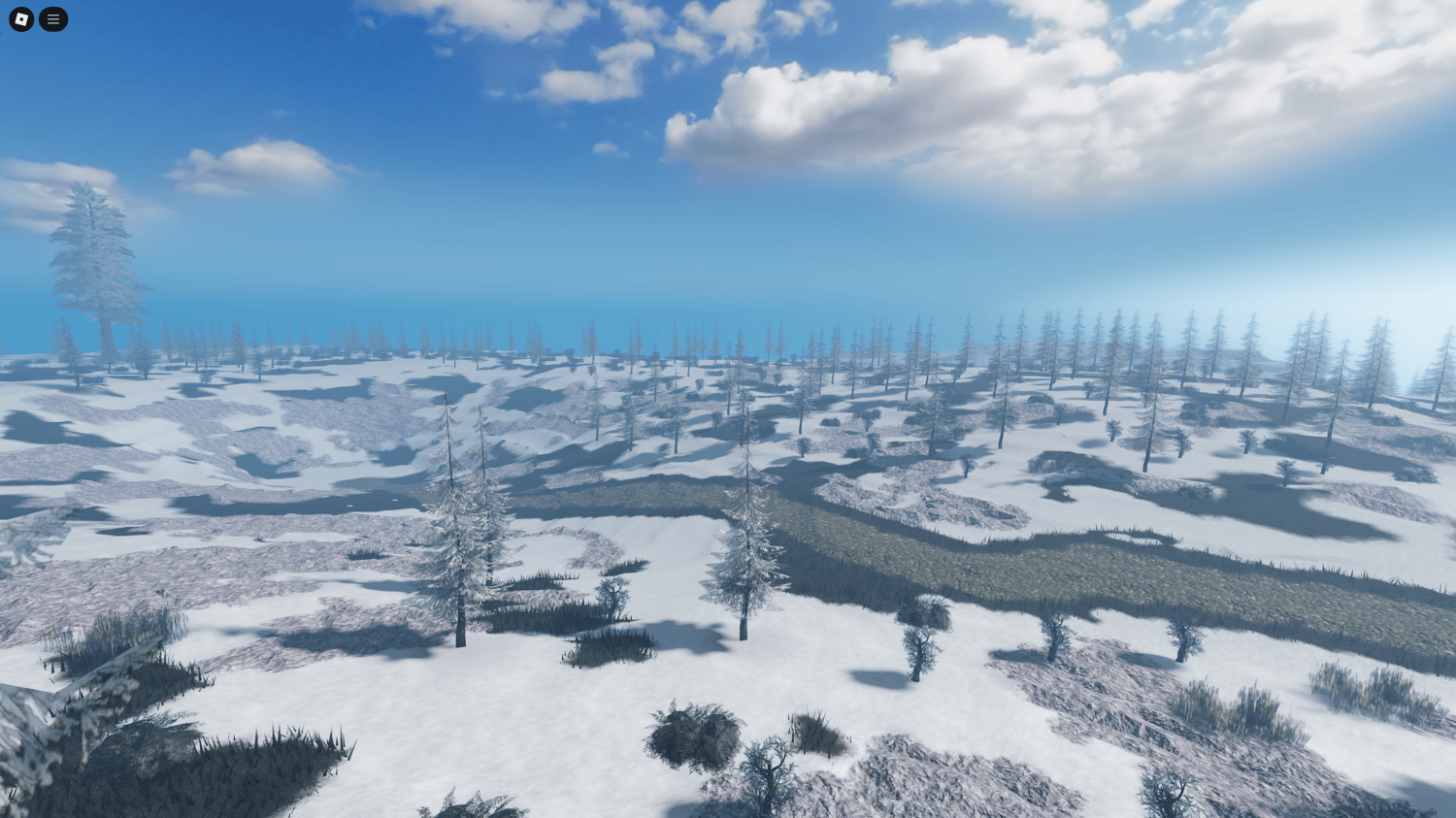
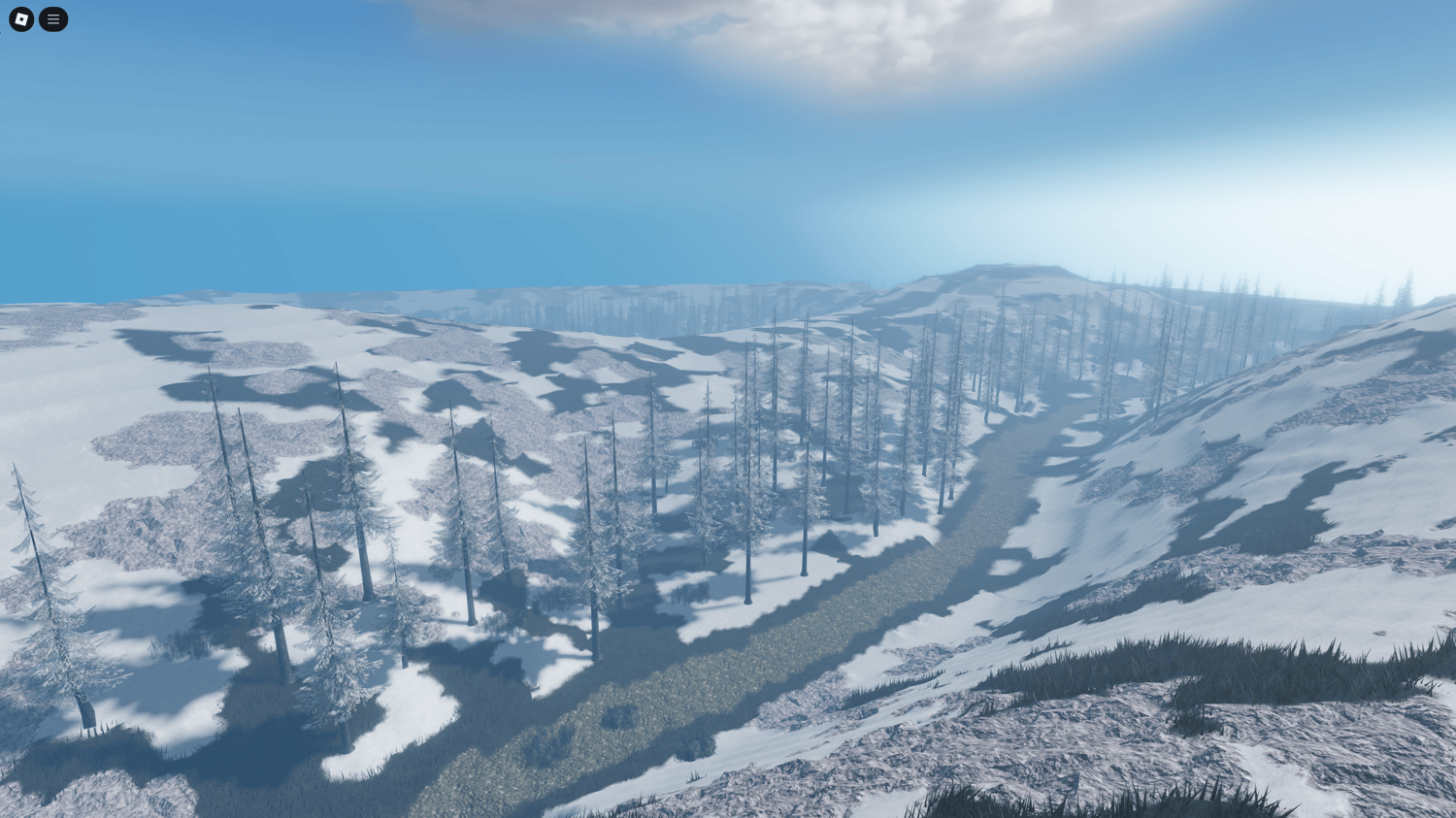
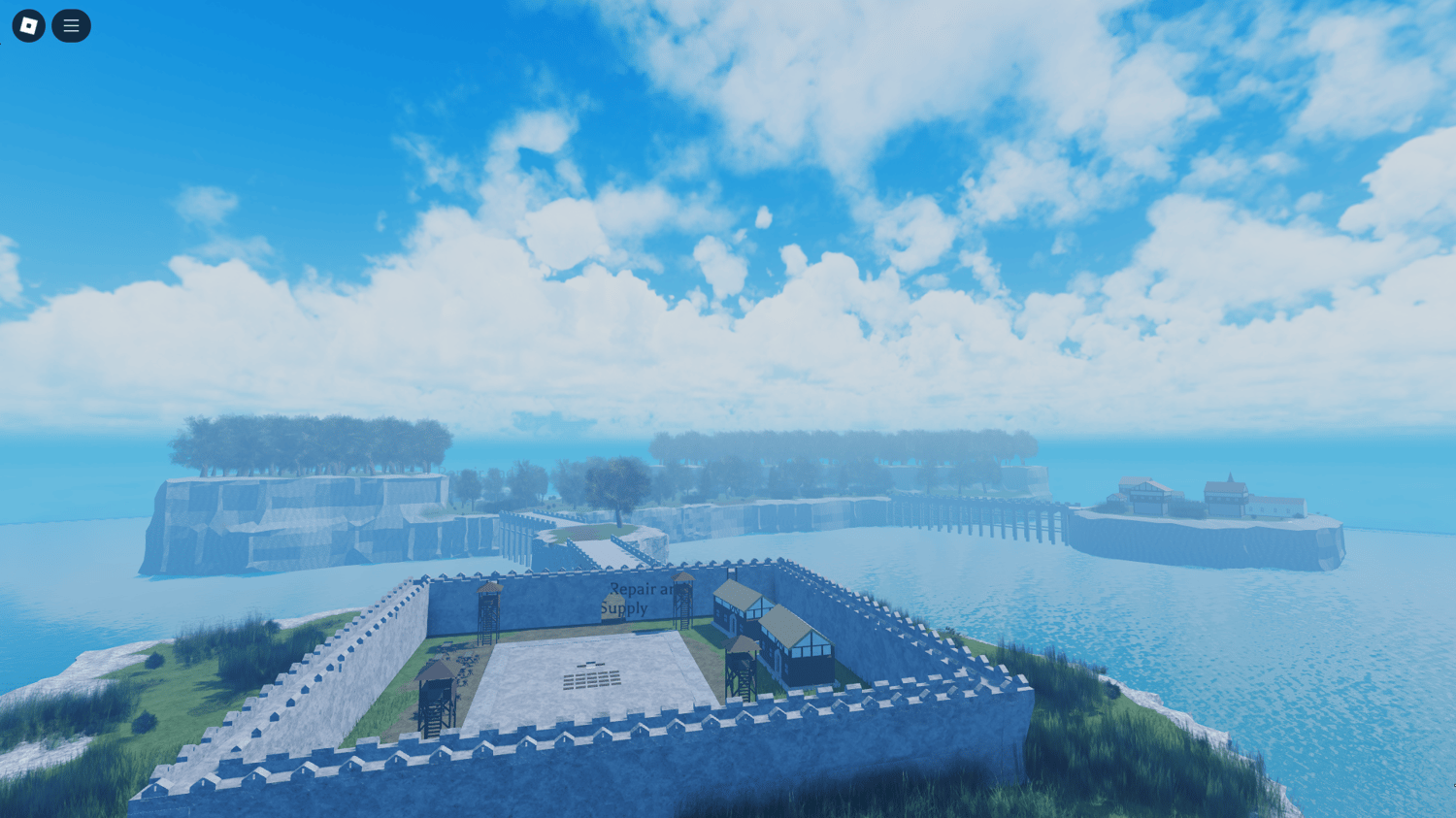
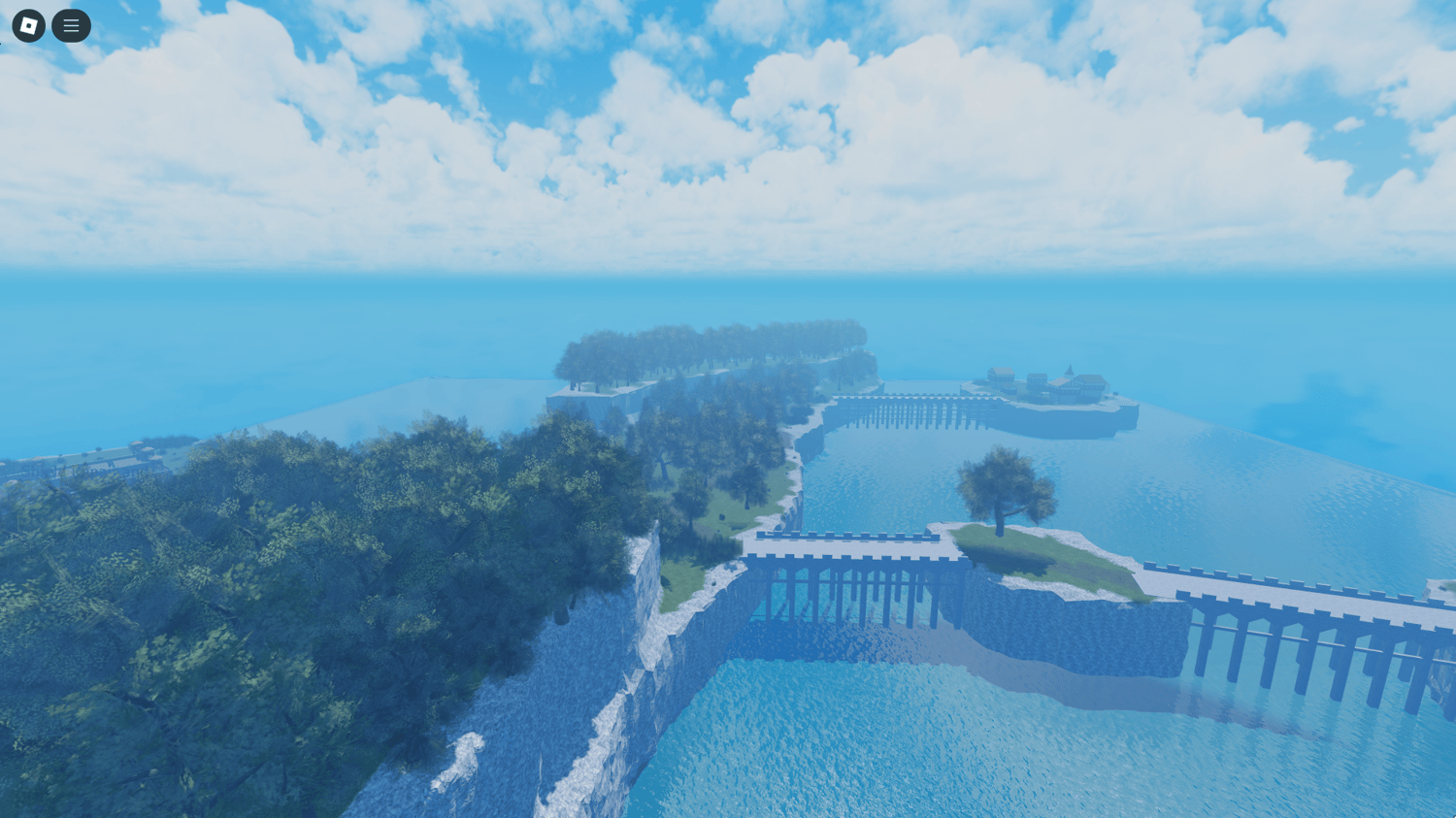
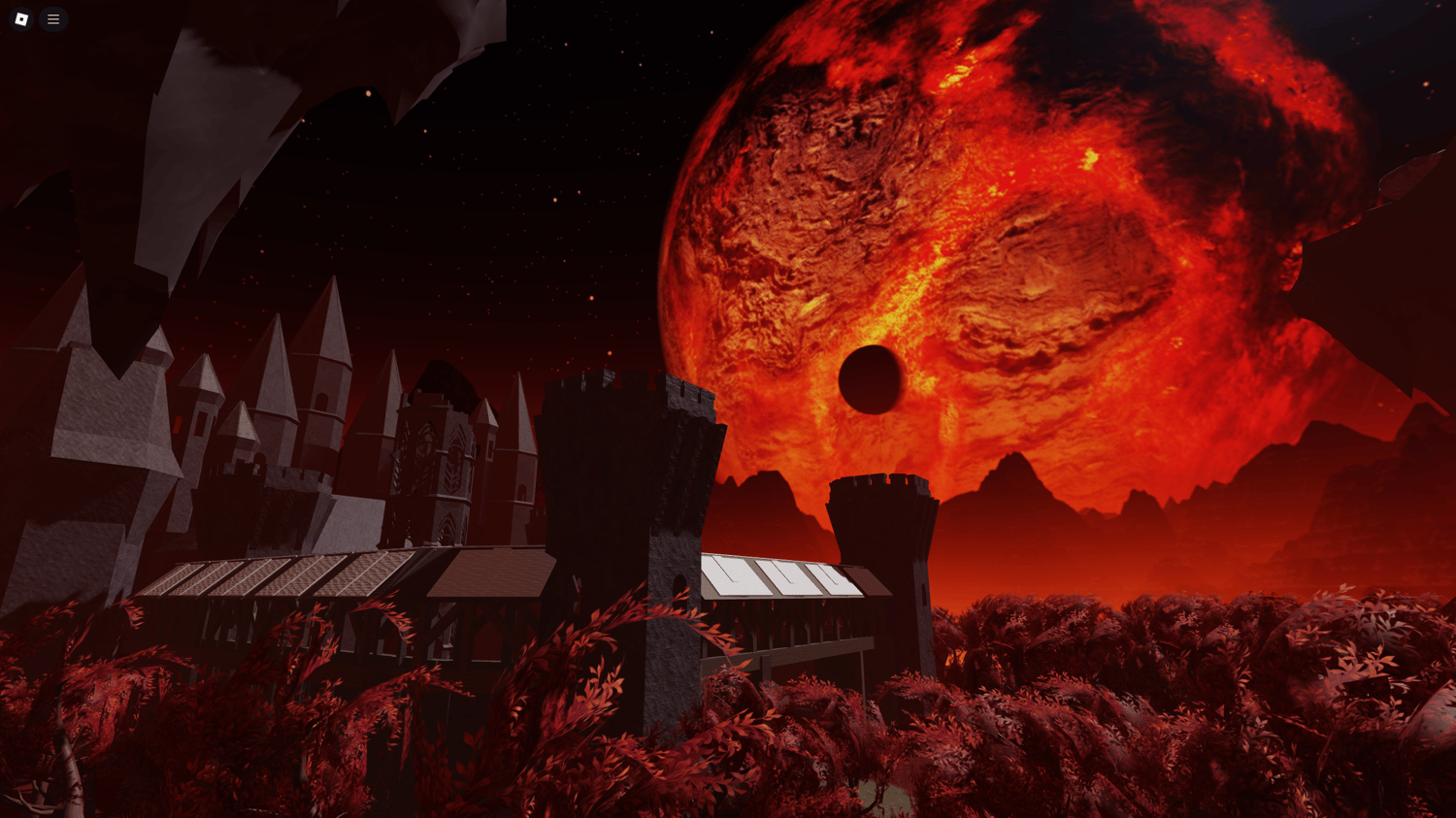
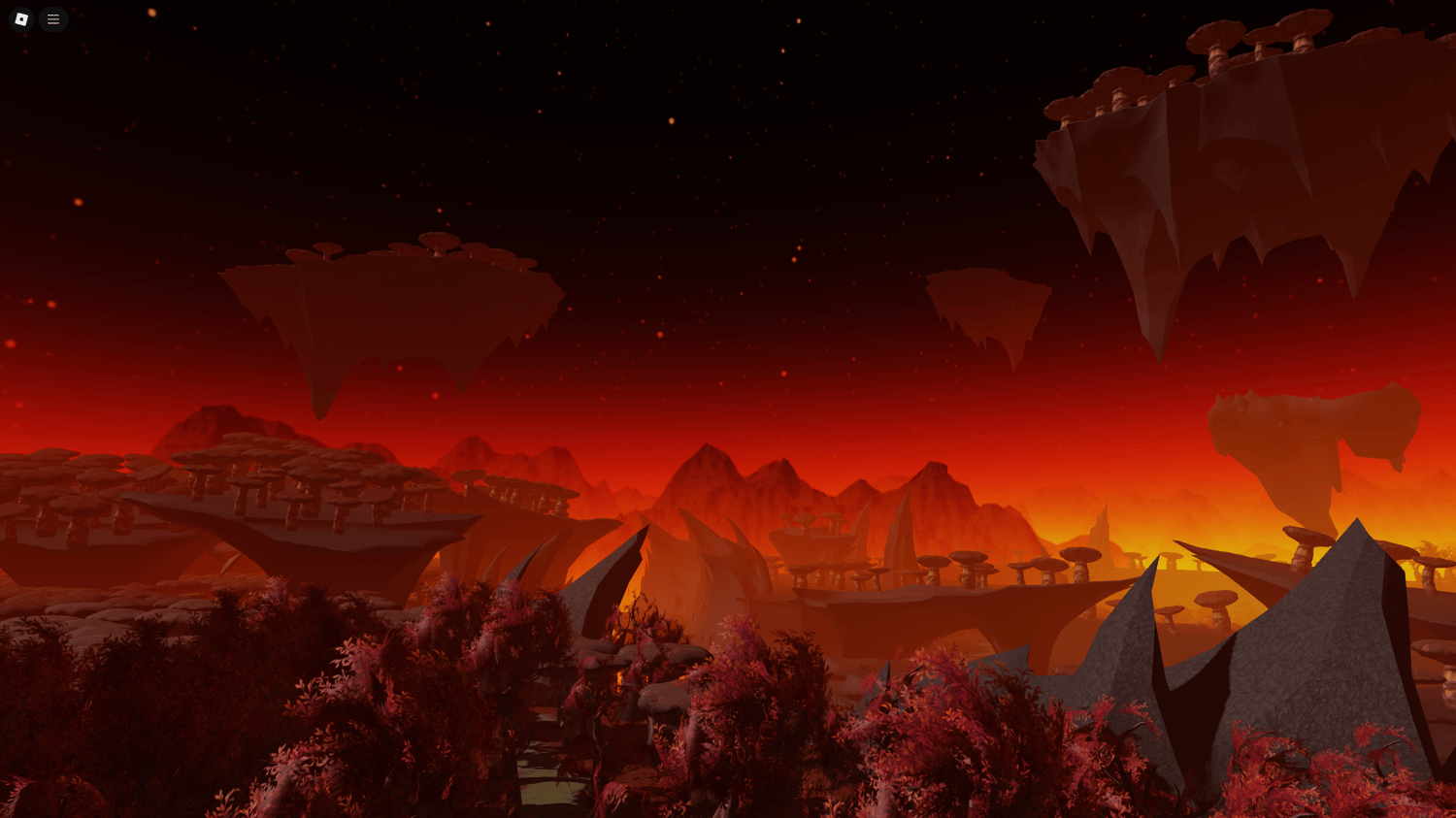
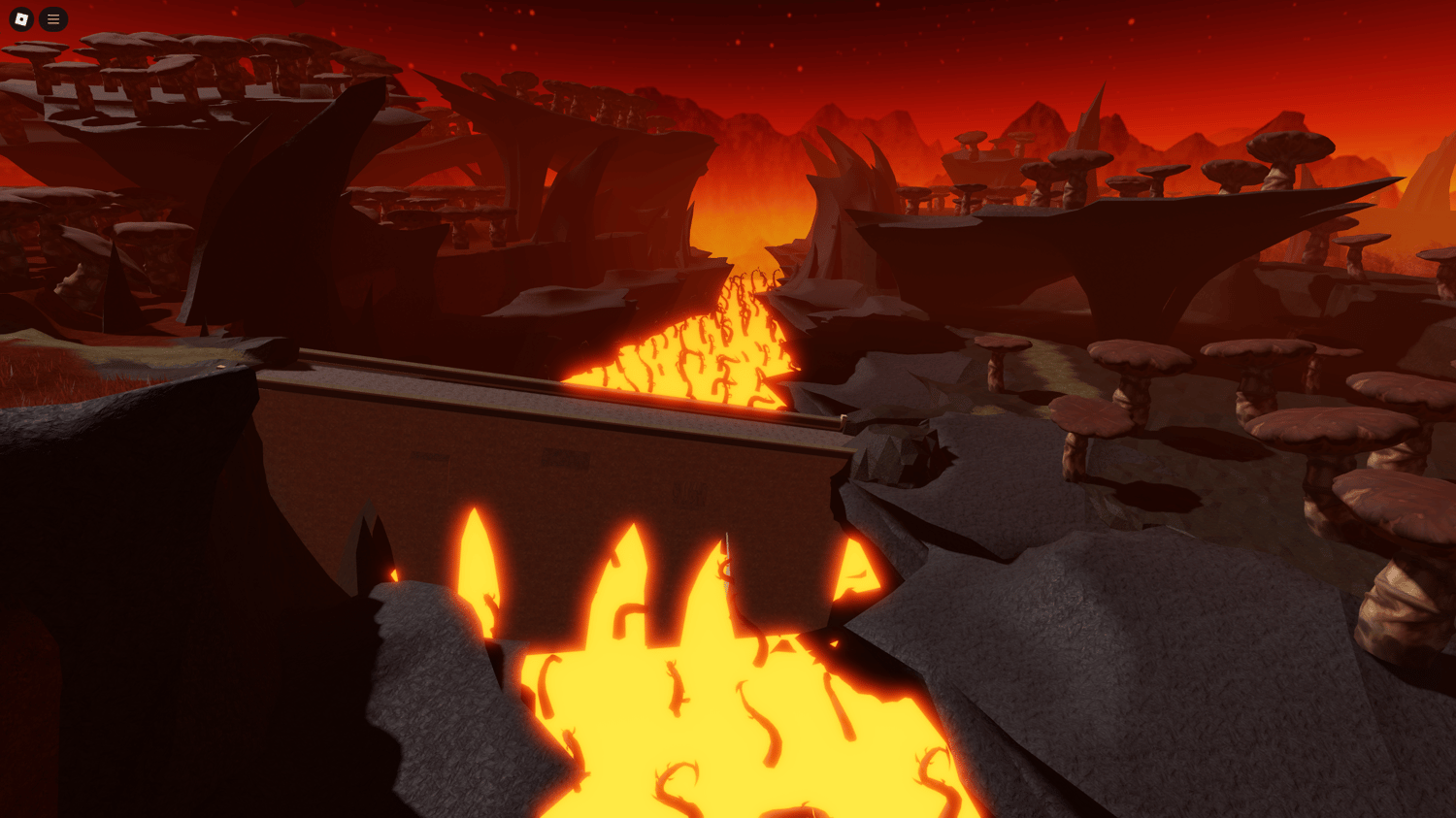
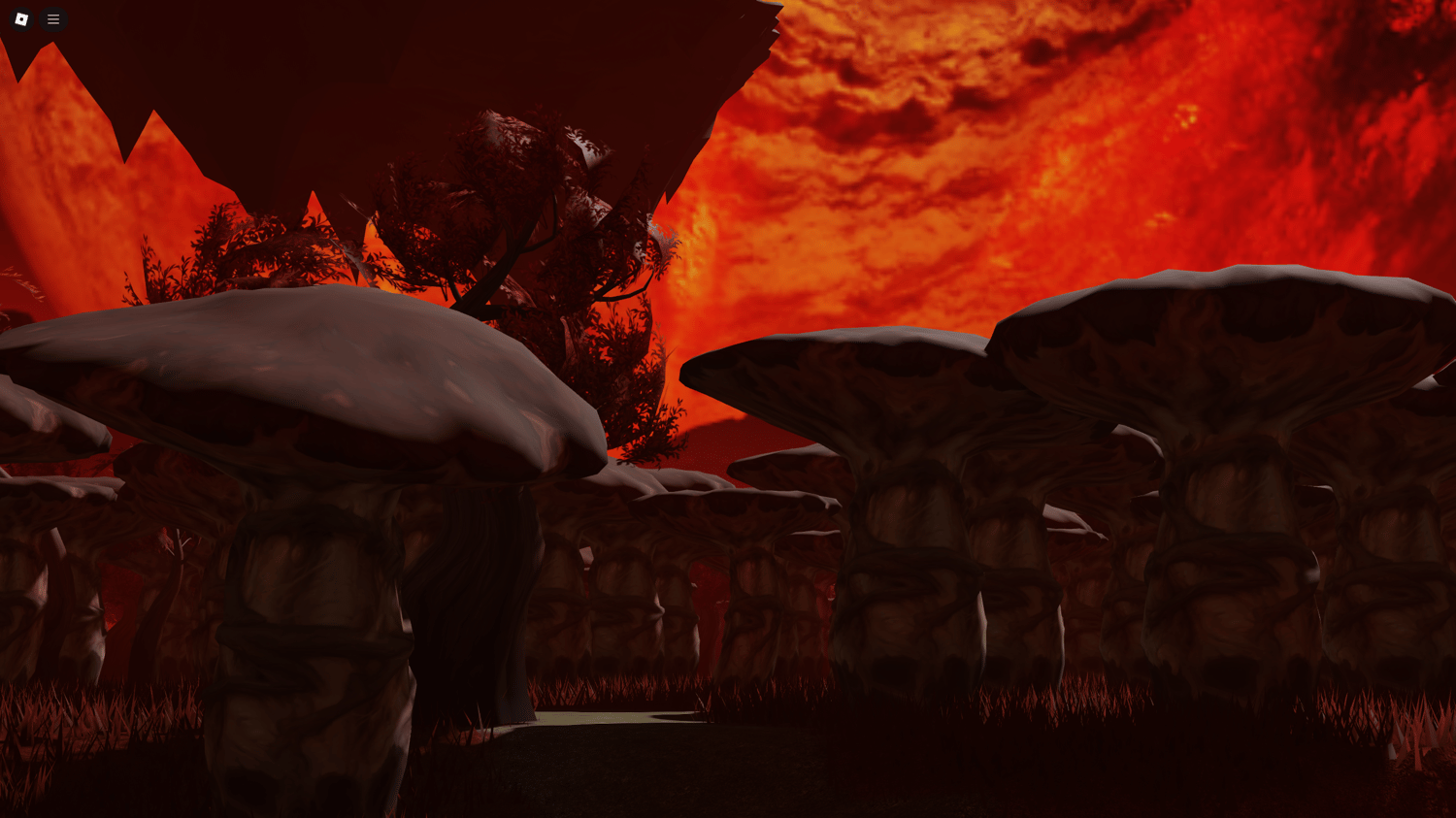
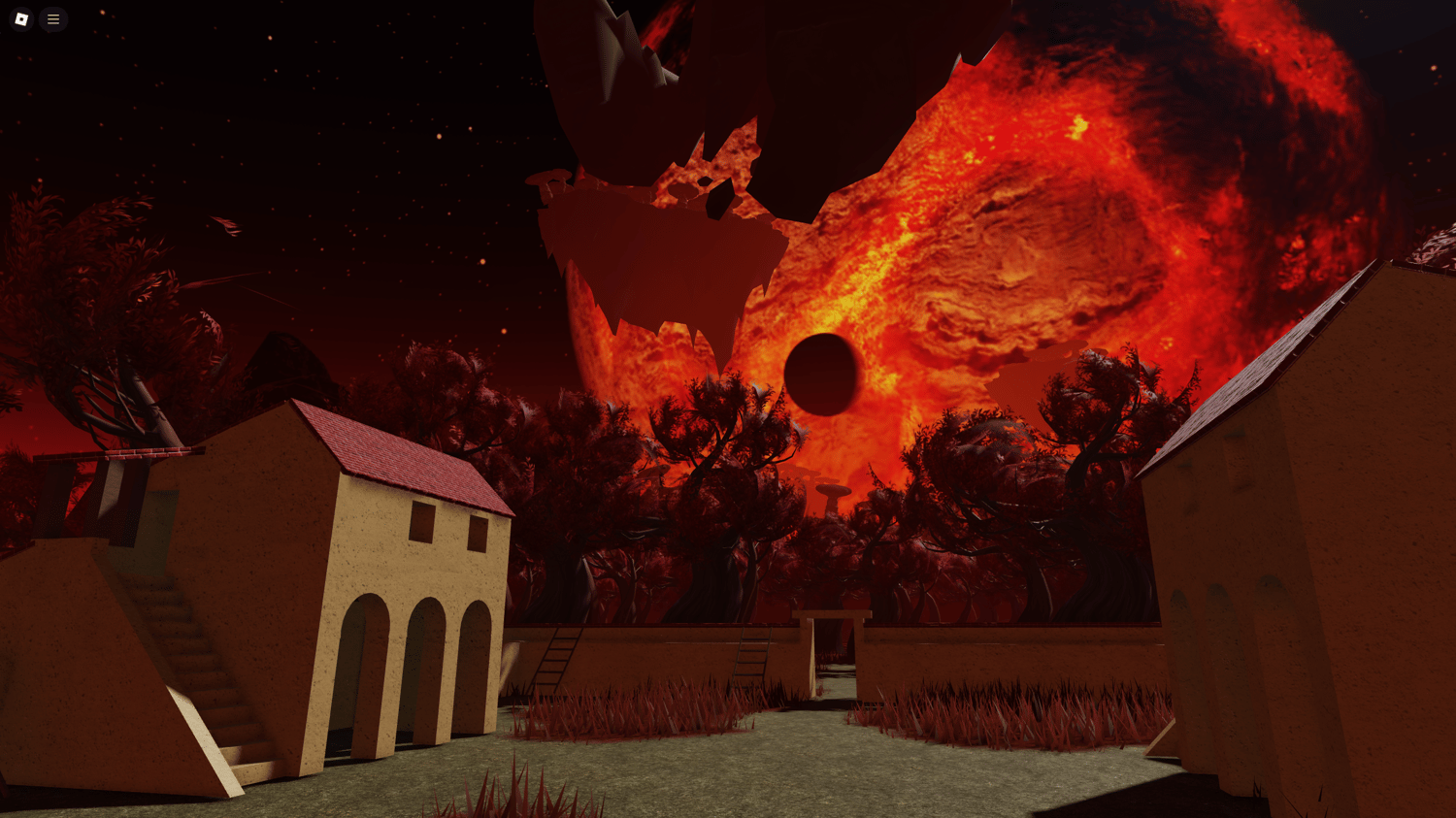
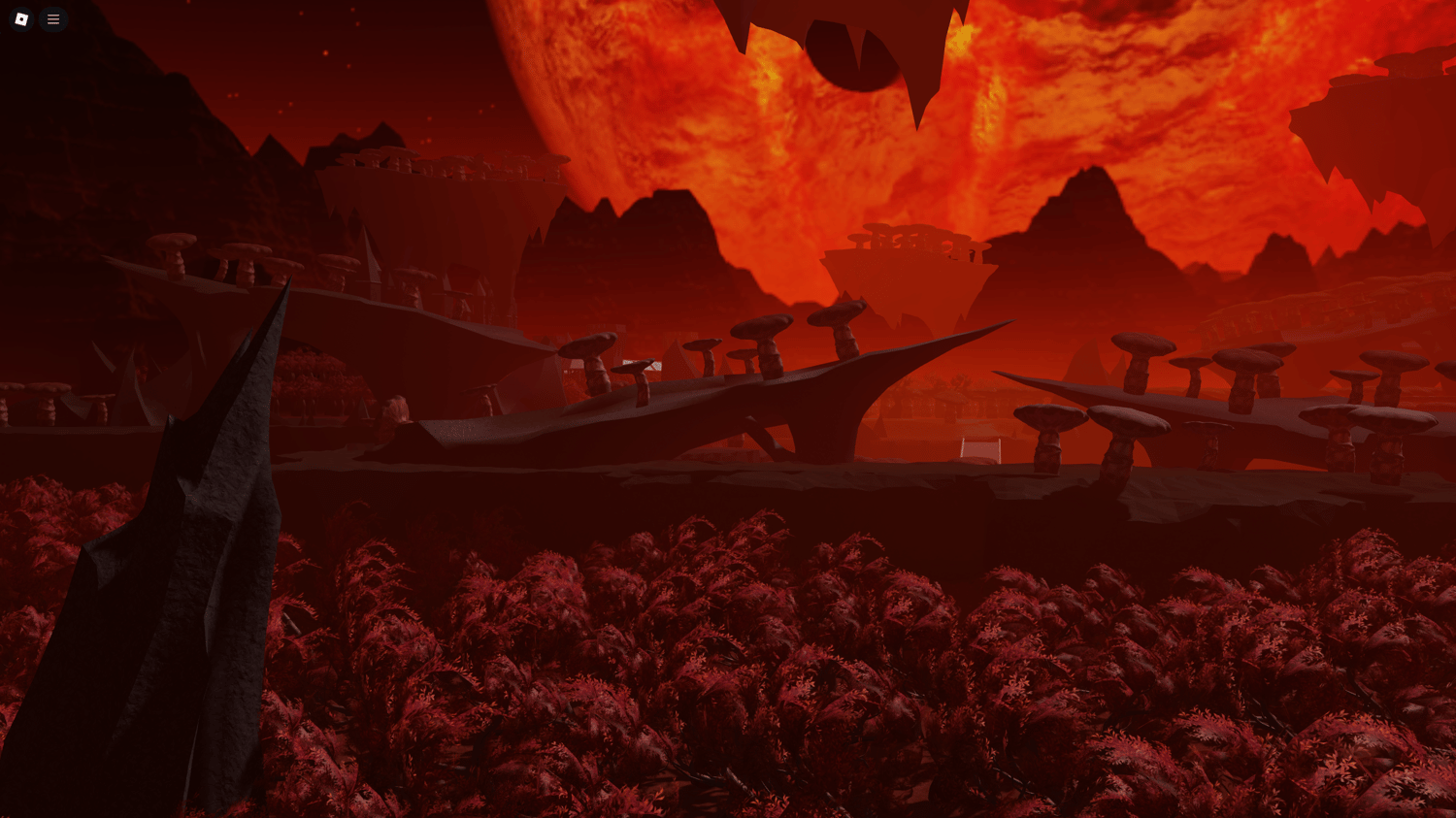
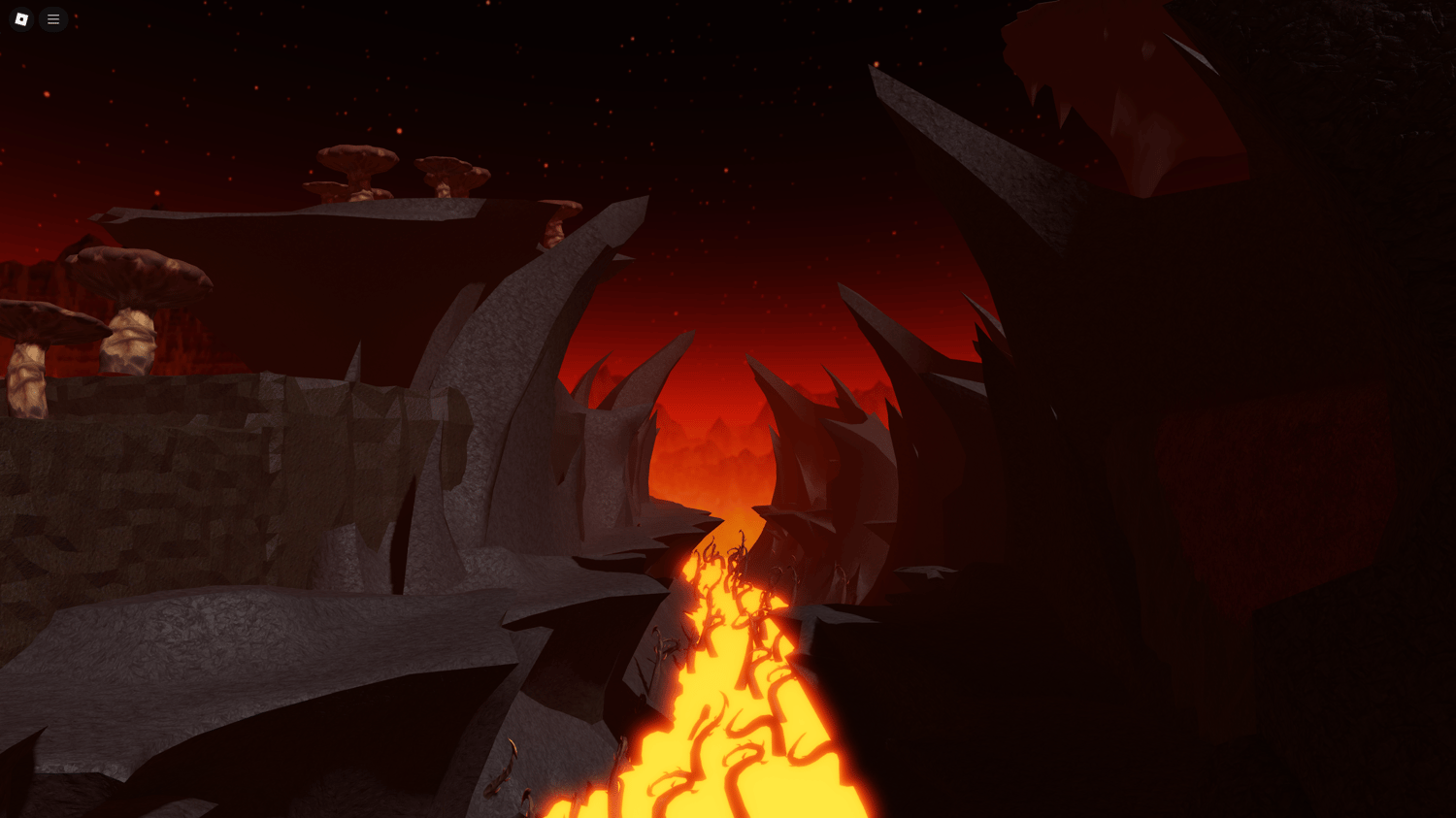
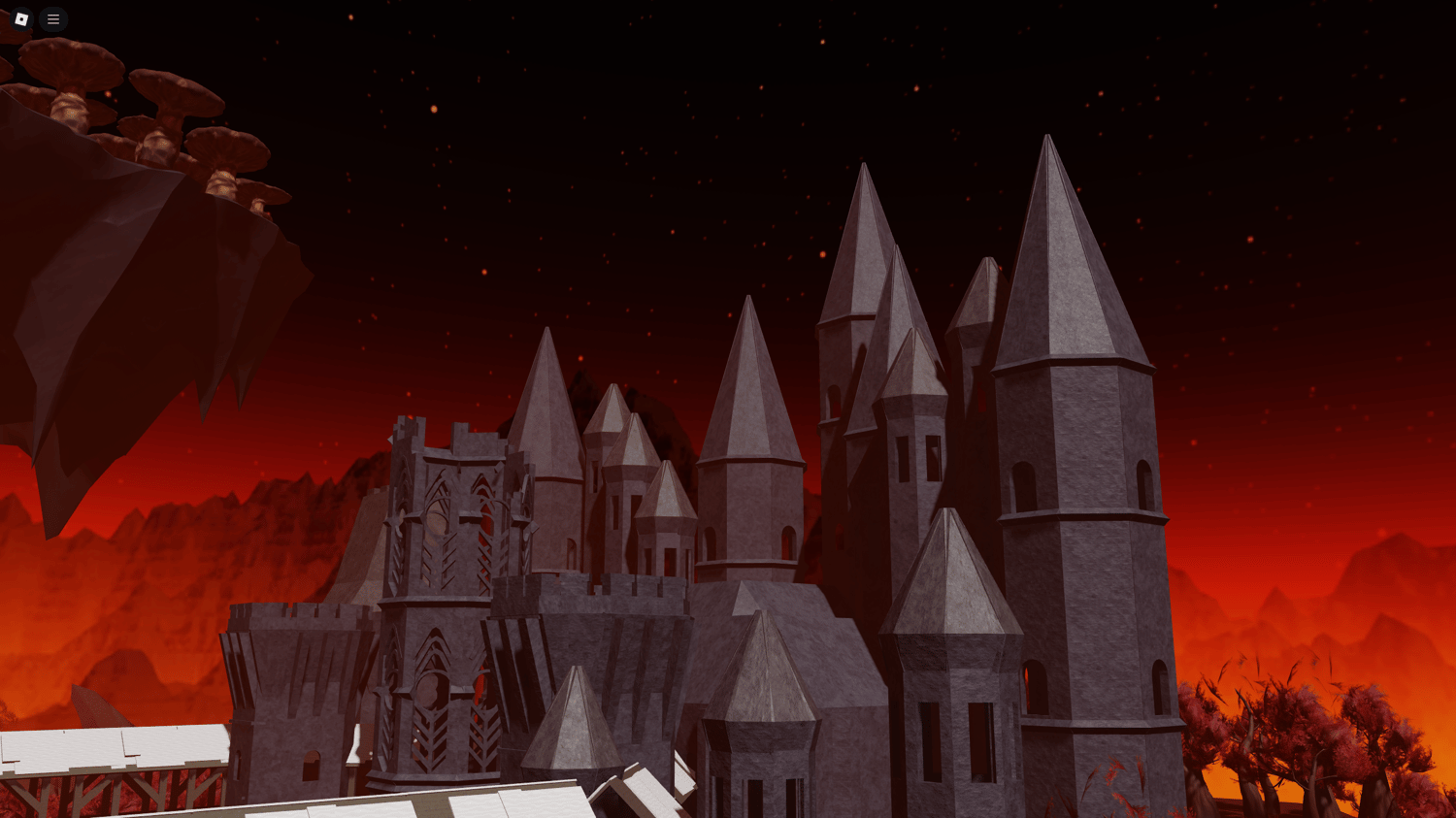
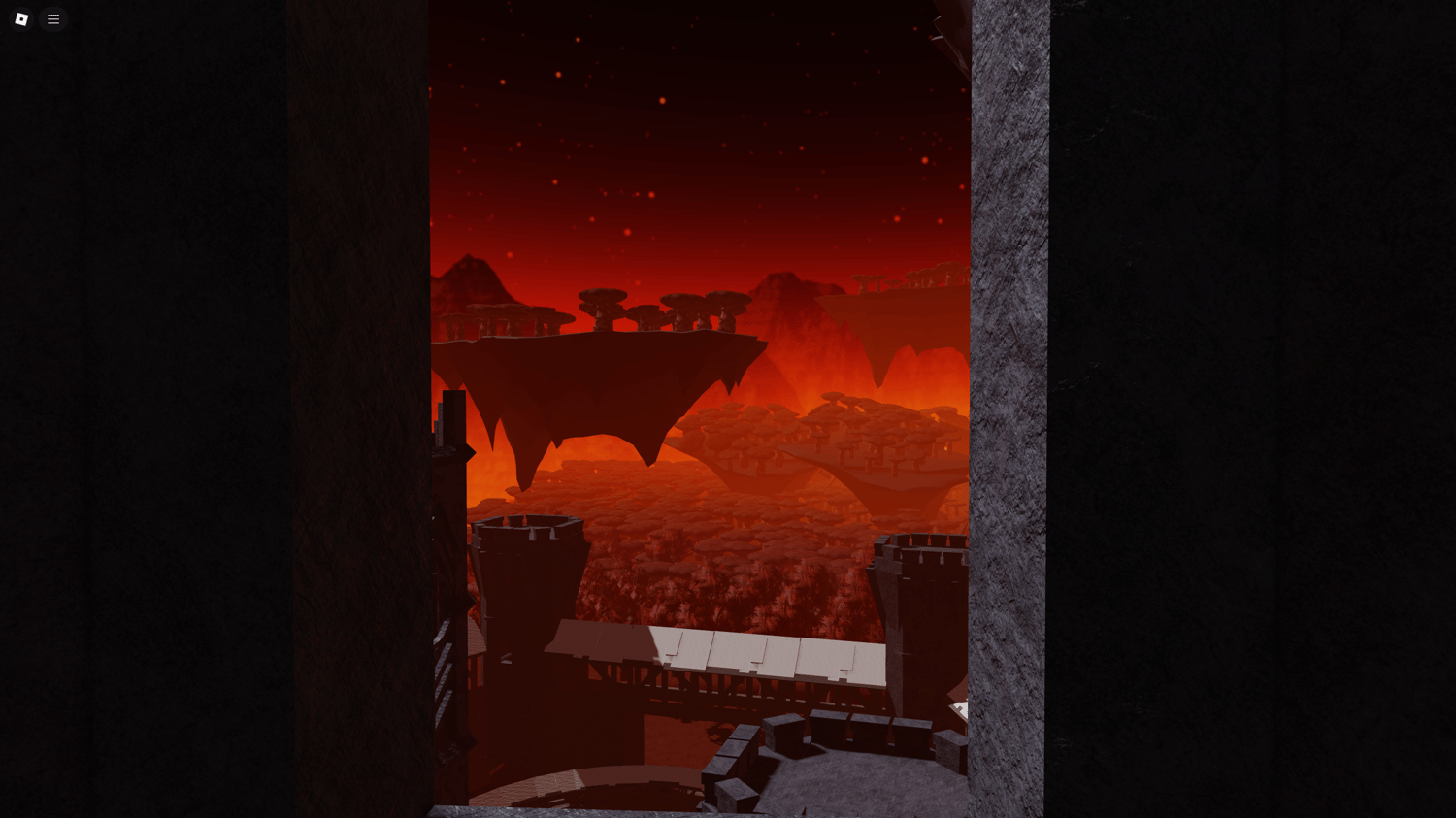
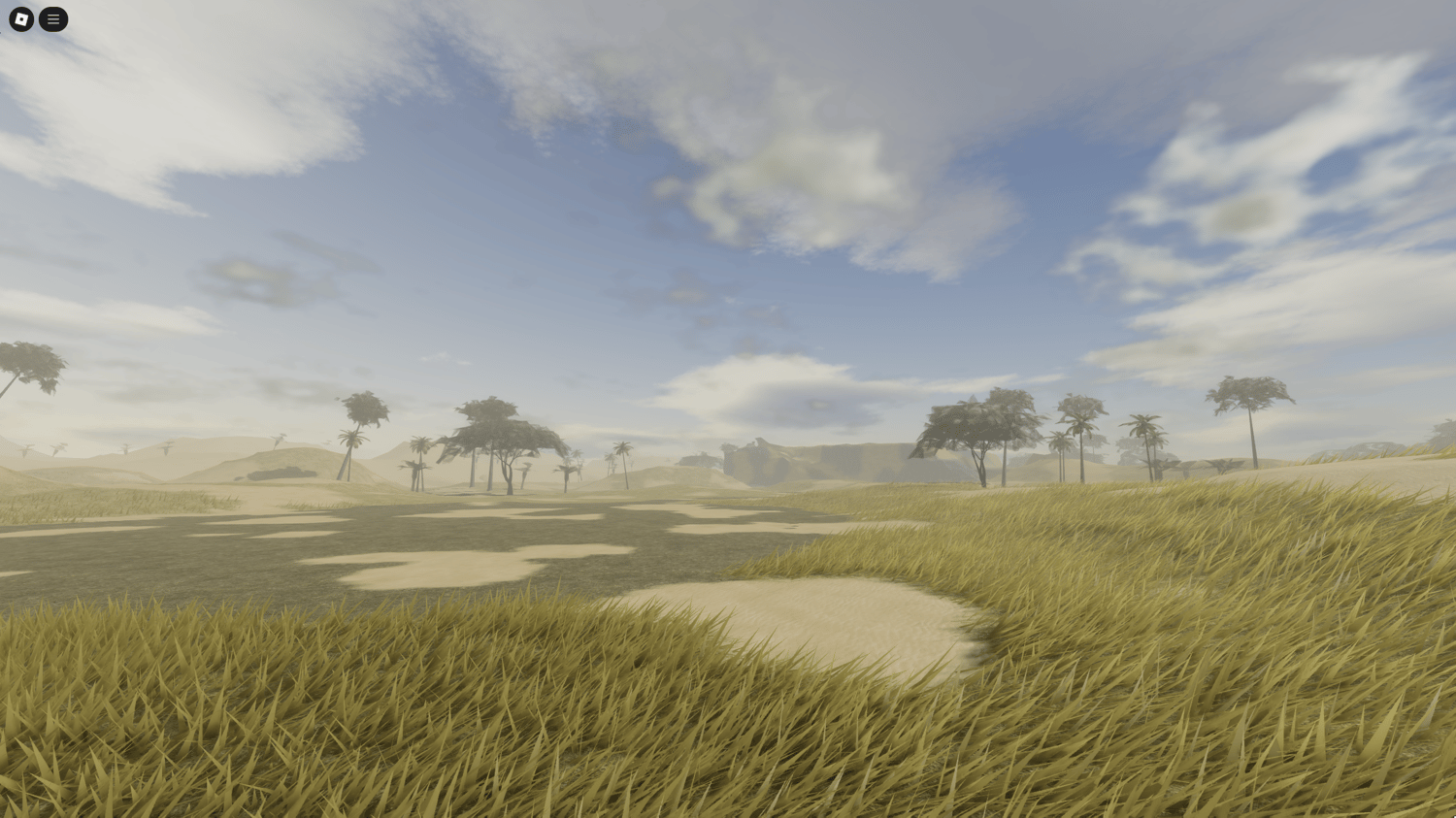
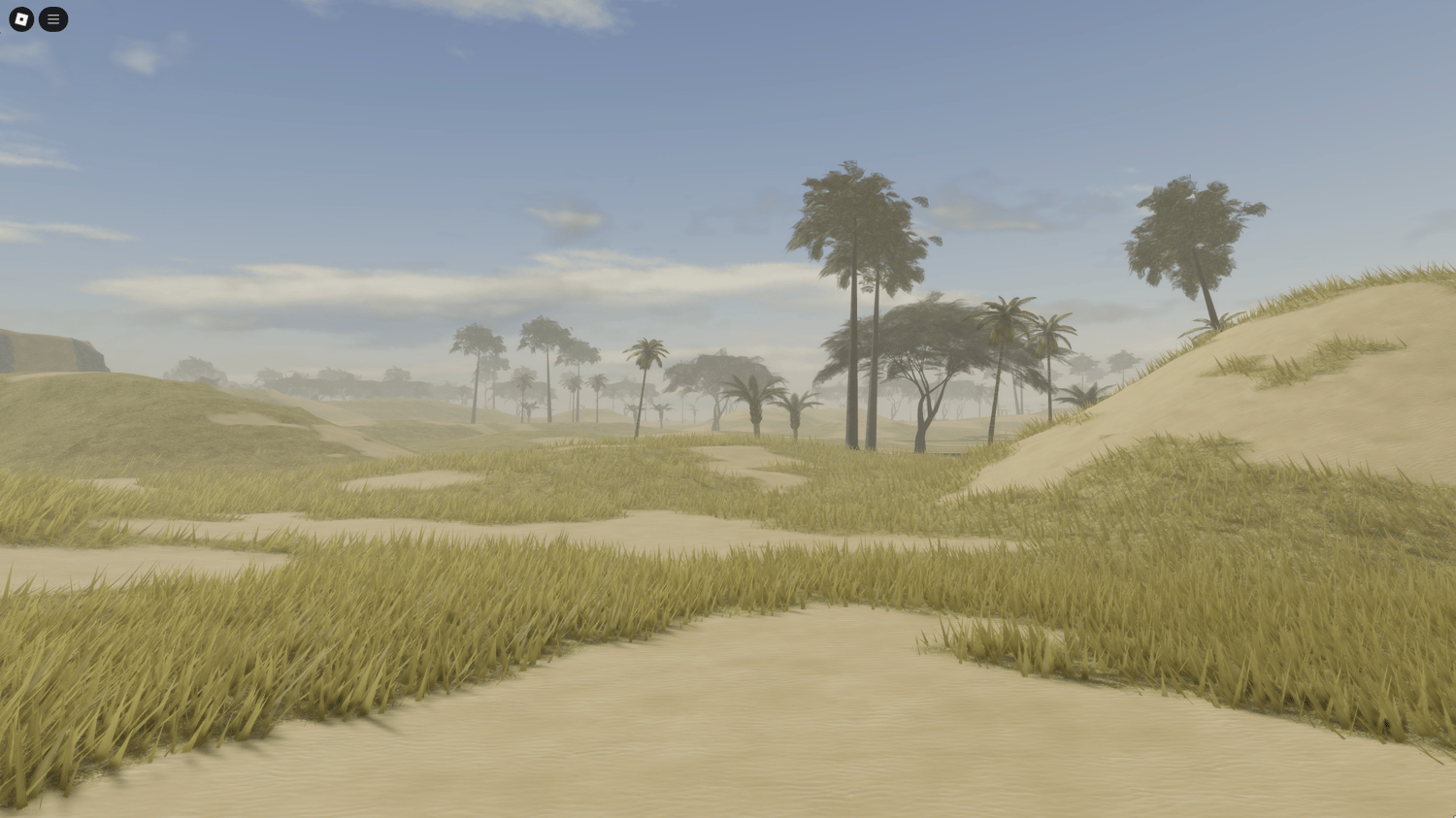
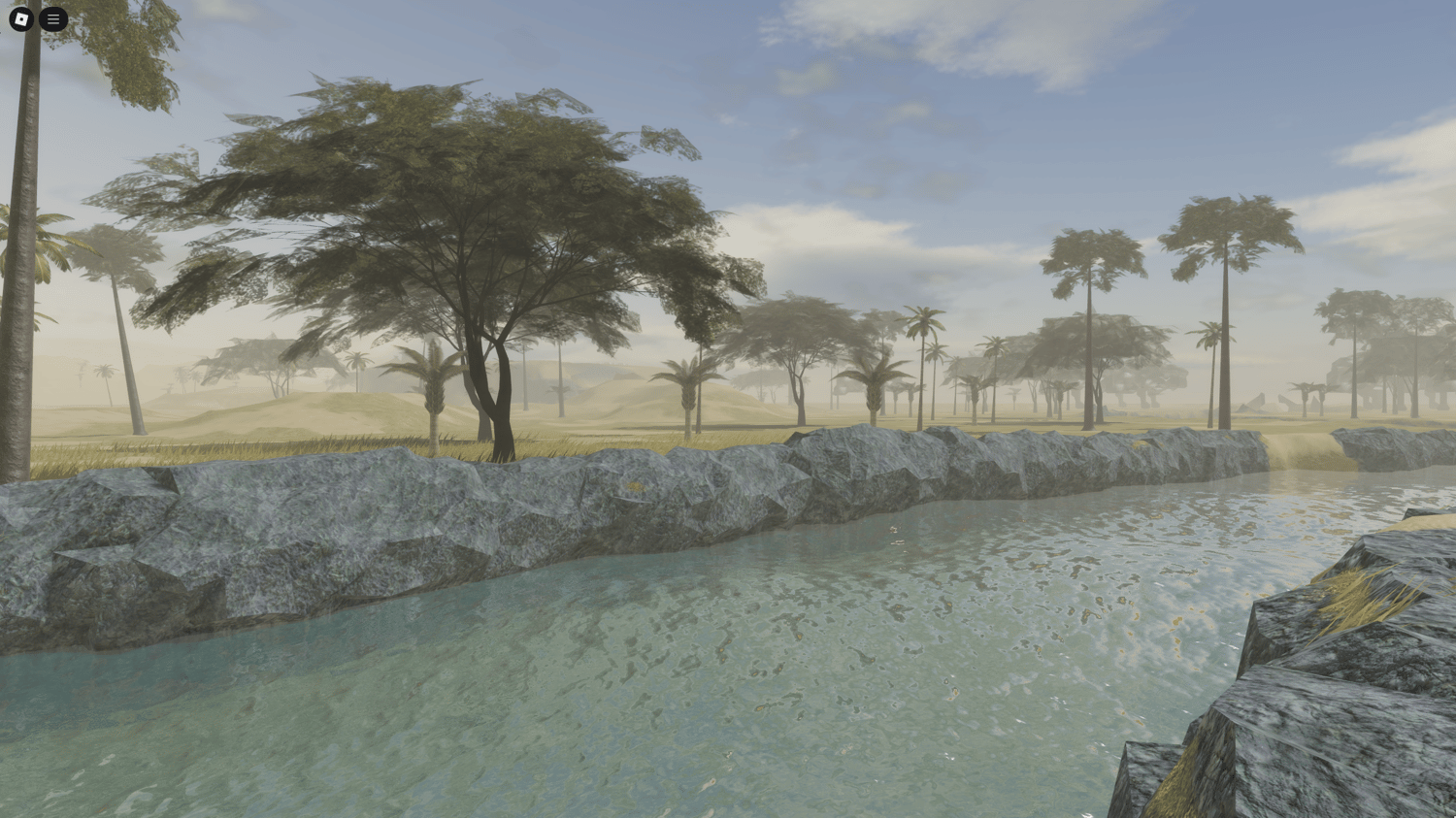
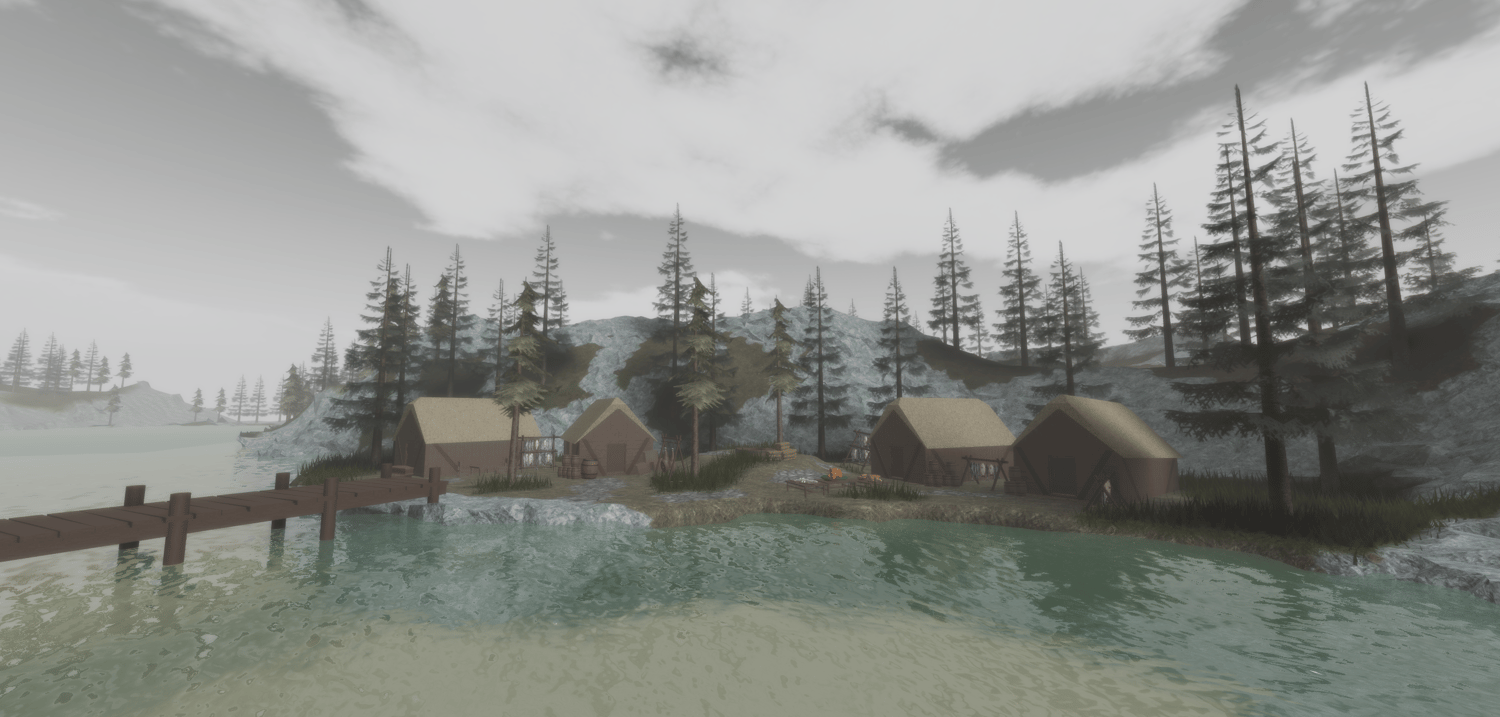
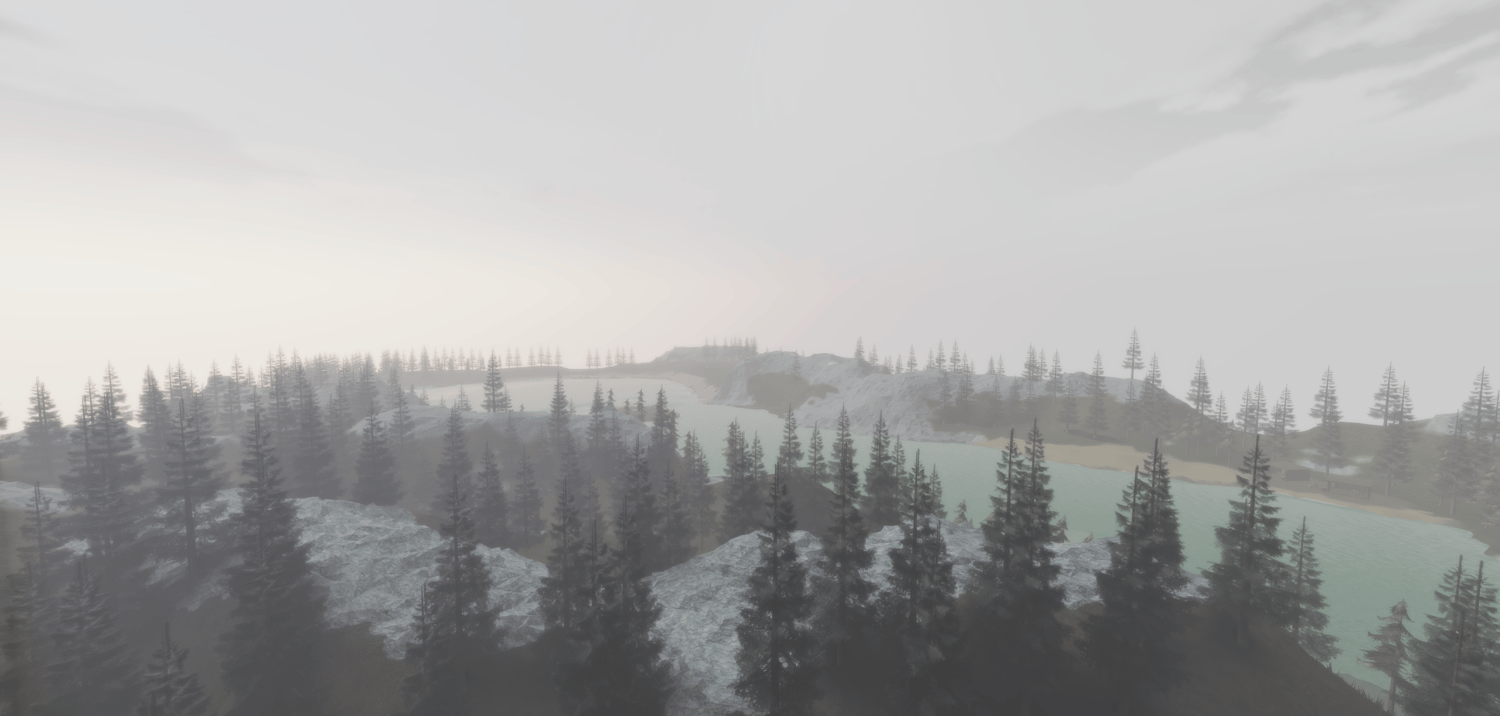
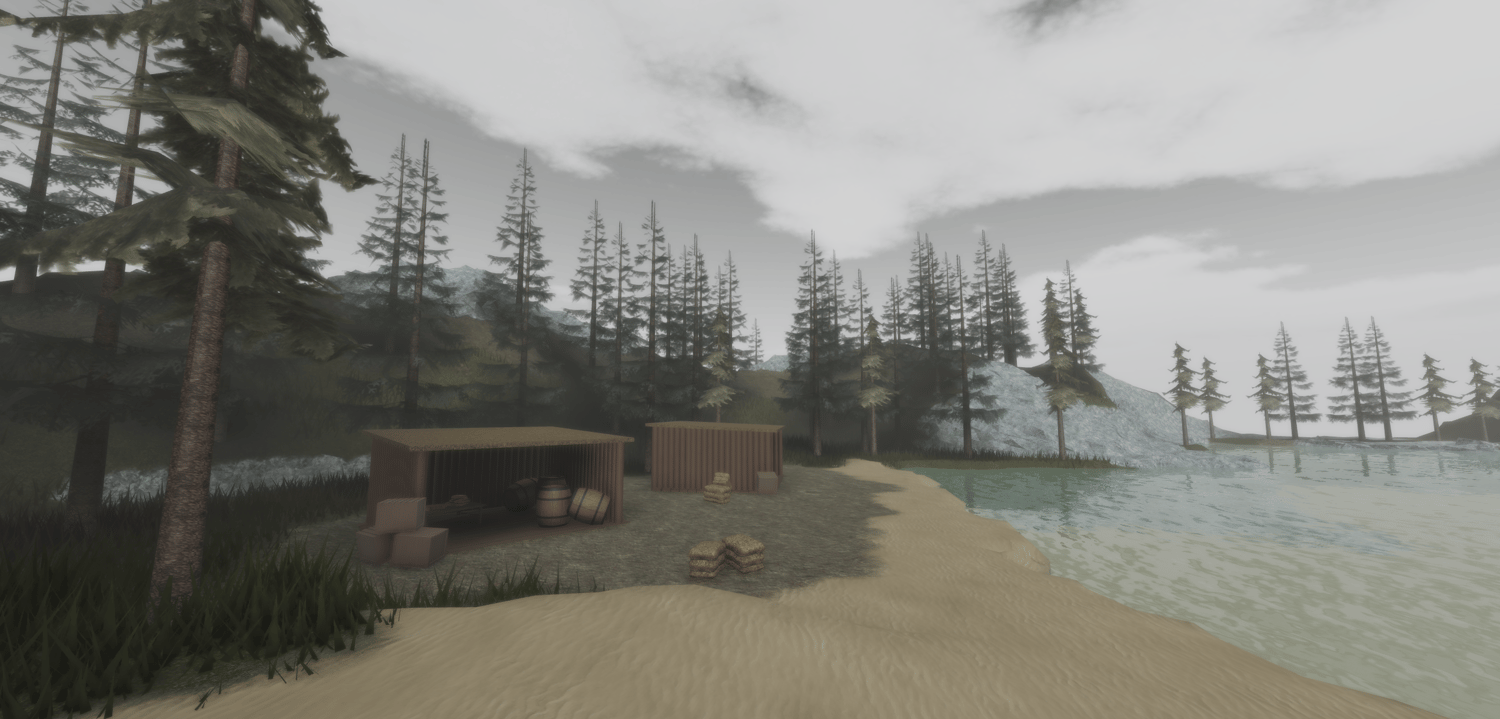
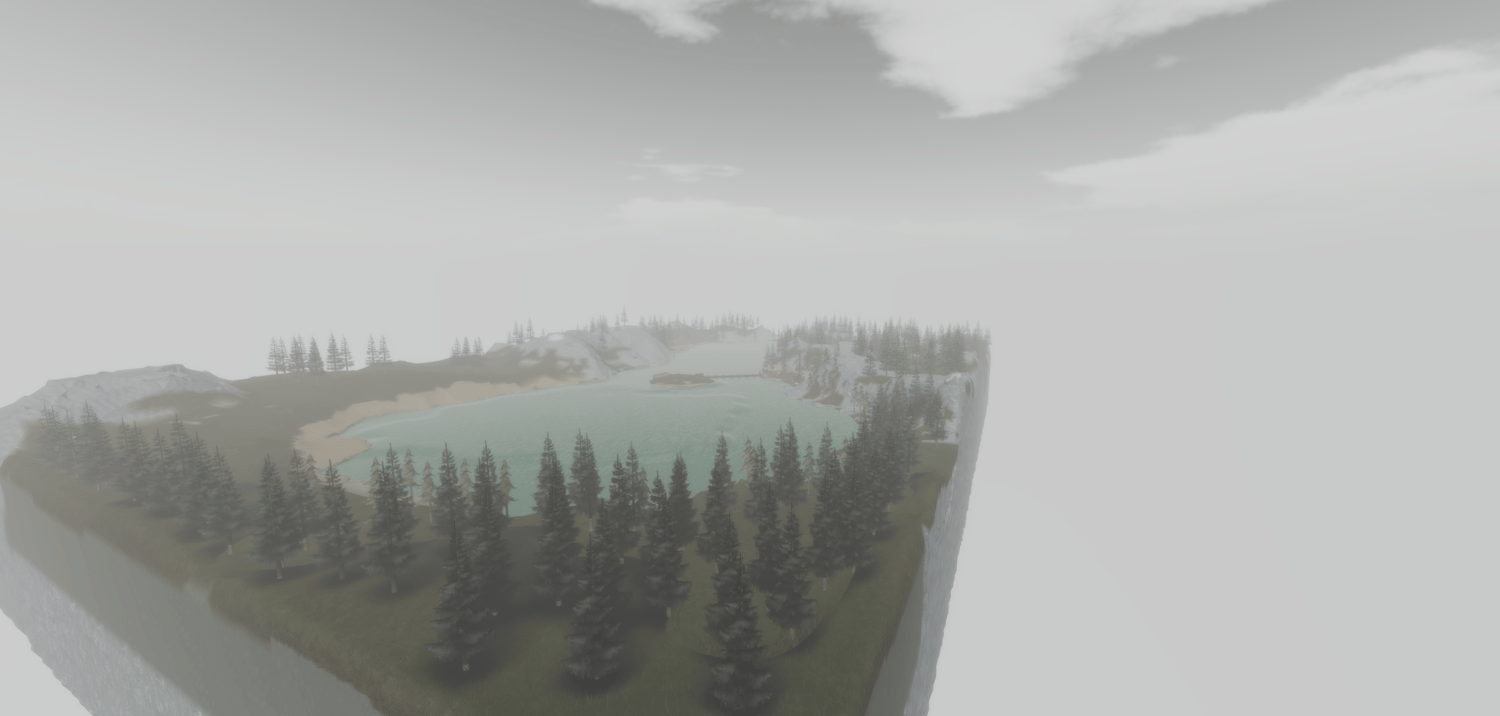
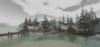
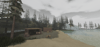
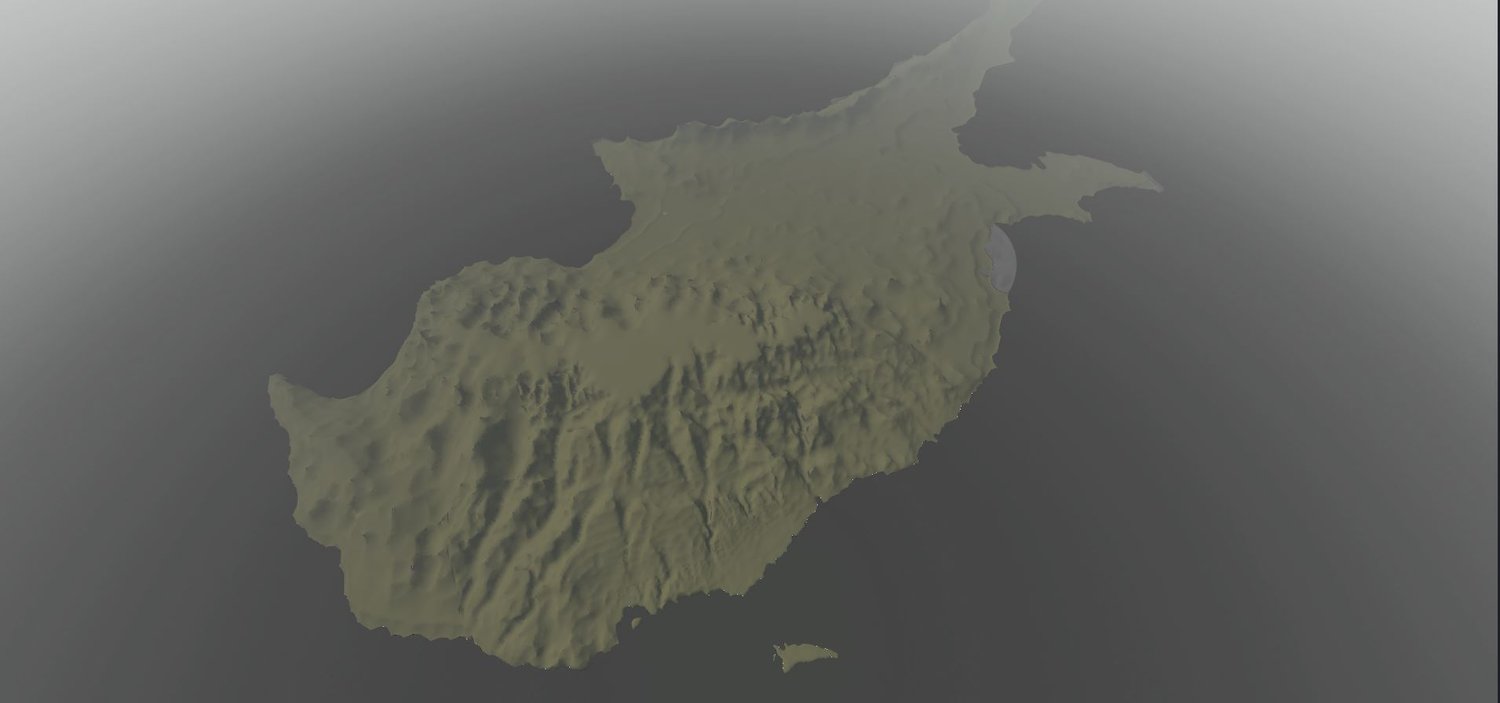
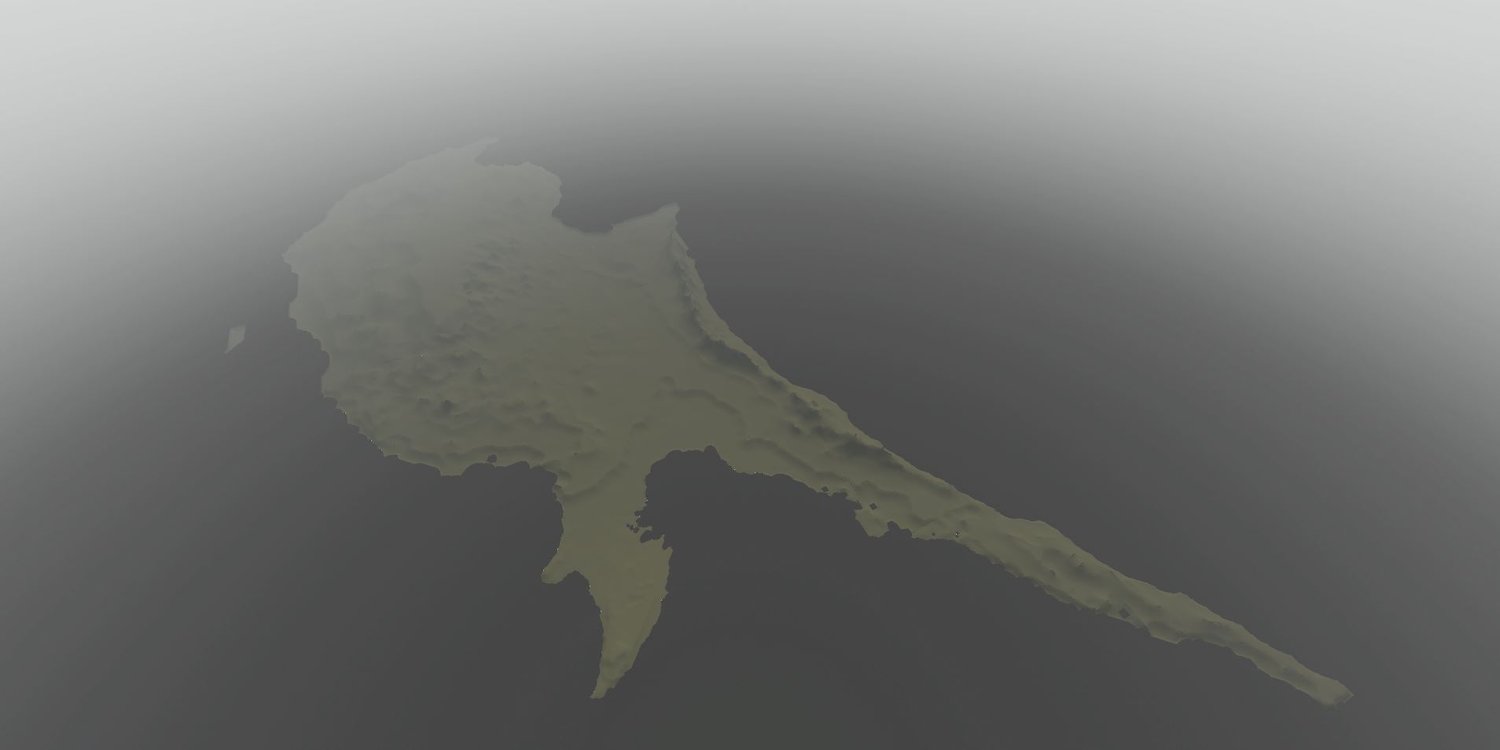
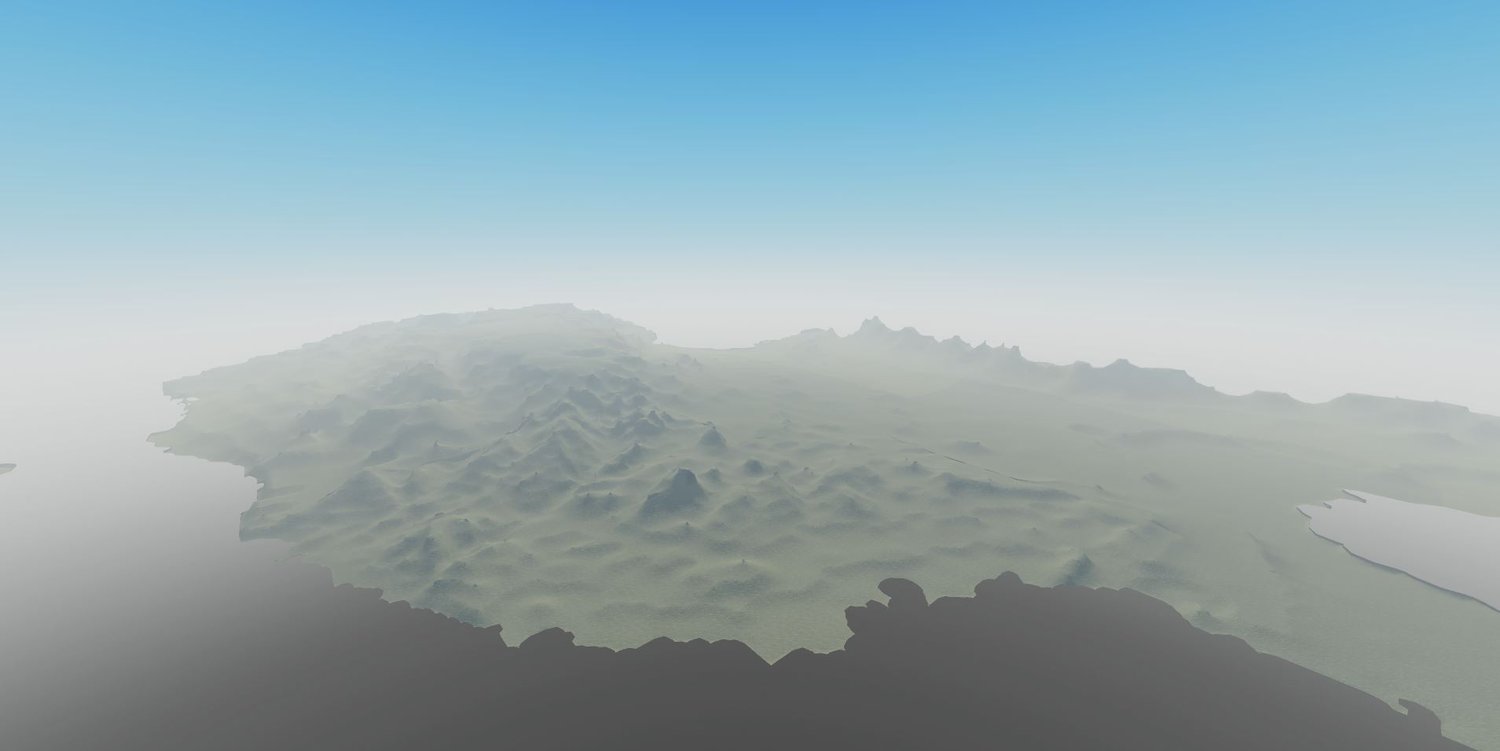
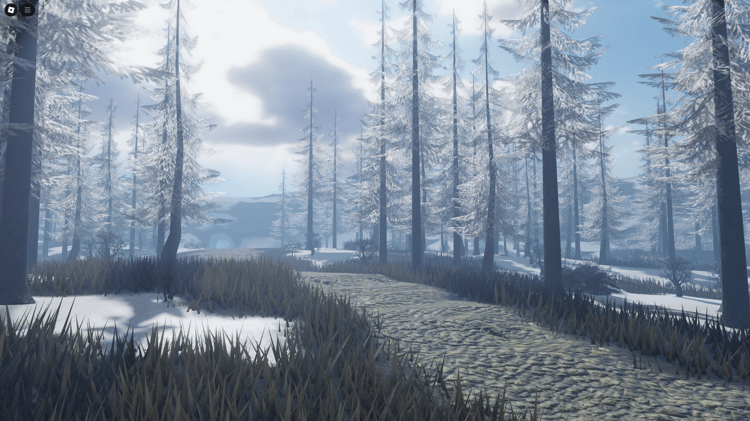
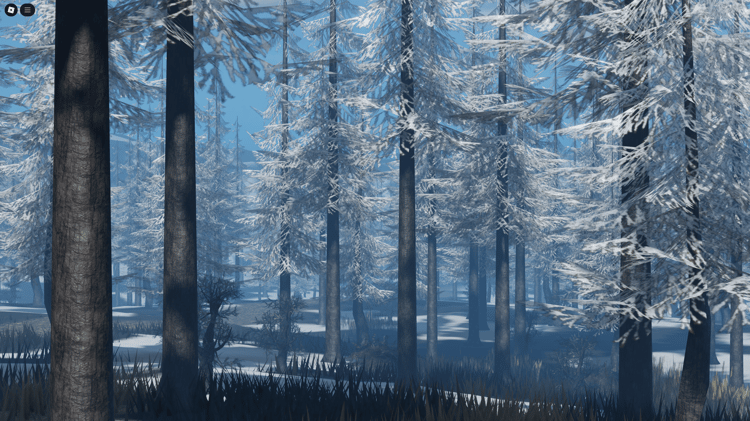
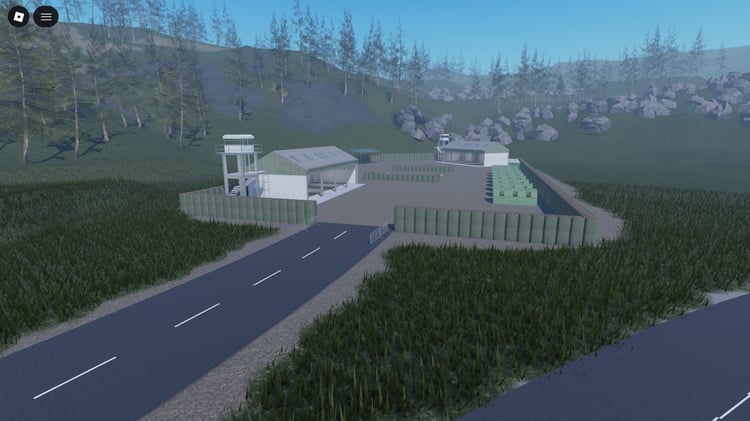
Browse free Roblox terrain templates and environment resources for your next map. Use a prebuilt landscape as a starting point for exploration, survival, roleplay or driving projects, then adapt its routes and building areas to your game. Compare terrain size, included scenery and file contents before downloading: a landscape provides the setting, while gameplay systems depend on what the individual listing includes.
Choose terrain around your gameplay
Landscape & elevation
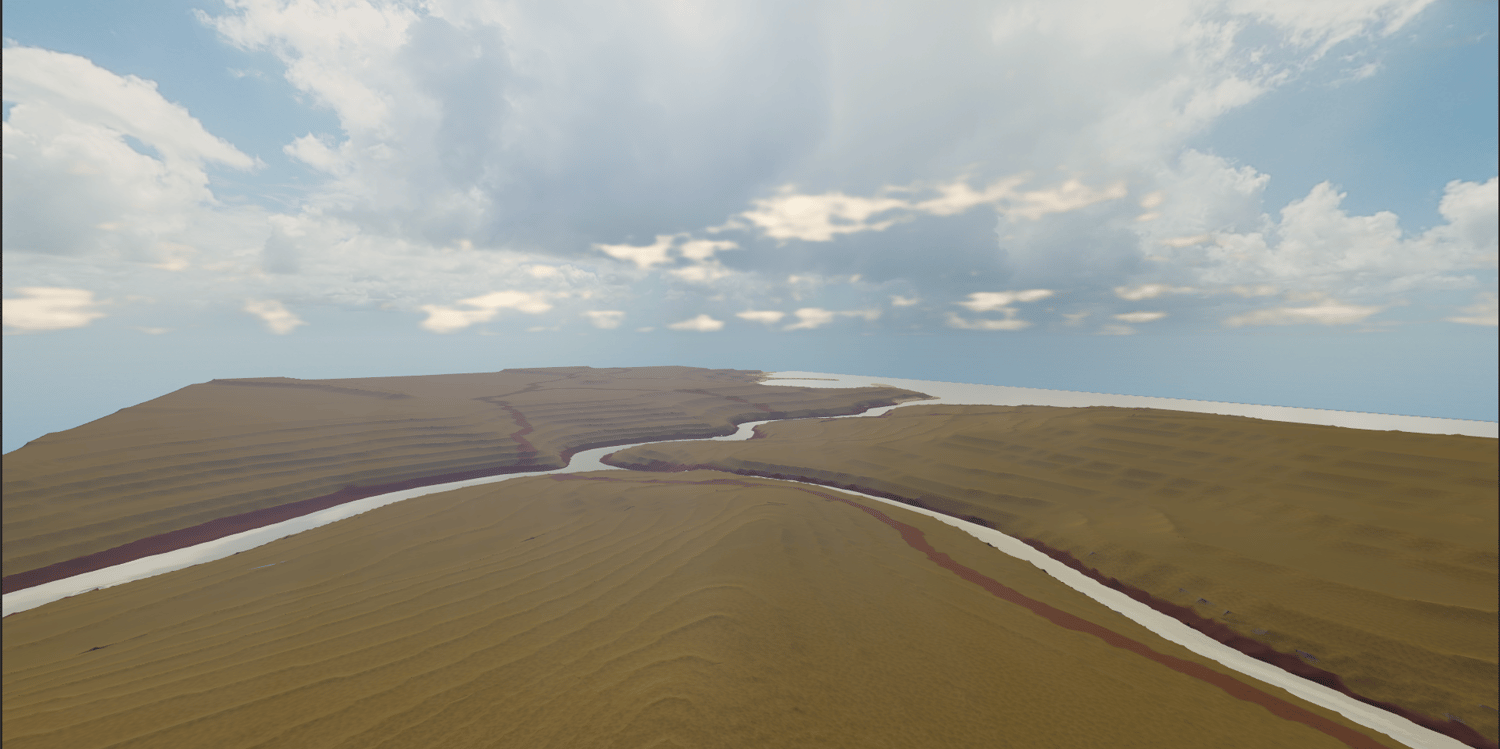
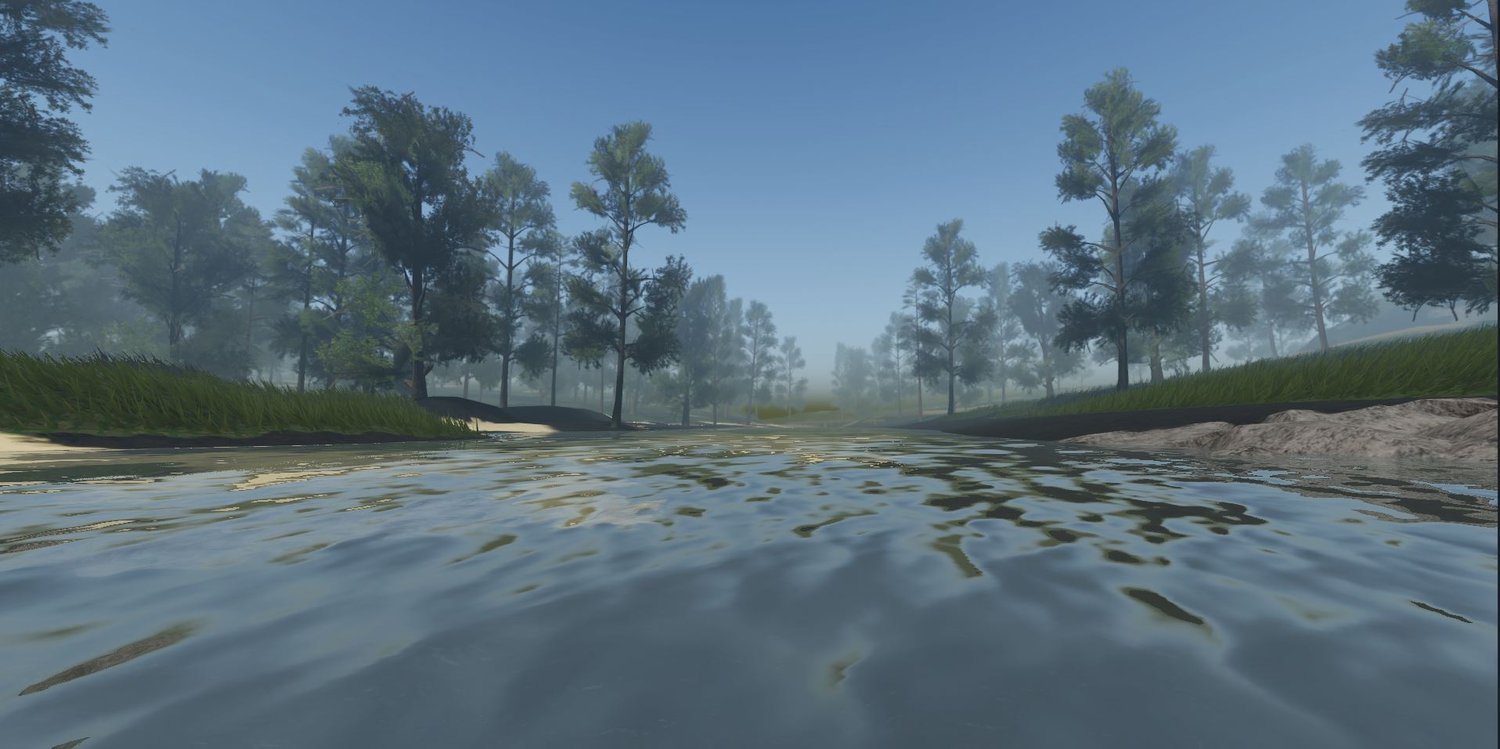
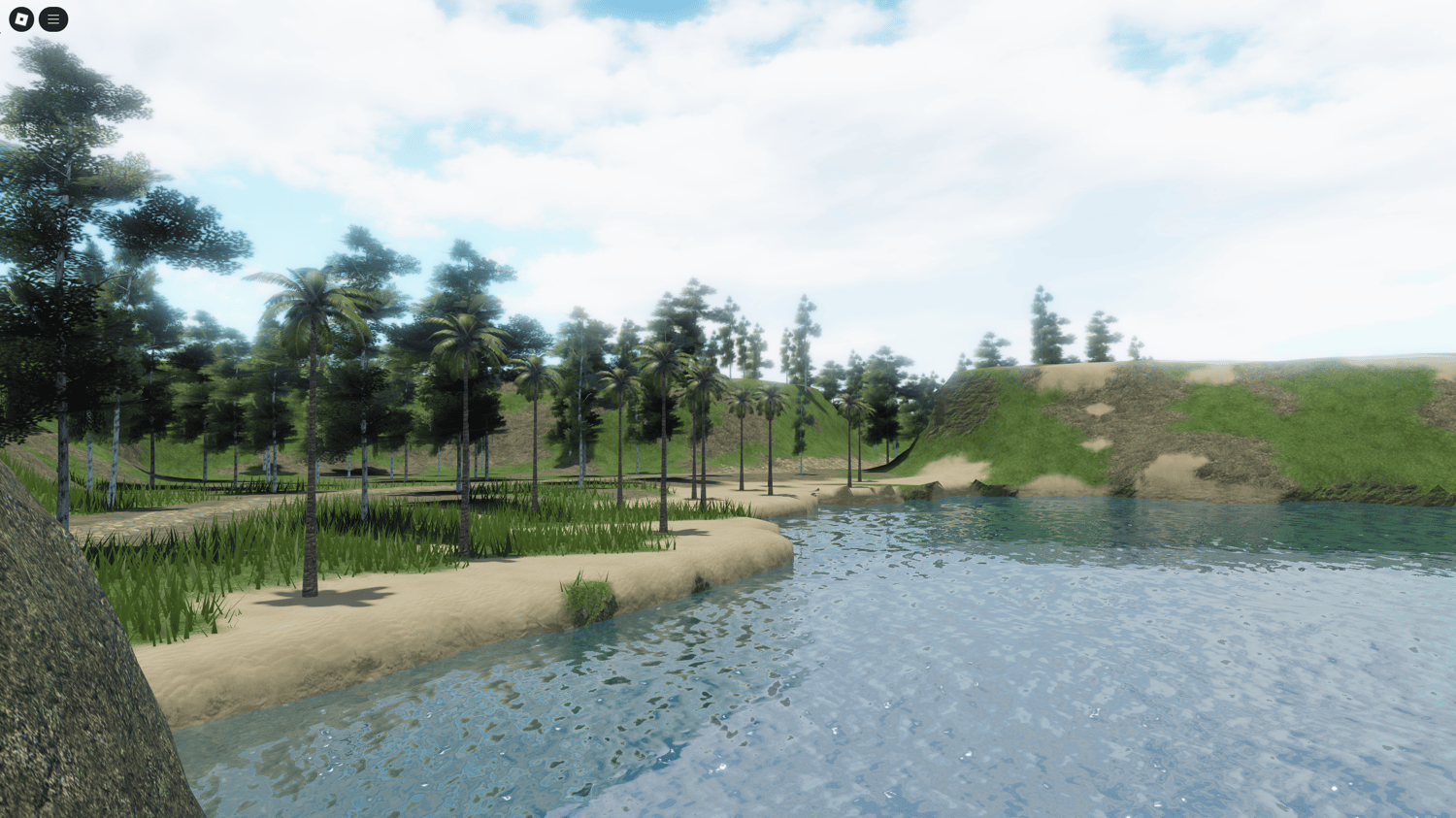
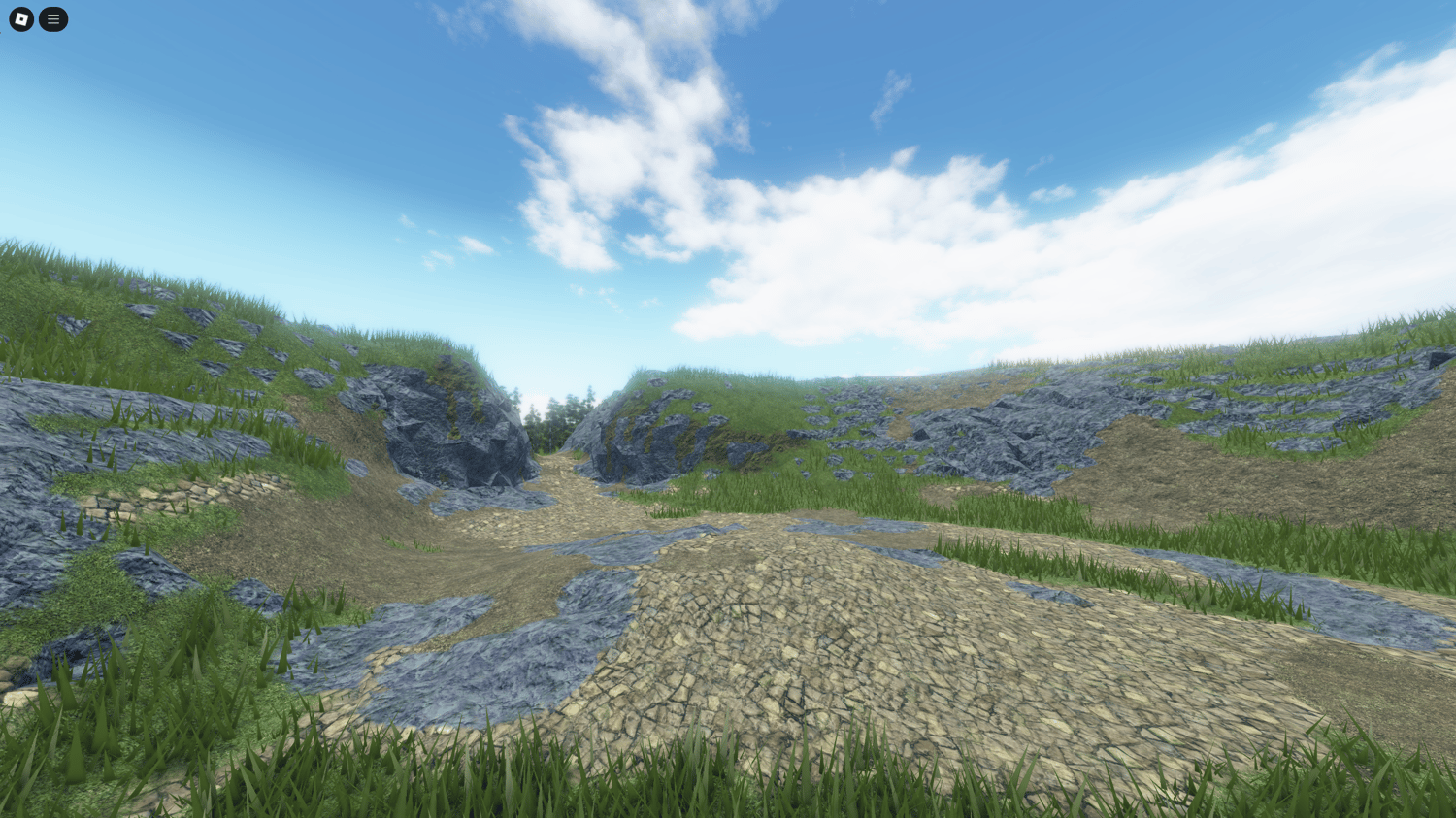
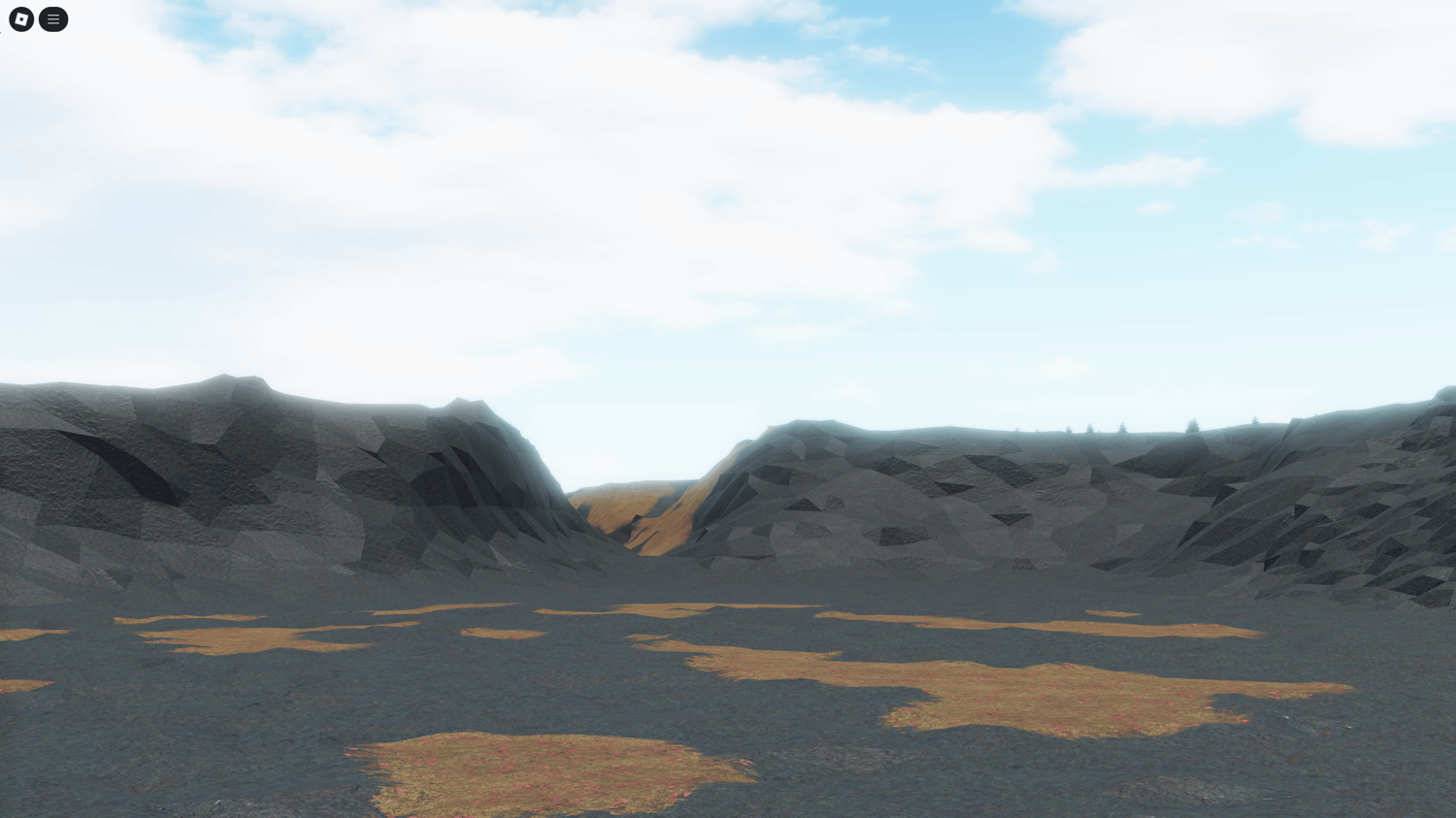
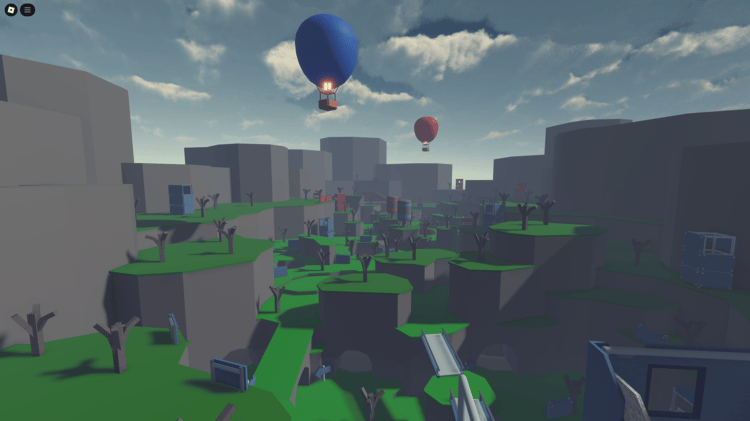
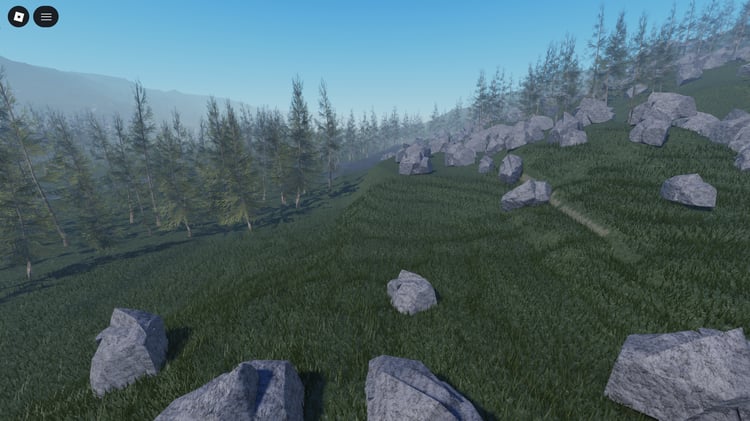
Look beyond the scenery. Check whether slopes, cliffs and water leave enough usable space for the routes and activities you want to build.
World size & travel time
Compare the listed dimensions with how players will move. A route that works for vehicles may feel too long when travelled on foot.
Foliage & environment props
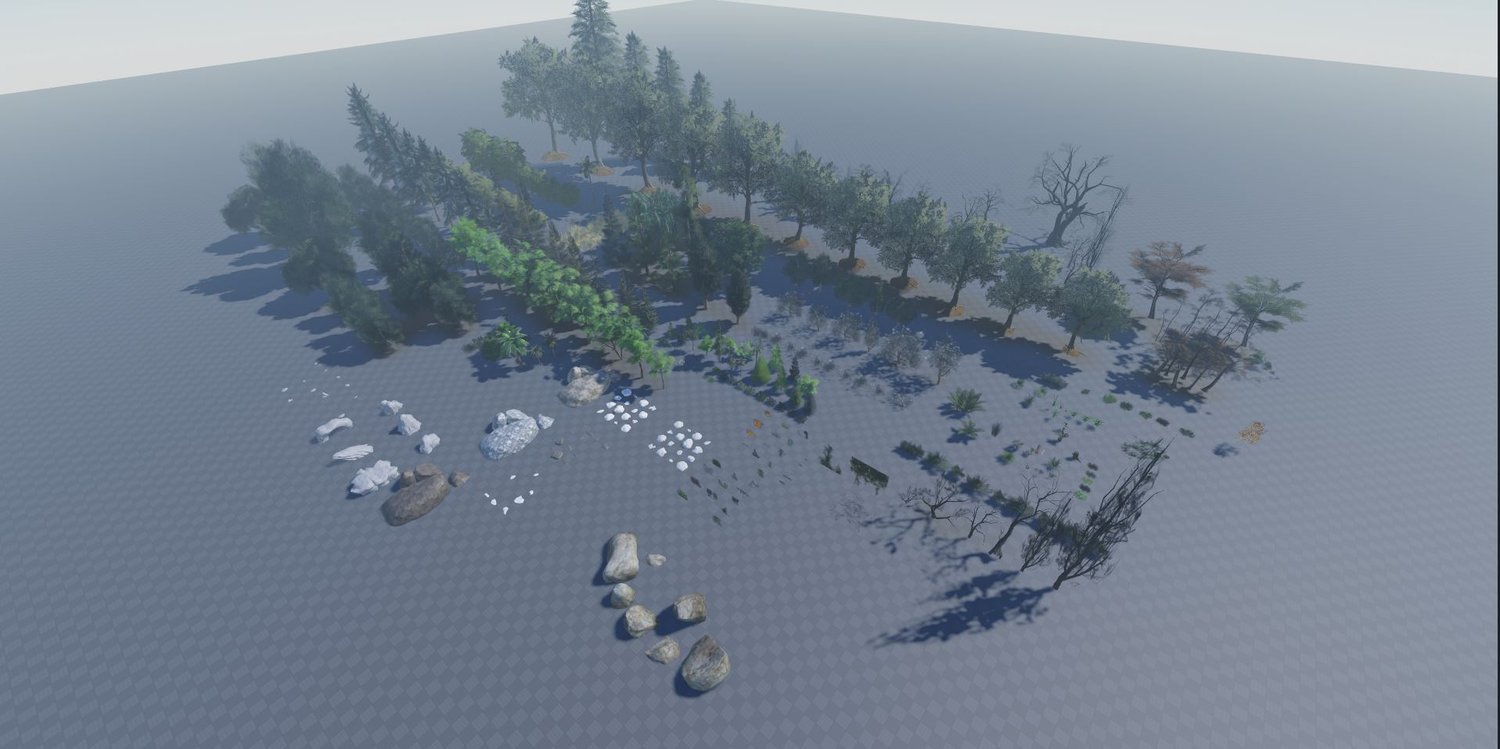
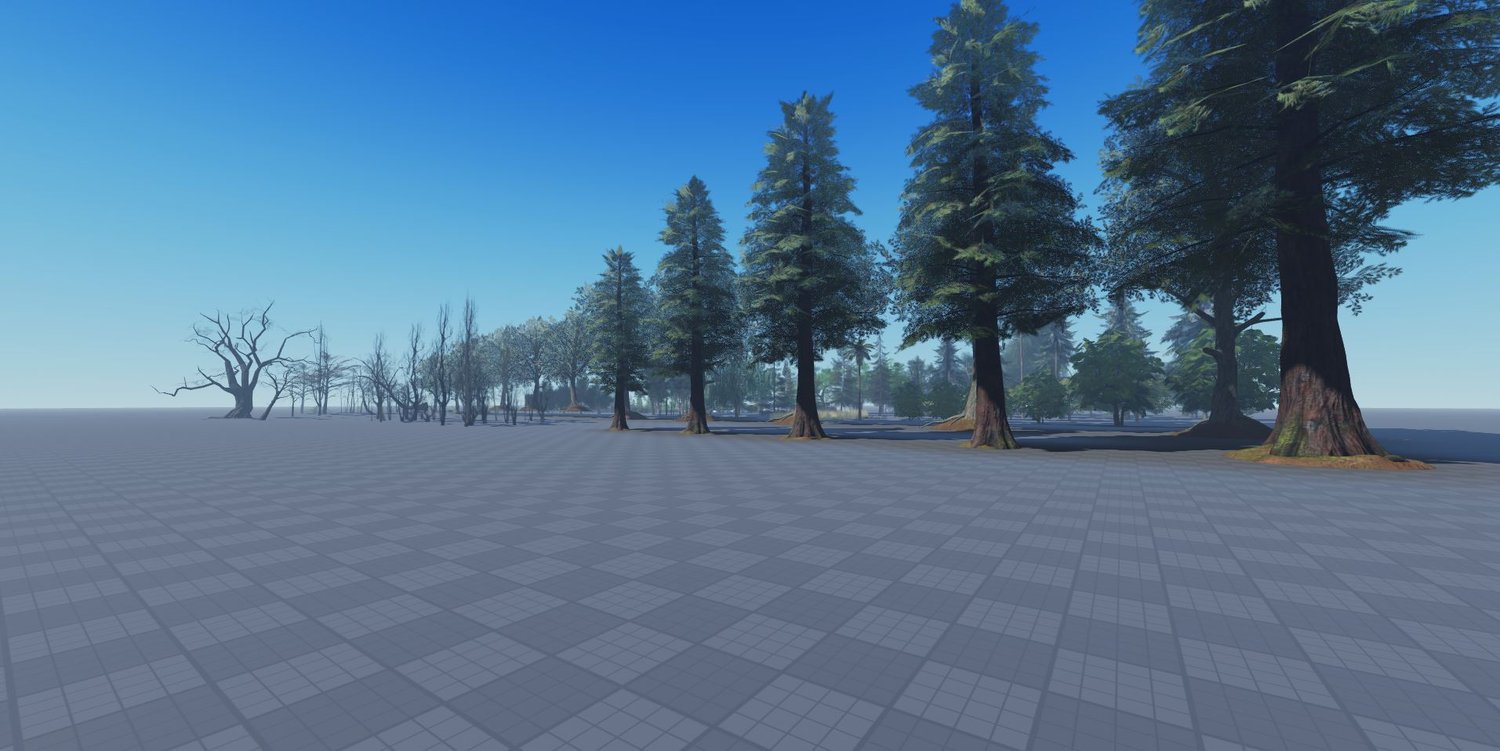
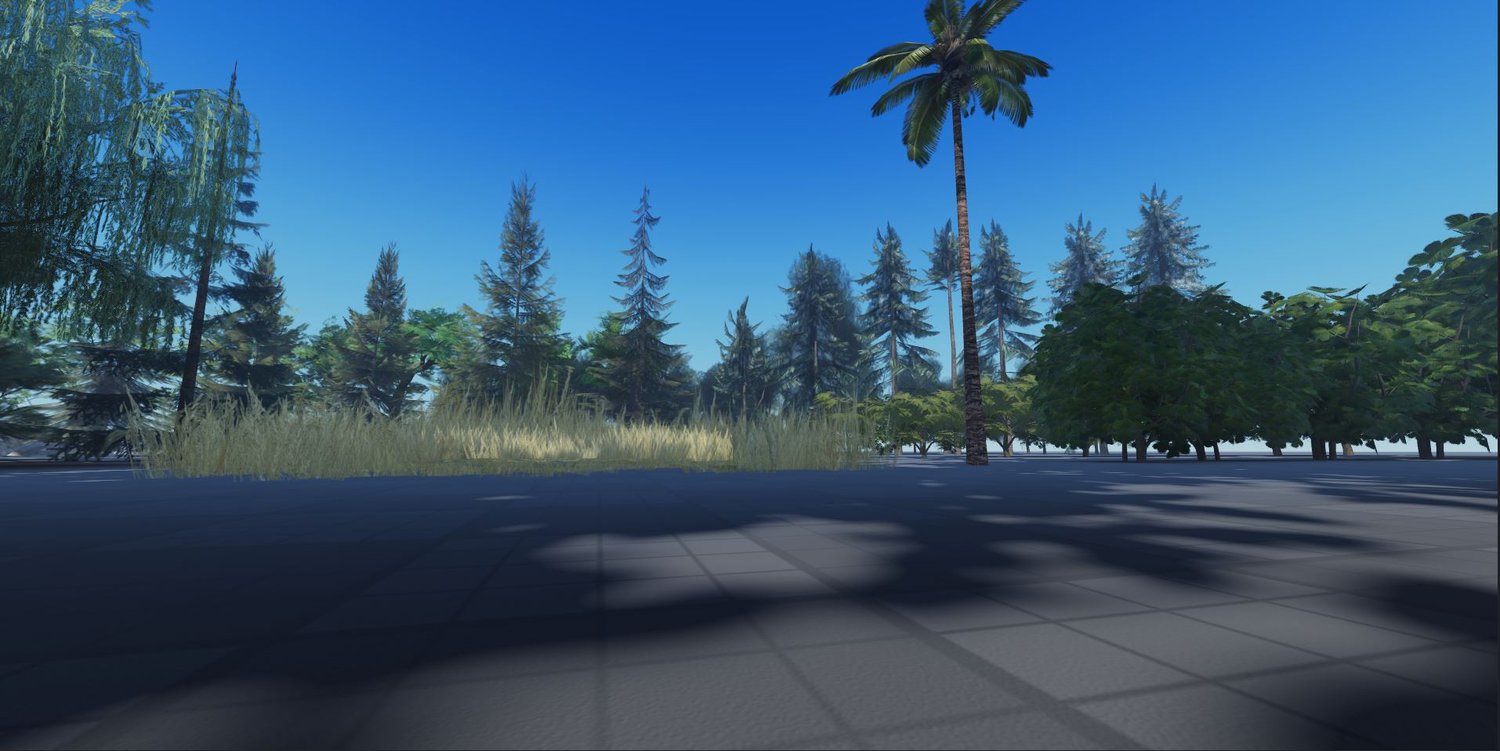
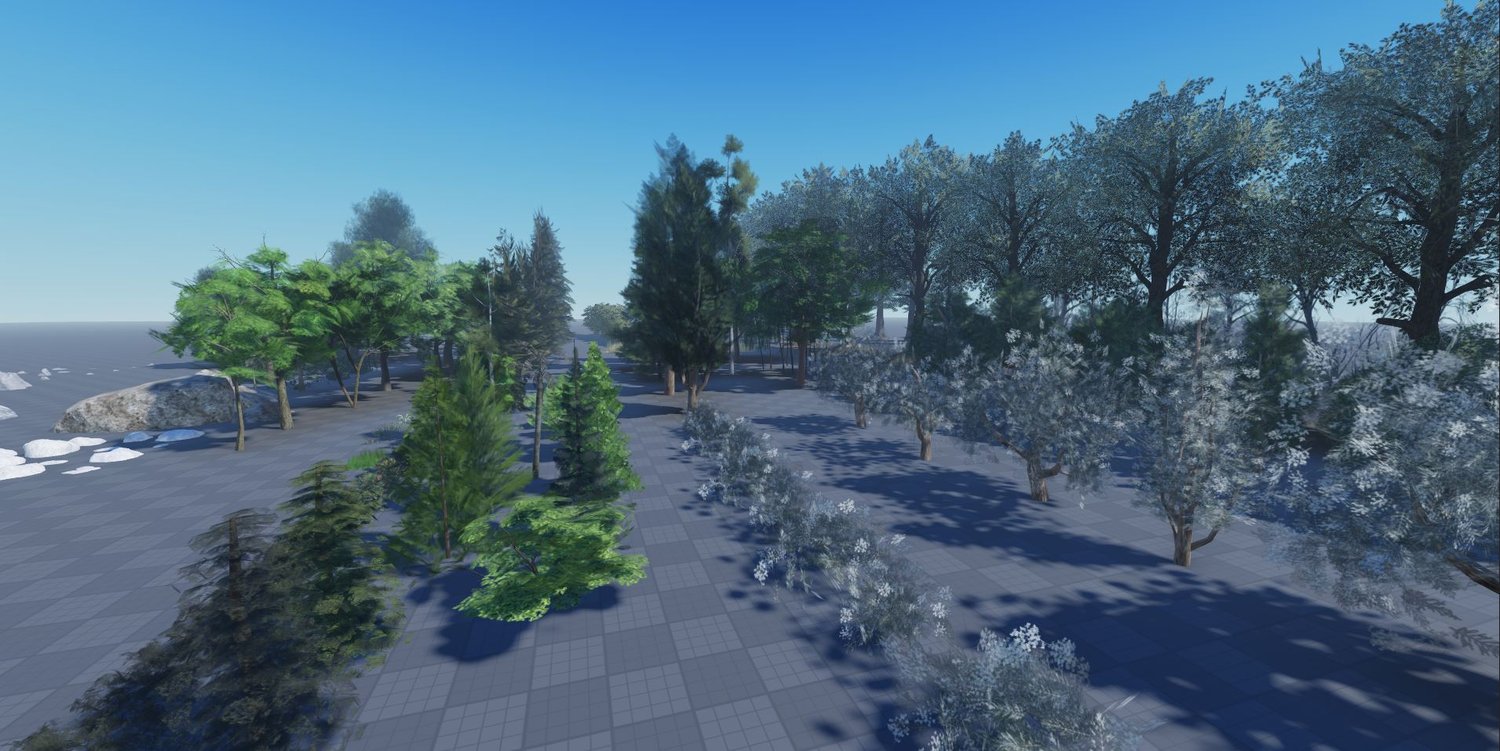
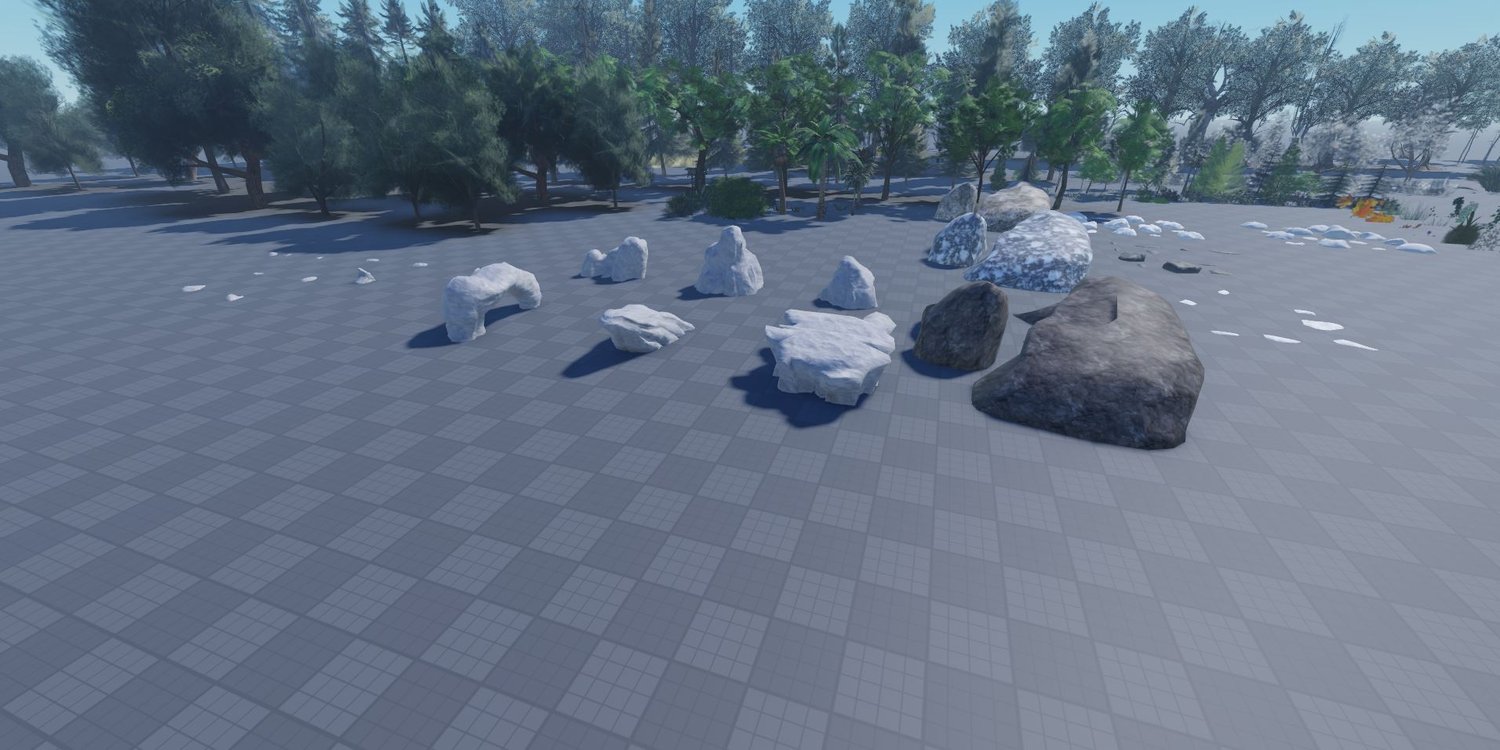
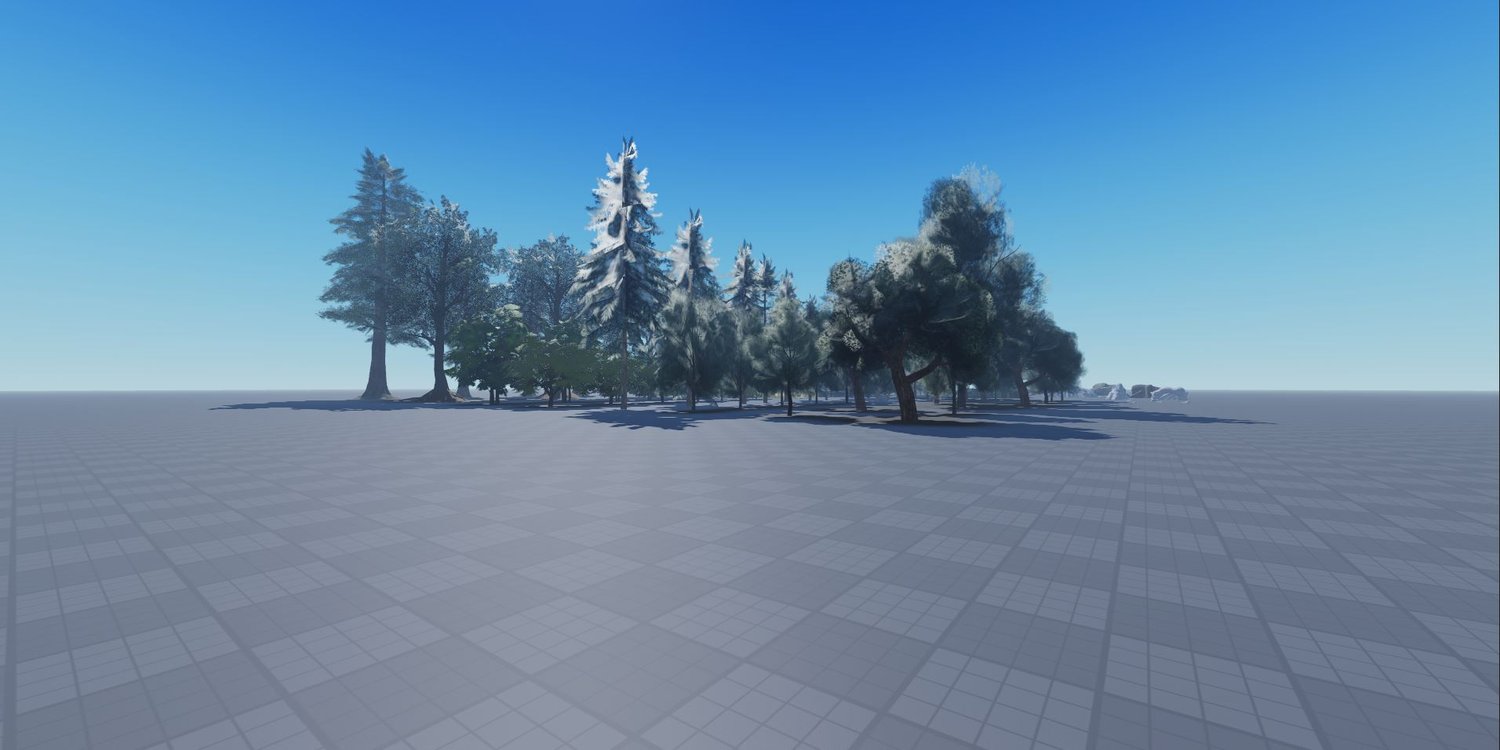
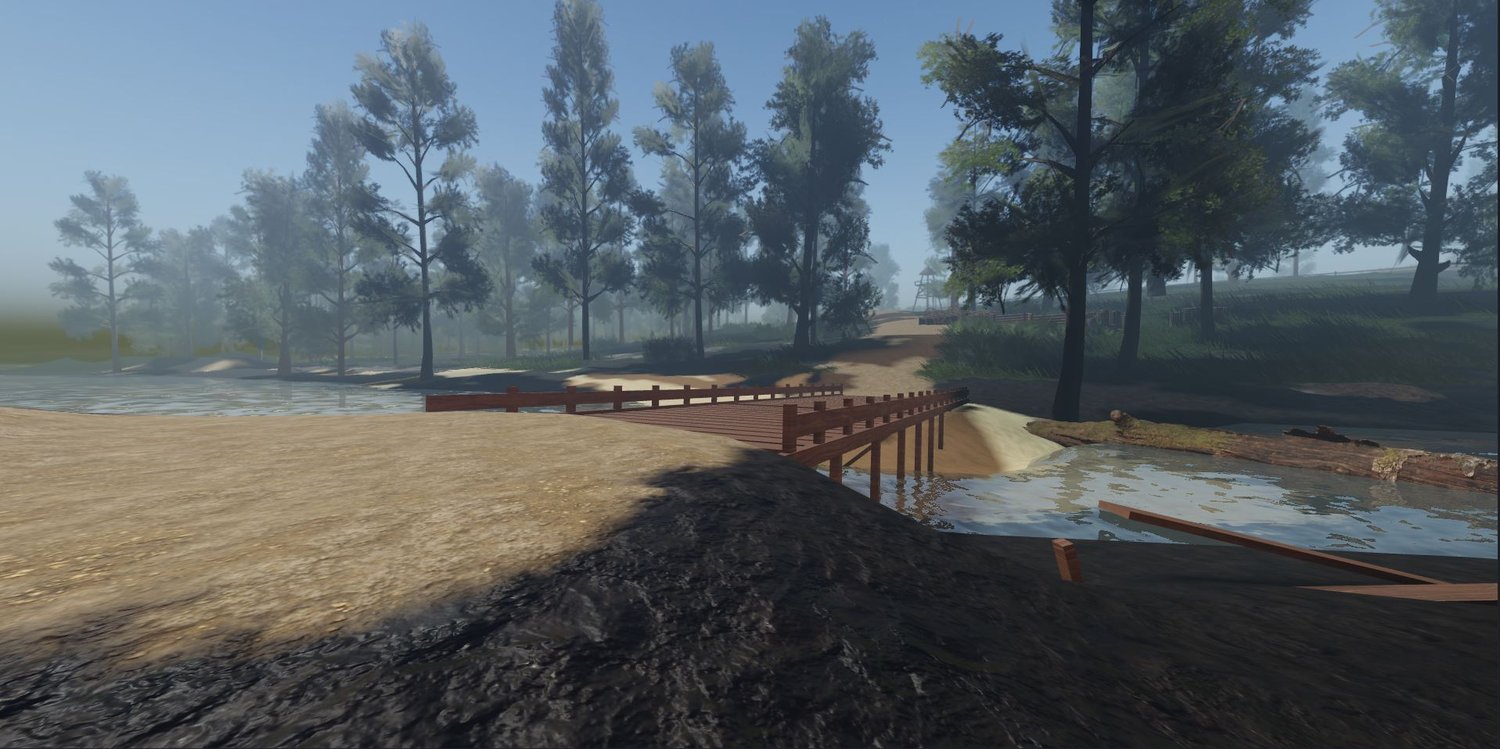
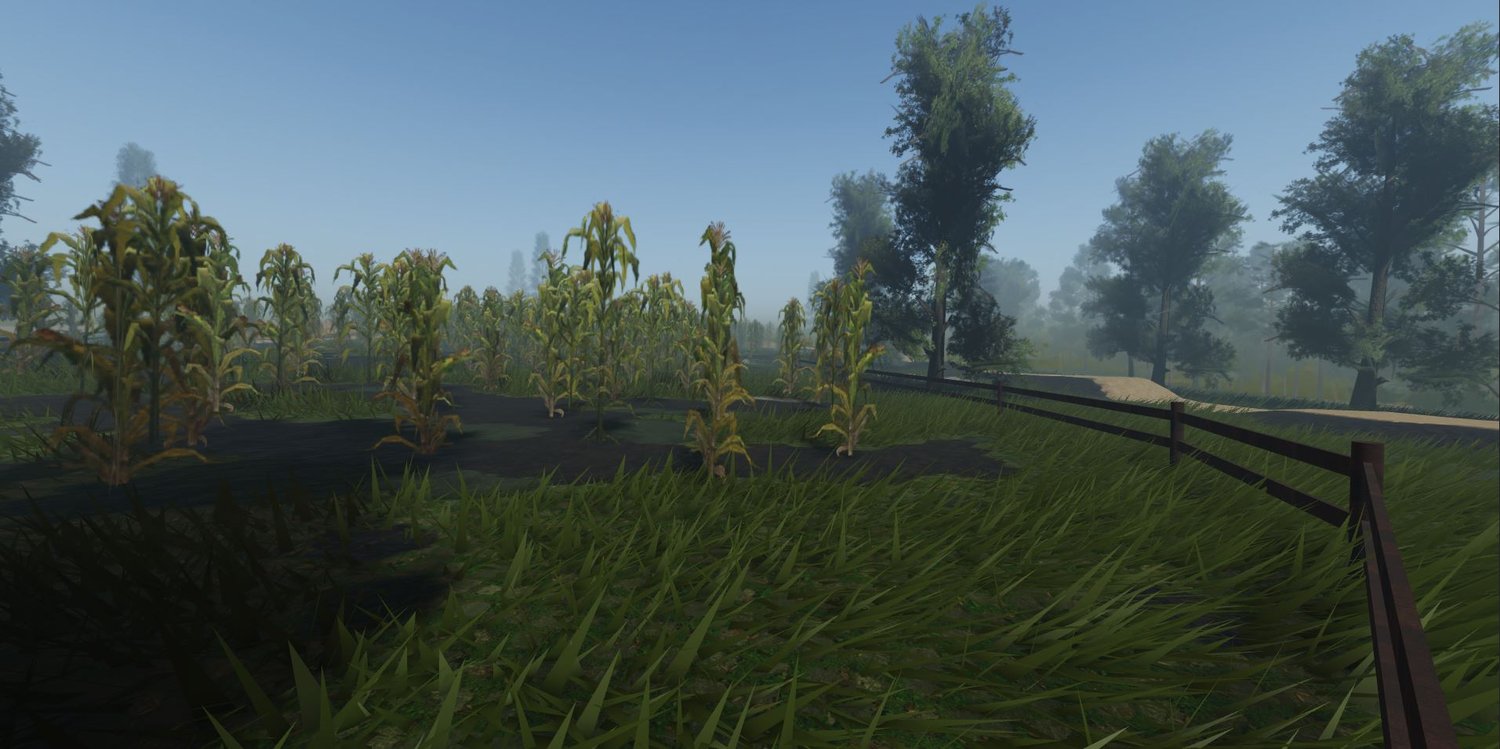
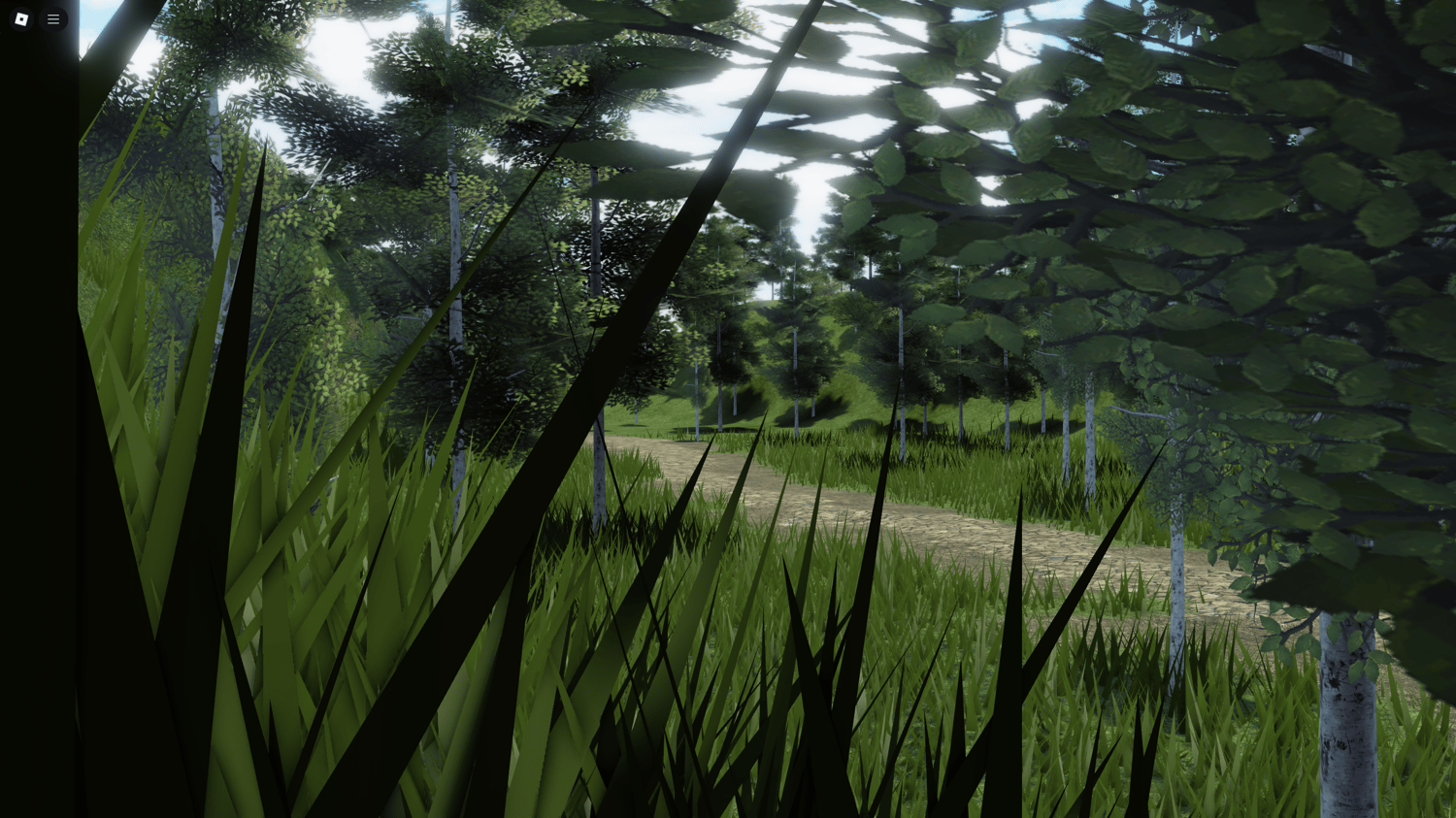
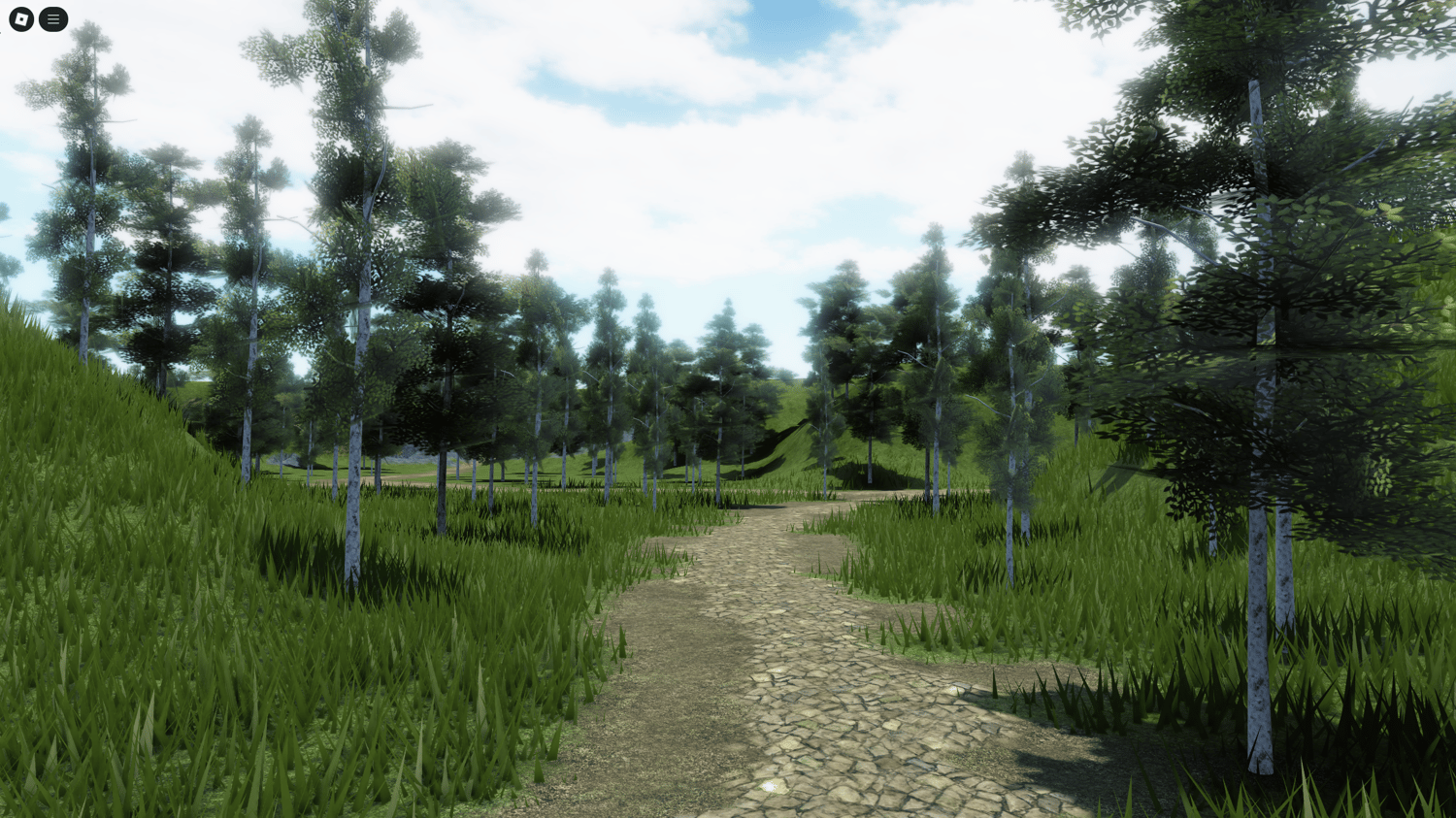
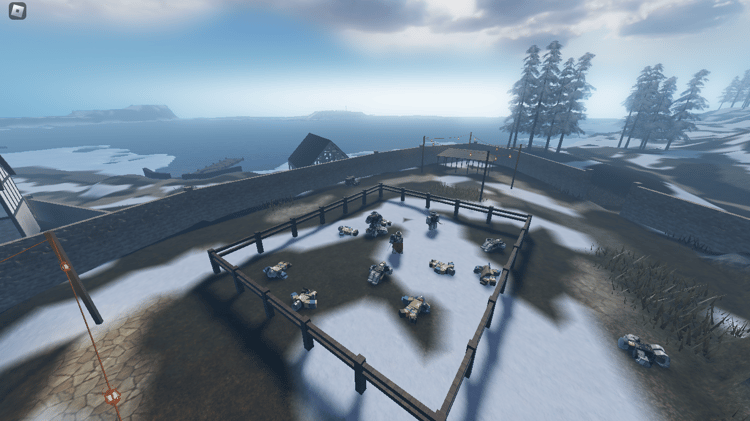
Check whether trees, rocks and other scenery are included in the download or only shown in previews. Identify any separately required assets.
Roads & building areas
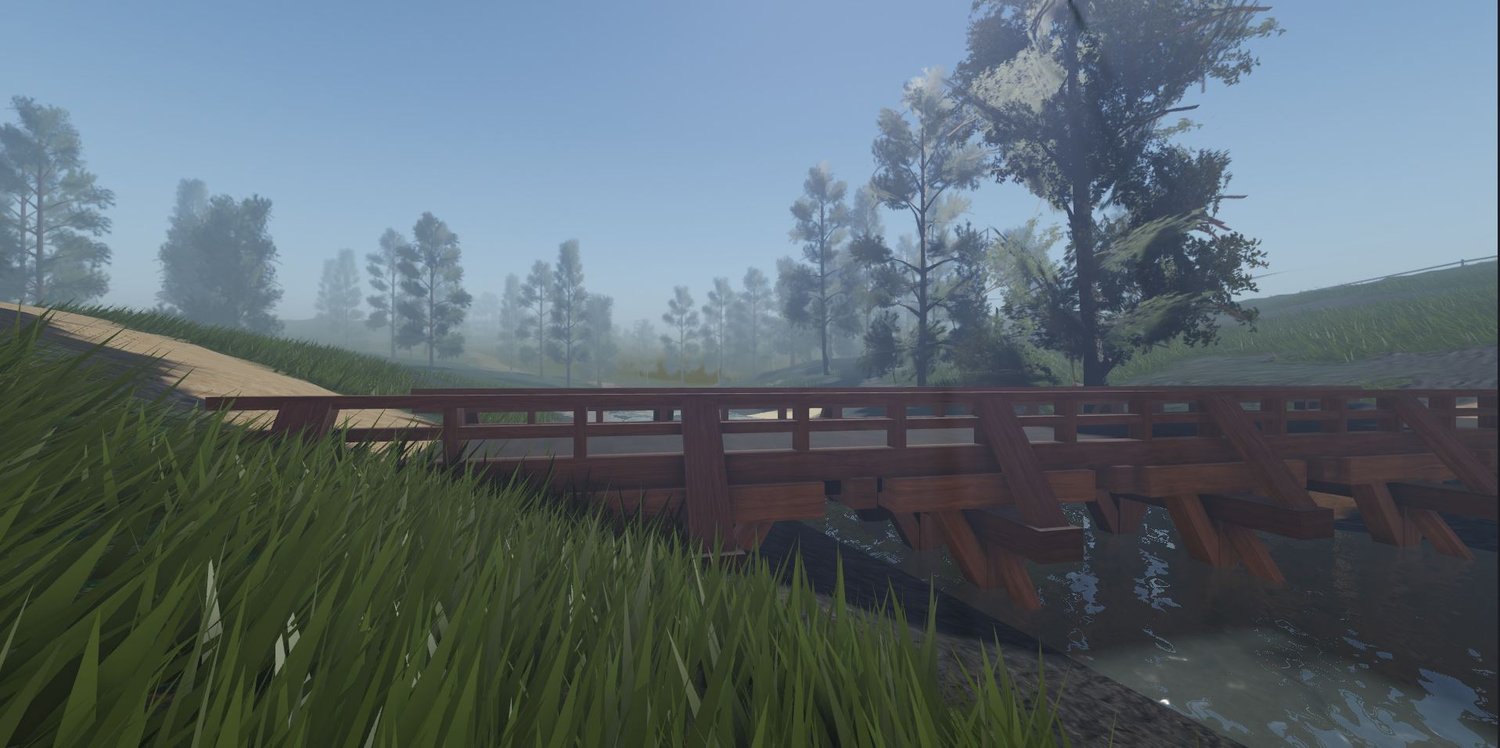
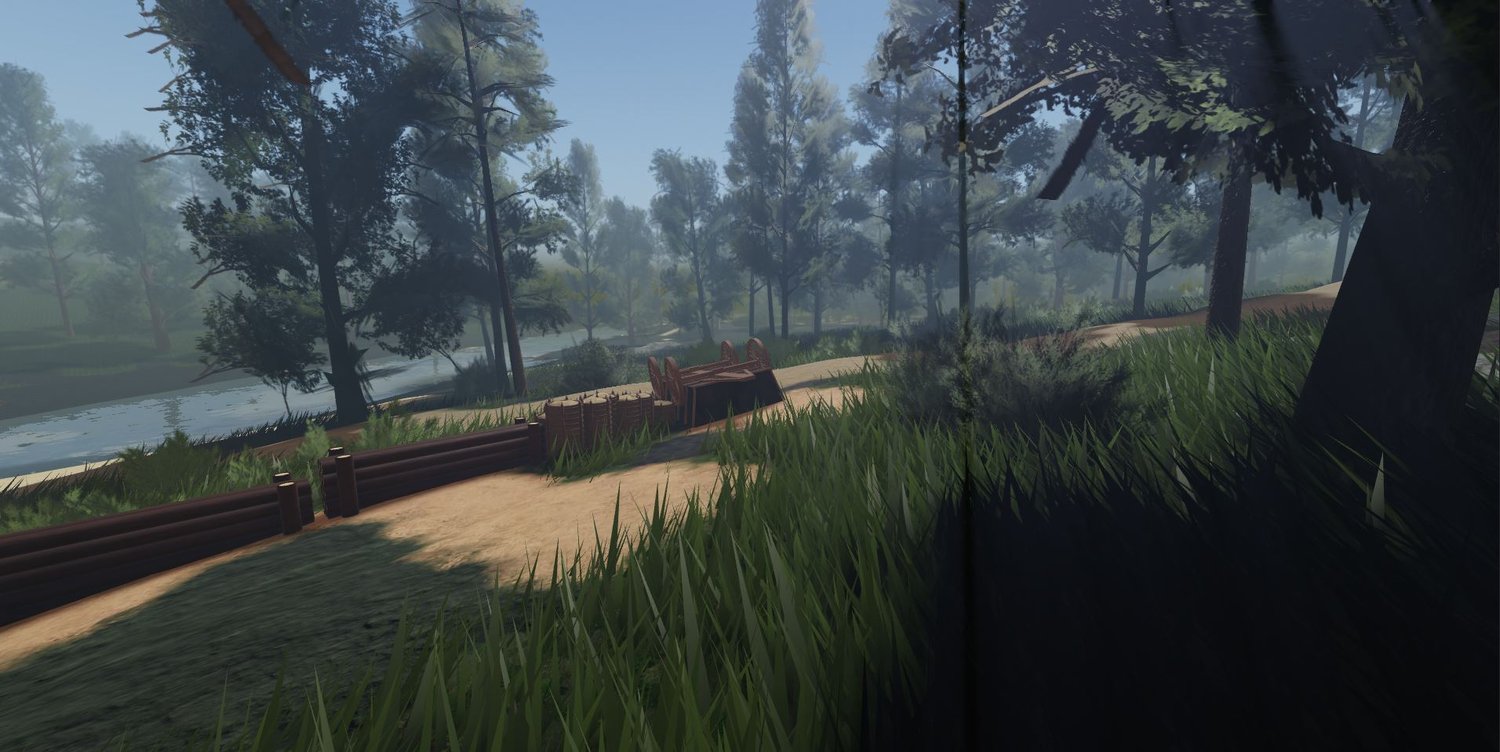
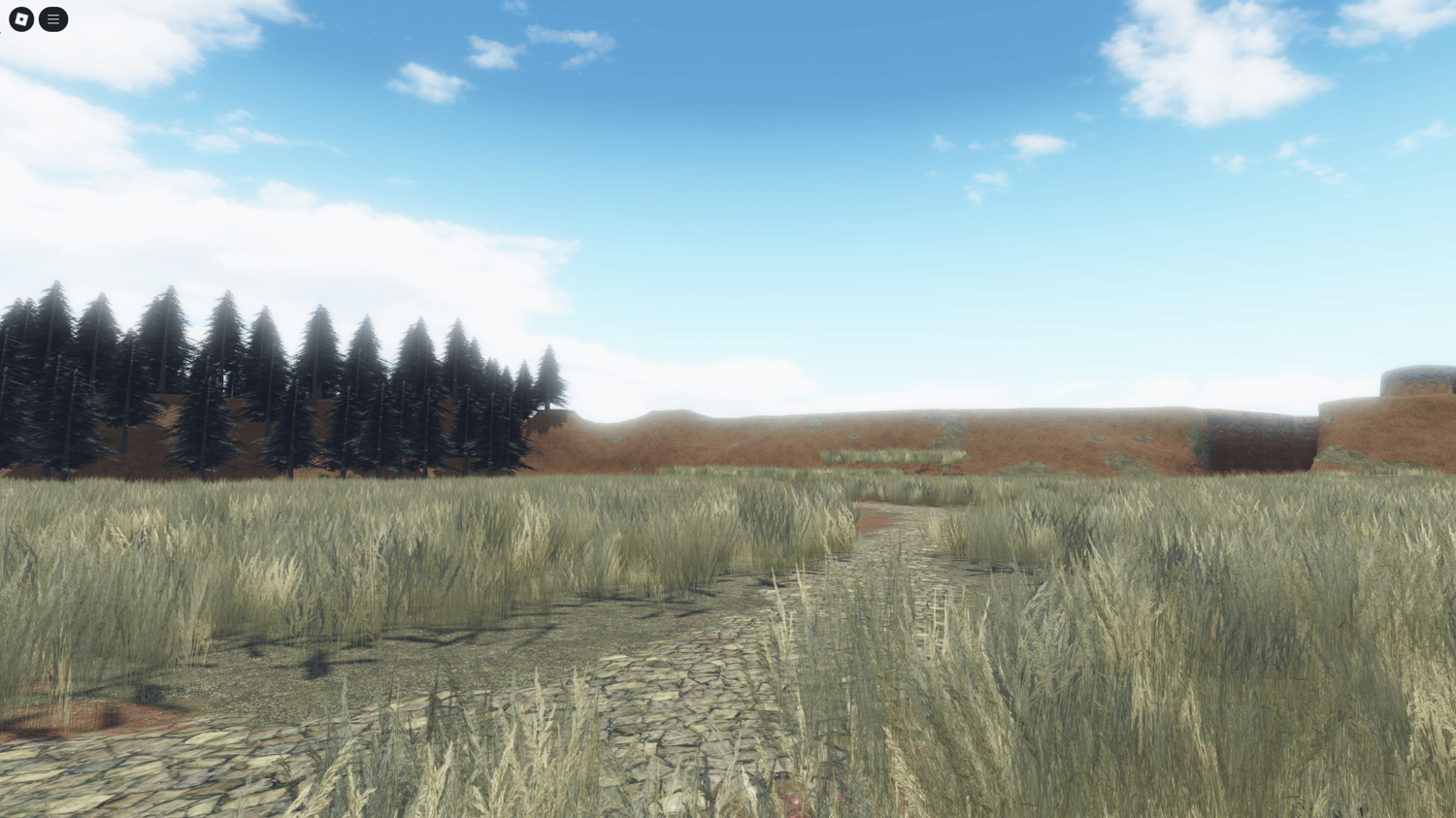
Look for space for spawns, settlements and objectives. Check road widths and gradients against the characters or vehicles you plan to use.
Before building on a template
Is it Studio terrain or a mesh landscape?
Check the listing and supplied files. Native Roblox terrain is edited with the Terrain Editor; mesh and part landscapes use different editing workflows. Some environments combine both. Confirm the format before choosing a template you intend to reshape extensively.
Can I reshape the terrain?
For native terrain, Studio provides tools to sculpt, smooth, paint and flatten selected areas. Work on a copy and check how edits affect roads, water edges and placed scenery. See Roblox’s Terrain Editor guide for the available tools, and check the product’s usage terms before adapting it.
Will it run well on mobile?
That depends on the complete scene and the device, including foliage, meshes, textures and added systems. Test a representative route on a real phone you intend to support and measure frame rate and memory use. Follow Roblox’s performance guidance; a template’s appearance or size alone does not establish mobile performance.
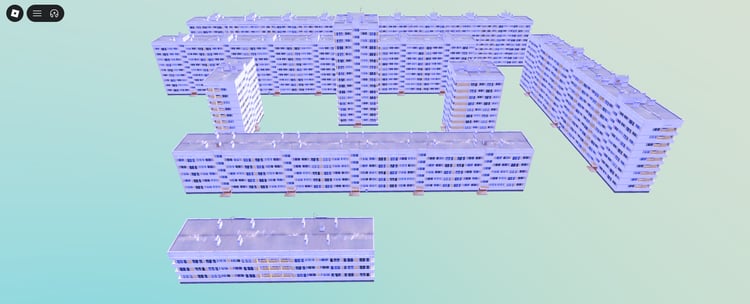
First playtest: place a temporary spawn and walk to one planned objective. Check travel time, steep slopes, water crossings and places where the player gets stuck before adding more decoration. For environments with more built structures, browse free Roblox maps.




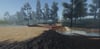
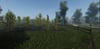
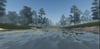
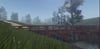









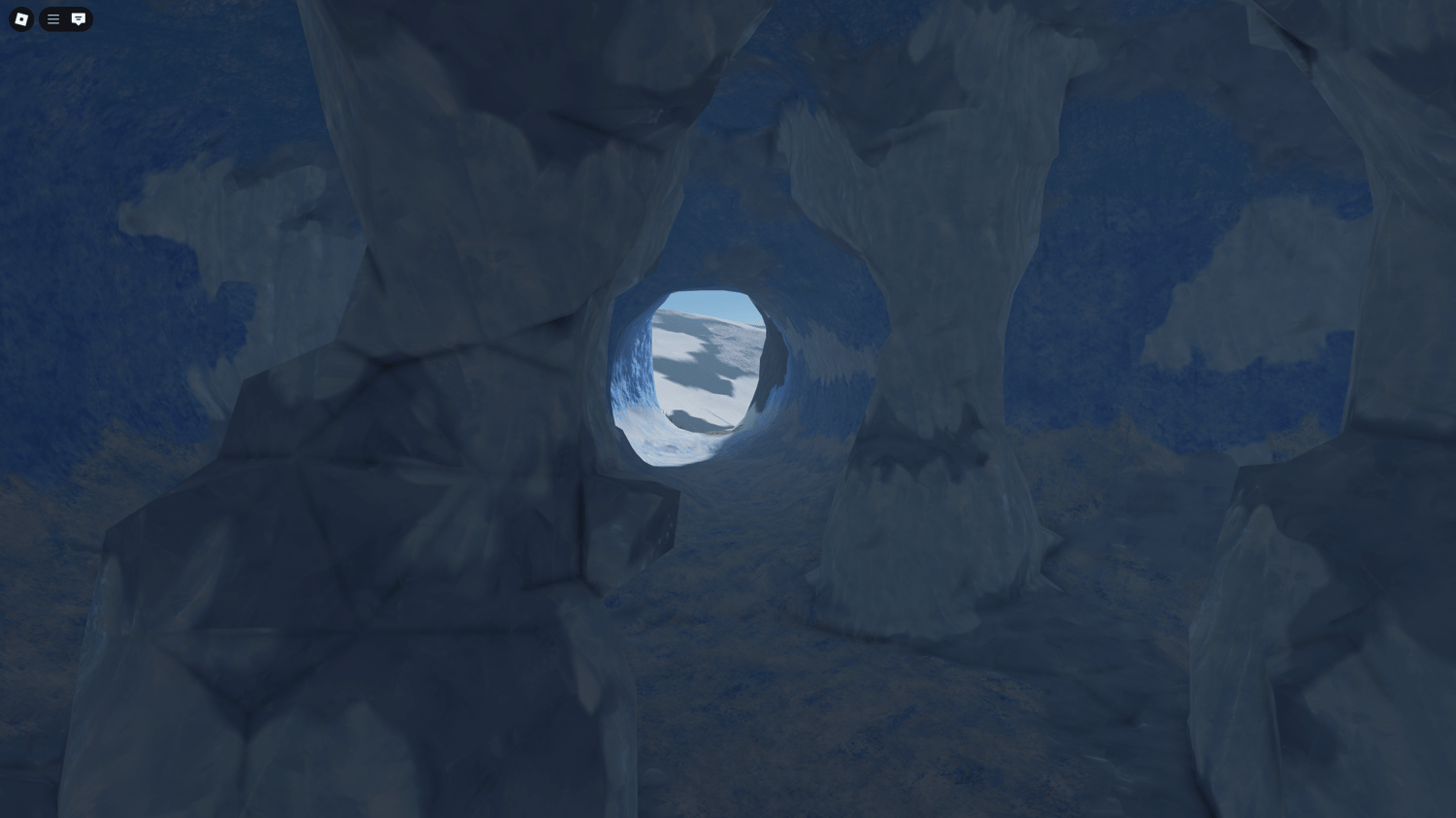
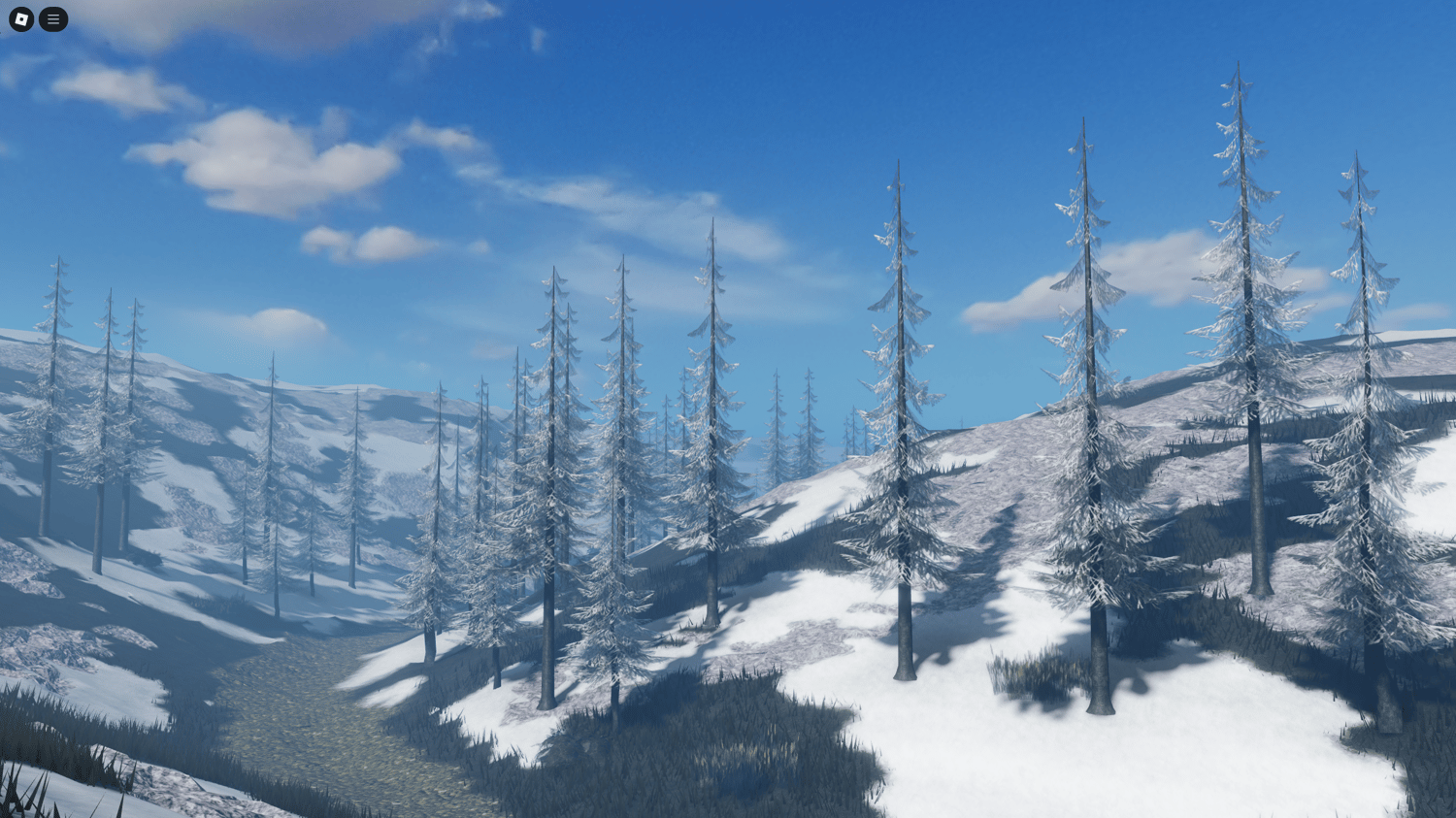
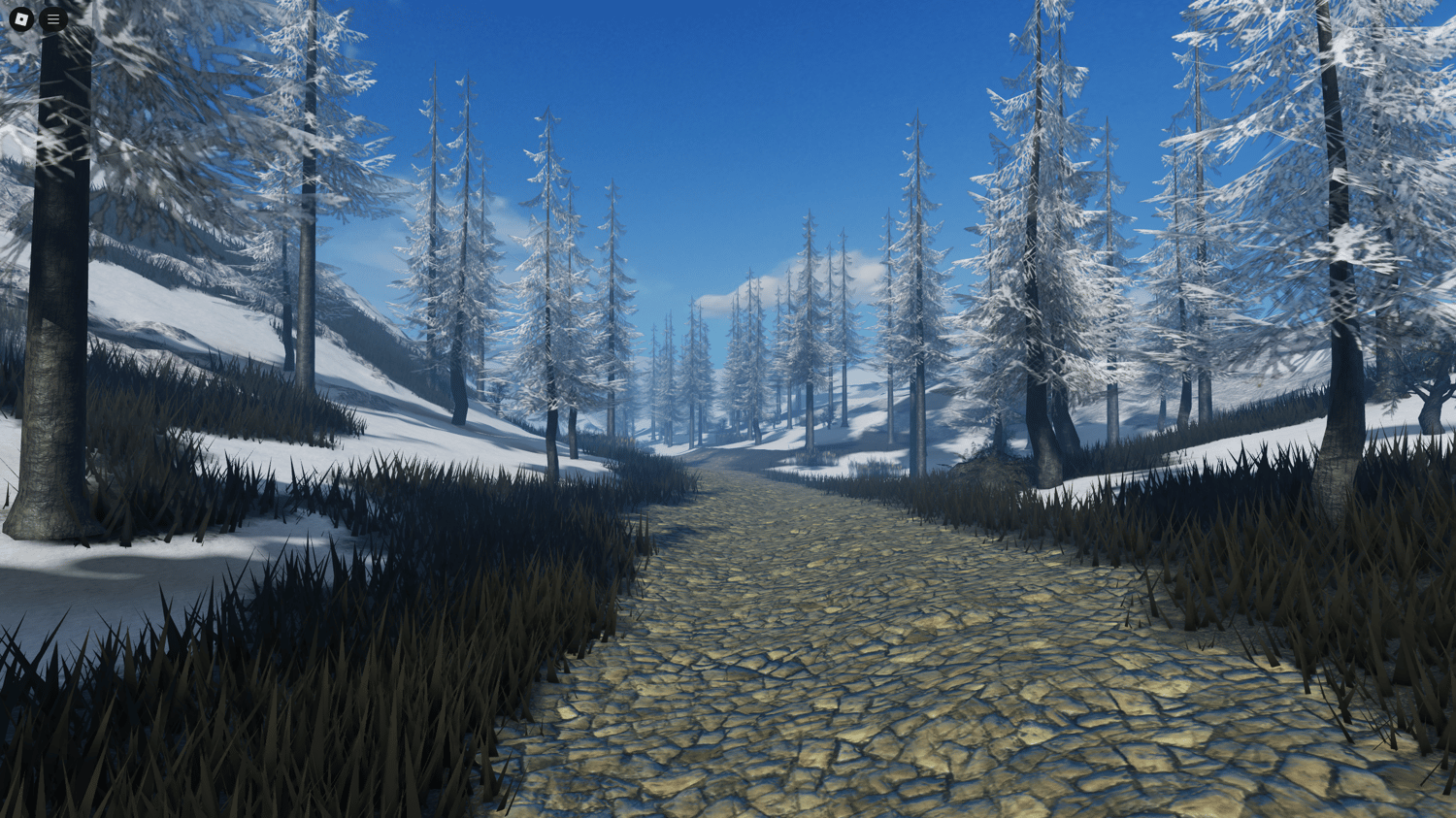
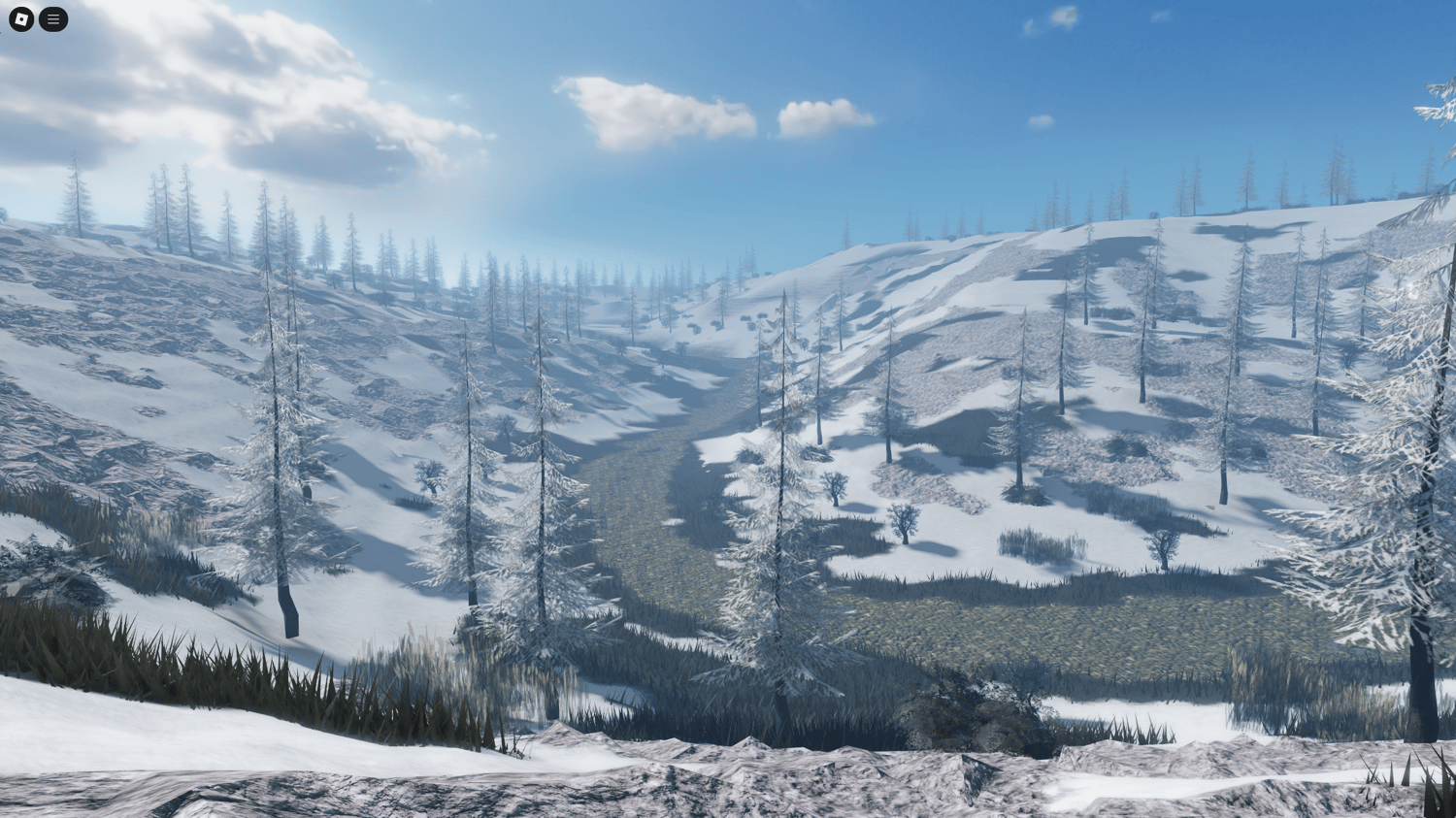














![[FREE] Roblox Clicker Simulator basic pet hatching system](https://payhip.com/cdn-cgi/image/format=auto,width=750/https://pe56d.s3.amazonaws.com/o_1j2chs7utup8g3p195f16tq19t015.png)
![[FREE] Roblox clicker game with 2 egg options for pets](https://payhip.com/cdn-cgi/image/format=auto,width=750/https://pe56d.s3.amazonaws.com/o_1j2chse8o1bha1ea41438mso5011b.png)


![[FREE] Roblox shop menu scripted UI interface](https://payhip.com/cdn-cgi/image/format=auto,width=750/https://pe56d.s3.amazonaws.com/o_1j2cirgga1i9r12itiast7etr91c.png)
![[FREE] Scripted shop menu with item categories](https://payhip.com/cdn-cgi/image/format=auto,width=750/https://pe56d.s3.amazonaws.com/o_1j2cirn0d1vdm1uel18e85ef1opp1i.png)
![[FREE] Roblox 2 Player Battle FortBlox Tycoon arena top view](https://payhip.com/cdn-cgi/image/format=auto,width=750/https://pe56d.s3.amazonaws.com/o_1j2ch3uji1pr4144317nt13ccbud10.png)
![[FREE] Two-player base building in FortBlox Tycoon](https://payhip.com/cdn-cgi/image/format=auto,width=750/https://pe56d.s3.amazonaws.com/o_1j2ch8833ij61sf06boa7o5ci16.png)
![[FREE] Working Roblox avatar creator customization menu](https://payhip.com/cdn-cgi/image/format=auto,width=750/https://pe56d.s3.amazonaws.com/o_1j2cid0jdqjphs39e01n8710p310.png)
![[FREE] Realistic Roblox avatar with clothing options](https://payhip.com/cdn-cgi/image/format=auto,width=750/https://pe56d.s3.amazonaws.com/o_1j2cid3u91cbm1v27q821fi810ig15.png)