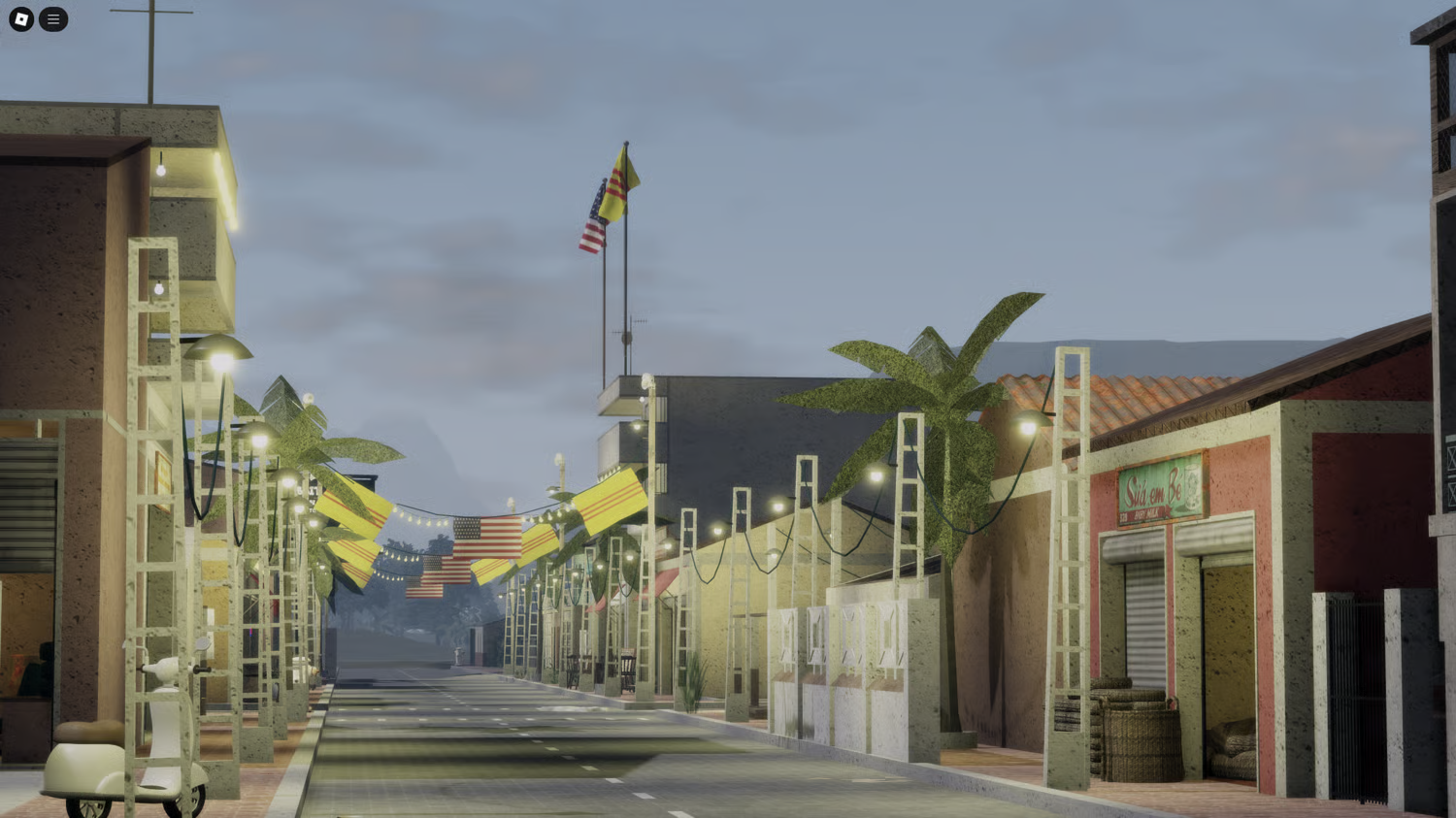
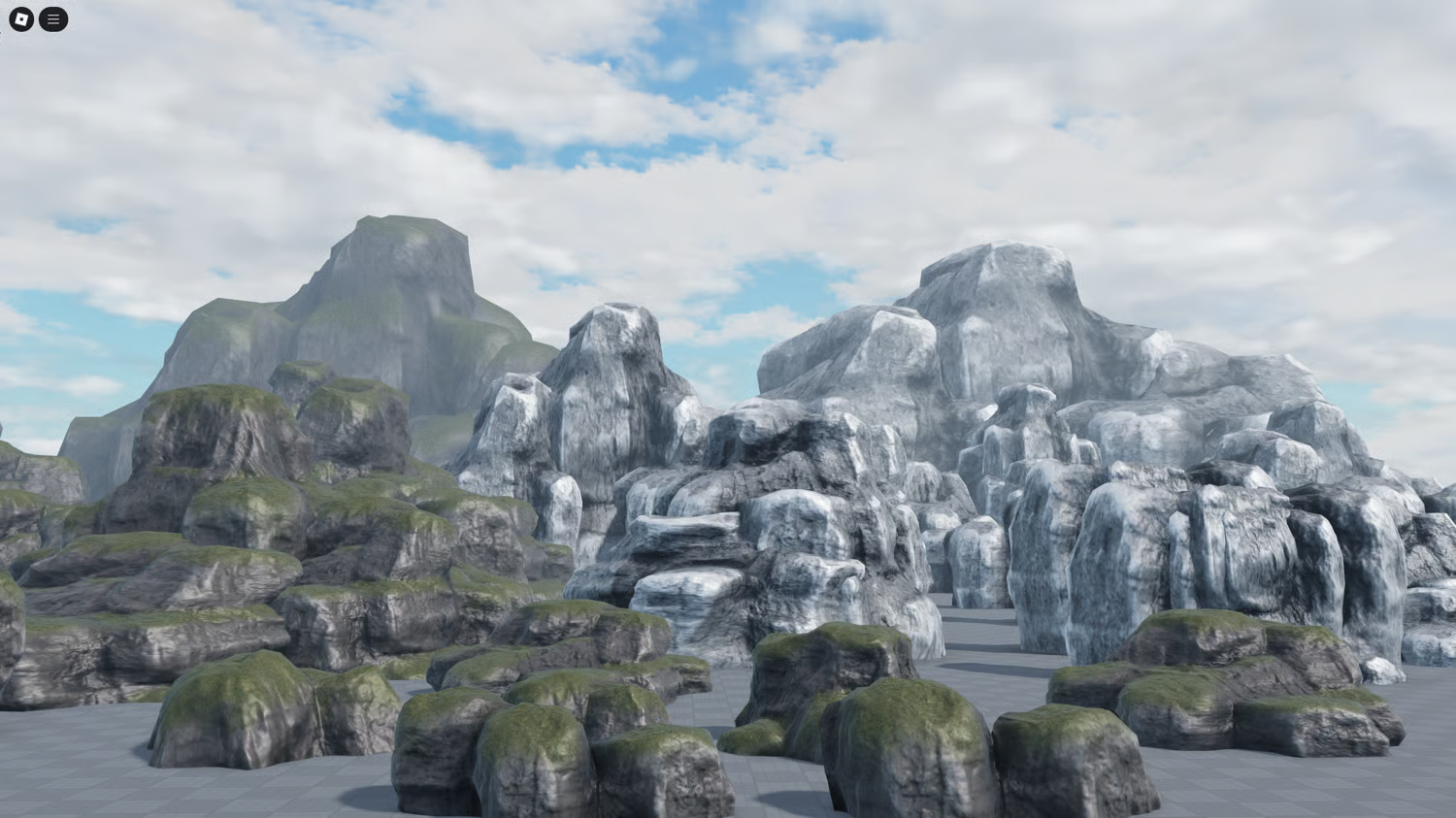
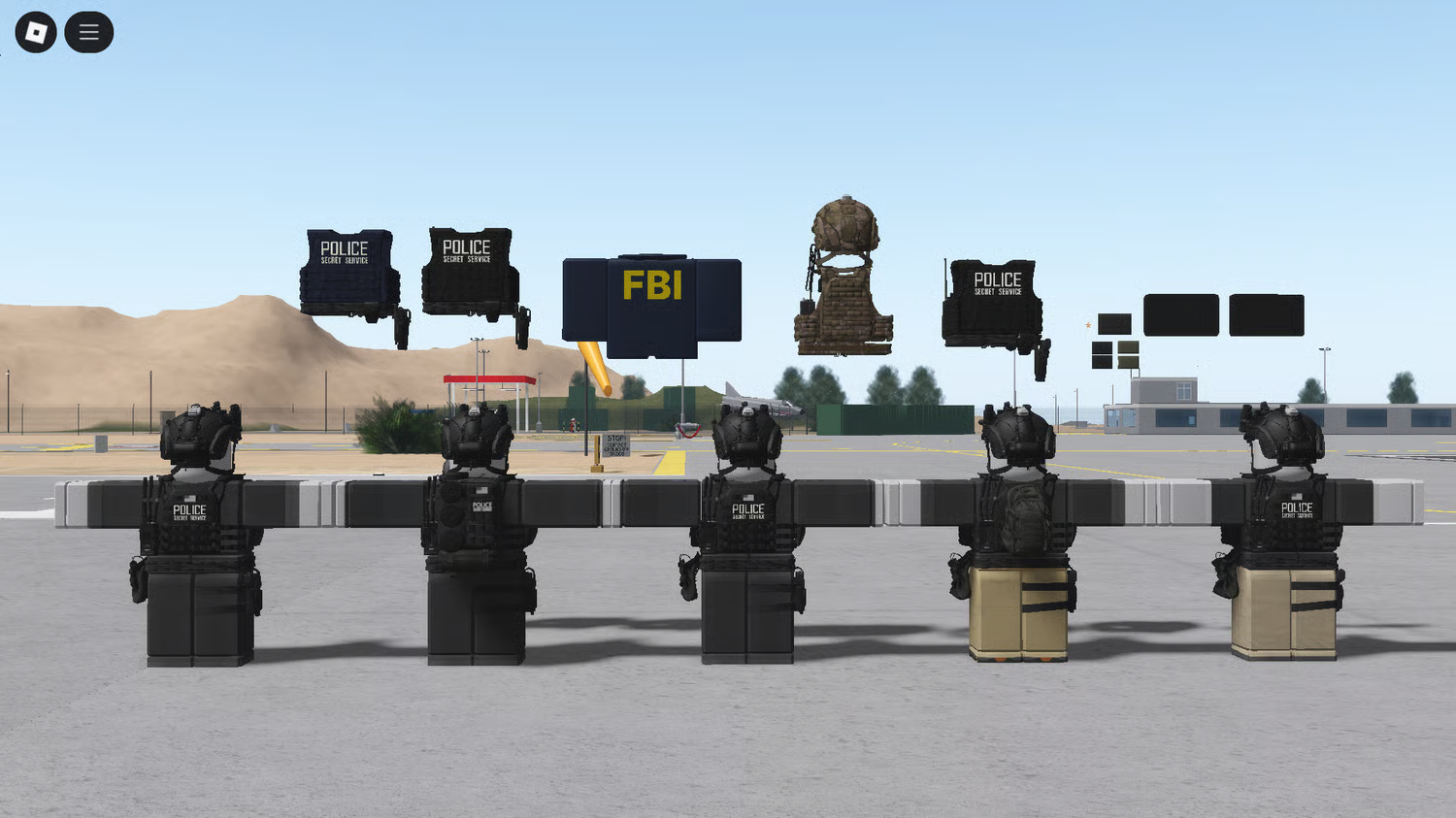
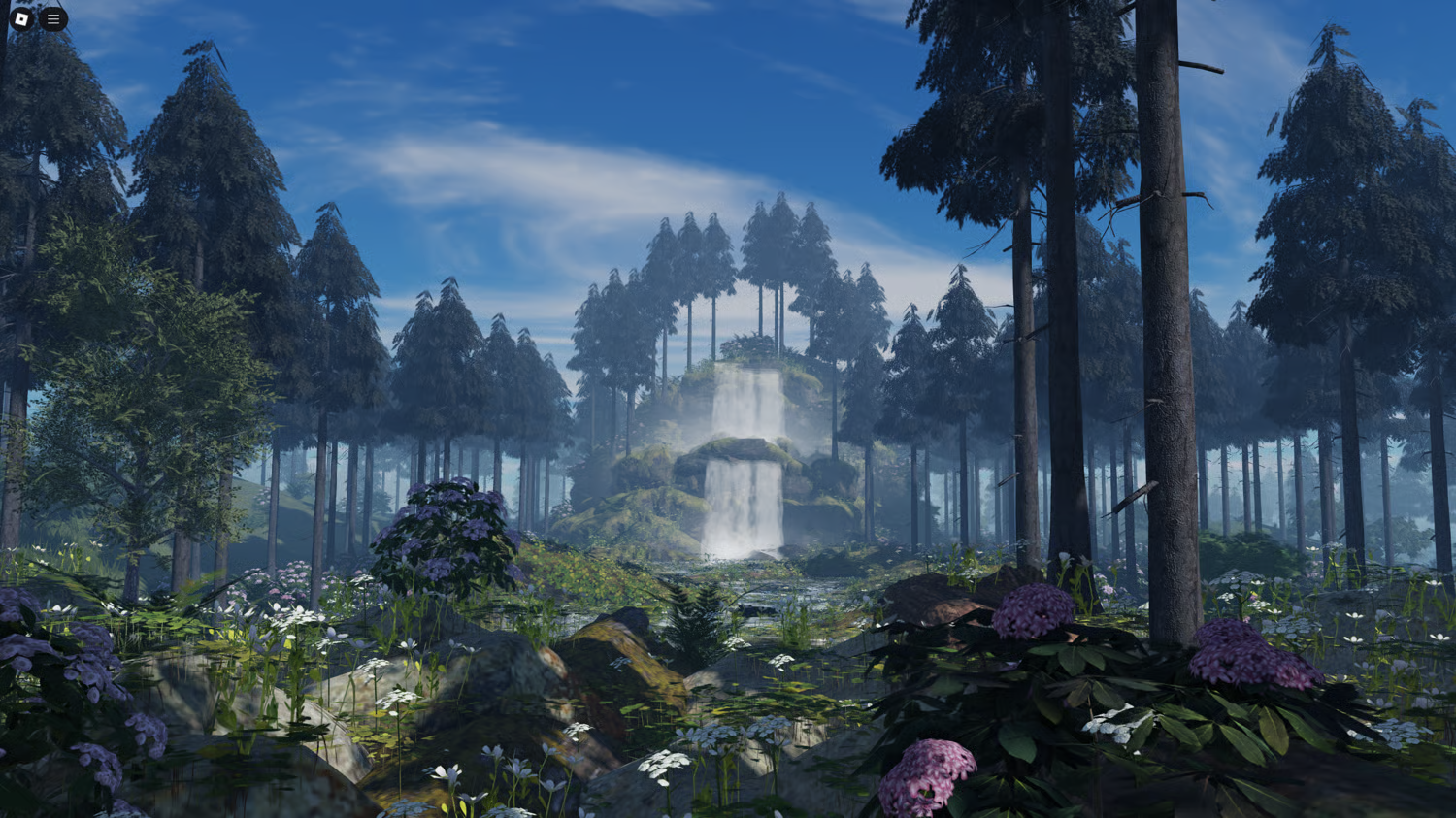
Browse KW Studio sellers and Roblox asset categories
The Collections page gives Roblox developers two ways to explore KW Studio:
browse seller collections to see products from individual marketplace creators,
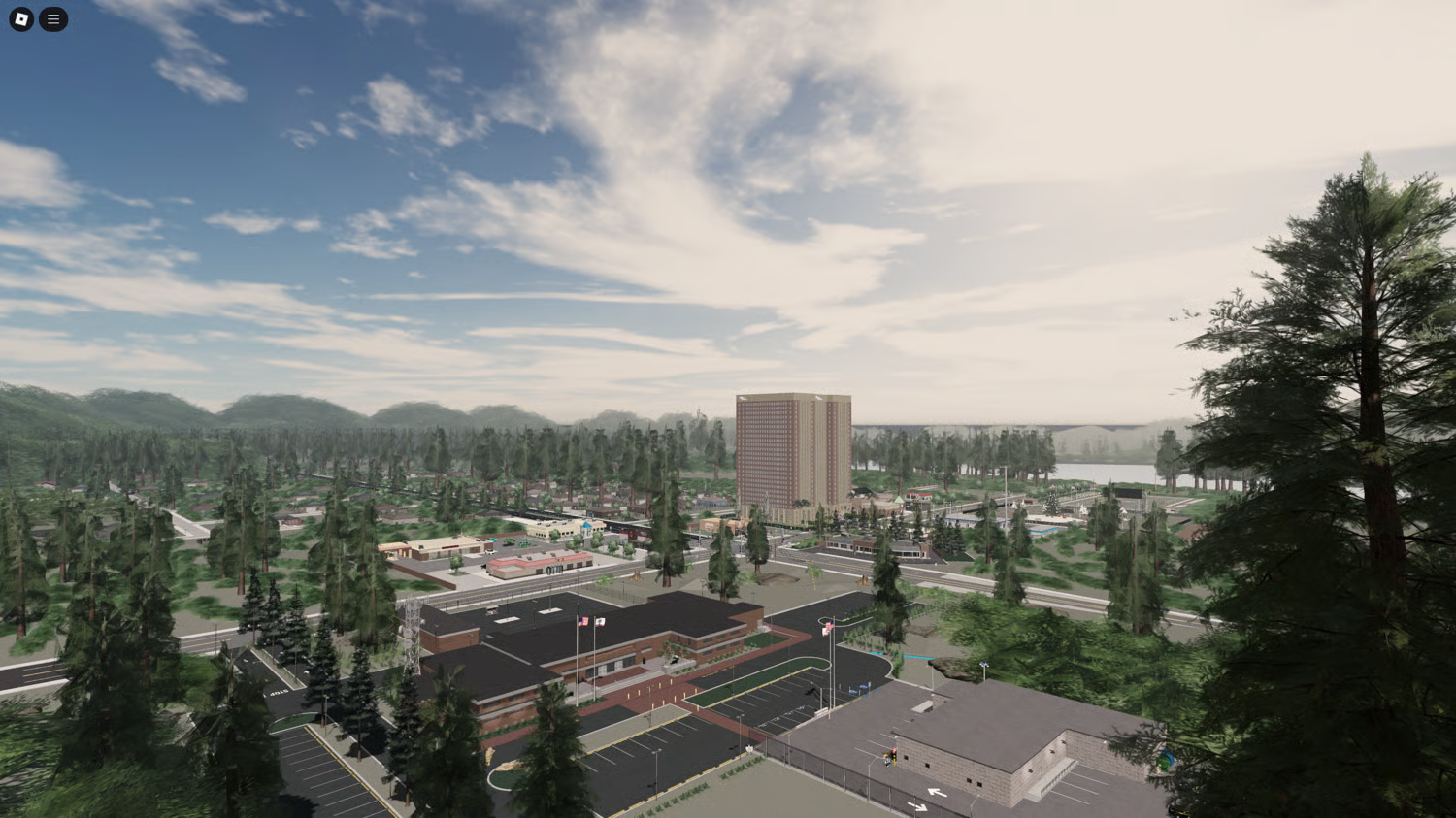
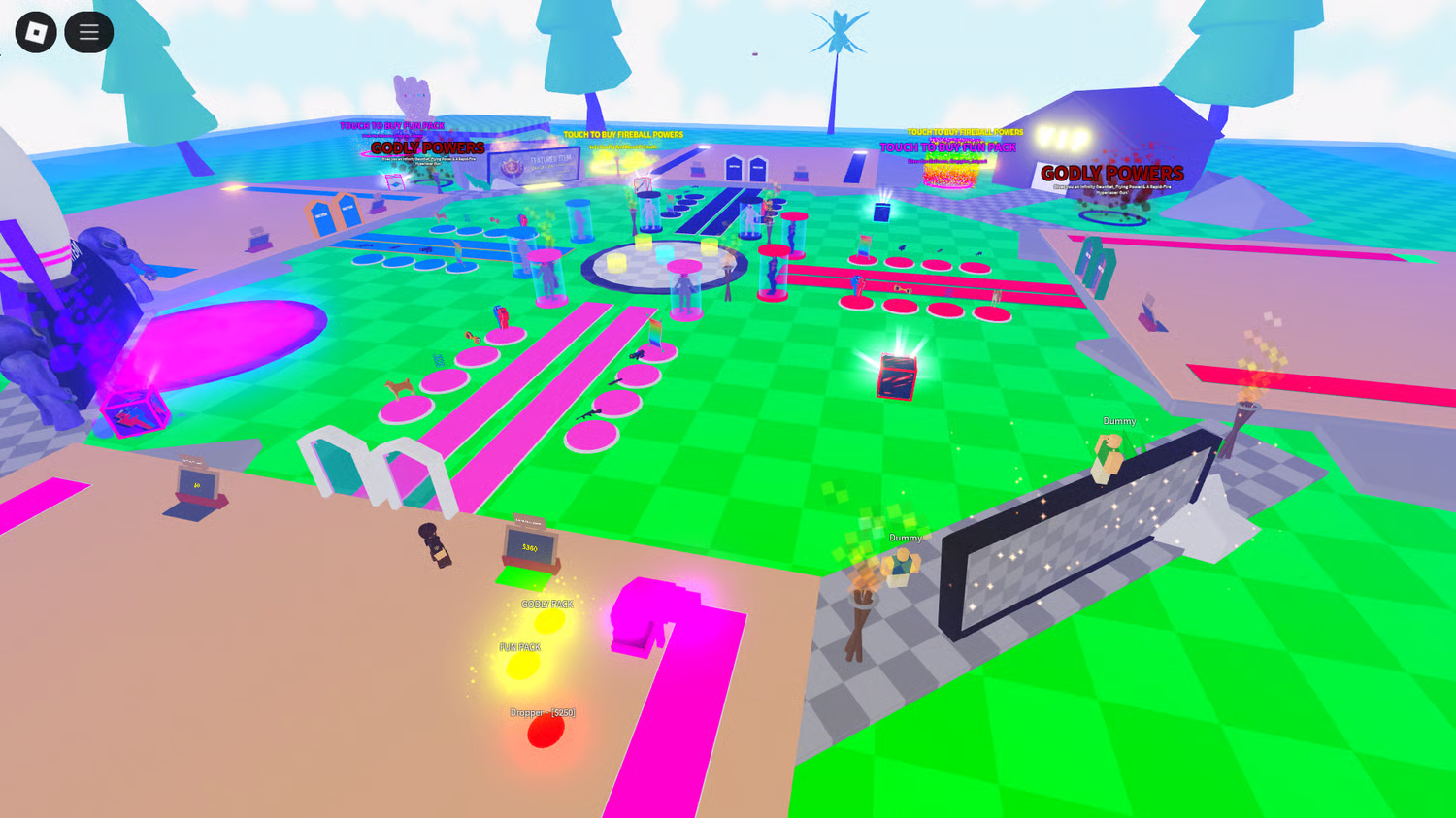
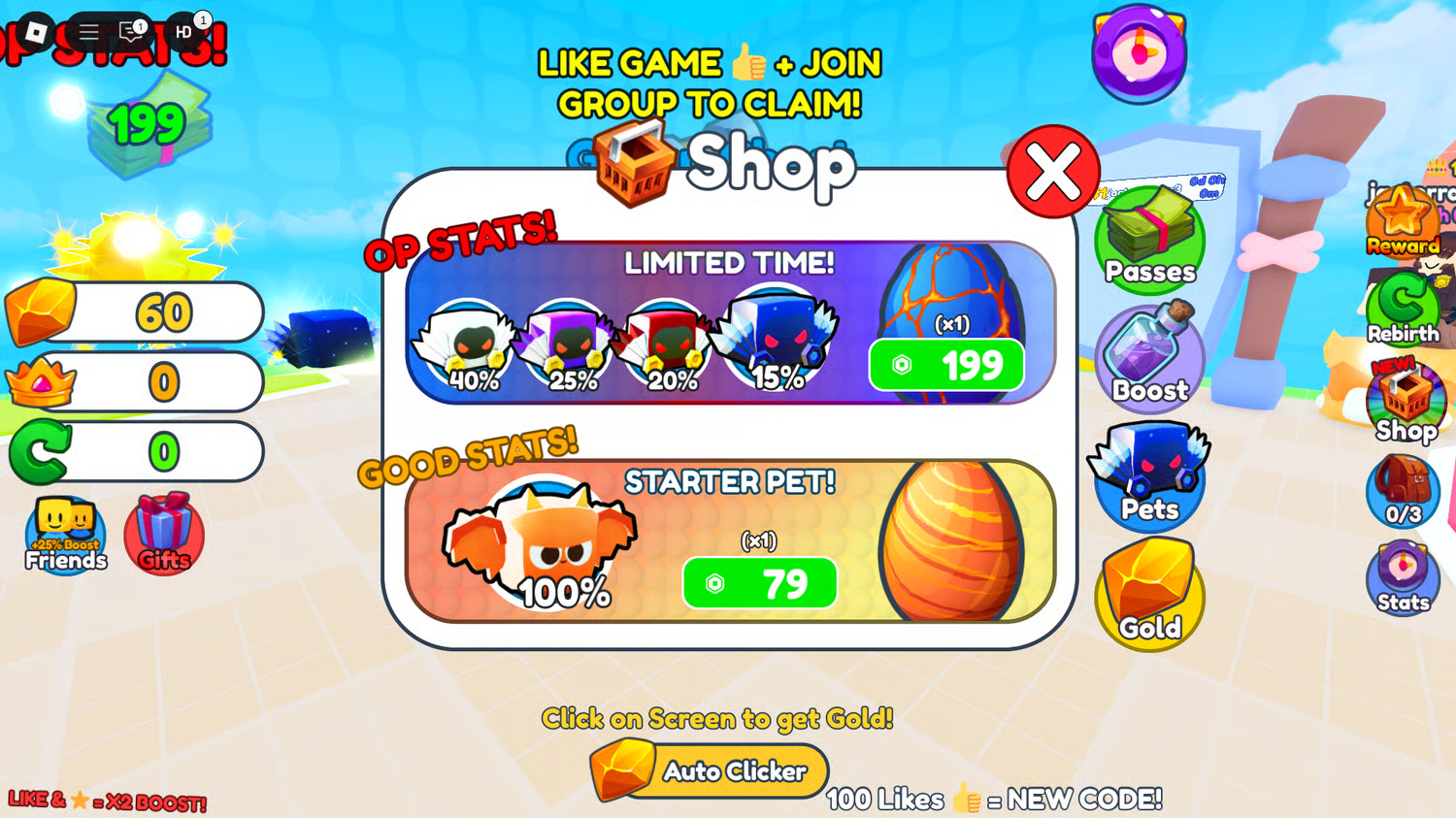
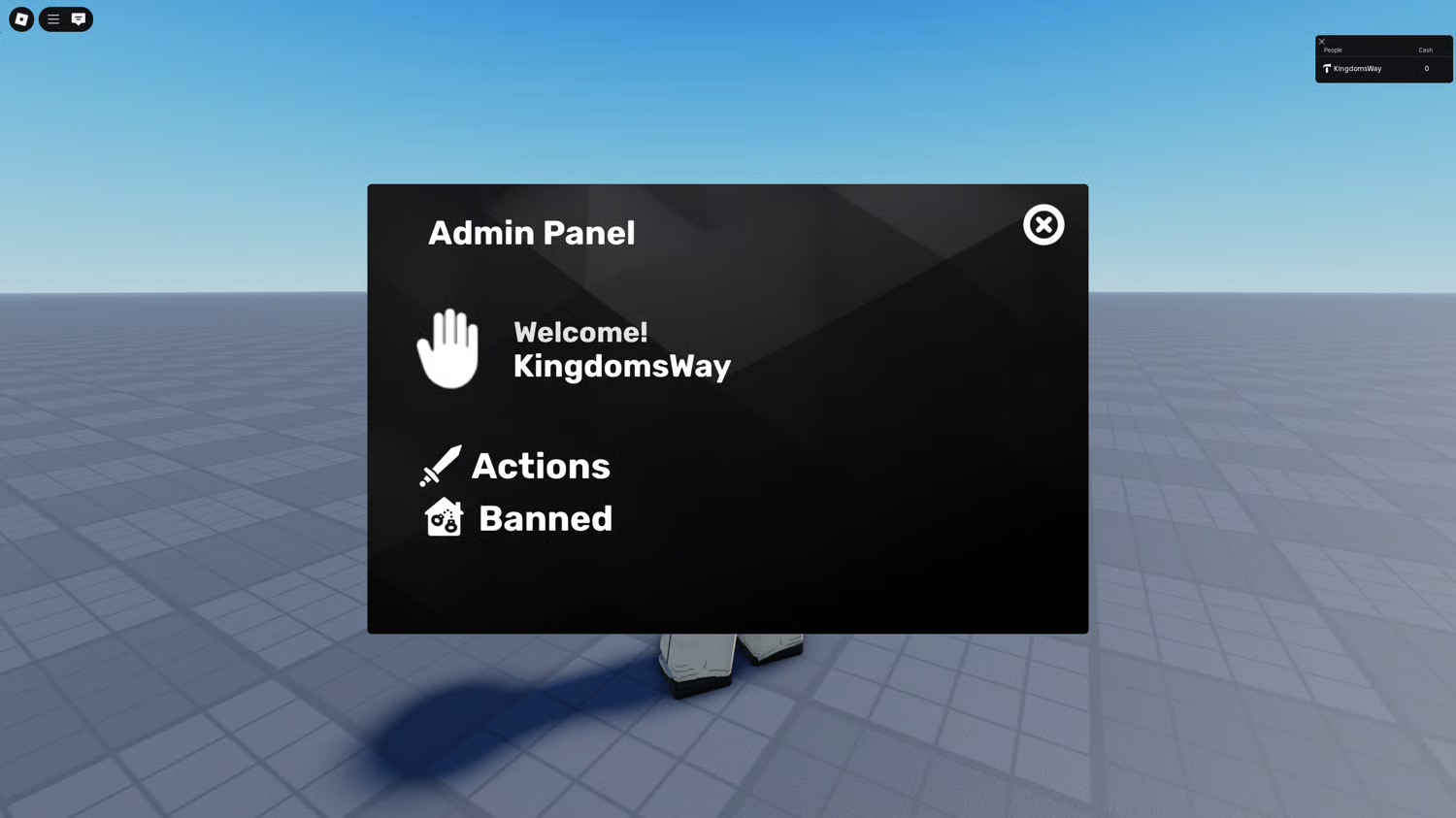
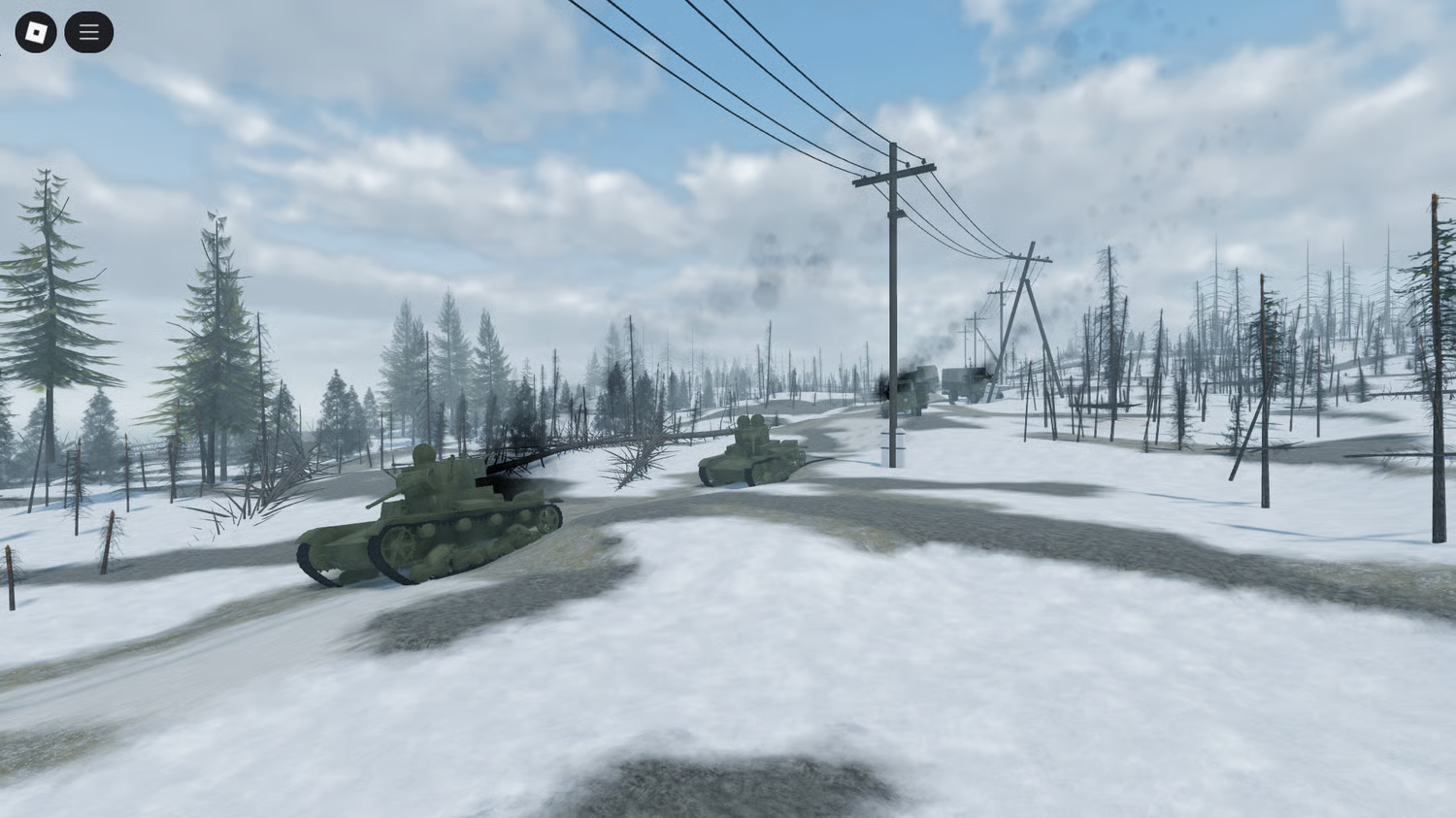
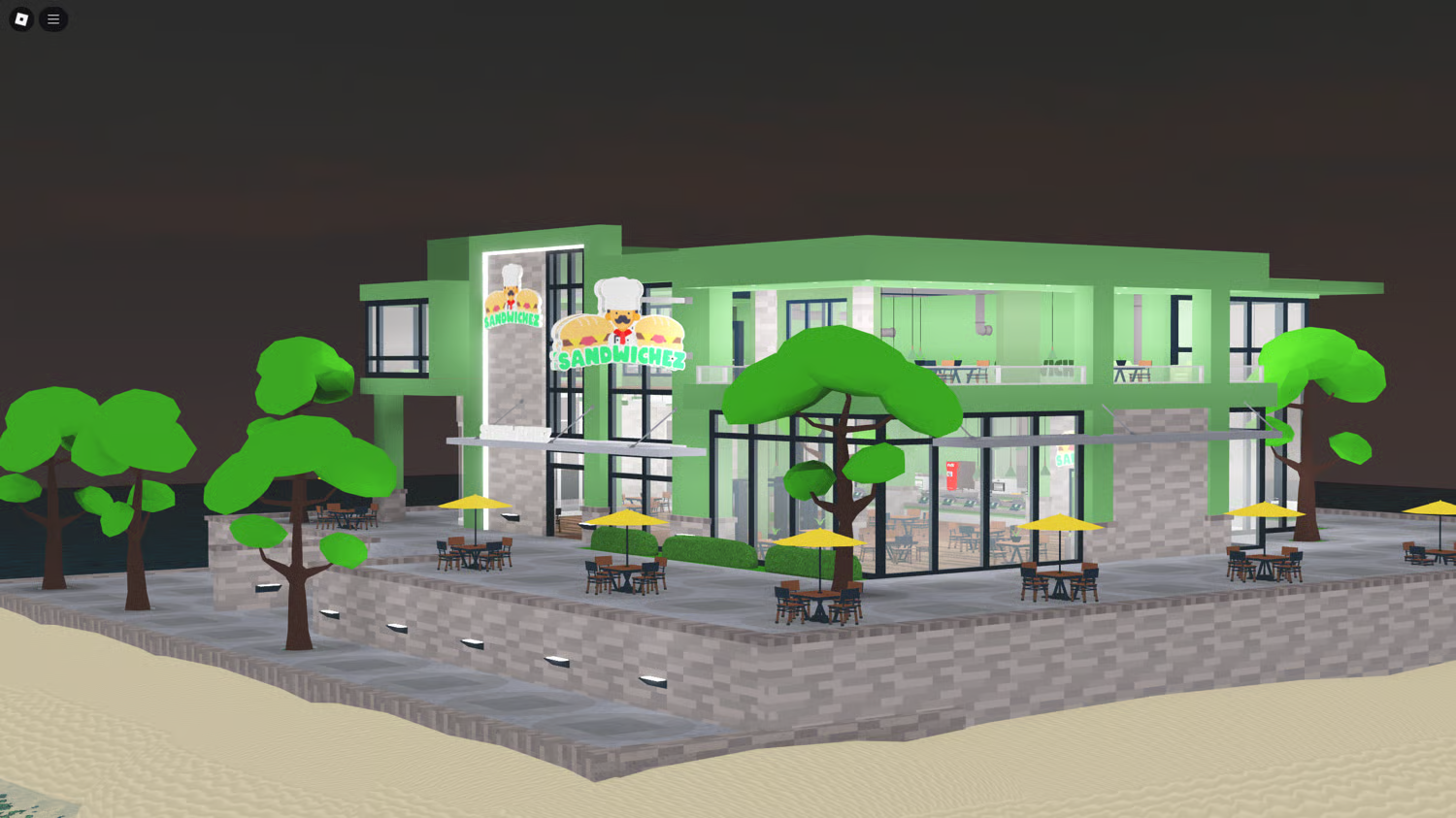
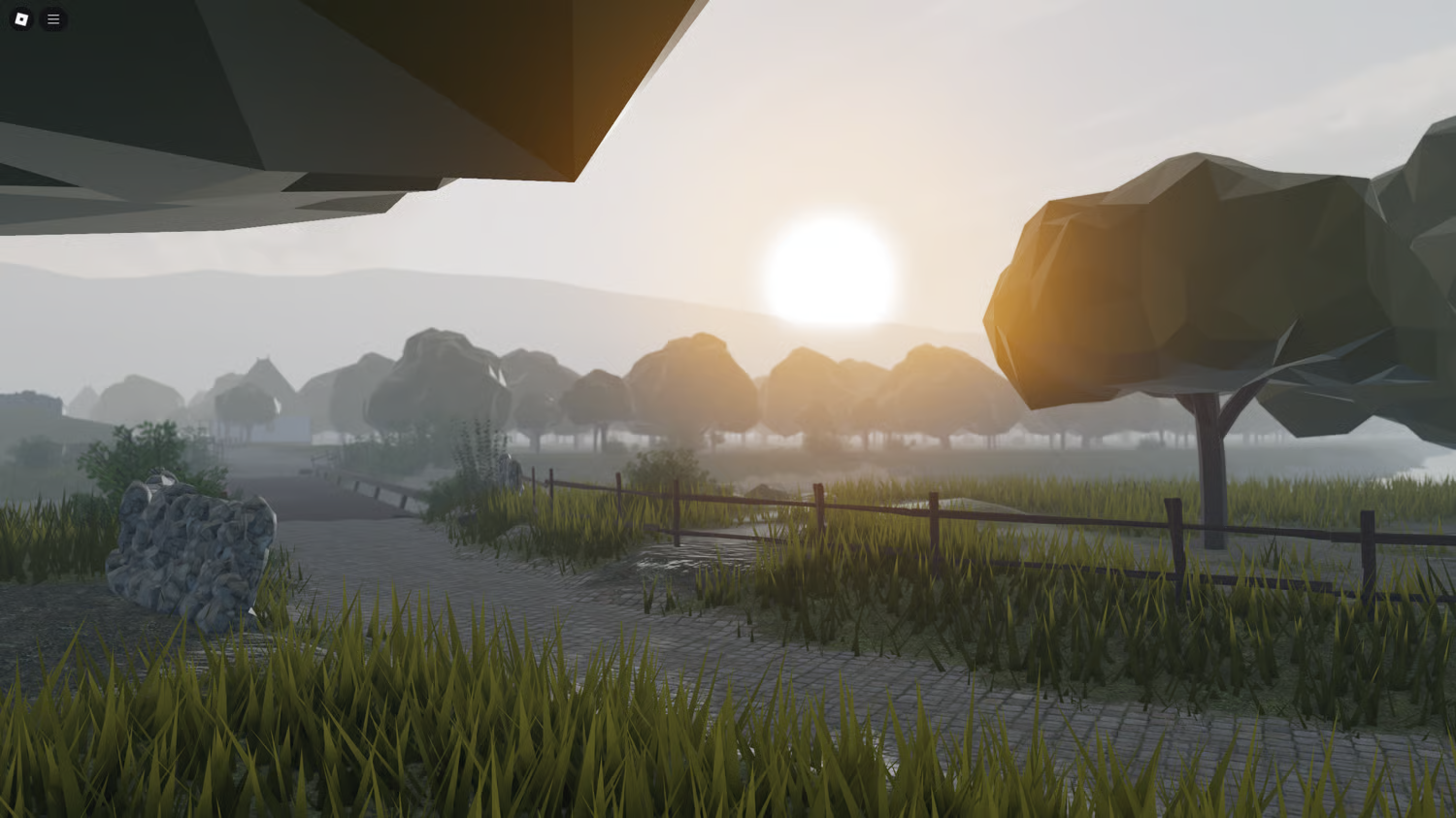
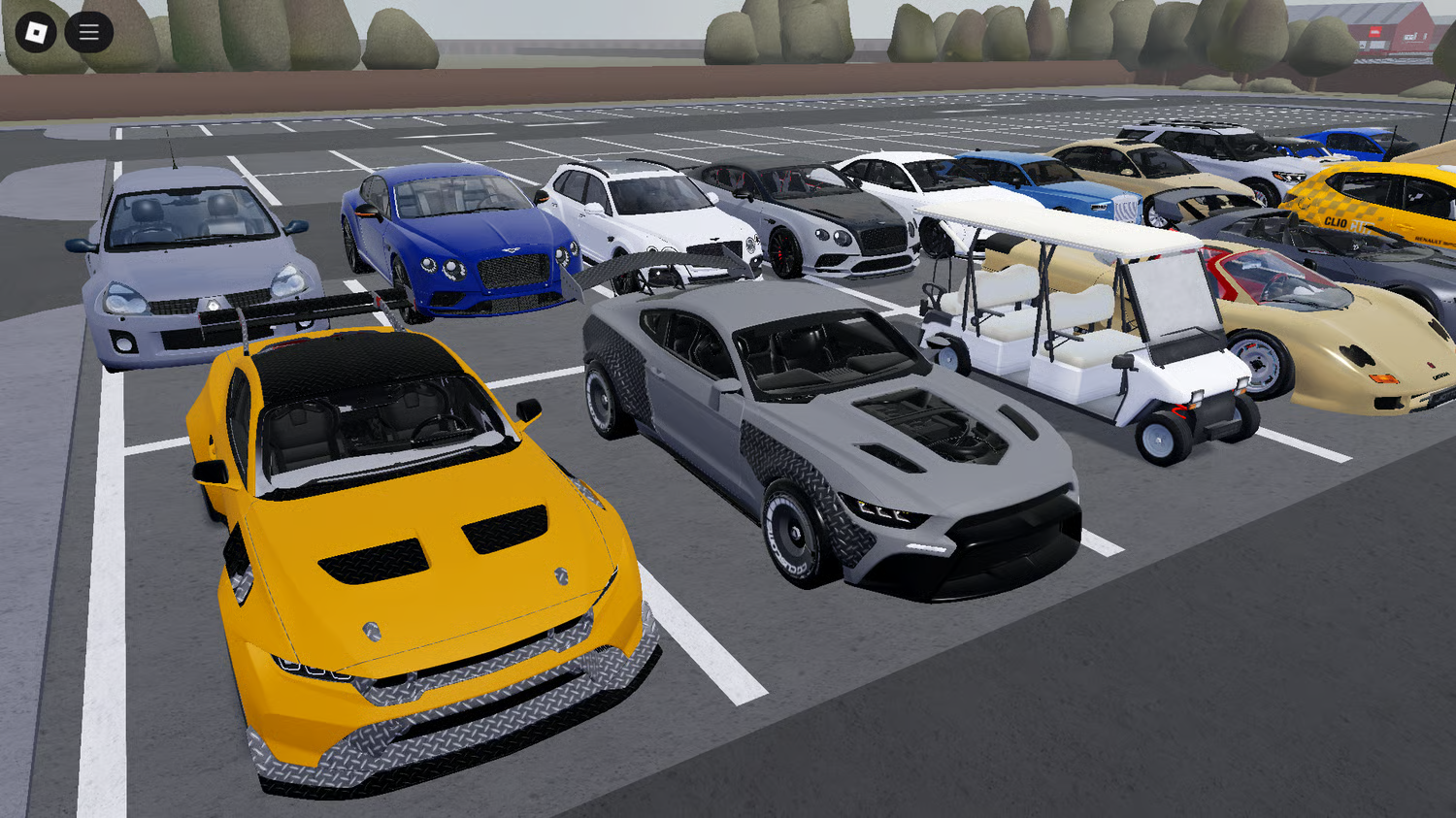
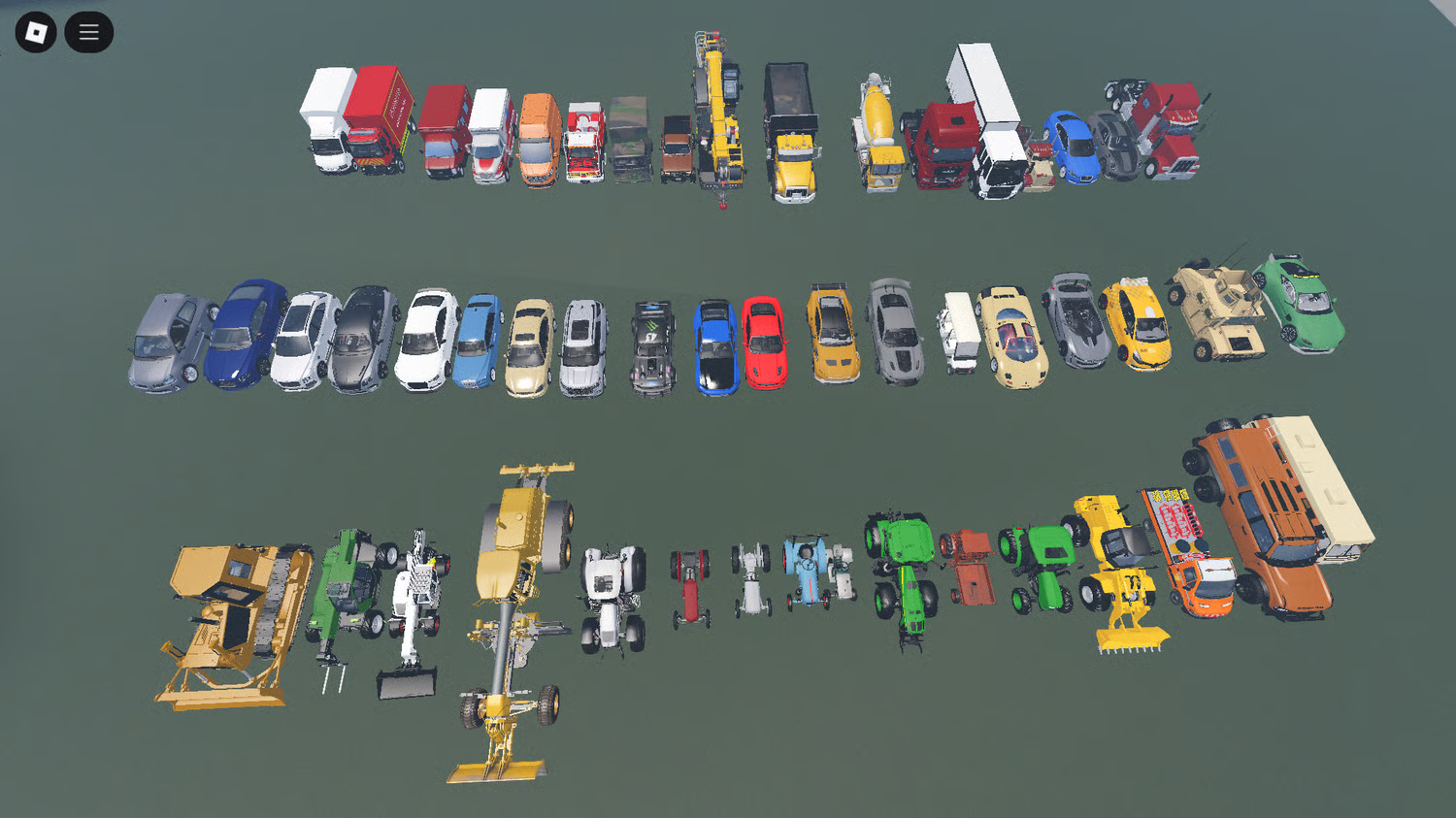
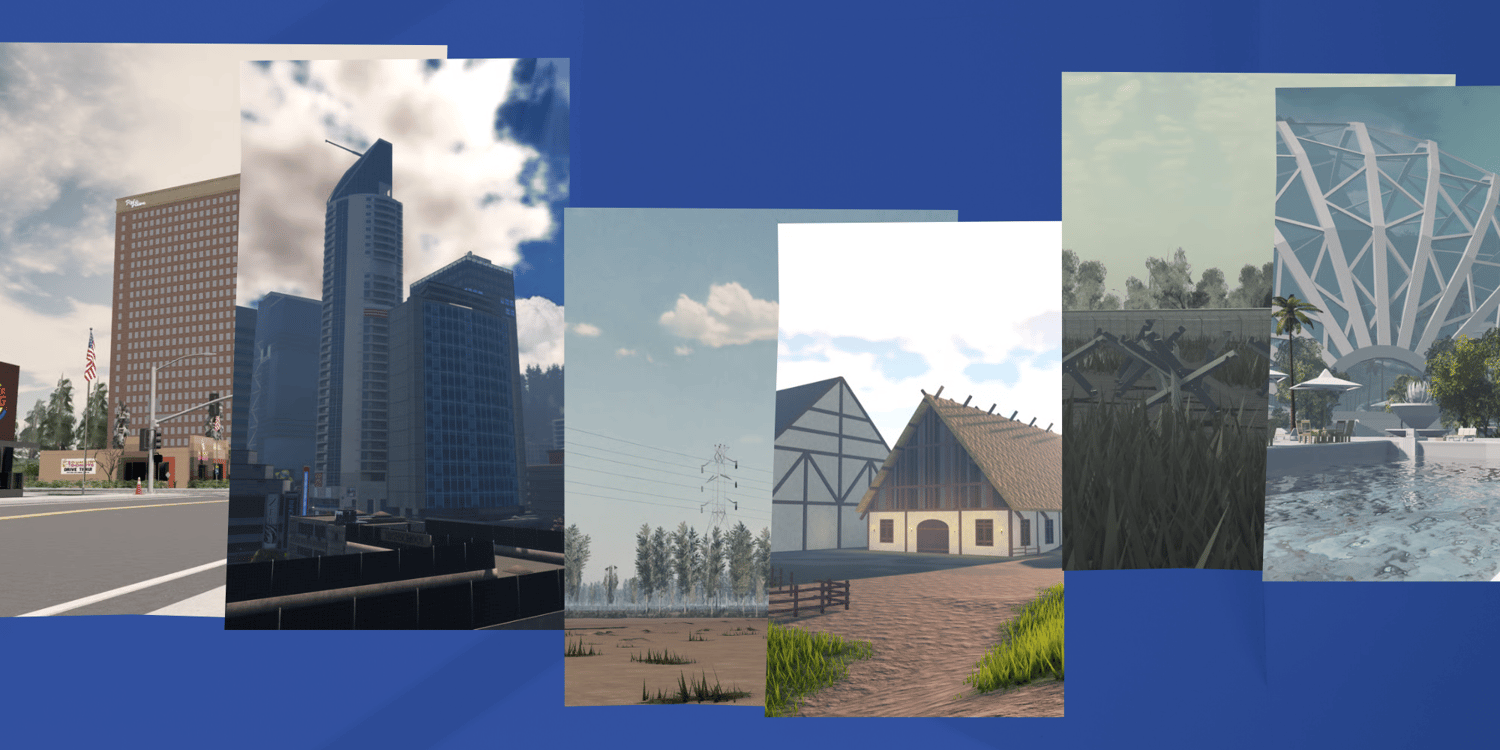
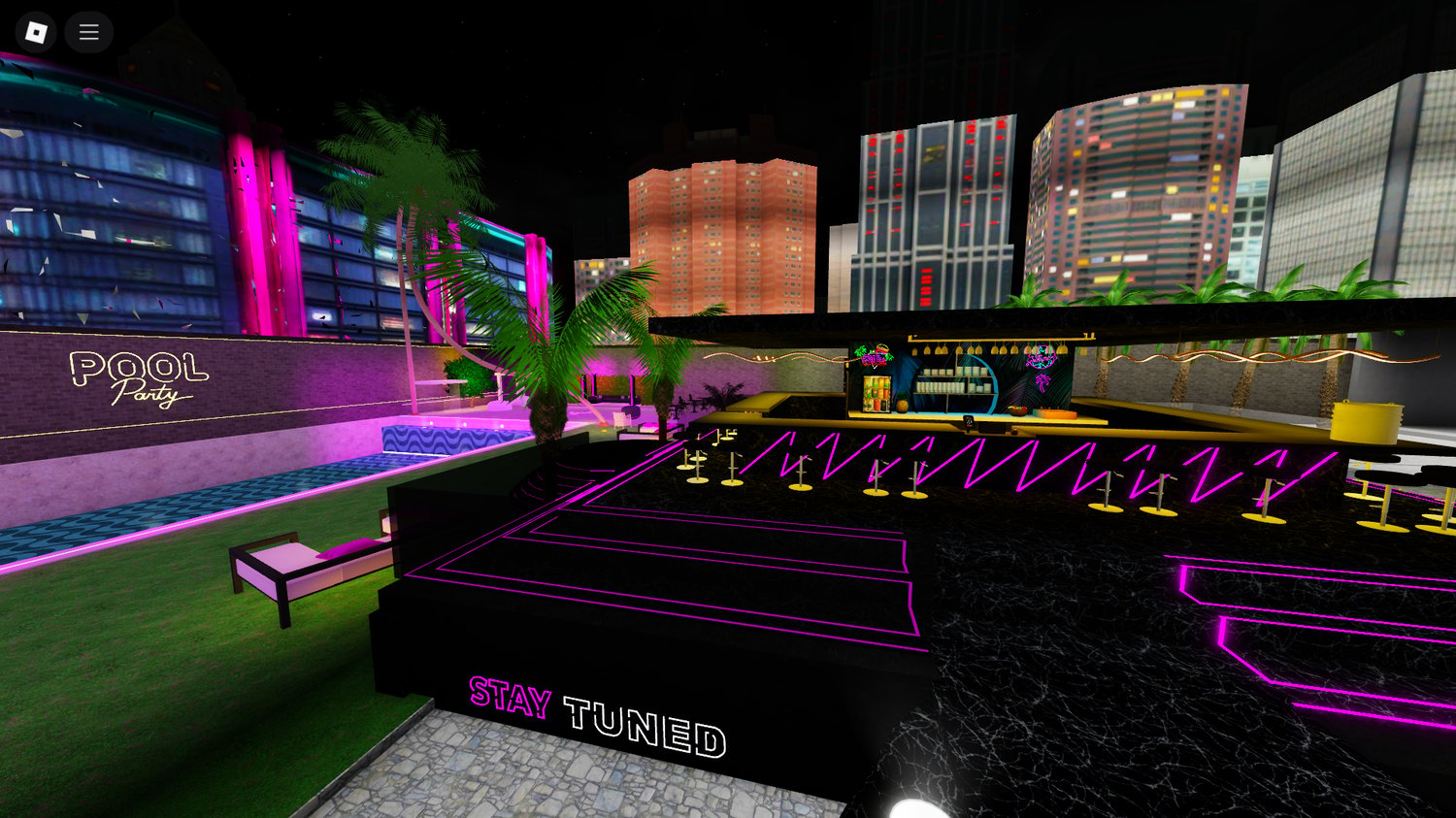
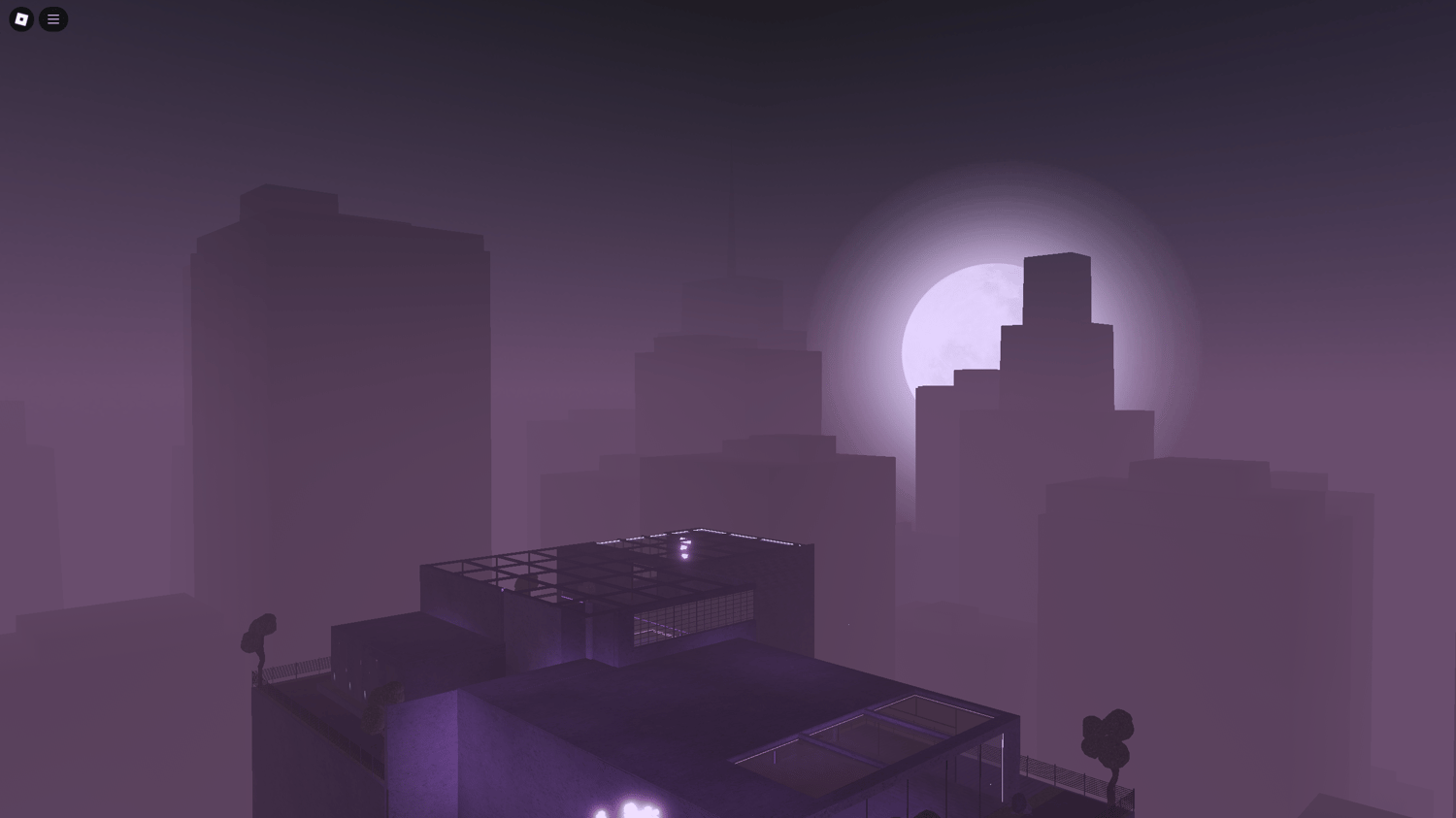
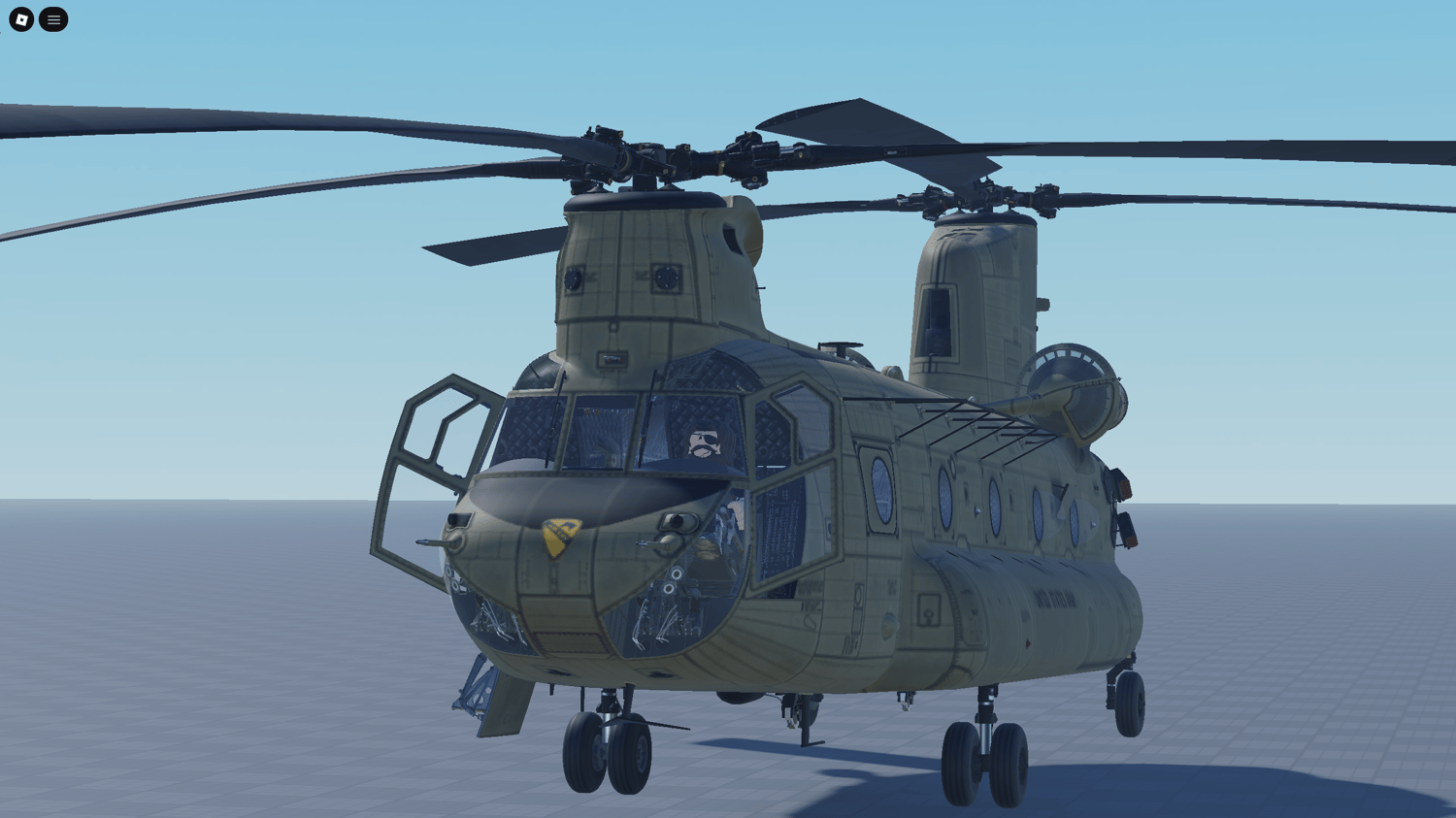
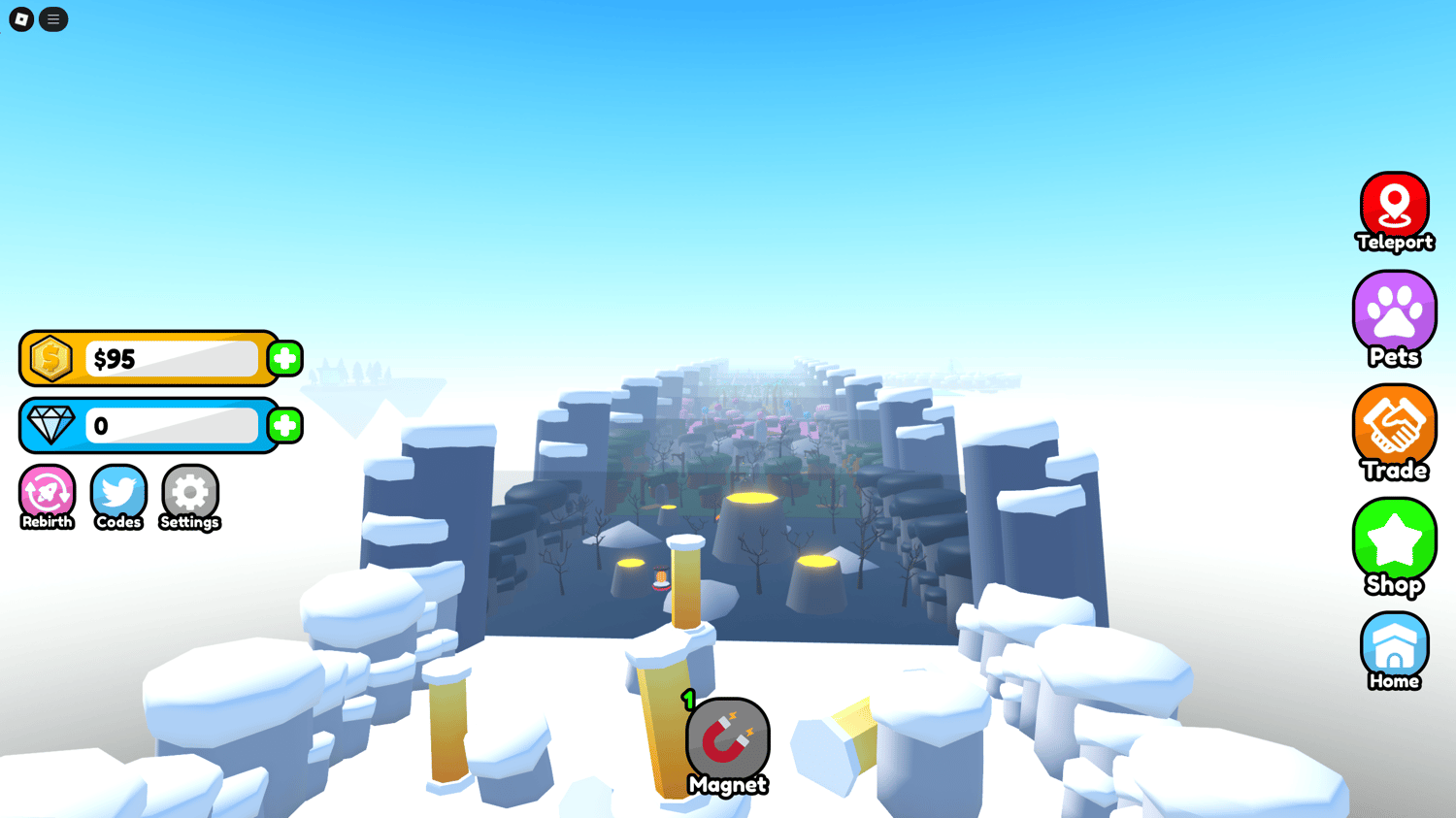
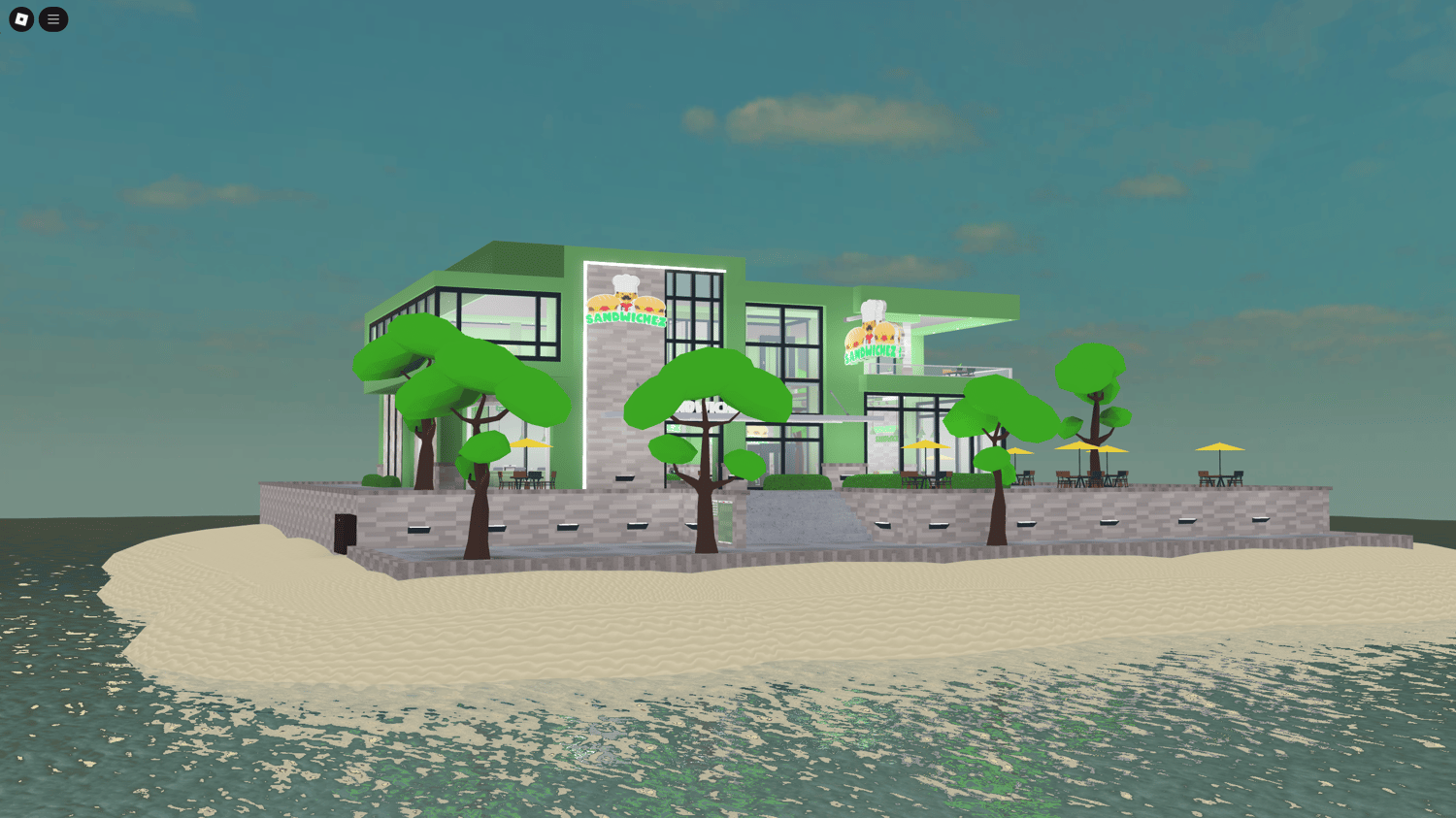
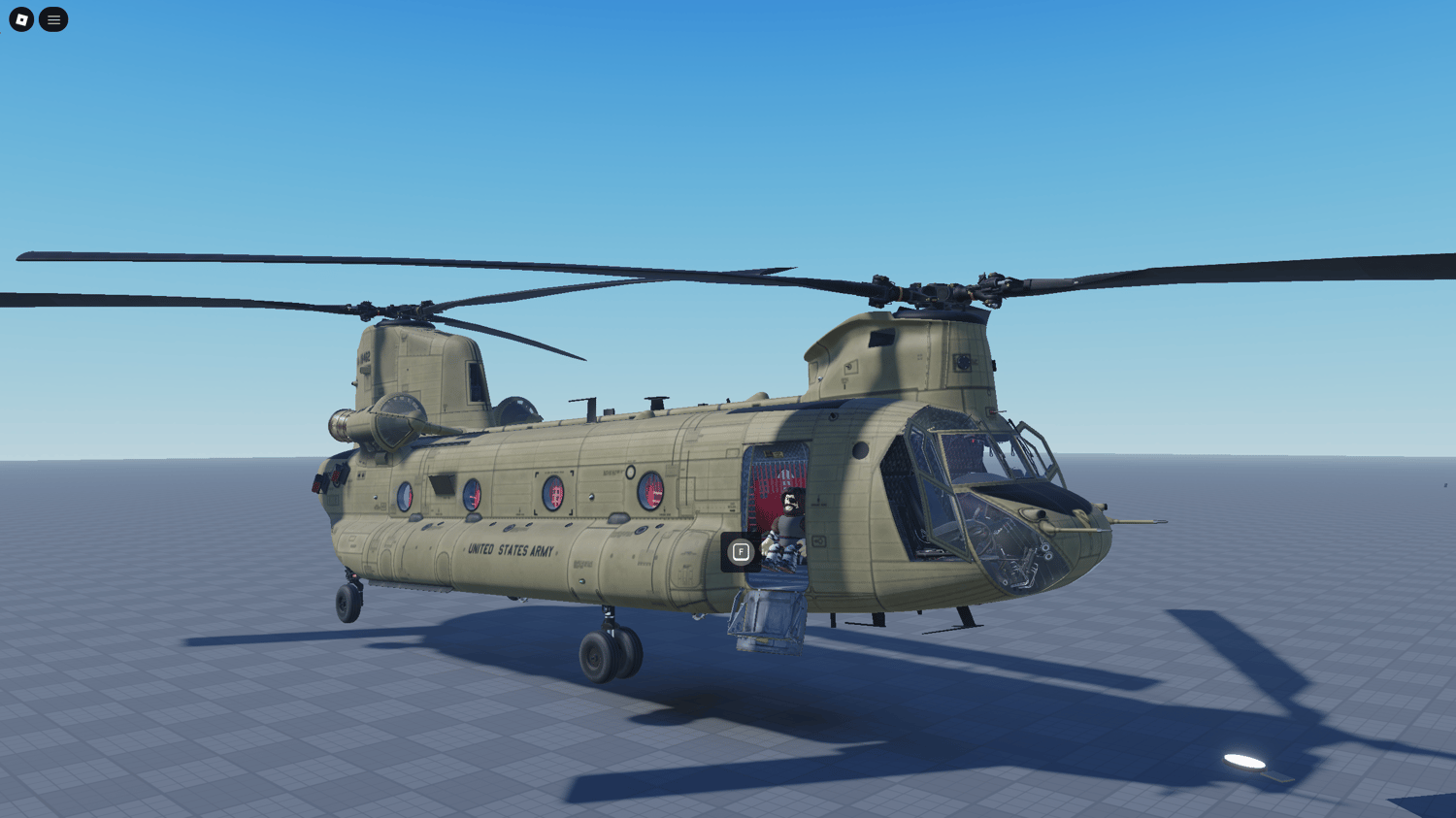
or open a category to find maps, scripted systems, complete games, UI,
vehicles, models and free Roblox Studio assets.
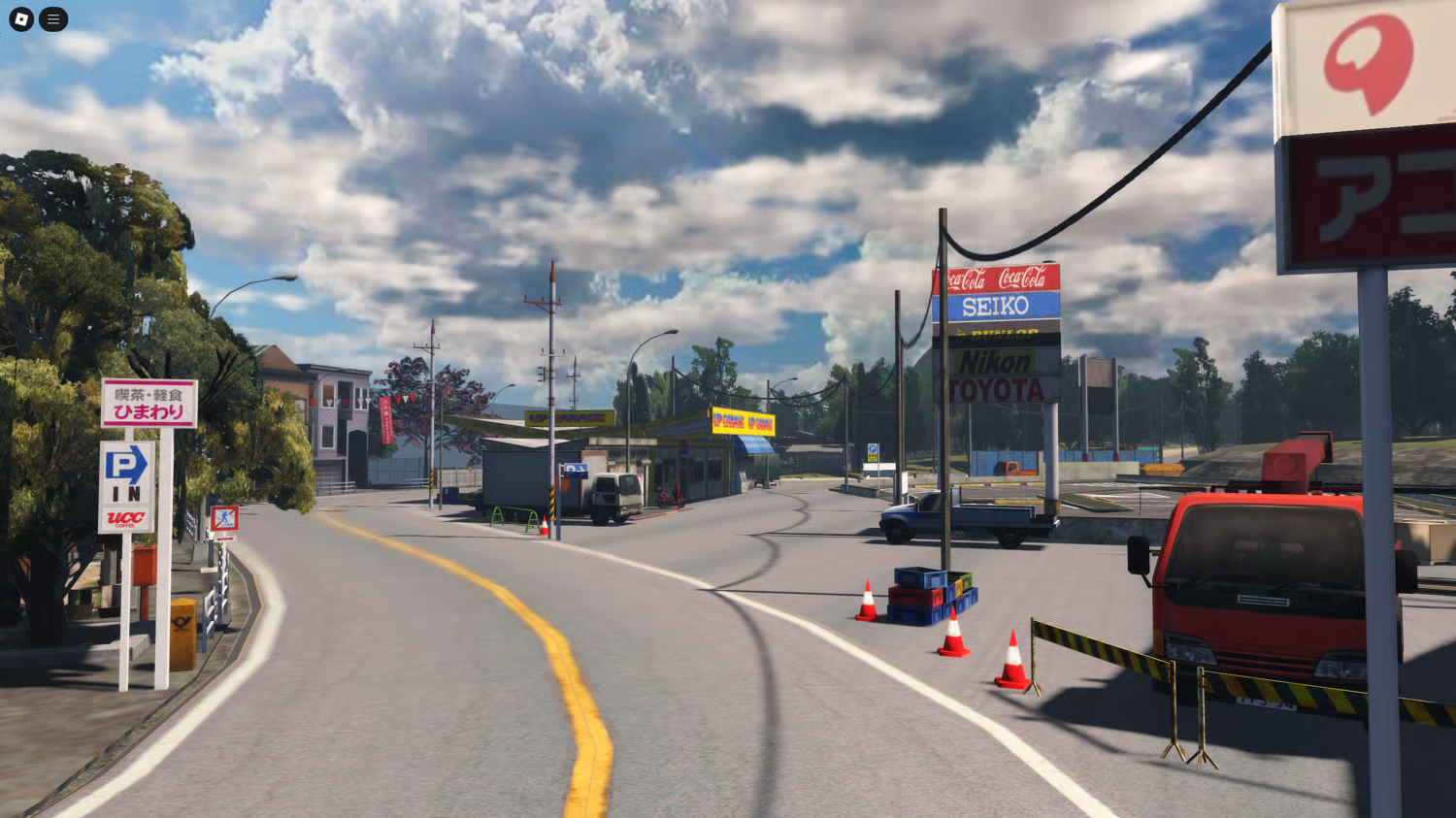
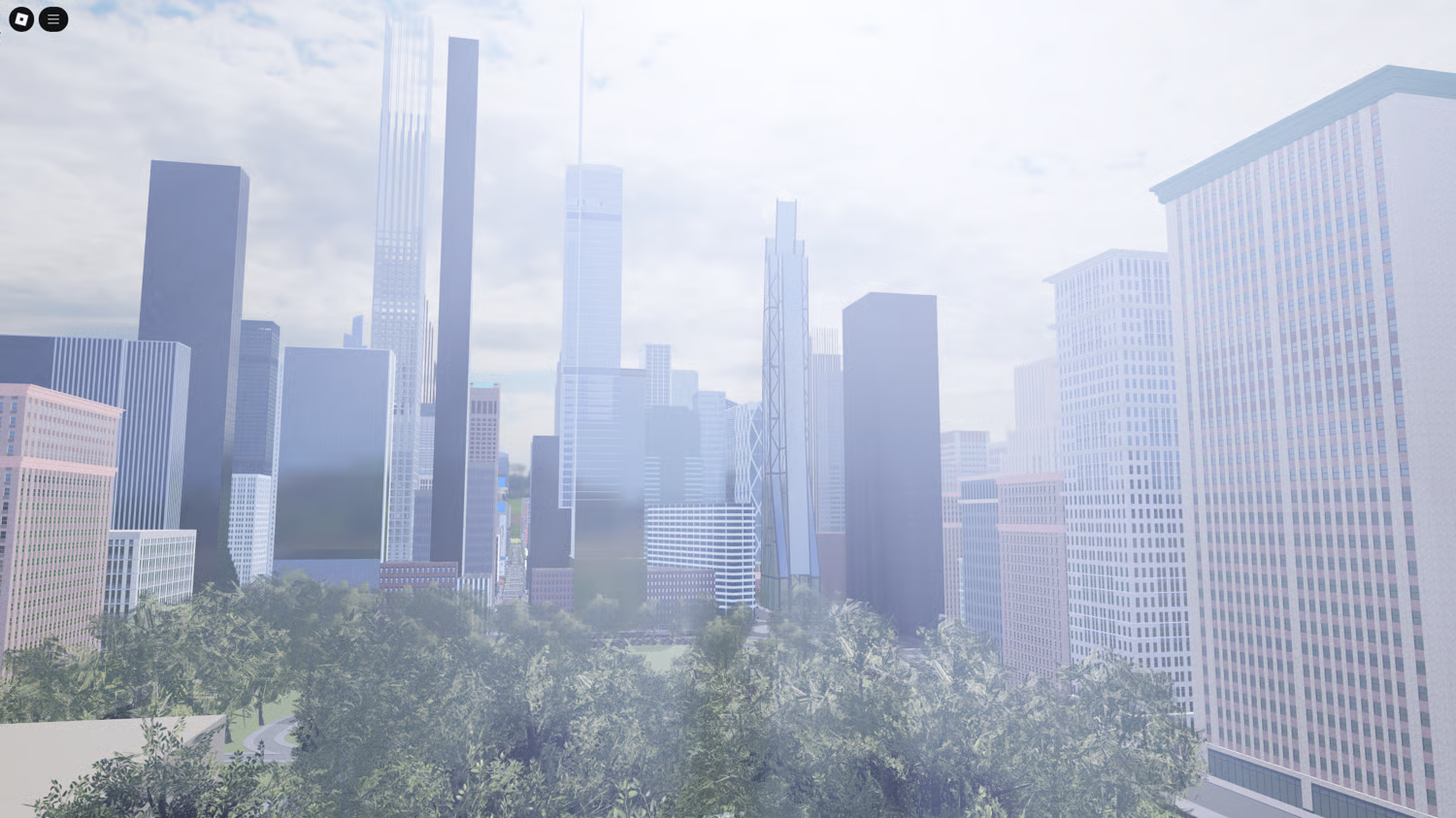
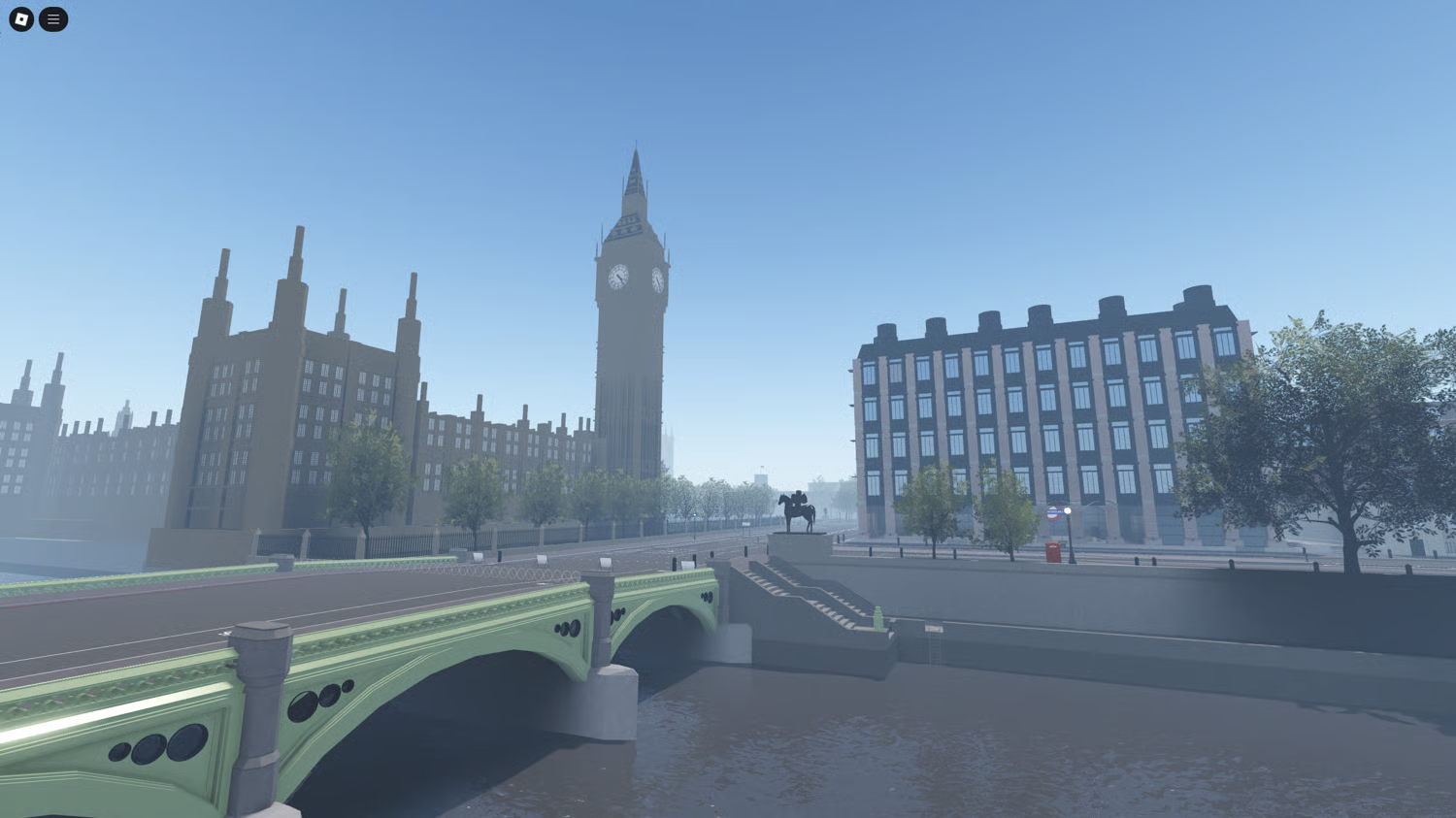
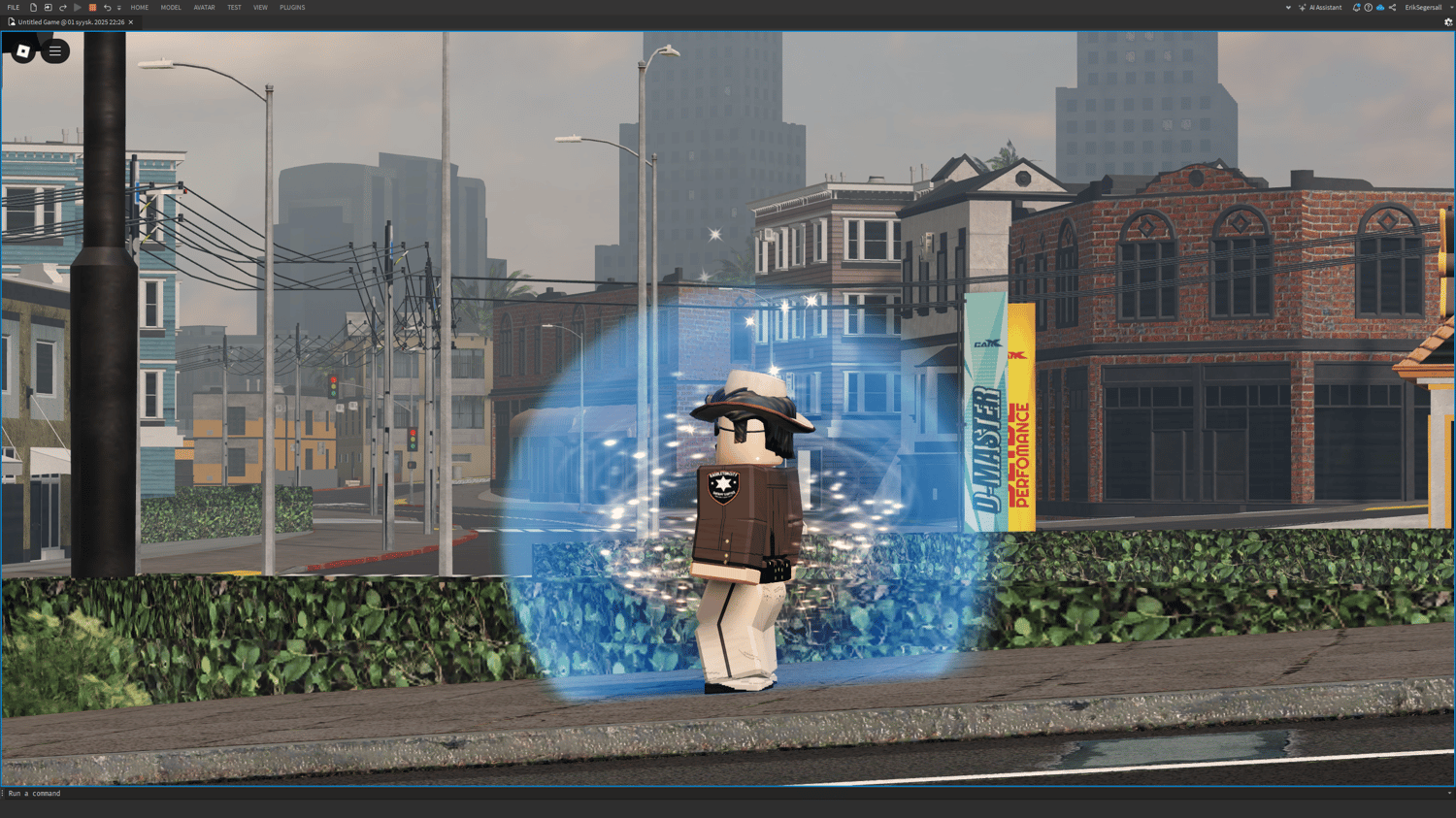
Browse Roblox asset categories
Open the marketplace category that best matches what you are building.
Browse by seller
Collections above can represent individual KW Studio sellers, making it easier
to explore one creator's marketplace catalog in one place.
Human product moderation
Every public KW Studio product requires human approval before it is published
to the marketplace.
Built for Roblox Studio
KW Studio focuses on downloadable development assets that buyers import and
use manually inside Roblox Studio projects.
Collections FAQ
Can I browse KW Studio products by seller?
Yes. Seller collections group marketplace products by creator, so you can open
a seller collection and browse more products from the same KW Studio store.
Can I browse KW Studio by Roblox asset category instead?
Yes. Category pages organize products by development use, including Roblox maps,
scripted systems, complete games, UI, vehicles, models, kits and free assets.
Are products in seller collections automatically approved?
No. Seller approval and product approval are separate. Every public product
still requires human moderation before publication, including products from
established sellers.
We use cookies to improve your experience and keep the site running smoothly.
Thank you!
Your message has been successfully sent
Thank you!
Your form has been submitted. Please check your email for a copy of your responses. If you're accepted, you'll receive an email with a link to checkout.
Could not add item to cart
Write a Review
After purchase you are sent an email receipt which includes your download page link. Please visit that download page to submit a review for this product.