Scripted Roblox Game Templates & Full Game Systems for Roblox Studio
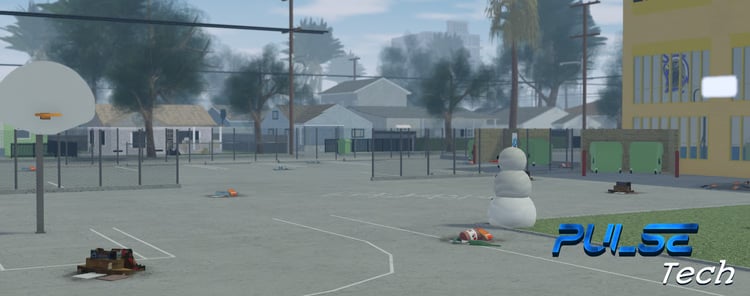
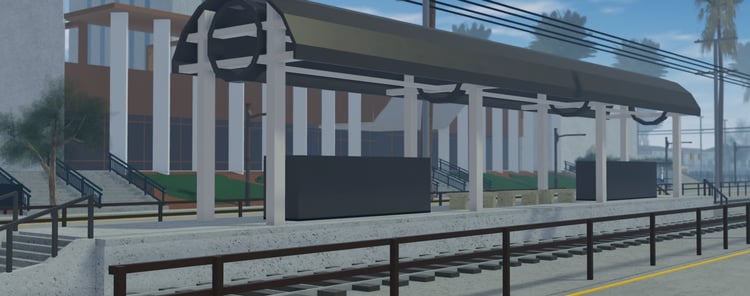
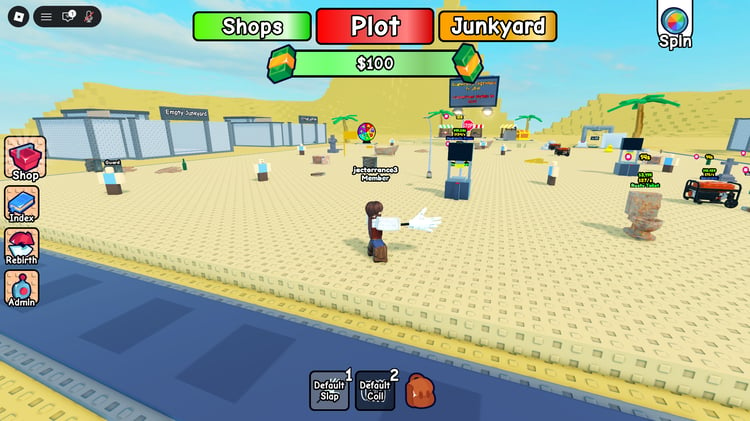
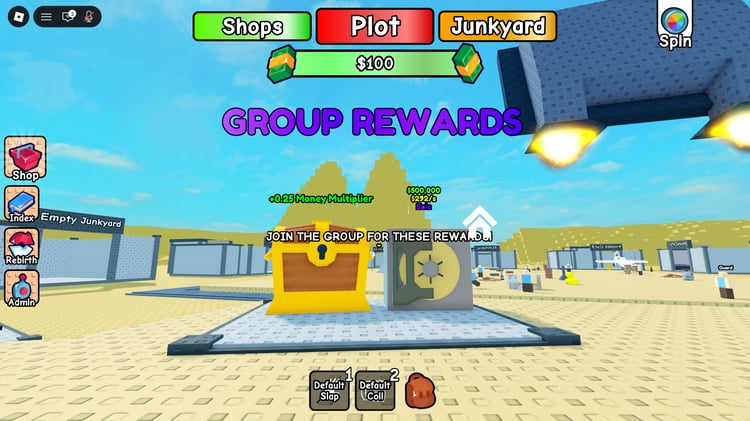
Scripted Roblox game templates combine a playable environment with code for gameplay, interfaces and other connected features. KW Studio’s collection brings together full game projects and game foundations that you can open in Roblox Studio, customise and develop further. Instead of assembling every component separately, you can start with an existing setup and focus on the changes that make it fit your game.
The useful question is how much of your planned project a template already covers. A simulator might need a repeatable earning-and-upgrading loop; a tycoon needs working ownership and construction progression; a roleplay game needs systems that support its activities. Compare the included mechanics, documentation and editable files with your plans, rather than choosing on the strength of the map preview alone.
What does a fully scripted Roblox game include?
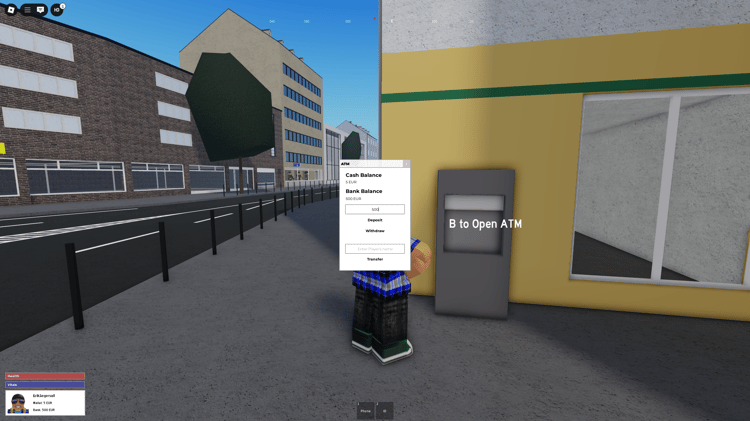
A fully scripted game should have code connecting the features described in its listing. Depending on the product, that may include a map, menus, player interactions, progression, inventory, saving or purchase systems. “Fully scripted” describes the supplied project, not a universal feature list. Check whether each system you need is included, demonstrated and explained in the setup instructions.
- Roblox map
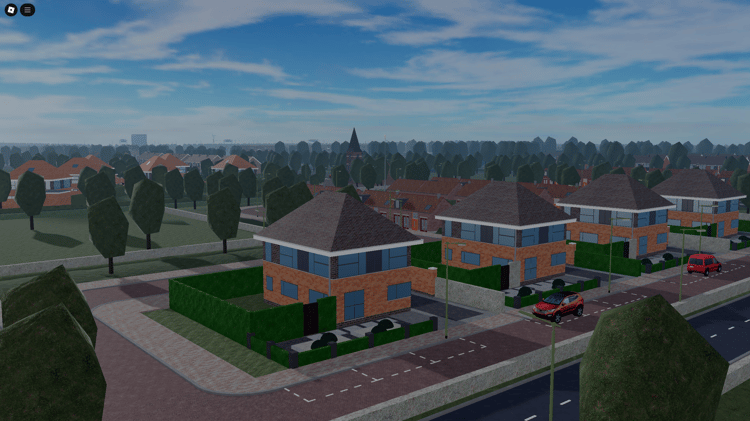
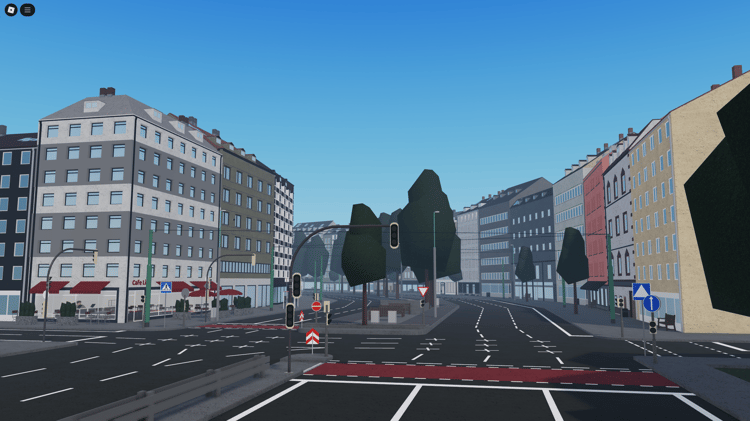
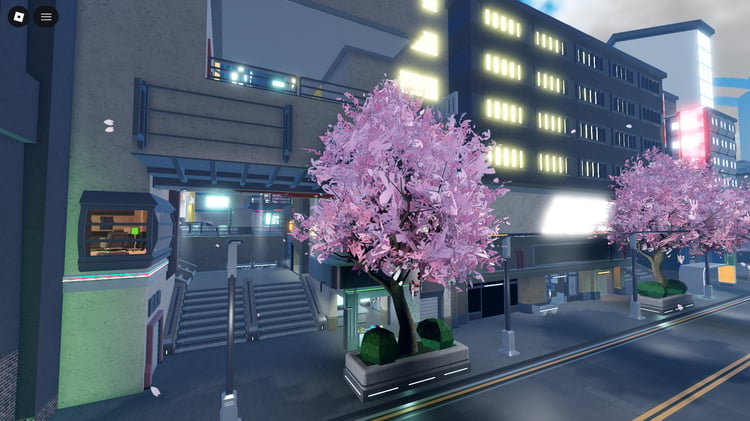
- An environment that supplies the setting: terrain, buildings, roads or other world elements. Gameplay systems depend on the listing.
- Standalone game system
- A feature such as inventory, combat or vehicle spawning that you connect to an existing project.
- Scripted Roblox game template
- A project that combines an environment and several connected systems around a playable activity. The included features and remaining setup vary by product.
Choose a template around its gameplay
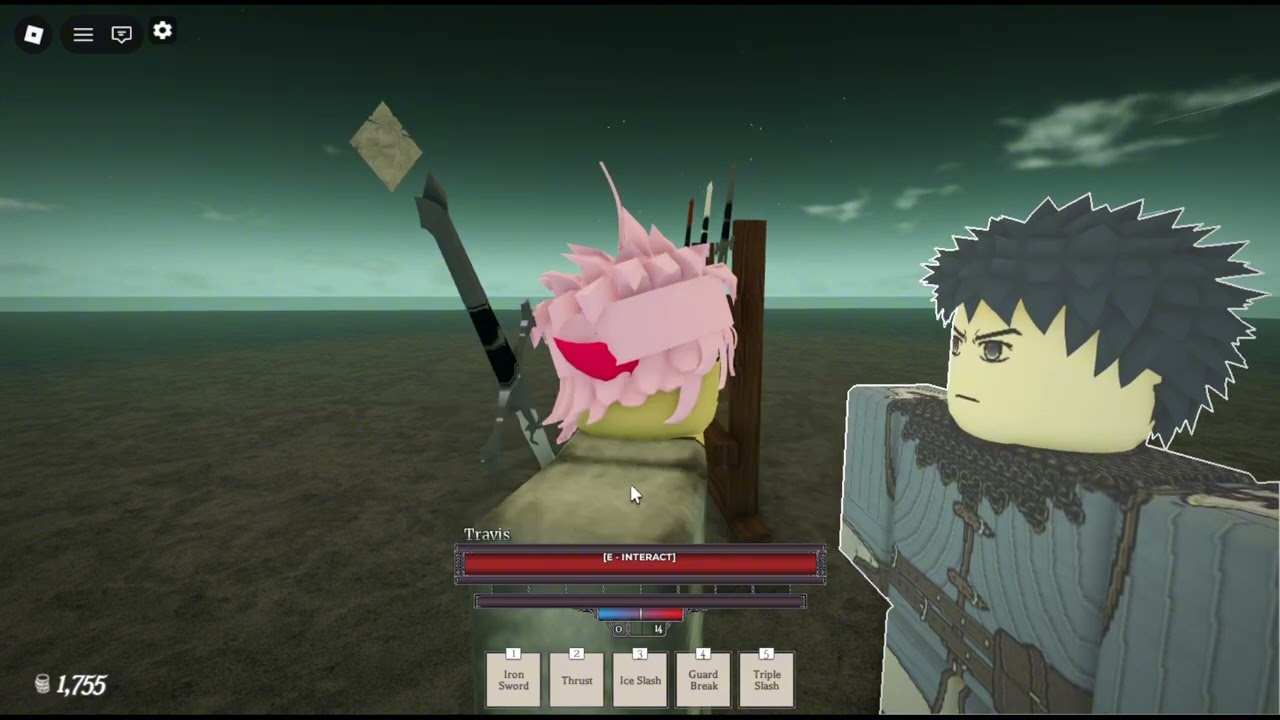
For simulator and tycoon templates, examine how players earn, spend, unlock and continue their progress. In driving and roleplay projects, check the vehicles, jobs, teams or interactions your game will depend on. For tower defense and shooter projects, look at the supplied enemy behaviour, rounds, combat and player feedback. A familiar genre name tells you less than a demonstration of those systems working together.
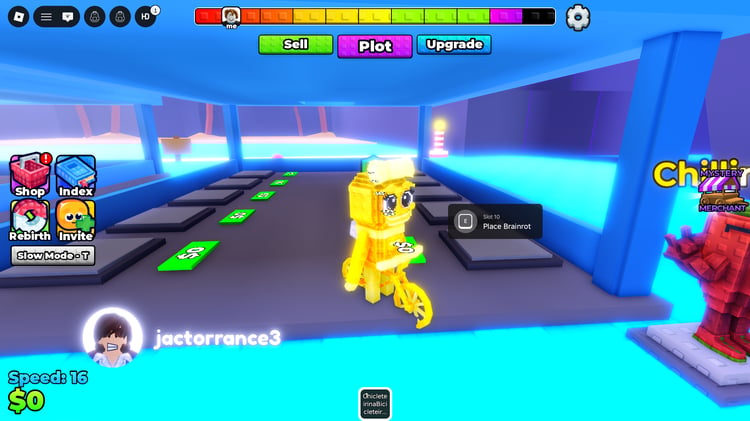
For brainrot-style or other trend-led concepts, separate the theme from the underlying mechanics. Ask whether you can change characters, rewards, balancing and content without rewriting the project. A flexible setup gives you room to develop your own direction as player interests change.
Compare the work saved with the work remaining
- Playable coreLook for a demo showing a complete activity, its reward and what the player does next.
- Saving and progressionConfirm which values are saved and whether loading, rejoining and failed requests are handled.
- Files and dependenciesCheck editable source, required modules and referenced assets, including any separate setup or permissions.
- Controls and devicesConfirm supported inputs and test menus and gameplay on the devices you plan to support.
- Configuration and expansionLook for documented ways to change balancing, add content and replace the visual identity.
- Terms and seller supportRead usage permissions, credits, documentation and the support offered with that specific product.
A template can reduce the work involved in connecting a game’s first systems, but the remaining setup varies. Check the file format, required modules, referenced assets and configuration steps. Find out whether a demonstration place, installation guide and seller support are included. If your project depends on a particular feature, ask about it before purchasing.
Consider how you will maintain the game as well as how you will launch it. Look for understandable configuration settings and a clear way to add content. Developers with limited scripting experience should favour documented workflows they can follow. An unfamiliar framework may require more help than a smaller project with clear instructions.
Customisation and monetisation setup
Start with a copy of the original download and test its supplied behaviour before making changes. Then adapt the visual identity, map layout, interfaces, progression and content in stages. Changing only a name and thumbnail leaves little of your own design in the experience; new objectives, clearer onboarding and a considered progression system give you more meaningful ways to develop it.
If monetisation is included, check which passes or developer products you need to configure for your experience. Follow the creator’s instructions and test both the purchase flow and delivery of the promised benefit. Roblox’s developer product documentation explains receipt handling. Included purchase buttons do not establish that the whole monetisation flow is configured. Revenue still depends on the game you release and how players respond to it.
Test the complete player journey before release
Use a separate test experience and follow the supplied setup instructions before connecting the template to a live project.
- Join and understand the goal. Check spawning, instructions, controls and the first objective.
- Complete the core activity. Earn a reward, spend or equip it, and check the resulting progression.
- Leave and return. Where saving is included, confirm that the correct progress loads using test data.
- Test together. Connect multiple clients and check respawning, repeated actions and leaving mid-round.
- Check your target devices. Test input, layout and performance with representative gameplay running.
Read the product’s usage terms, creator credits and support details alongside its features. Keep those details with your download so future changes are easier to trace. The strongest starting point is a template whose existing systems fit your plans and whose remaining work you understand. If you already have a working game and only need one addition, a separate system, map or interface may be a better fit than replacing the whole project.