Your Cart
Loading
KW Studio Roblox Category Page Background Decoration

KW Studio / Marketplace directory All products + 28 major categories

Roblox asset categories

Browse Roblox asset categories

Browse every marketplace listing through All Products, jump into a highlighted core category, search the full catalog, or open Sellers & Collections for more focused browsing.

Showing 28 major marketplace categories.

KW Studio / Kits & UniformsCharacter assets for Roblox Studio

Roblox Kits, Uniforms, Morphs & Character Gear

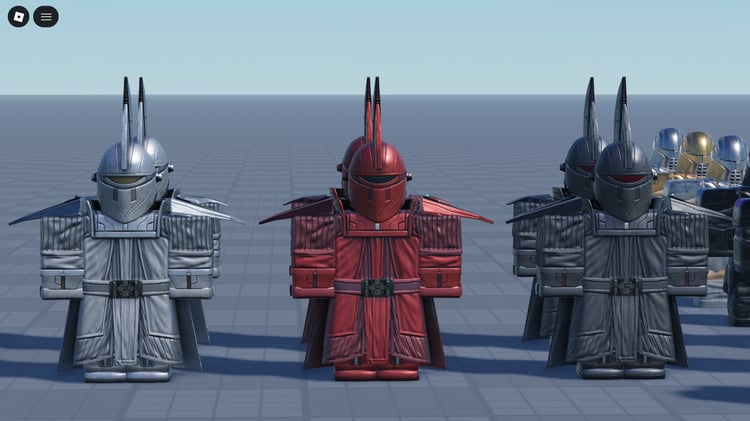
Roblox uniforms, morph packs and character kits help give each faction, department or regiment a recognizable identity. KW Studio’s Kits & Uniforms category brings together clothing, tactical gear, character models and equipment sets for military, emergency-service, SCP, historical and sci-fi projects in Roblox Studio.

Choose a coordinated kit when you need several roles to look like part of the same organization. Choose a specific uniform, accessory or morph when you are filling a gap in an existing character setup. Check the listing for the pieces included, supported character rig and any scripts needed to equip them.

Uniform, morph or equipment kit: what are you getting?

These names describe different kinds of character assets. A product can combine several of them, so the file list and demonstration matter more than the label alone.

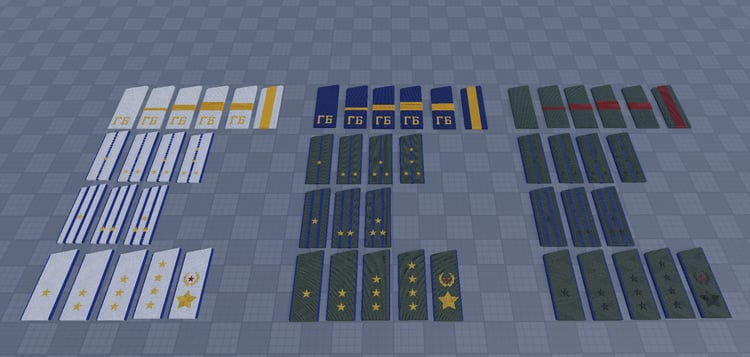
Uniforms and clothing

Outfits that establish a department, faction or rank. Check whether the download contains clothing templates, configured clothing objects, 3D clothing or a combination, and whether any asset IDs need replacing.

Morphs and character packs

A supplied character appearance or model used to change how a player looks. A morph model does not automatically include a working selector, animations or a script that applies it to the player.

Gear and equipment kits

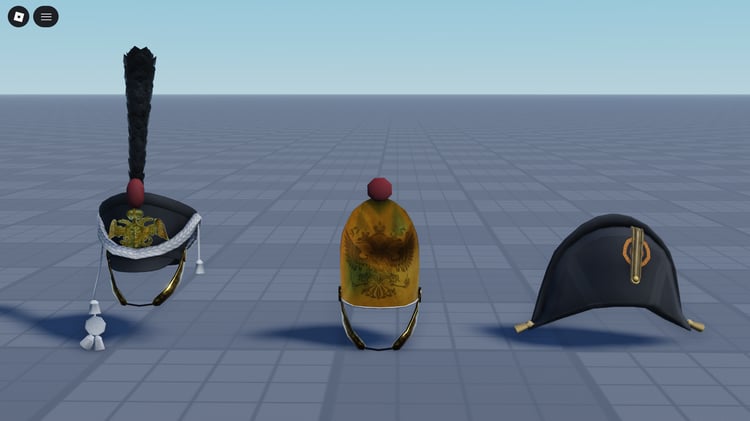
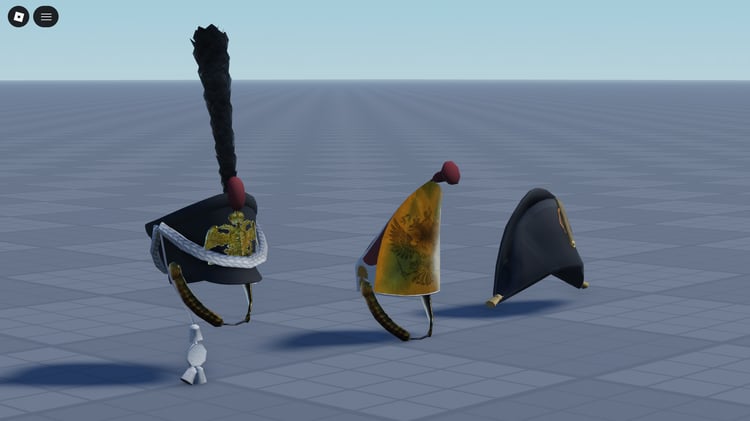
Helmets, vests, belts, backpacks and other coordinated pieces. Confirm how they attach to the character and whether they are cosmetic, scripted equipment or models that need integration.

Character assets for factions, departments and regiments

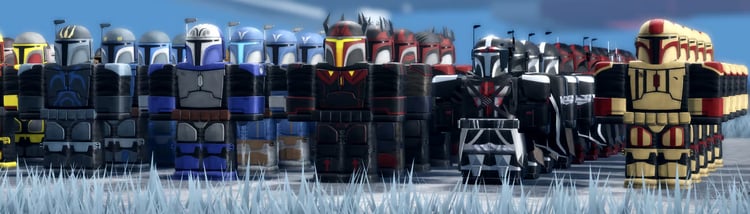
Military and combat kits

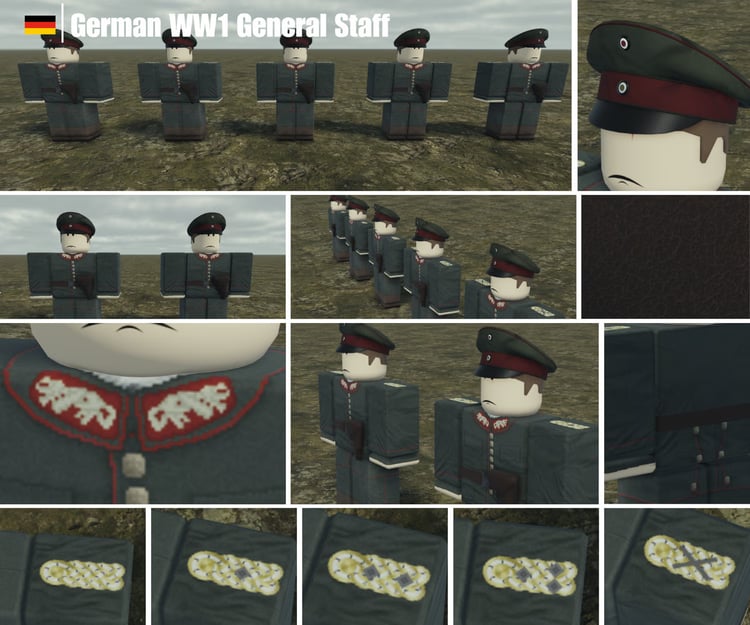
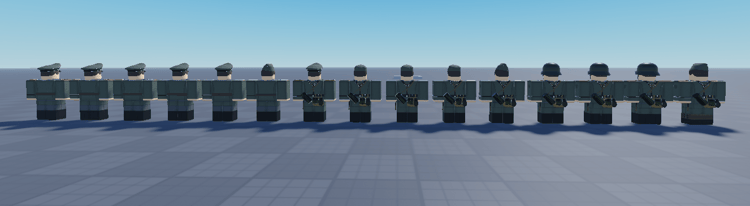
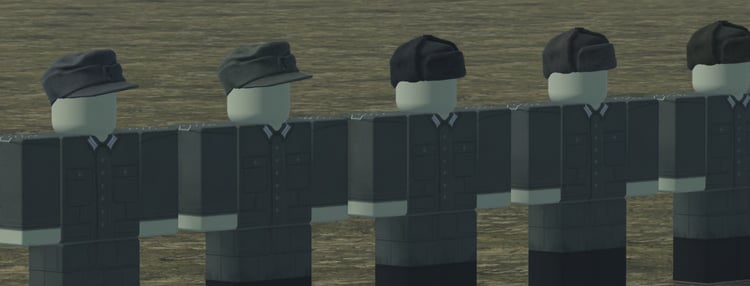
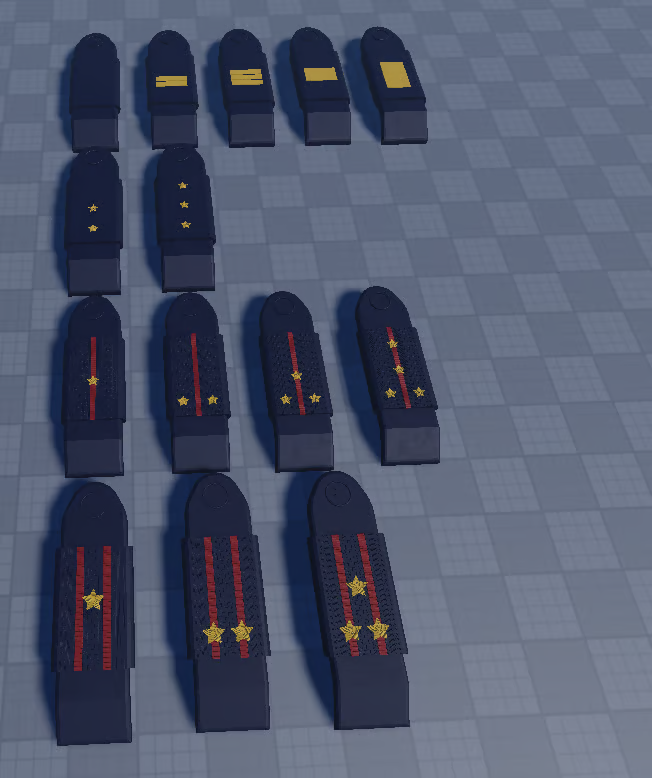
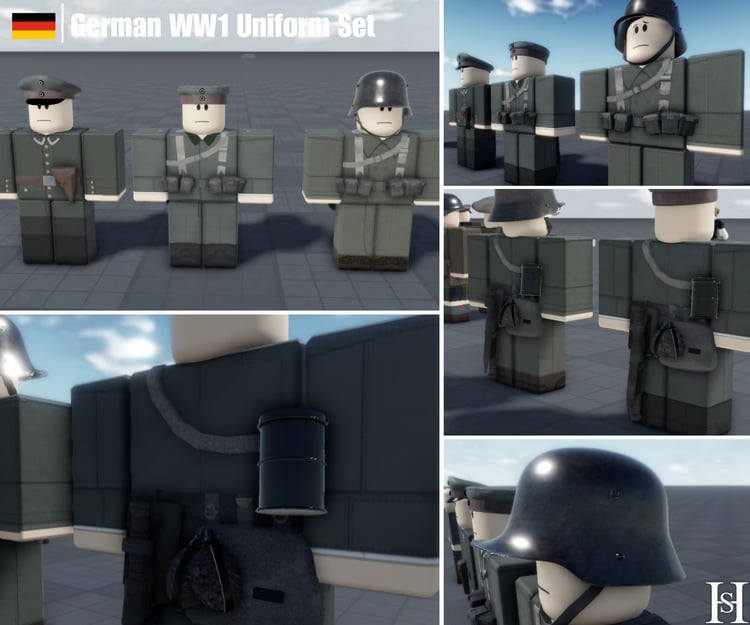
Uniforms, helmets, armor and loadout pieces for unit-based games. Compare the visual differences between infantry, specialist and command roles, along with how the gear fits your character setup.

Police and emergency services

Department clothing and equipment for patrol, response and support roles. Country-specific kits can help establish the setting; inspect patches, colors and included variants against the department you are building.

SCP and facility roleplay

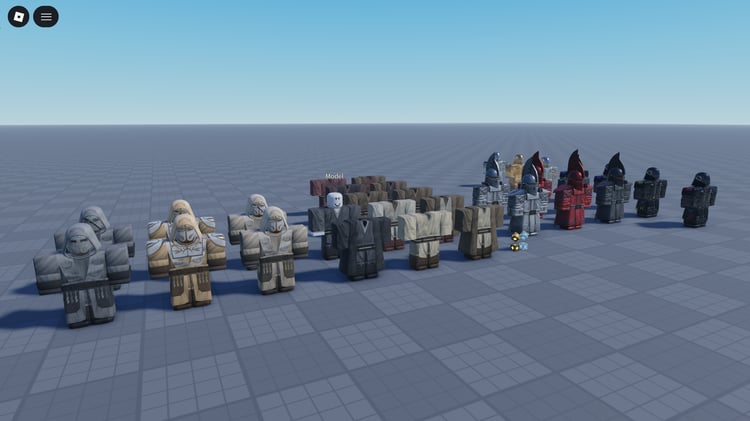
Morphs, security gear and character sets for facility teams and horror roles. Check whether a product supplies a character appearance, a creature model or an interactive system; those require different setup work.

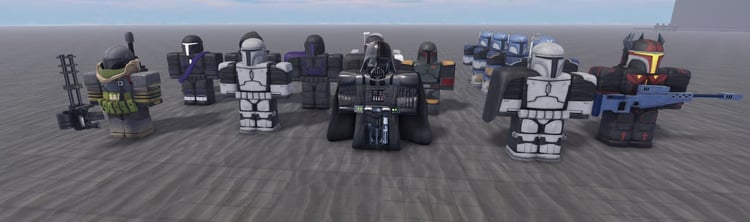
Sci-fi and futuristic factions

Armor, helmets and character silhouettes for futuristic teams. Compare body proportions, movement clearance and visual consistency across the pack instead of judging it only by a familiar theme.

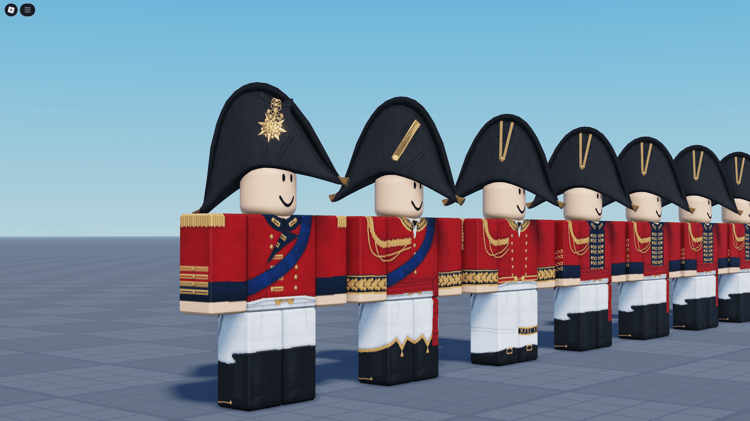
Historical regiment packs

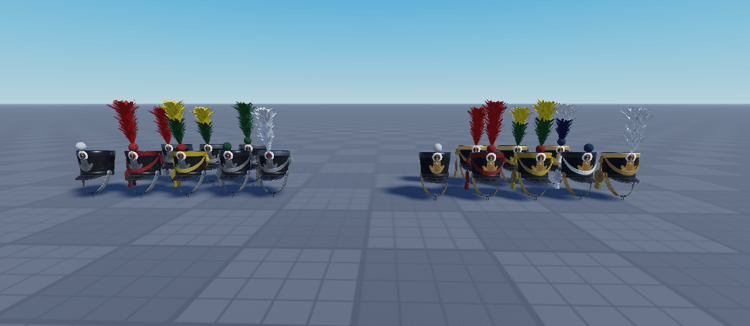
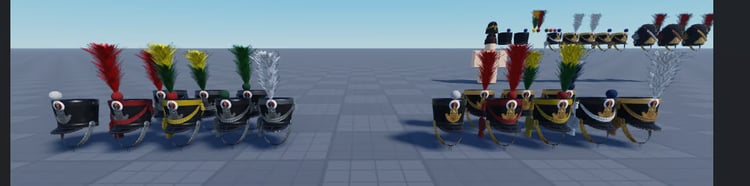
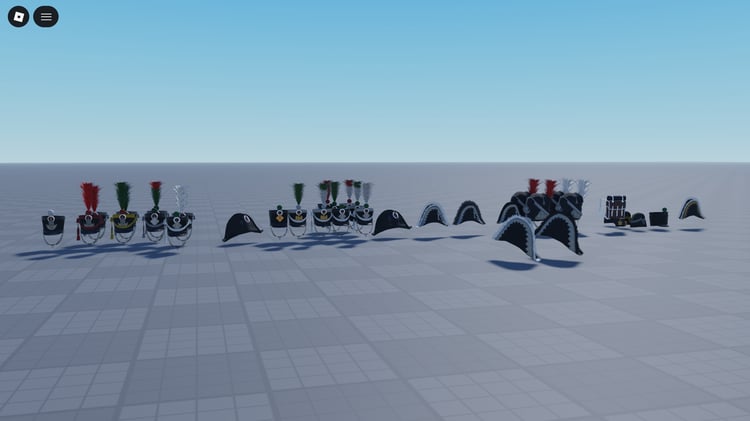
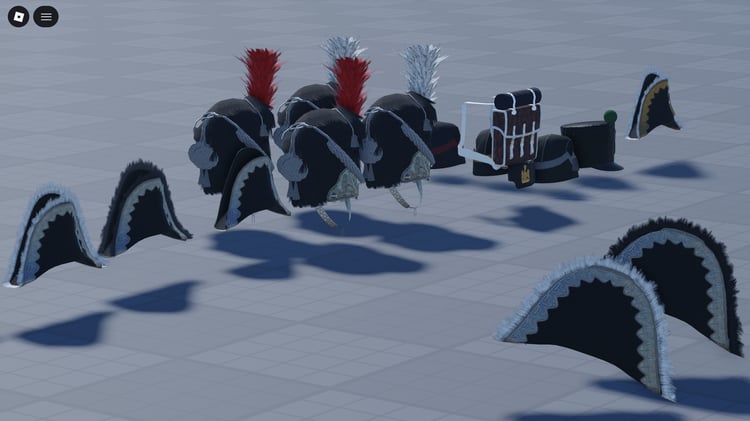
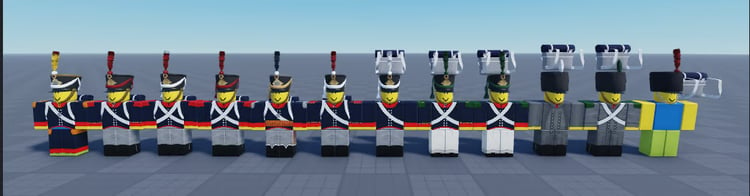
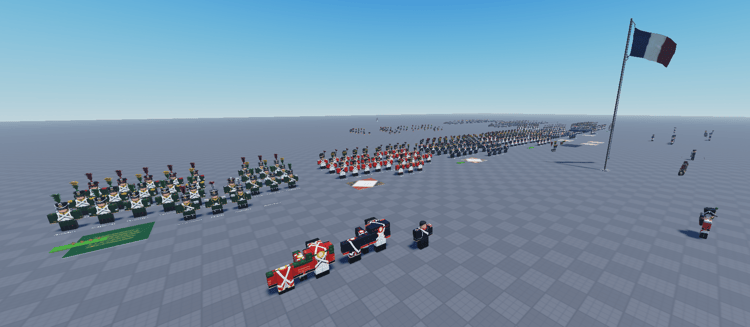
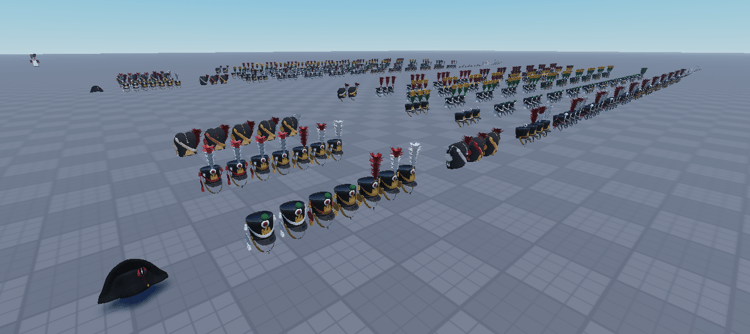
Napoleonic, earlier military and world-war-era character resources can include headgear, uniforms and accessories. Check the specific regiment, period and rank variants when historical detail matters to your project.

Clothing and equipment systems

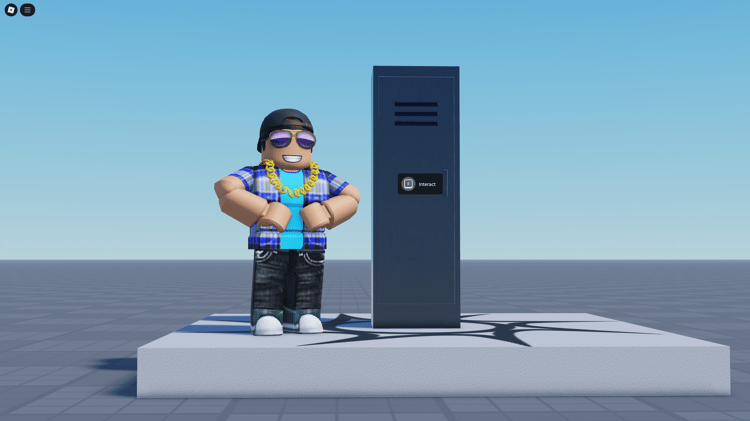
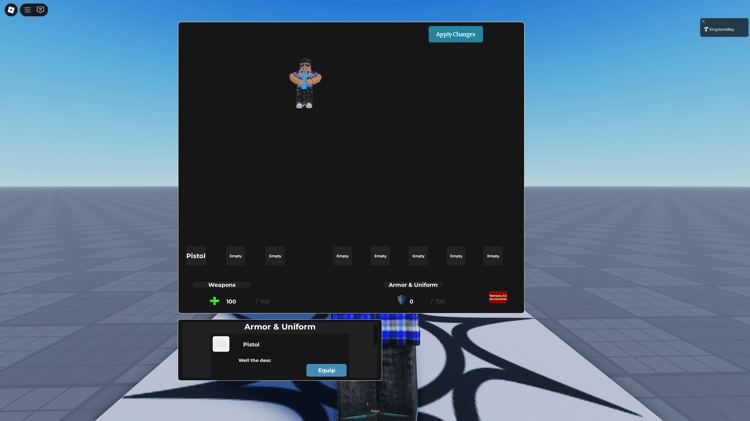
Some listings supply lockers, outfit selection or equipment interfaces alongside character assets. Confirm which clothing and gear are included and which systems must be connected to your own teams or inventory.

Compare bundles by the roles they cover

A coordinated uniform or morph pack can save time when you need a department or unit to share a consistent style. Its value depends on whether the included pieces cover the roles you actually use. Several color variants of one outfit serve a different purpose from a pack with distinct recruit, officer, specialist and command gear.

Check the contents

  • Role coverage: identify the uniforms, morphs and equipment assigned to each planned role.
  • Included variations: distinguish unique models from recolors, insignia changes and alternate accessories.
  • Editable components: check whether textures, clothing artwork, meshes and configuration files are supplied in the form you need.

Check the fit

  • Character compatibility: confirm R6, R15 or custom-rig support before buying.
  • Existing equipment: consider overlap with hair, backpacks, tools and other accessories already used in your game.
  • Setup and dependencies: confirm any required morph system, scripts, clothing IDs or separate asset permissions.

Test character gear in motion

A uniform can look correct in a preview and still need adjustment during play. Test the supplied character setup while walking, running, jumping, sitting and using your game’s tools. Look for clipping, misplaced accessories and equipment that obscures the player’s view.

One complete role test

Equip the kit, perform the role’s usual actions, change teams and respawn. If other players need to see the outfit, check it from another client too. Confirm whether the appearance should persist, reset or change after each action, then test that behavior in your own project.

Uniform appearance and access permissions are separate. If a kit represents a restricted role, your team or permission system still needs to decide who can equip it. A helmet, badge or vest alone does not create that restriction.

Choose gear that makes roles readable

Character assets are useful when players can recognize who they are looking at during normal gameplay. Use a consistent base uniform for a faction, then reserve clear differences for roles that players need to distinguish. Check recognition at typical camera distance, rather than relying only on small badges or details visible in close-up screenshots.

For each purchase, use the seller’s description, included files and support information to establish what is supplied. Ask about unclear compatibility or setup requirements before choosing a pack. Review the applicable license and any permissions associated with themed designs.

Category guide updated . Product contents, rig support and setup requirements vary by listing.

KW Studio / Kits & UniformsBuying & setup questions

Roblox Kits, Uniforms & Morphs FAQ

Check what a pack includes, how it fits your characters and what setup remains before adding it to your Roblox Studio project.

What is included in a Roblox uniform or gear kit?

A kit may include uniforms, helmets, vests, belts, backpacks, patches or other matching character pieces. Contents vary by listing. Check whether clothing, accessories, editable files and scripts are supplied, and whether preview images show any items sold separately.

What is the difference between a uniform and a morph?

A uniform changes clothing or worn equipment. A morph usually applies a supplied character appearance or model. Some products combine both. A morph model may still need a separate system to apply it to a player, so check the installation instructions and included scripts.

Do these kits work with R6 and R15 characters?

Compatibility depends on the product. R6 and R15 use different character structures, and gear fitted to one setup may need adjustment for another. Check the stated rig support, attachment method and body proportions. Do not assume every pack supports both rigs or custom characters.

Do morph packs include scripts, animations or a selection menu?

Only when the listing says they are included. A morph pack can contain character models without a selector, equip script or custom animations. Confirm how players apply the morph and whether you need to connect it to an existing locker, team or character system.

Can I change colors, insignia and rank details?

Customization depends on the files supplied and the applicable license. Configuration values and separate accessories may be straightforward to edit; changing artwork or mesh details may require editable source files. Ask the seller about the exact changes you want before purchasing.

Can I restrict uniforms or gear to specific teams and ranks?

A visual kit does not automatically enforce team or rank restrictions. You need a system that checks whether a player can equip the item. If the product includes that functionality, review its configuration instructions and test allowed and denied access in your project.

Are helmets, armor and other gear functional or cosmetic?

They may be either. A vest model does not automatically add damage protection, and a backpack does not automatically add inventory capacity. Check which gameplay functions are explicitly included and which require separate scripts or integration.

How do I check a kit before adding it to my live game?

Use a separate test project and follow the supplied setup instructions. Check movement, jumping, seating and tool use for clipping or misplaced gear. Then test equipping, respawning and changing teams. For shared appearances, confirm that another player can see the intended result.

Is a bundle better than buying individual character assets?

A bundle is useful when its pieces cover your planned roles and share a consistent style. Compare distinct uniforms, accessories and rank variants rather than only the item count. A smaller pack can be a better fit if a larger bundle duplicates gear you already have.

Does buying a kit add items to my personal Roblox avatar inventory?

A Roblox Studio development download is not automatically an avatar-shop purchase. Check the listing for how the assets are delivered and intended to be used. Do not assume the purchase grants avatar inventory items, resale rights or permission to upload the designs to an avatar marketplace.