Your Cart
Loading
KW Studio Roblox Category Page Background Decoration

KW Studio / Marketplace directory All products + 28 major categories

Roblox asset categories

Browse Roblox asset categories

Browse every marketplace listing through All Products, jump into a highlighted core category, search the full catalog, or open Sellers & Collections for more focused browsing.

Showing 28 major marketplace categories.
KW Studio / UI & GUI

Roblox UI Templates, HUDs & GUI Systems for Roblox Studio

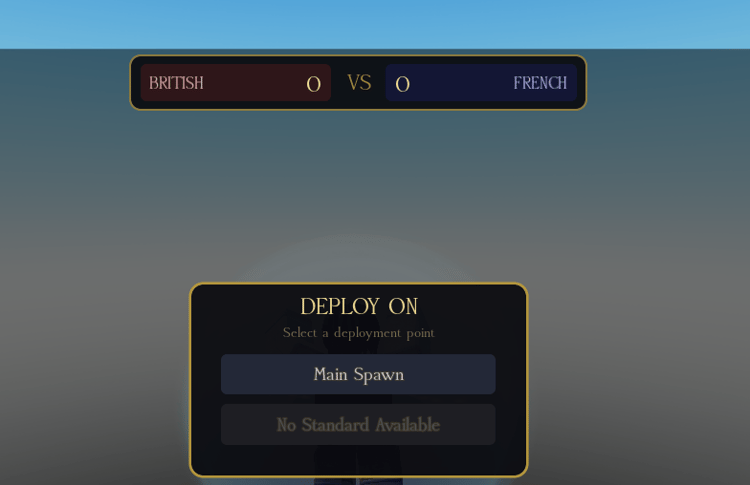
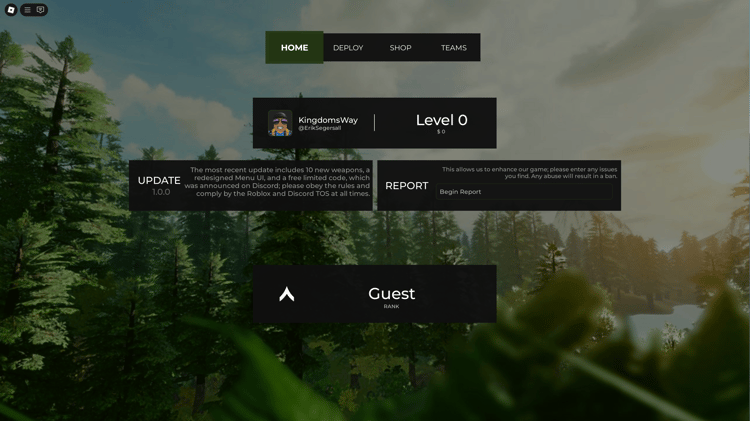
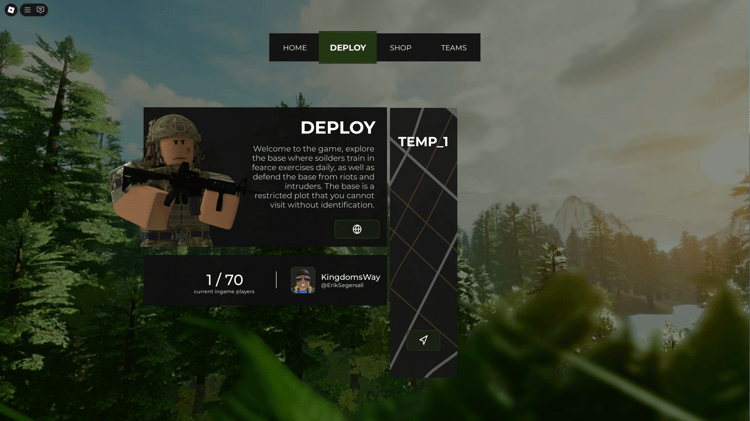
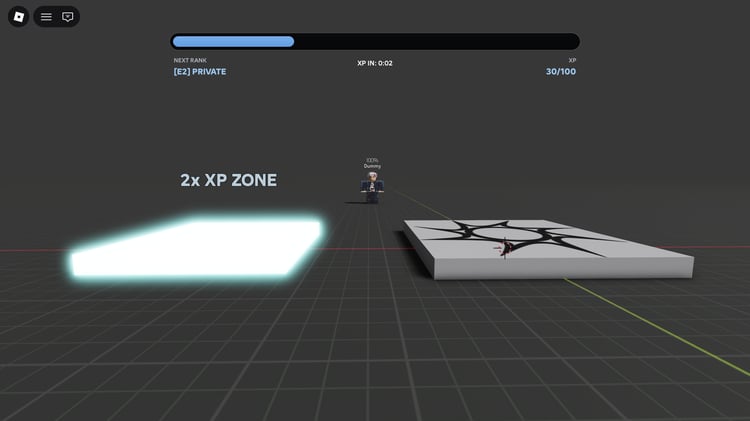
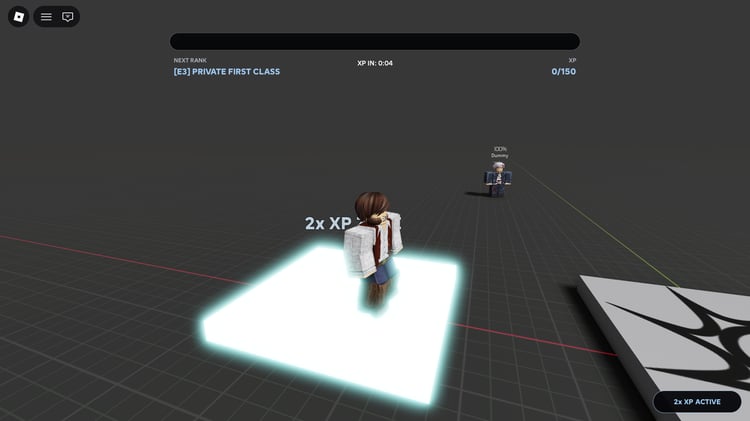
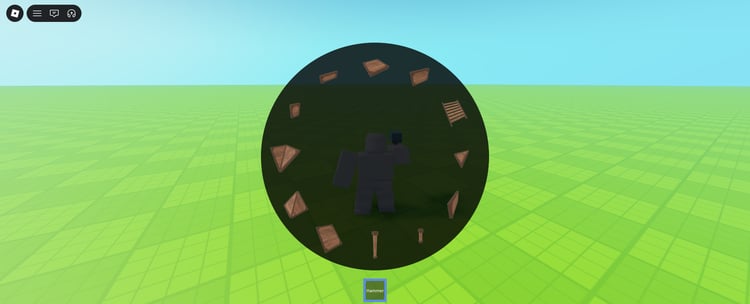
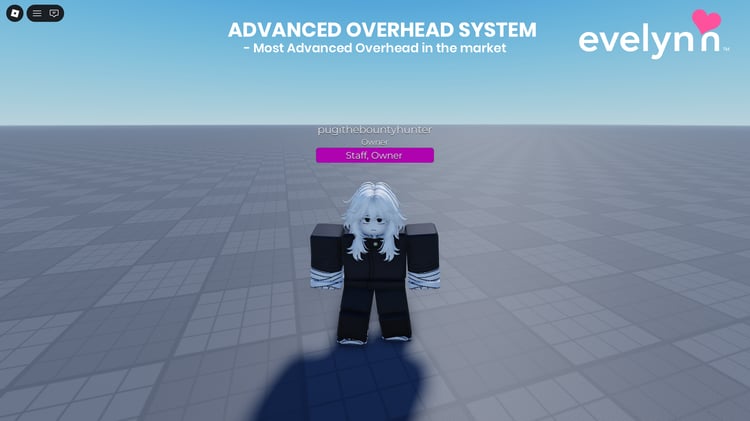
KW Studio’s Roblox UI collection brings together menus, HUDs, inventory interfaces, shop GUIs, overhead displays and admin panels for Roblox Studio projects. These assets give you a starting point for the screens and controls players use throughout a game: choosing a team, checking their health, equipping an item or opening a shop. You can adapt an individual interface to an existing project or use a coordinated set of screens to build a consistent visual style.

UI templates and scripted GUI systems offer different levels of functionality. A template may supply layouts, buttons and visual elements, while a scripted system may also handle navigation, selection or other interactions. Compare the included features and setup instructions with the systems already in your game. For example, an inventory screen may still need connections to your item data, and a shop interface may need separate purchase and saving logic.

Choose an interface that fits both your game’s design and the way players use it. Readable labels, clear feedback and usable controls matter alongside colours and animation. Check each listing’s editable components, dependencies and supported inputs, then test the interface at the screen sizes your players will use. This helps you judge how much work is needed to make the asset fit your project.

KW Studio / UI & GUIUsing your download

Roblox UI, HUD & GUI Systems FAQ

Answers about included scripts, installation, device support and customisation when choosing an interface for your Roblox game.

What are Roblox UI templates, HUDs and GUI systems?

Roblox UI assets provide the screens, labels and controls players use to interact with a game. GUI means graphical user interface; a HUD is the information shown during play, such as health or status. Downloads can include visual layouts, scripted interactions or both. Menus, shops, inventories, nametags and admin panels each serve different purposes, so choose around the feature you need.

How can I tell whether a UI product includes working scripts?

Check the feature list, setup instructions and any demonstration. Look for explicit confirmation of the actions you need, such as changing teams, equipping items or spawning vehicles. A polished screenshot shows appearance, not behaviour. Button animations and opening menus do not establish that saving, purchases or other connected game systems are included. Ask the seller about any essential feature the listing leaves unclear.

Do I need scripting knowledge to install a Roblox UI system?

The amount of scripting depends on the product and your game. A documented display may only need configuration, while an inventory or shop may need connections to your item data and existing systems. Check required modules, installation steps and support before choosing. Basic familiarity with Explorer, Properties and Output will help you follow instructions and identify setup problems.

Why does my GUI appear in Studio but not during play?

Check the product’s installation instructions and inspect the interface while playtesting. For screen-based UI, verify that the intended ScreenGui reaches the player’s PlayerGui, that it is enabled and that its contents are visible and on-screen. Also check whether a script hides it until a condition is met. World-space interfaces use different containers; Roblox’s UI guide explains the distinction.

Will a Roblox UI template work on mobile and controllers?

Device support varies by product. Test readable text, button spacing, scrolling and the ability to open and close every screen using the intended input. A layout that fits a phone does not necessarily include touch controls or controller navigation. Use Studio’s device and controller simulation, then test on real devices before release.

Can I change the colours, fonts and layout?

Check the supplied components, source files and usage terms. Many Studio UI properties can be edited, but some visual elements may be baked into images, and scripts may override properties during play. Keep an original copy and use documented settings first. Renaming buttons or moving interface objects can break references, so test the connected interactions after making changes.

Does a shop GUI include purchases, item delivery and saving?

Only if the listing specifies those features. A shop interface can provide item cards and buttons without implementing the full transaction. Check how it connects to your currency, item ownership, purchase processing and saved data. Test successful and failed actions as well as repeat clicks. Confirm that the game’s server checks eligibility and grants rewards through the appropriate game logic.

How do I choose a UI style for my Roblox game?

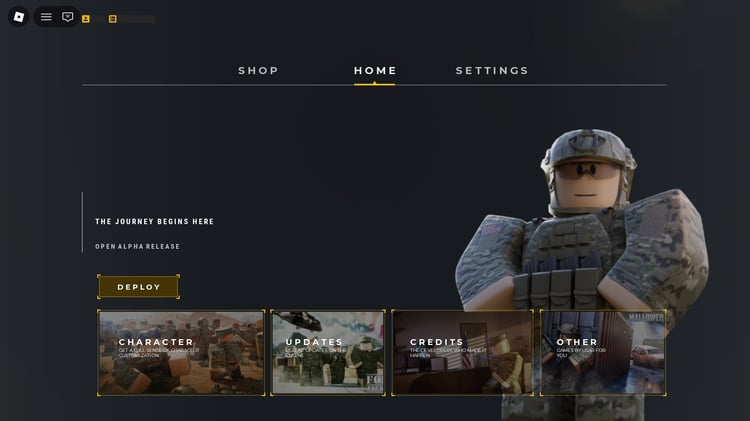
Compare readability and interaction as well as appearance. Check whether labels stay clear over your game’s backgrounds, important actions stand out and the screens share consistent navigation. Cartoon, military or futuristic styling can suit different projects, but the best fit depends on your game. Preview the interface alongside your existing HUD rather than judging it only in isolation.

How can I check whether AI was used to make a UI asset?

Look for a disclosure in the listing or ask the seller about the source of its artwork, icons and code. A visual style or an old-looking design does not establish how it was made. If the production method matters to your project, request a clear answer before buying rather than assuming the same approach applies to every seller’s products.

What should I compare when choosing a free or paid UI asset?

Compare the supplied features, editable files, dependencies, documentation, licence terms and support. A free template may cover a small interface need; a paid system may include additional behaviour or support if the listing says so. Price alone does not establish quality or ease of setup. You can browse free Roblox UI templates and GUI systems to compare starting points.

Need help with an interface? Send the seller the product link, steps to reproduce the issue and relevant Output errors. Mention the screen size and input method if the problem affects layout or controls. For download-access issues, contact help@kwstudio.org.