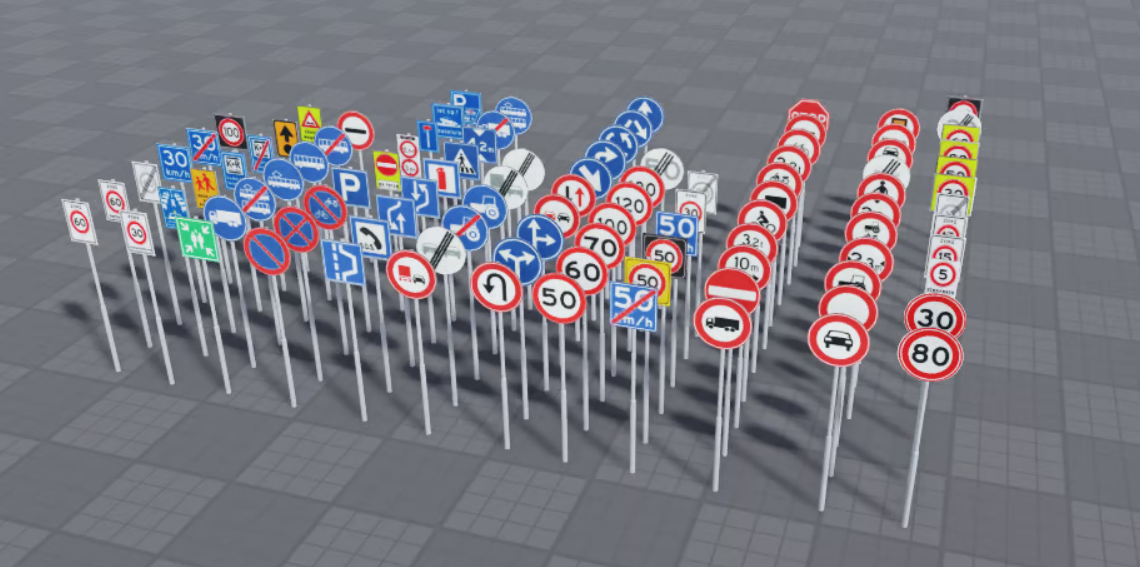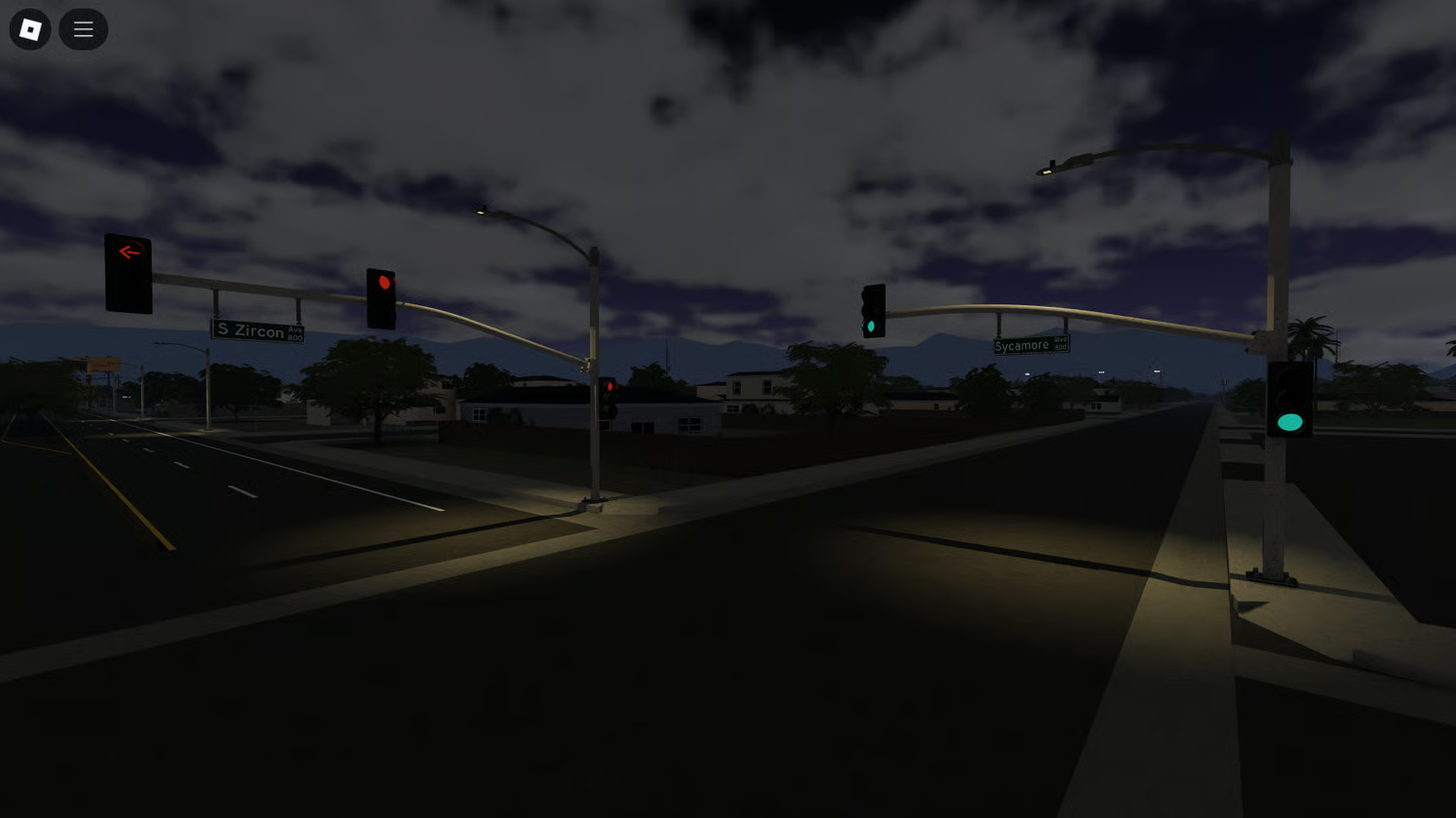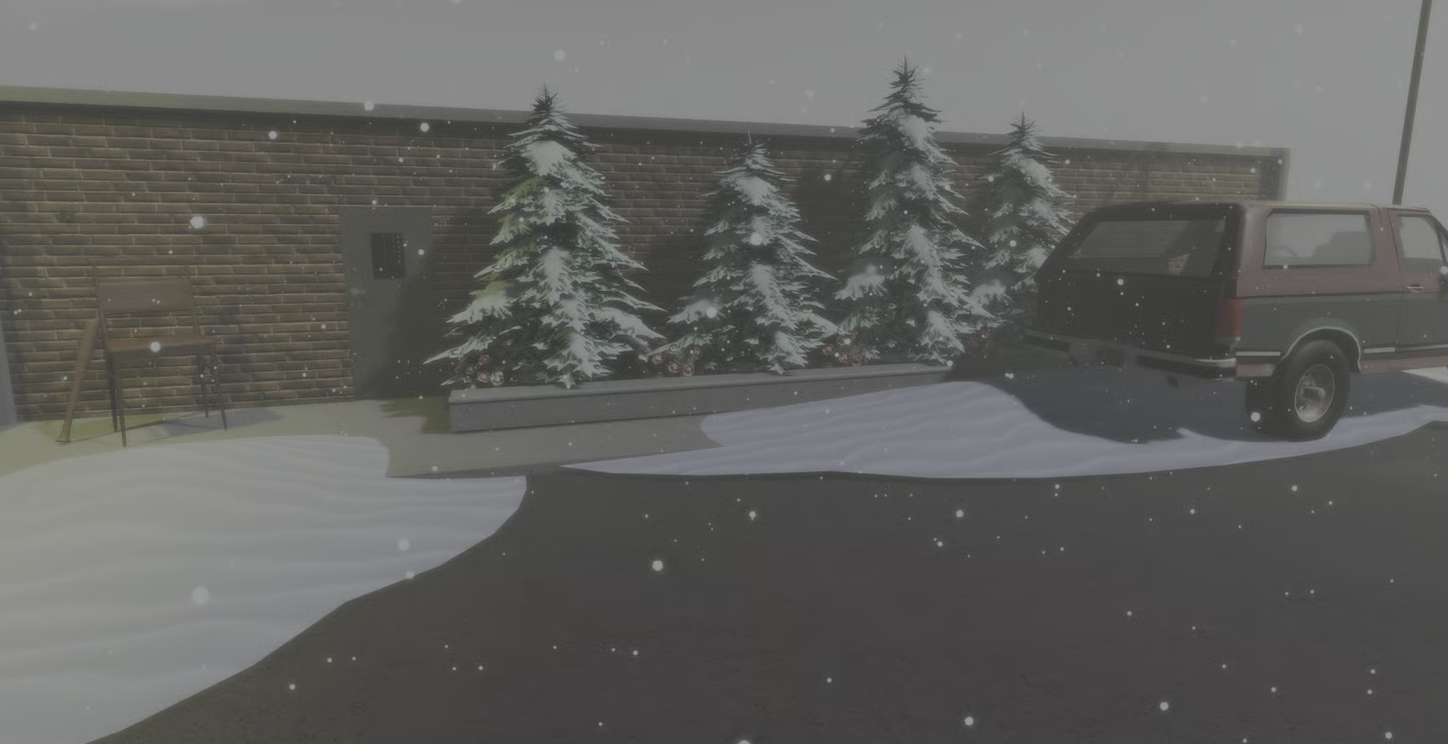
Lighting and weather can completely change how a Roblox game feels. A city roleplay game may need a realistic day-to-night transition, a horror game may stay dark permanently, while a winter map may need continuous snowfall. Roblox Studio provides t...
Read More
KW Studio / Tutorials
Roblox Studio · Luau · systems · project structure
Practical learning for Roblox developers
Roblox Studio Tutorials, Luau Scripting & Game Development Guides
Learn the skills behind real Roblox projects through structured material on Luau scripting, gameplay systems, UI, DataStores, debugging, optimization and maintainable project structure. The goal is not to memorize isolated code snippets, but to understand how development decisions connect inside a working Roblox Studio experience.
Learning paths
From fundamentals to production work
Learn Luau
Variables, functions, events, tables, modules and scripting logic.
Build systems
Gameplay mechanics, UI, reusable modules and client/server workflows.
Debug & optimize
Find problems, reduce waste and understand performance-sensitive choices.
Structure projects
Organize code and assets so a game remains easier to expand and maintain.
Roblox tutorials should teach transferable development skills
Copying a script can solve one immediate problem without teaching the developer how the system works. KW Studio's tutorial hub is intended to favor material that helps explain the underlying development decision: what runs on the client, what belongs on the server, how systems communicate, where data should live, and how code can stay understandable as a project grows.
That makes the same lesson useful beyond one tutorial. Understanding events, modules, state, data flow or UI architecture can help with an inventory system today and a completely different gameplay system later.
From Roblox scripting fundamentals to larger game systems
Beginners need a clear foundation in Luau syntax, variables, conditions, loops, functions, tables and Roblox events. But real projects quickly add another layer: RemoteEvents, ModuleScripts, interfaces, persistent data, reusable components and systems that have to cooperate without becoming difficult to debug.
The learning path therefore should not stop at syntax. It should gradually connect individual concepts to the architecture of a real Roblox experience, including how developers separate responsibilities and avoid building every mechanic as one large script.
Project structure matters long before a game becomes large
Organization is easier to establish early than repair later. Clear naming, sensible folder structure, reusable modules and predictable communication between systems can make testing and future updates substantially easier. These habits matter for solo developers, but they become even more important when another developer needs to understand the project.
Tutorials in this hub can therefore cover not only how to make a feature work, but how to make it readable, configurable and maintainable enough to keep working as the game changes.
Use tutorials as a bridge into building your own systems
The best outcome is not a project filled with tutorial code. It is reaching the point where a developer can inspect an unfamiliar system, understand its moving parts and adapt the idea independently. A tutorial should make the next project easier even when the exact code is different.