Roblox developers have access to more models today than ever before. Between the official Roblox Marketplace, community uploads, and third-party asset platforms, thousands of models can be inserted into a project instantly.
On the surface, this benefit looks like a huge advantage for developers.
But in practice, the quality of the models you choose can determine whether your game runs smoothly or becomes difficult to maintain later in development.
At KW Studio, we work with Roblox assets daily—publishing models, building environments, and analyzing how different systems behave inside real projects. One thing we have consistently observed is that the structure and reliability of a model matter far more than how quickly it can be inserted into a game.
More models do not automatically mean better development.
Knowing which ones to trust has become a critical skill.
The Difference Between Convenience and Structure
Roblox developers typically get models from three main places:
- The built-in Roblox Studio Marketplace
- Free community-uploaded Roblox models
- Curated third-party asset platforms
Technically, all of these models can function inside a game.
However, they are not all built with the same level of structure or reliability.
Free models often contain issues such as:
- Hidden or unnecessary scripts
- Outdated API usage
- Poor folder organization
- Inefficient loops running constantly in the background
These problems may not be immediately visible when inserting a model. But over time, they can introduce performance issues or make debugging significantly more difficult.
For small prototypes this may not matter much. For larger projects, it becomes extremely important.
Leevi’s Perspective as a Roblox Asset Developer
Leevi, Lead Engineer and Co-Owner at KW Studio, has spent years building and reviewing Roblox models used by developers across different projects.
According to Leevi, one of the biggest mistakes developers make is assuming that any model that works initially is safe to use long-term.
“When we review community models, we often find scripts running unnecessary loops or systems that were written years ago and never updated. These models may function when first inserted, but they can create unexpected problems as a game grows.”
From our experience publishing and maintaining Roblox assets, well-structured models usually share a few common traits:
- Clean and organized folder hierarchies
- Modular scripts that are easy to modify
- Minimal dependencies on external systems
- Clear separation between server and client logic
Models built with these principles are much easier for developers to integrate into their games.
What Changed After Recent Roblox Updates
Over the past few years, Roblox has continued tightening platform performance standards and moderation systems.
As the engine evolves, older scripts and poorly optimized assets can start causing issues such as:
- Replication inconsistencies between server and client
- Increased server memory usage
- Script execution delays during gameplay
- Unexpected moderation triggers caused by hidden scripts
Many of these problems originate from models that were originally built under older Roblox development practices.
Because of this, experienced developers are becoming more cautious about importing unknown assets directly into production games.
When the Roblox Marketplace Makes Sense
The official Roblox Marketplace and curated asset platforms can be extremely useful when developers need structured building blocks for their games.
These types of assets are typically designed to provide:
- Organized templates
- Modular frameworks
- Editable systems
- Clean project structures
Rather than stacking random free models into a project, many developers now prioritize assets that are intentionally built for long-term maintainability.
A Smarter Way to Use Roblox Models
Instead of avoiding models entirely, developers should learn how to evaluate them properly.
A simple workflow used by many experienced Roblox developers includes:
- Inspecting all scripts before inserting a model
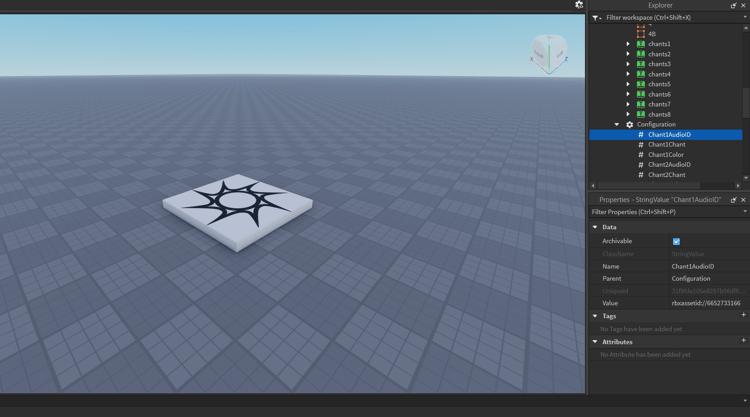
- Checking the folder hierarchy in the Explorer panel
- Testing the model inside a separate place file first
- Removing unnecessary scripts or outdated logic
These steps only take a few minutes but can prevent major issues later in development.
Exploring Free Roblox Assets
For developers who want safe starting points, curated assets can be a helpful alternative to unknown free models.
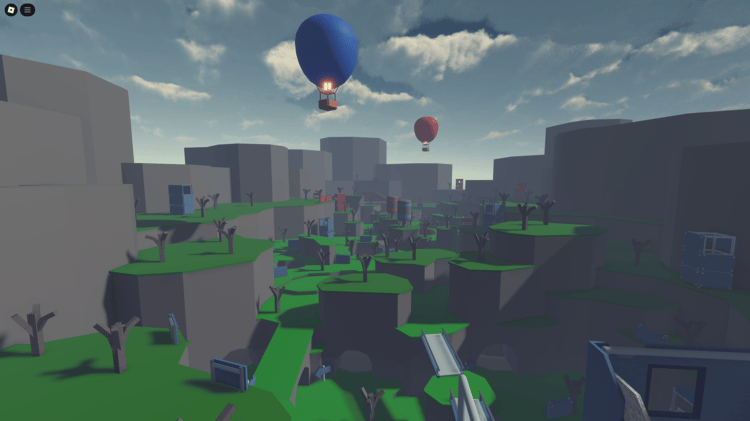
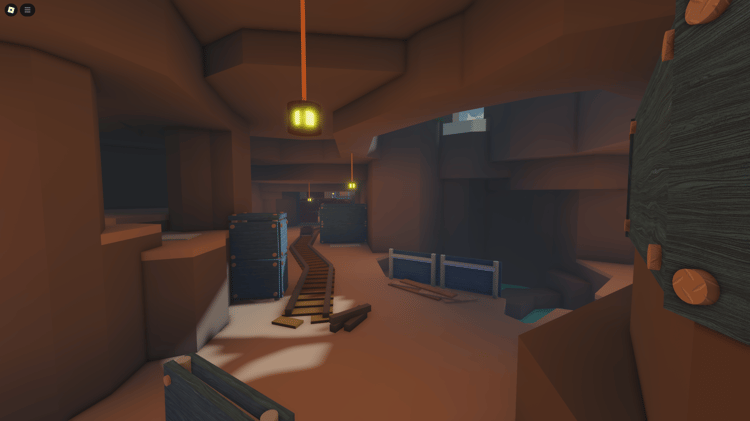
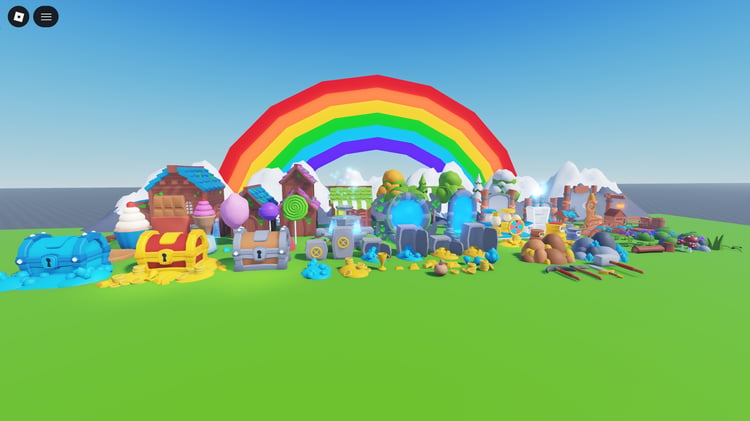
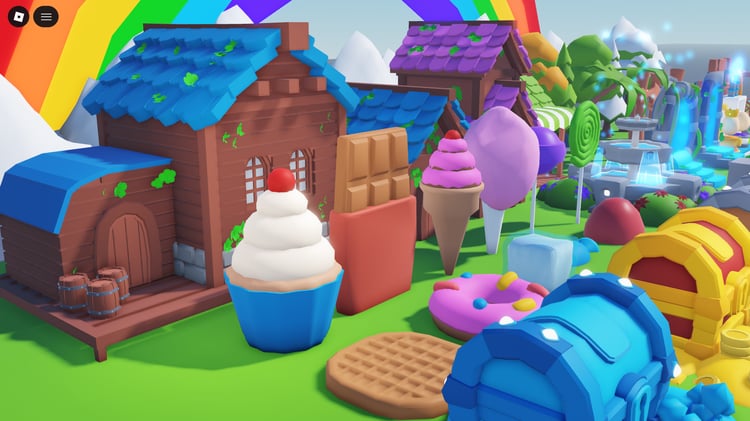
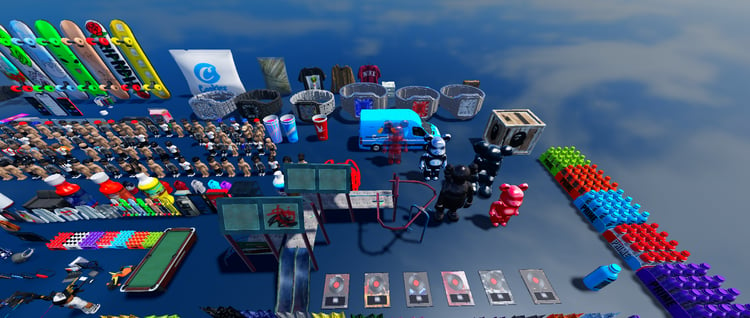
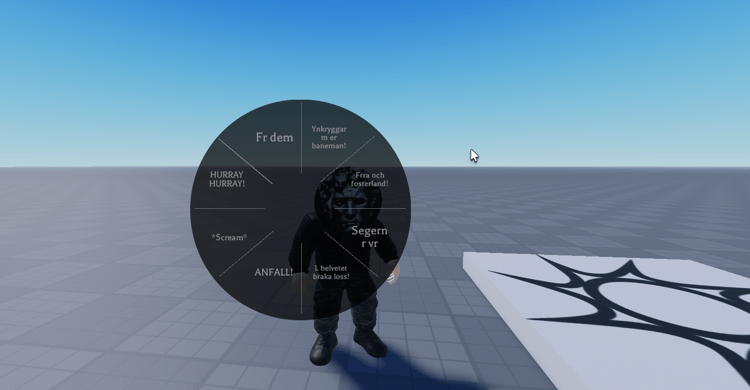
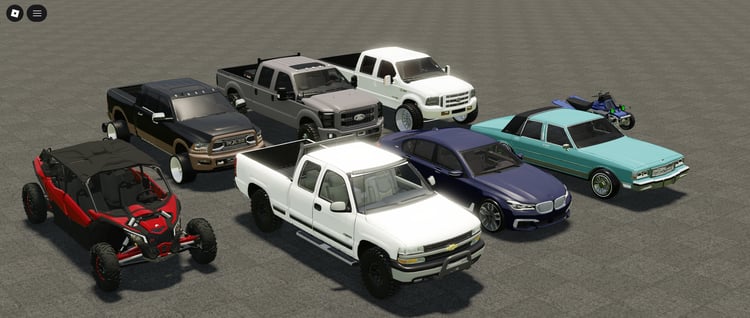
KW Studio maintains a collection of free Roblox assets that developers can explore and modify inside their projects.
You can browse them here:
https://kwstudio.org/collection/free-roblox-products
Roblox Studio environments can easily inspect and integrate these assets, making them a practical learning resource for new developers.
Conclusion
The models in Roblox Studio are not the problem.
The real challenge arises from the application of these models.
Free models can be incredibly useful when developers understand how to inspect them and integrate them properly. But blindly importing unknown assets into a project often introduces hidden complexity that becomes difficult to manage later.
Developers who treat models as part of their game architecture—not just quick shortcuts—tend to build more stable and scalable Roblox experiences.
As Roblox continues to grow, understanding how to choose the right assets will only become more important.



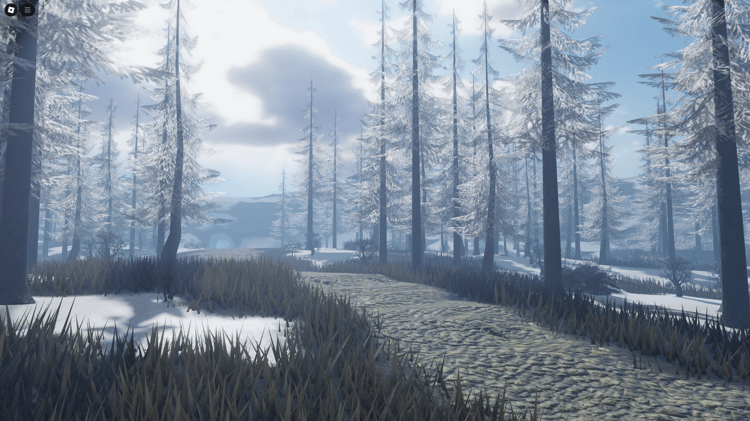
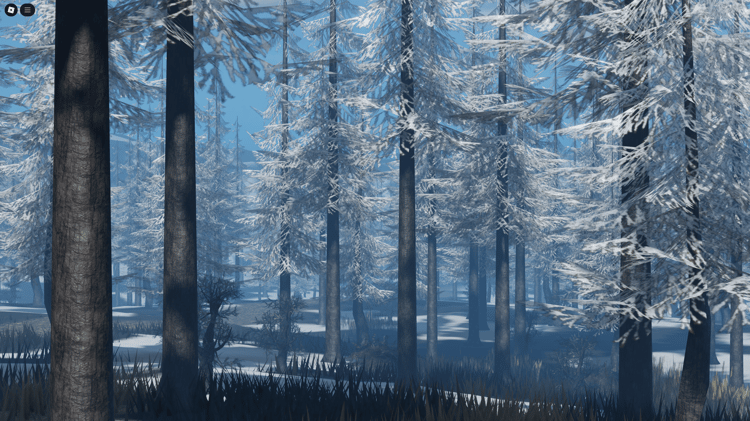
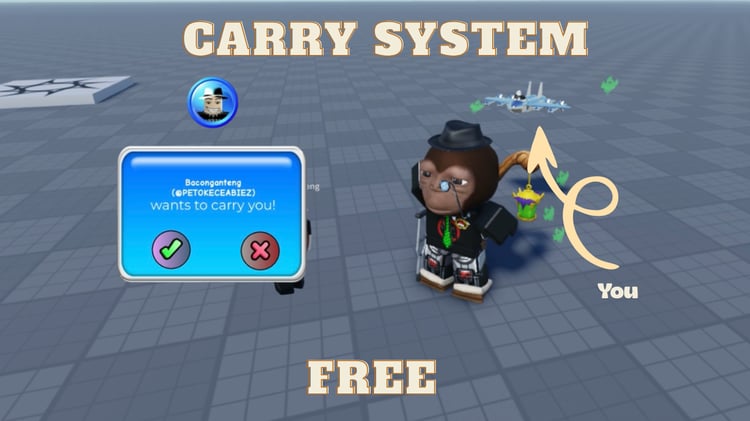
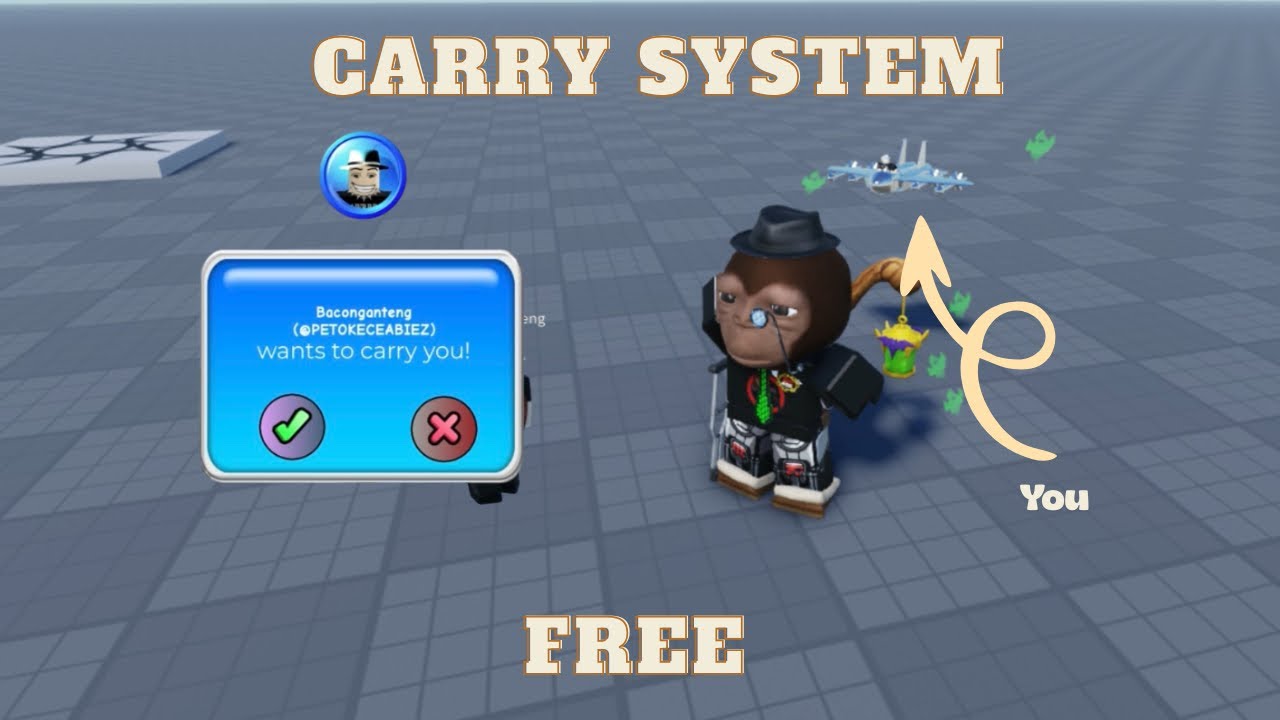


![[FREE] Roblox Clicker Simulator basic pet hatching system](https://payhip.com/cdn-cgi/image/format=auto,width=750/https://pe56d.s3.amazonaws.com/o_1j2chs7utup8g3p195f16tq19t015.png)
![[FREE] Roblox clicker game with 2 egg options for pets](https://payhip.com/cdn-cgi/image/format=auto,width=750/https://pe56d.s3.amazonaws.com/o_1j2chse8o1bha1ea41438mso5011b.png)


![[FREE] Roblox shop menu scripted UI interface](https://payhip.com/cdn-cgi/image/format=auto,width=750/https://pe56d.s3.amazonaws.com/o_1j2cirgga1i9r12itiast7etr91c.png)
![[FREE] Scripted shop menu with item categories](https://payhip.com/cdn-cgi/image/format=auto,width=750/https://pe56d.s3.amazonaws.com/o_1j2cirn0d1vdm1uel18e85ef1opp1i.png)
![[FREE] Roblox 2 Player Battle FortBlox Tycoon arena top view](https://payhip.com/cdn-cgi/image/format=auto,width=750/https://pe56d.s3.amazonaws.com/o_1j2ch3uji1pr4144317nt13ccbud10.png)
![[FREE] Two-player base building in FortBlox Tycoon](https://payhip.com/cdn-cgi/image/format=auto,width=750/https://pe56d.s3.amazonaws.com/o_1j2ch8833ij61sf06boa7o5ci16.png)
![[FREE] Working Roblox avatar creator customization menu](https://payhip.com/cdn-cgi/image/format=auto,width=750/https://pe56d.s3.amazonaws.com/o_1j2cid0jdqjphs39e01n8710p310.png)
![[FREE] Realistic Roblox avatar with clothing options](https://payhip.com/cdn-cgi/image/format=auto,width=750/https://pe56d.s3.amazonaws.com/o_1j2cid3u91cbm1v27q821fi810ig15.png)