





Turbo Tower – Roblox Toy Car Stunt Racing
On Sale
$19.99
$19.99
Turbo Tower is a toy-style stunt racing game built around three large tracks filled with loops, jumps, drops, spirals, moving obstacles, and other racing challenges. Players can compete in multiplayer races, earn cash and XP, purchase cars, and improve their personal times across the different courses.
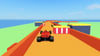
The game includes a garage and car shop, turbo boost mechanics, checkpoints, automatic crash recovery, global leaderboards, saved player progression, race results, and a large outdoor world with a garage, grandstands, race areas, beach, ocean, city skyline, and stunt park.
KEY FEATURES:
- Three stunt racing tracks with different layouts, difficulties, distances, obstacles, and race payouts.
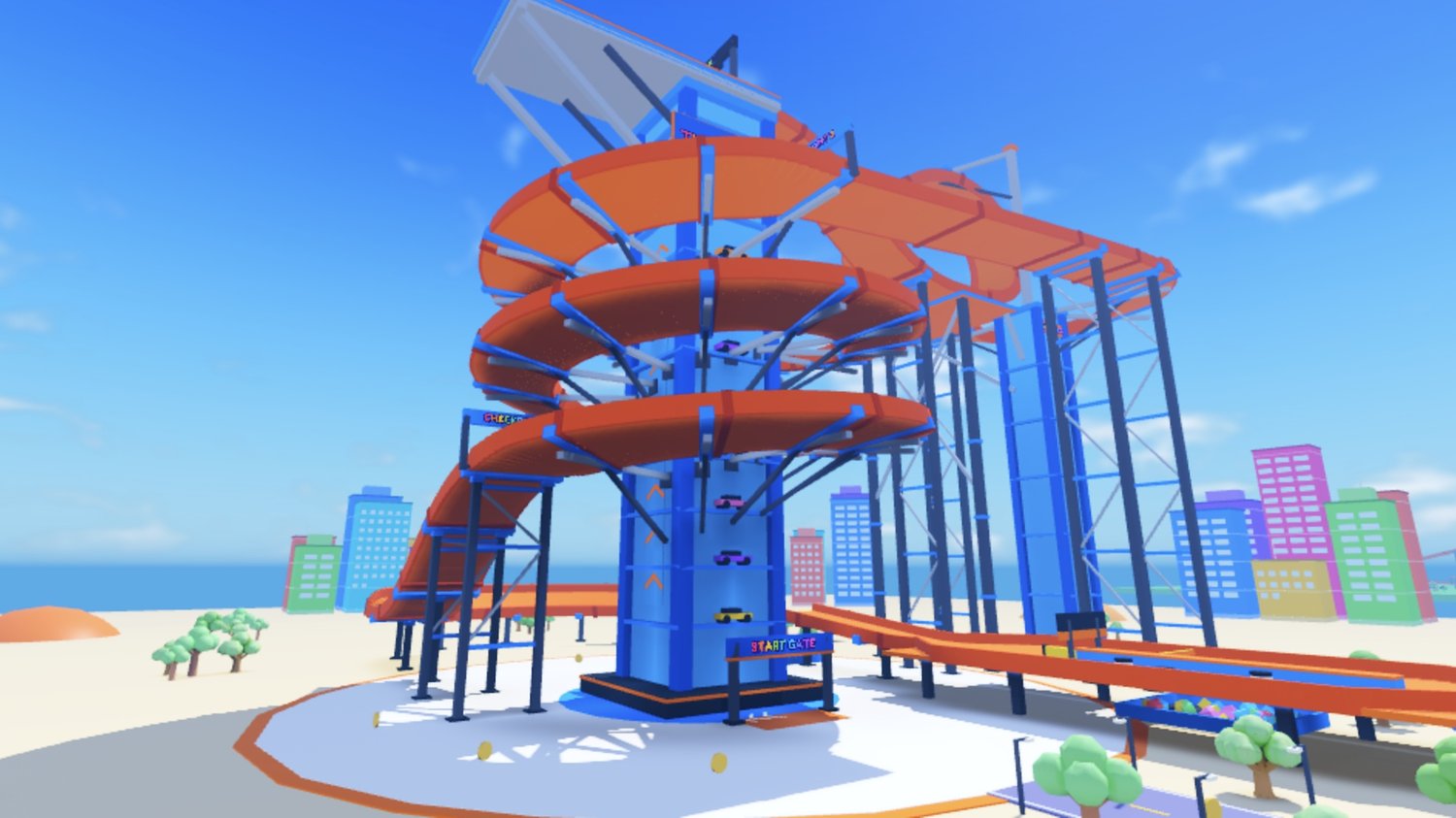
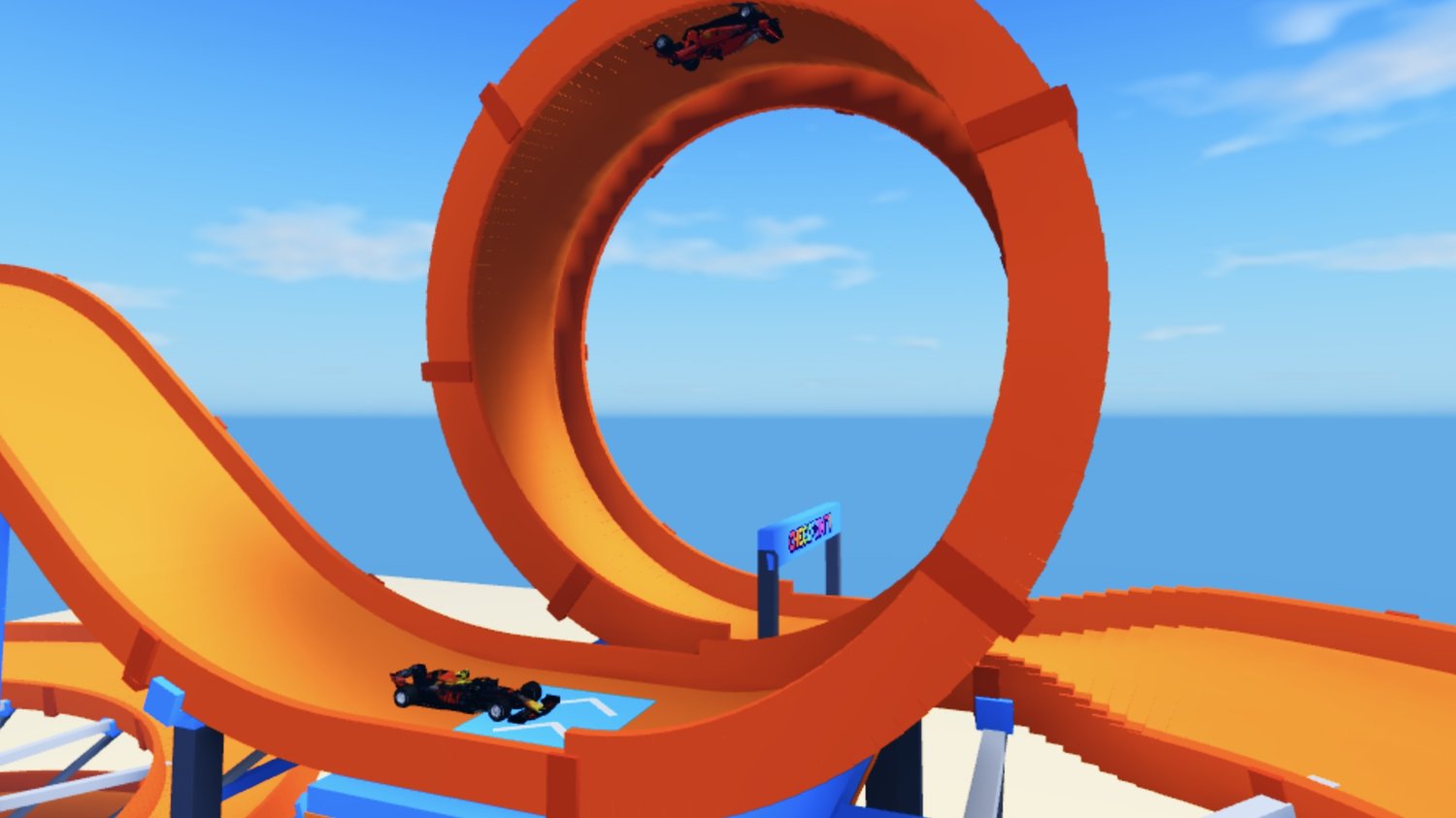
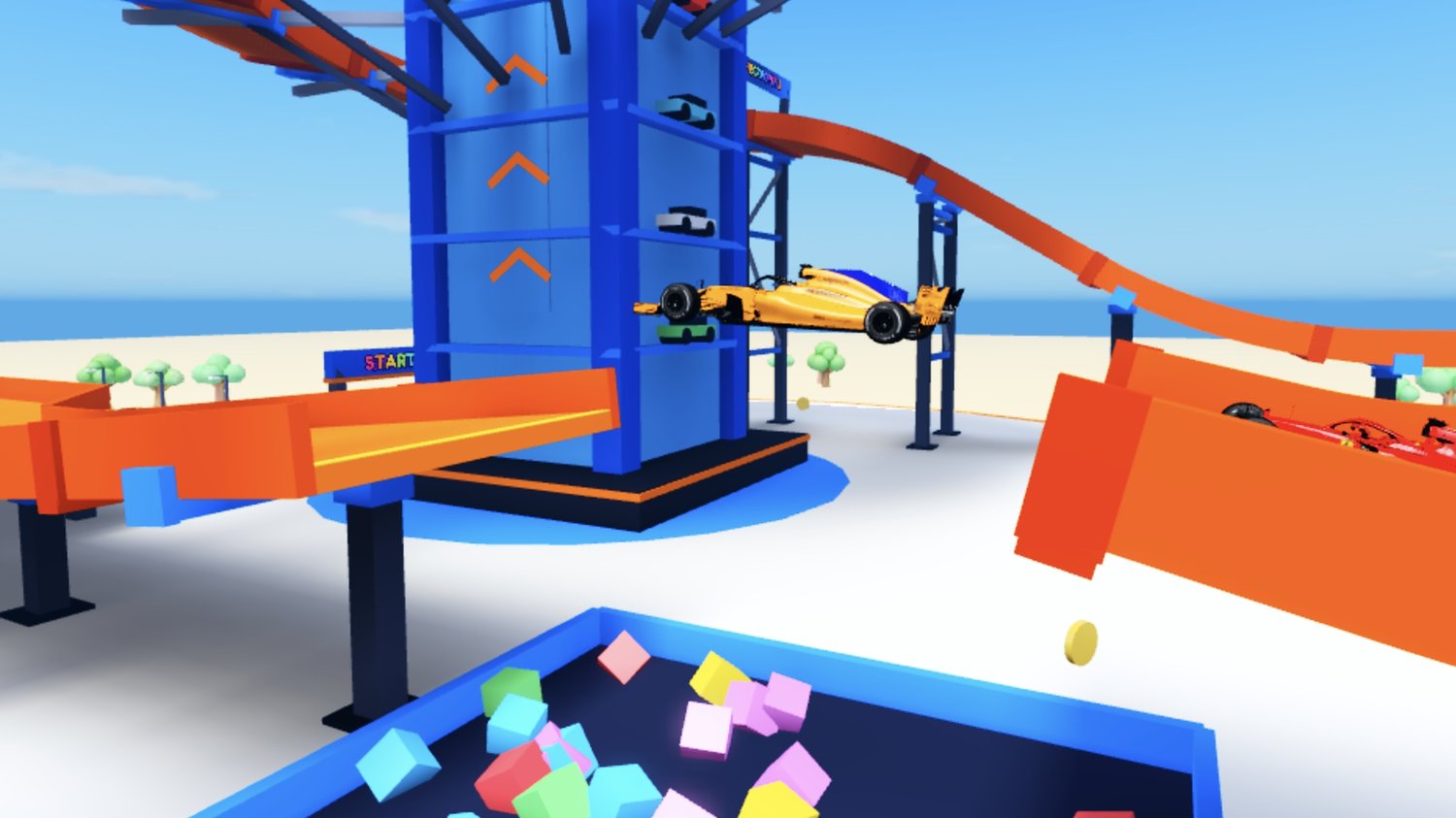
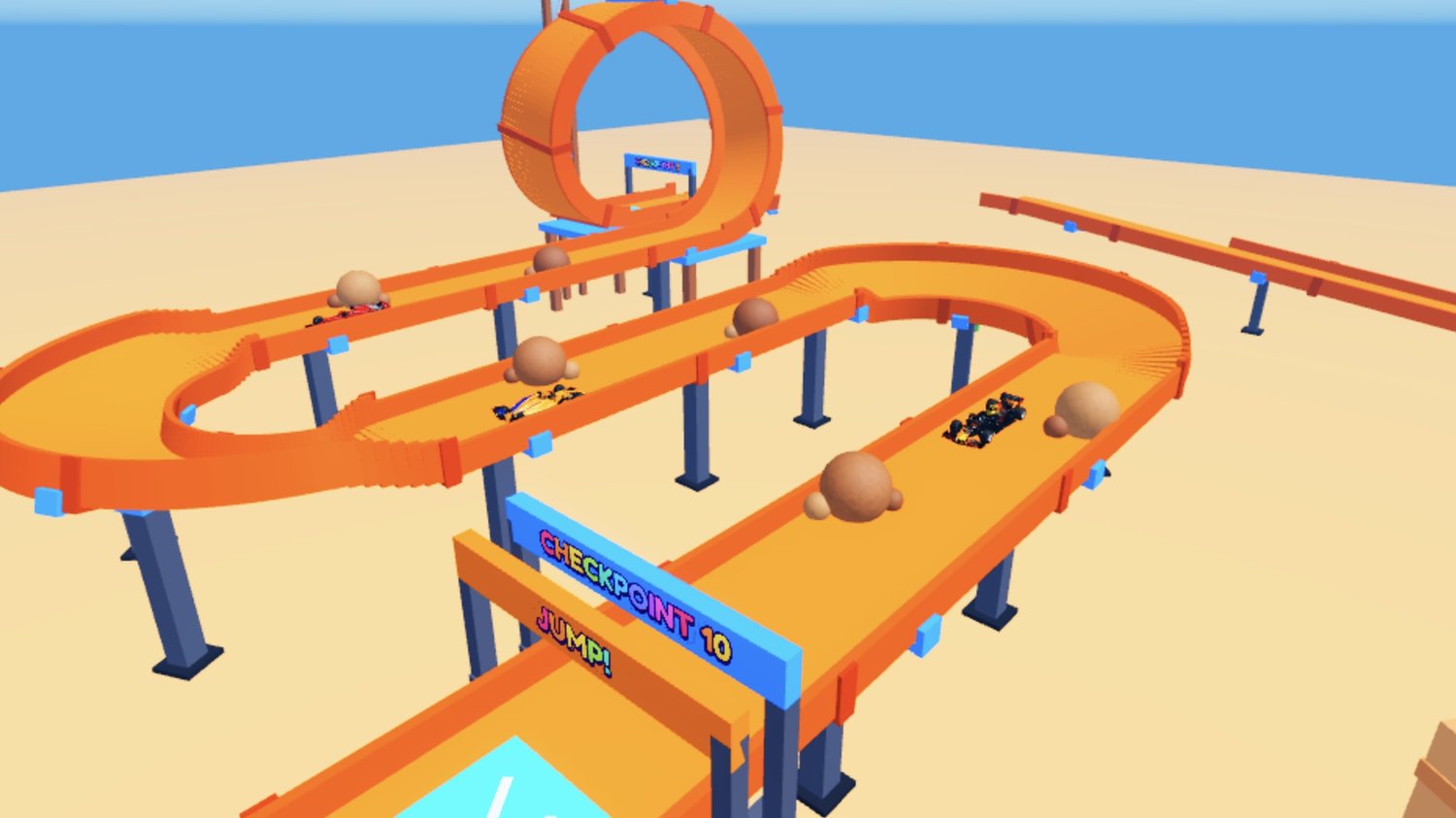
- Turbo Tower track starts from a 300-stud tower and features a launch drop, giant loop, tower spiral, high-speed drop, banked turn, and foam pit jump.
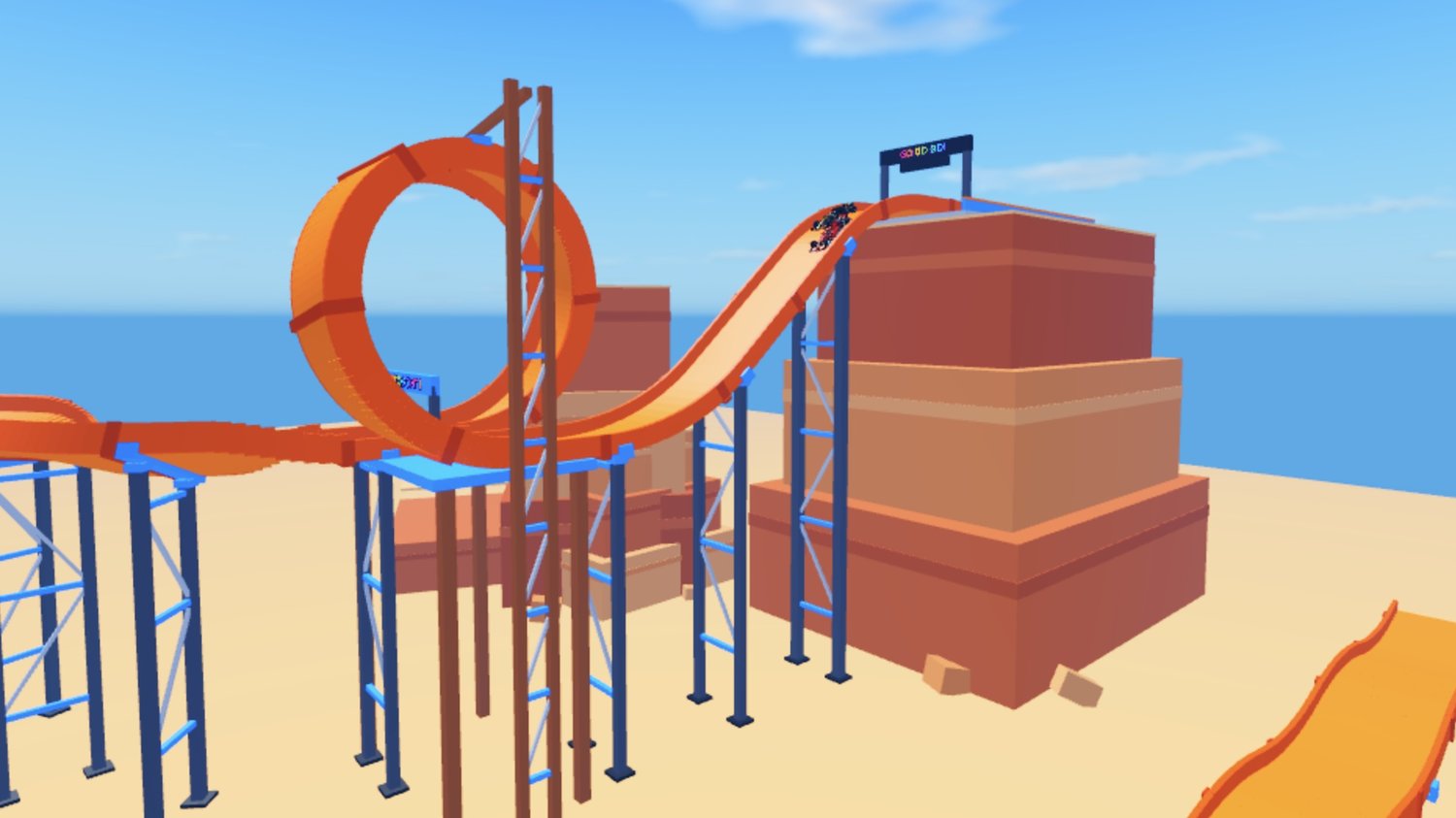
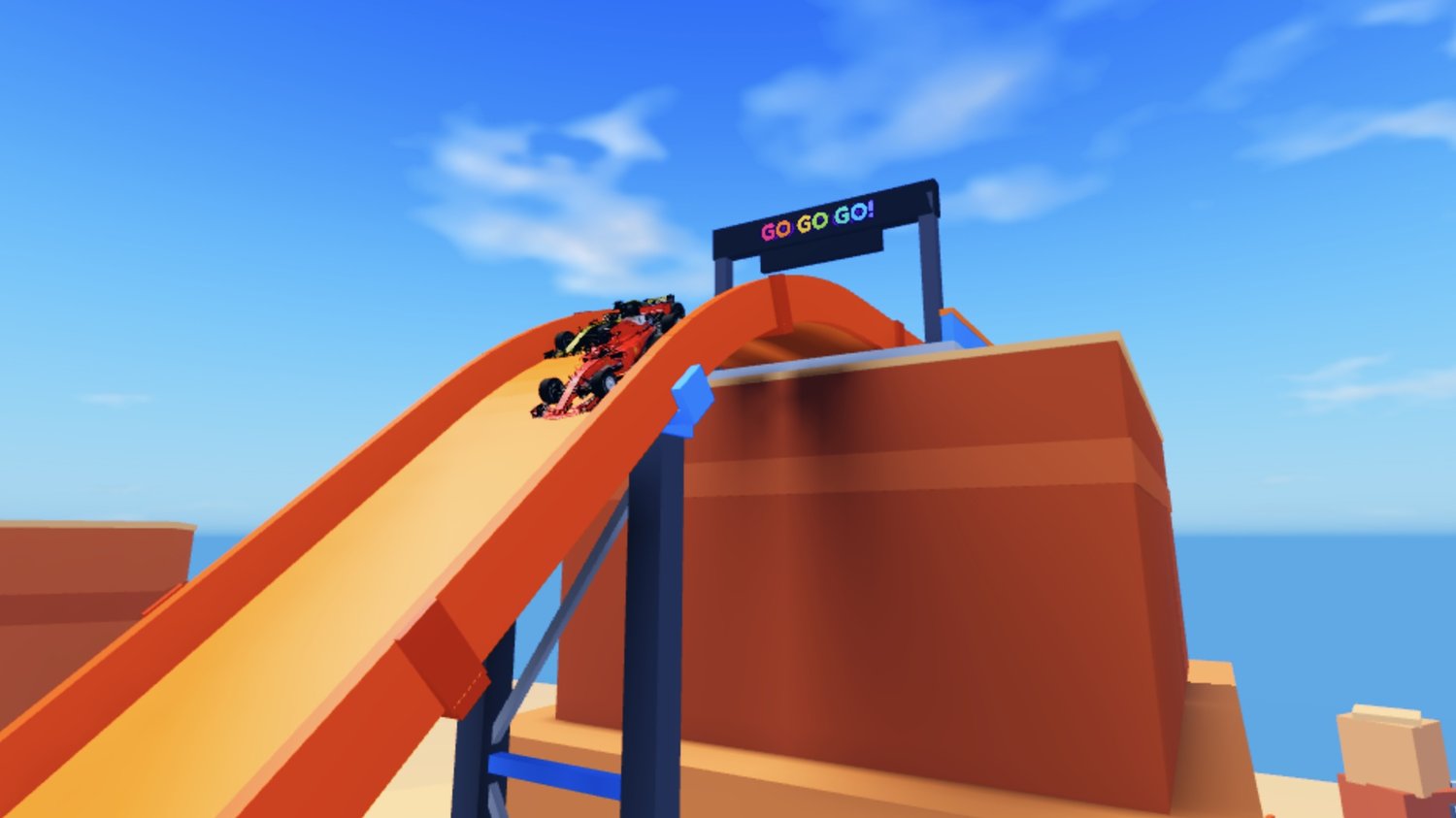
- Cactus Canyon provides an approximately 8,000-stud course with loops, a corkscrew, boulder section, hairpin turns, canyon jump, rolling bumps, and a large final drop.
- Loop Gauntlet features an approximately 10,500-stud extreme course with 12 loops, moving piston blocks, tyre slalom, six jumps, a mega ramp, double helix, and final giant loop.
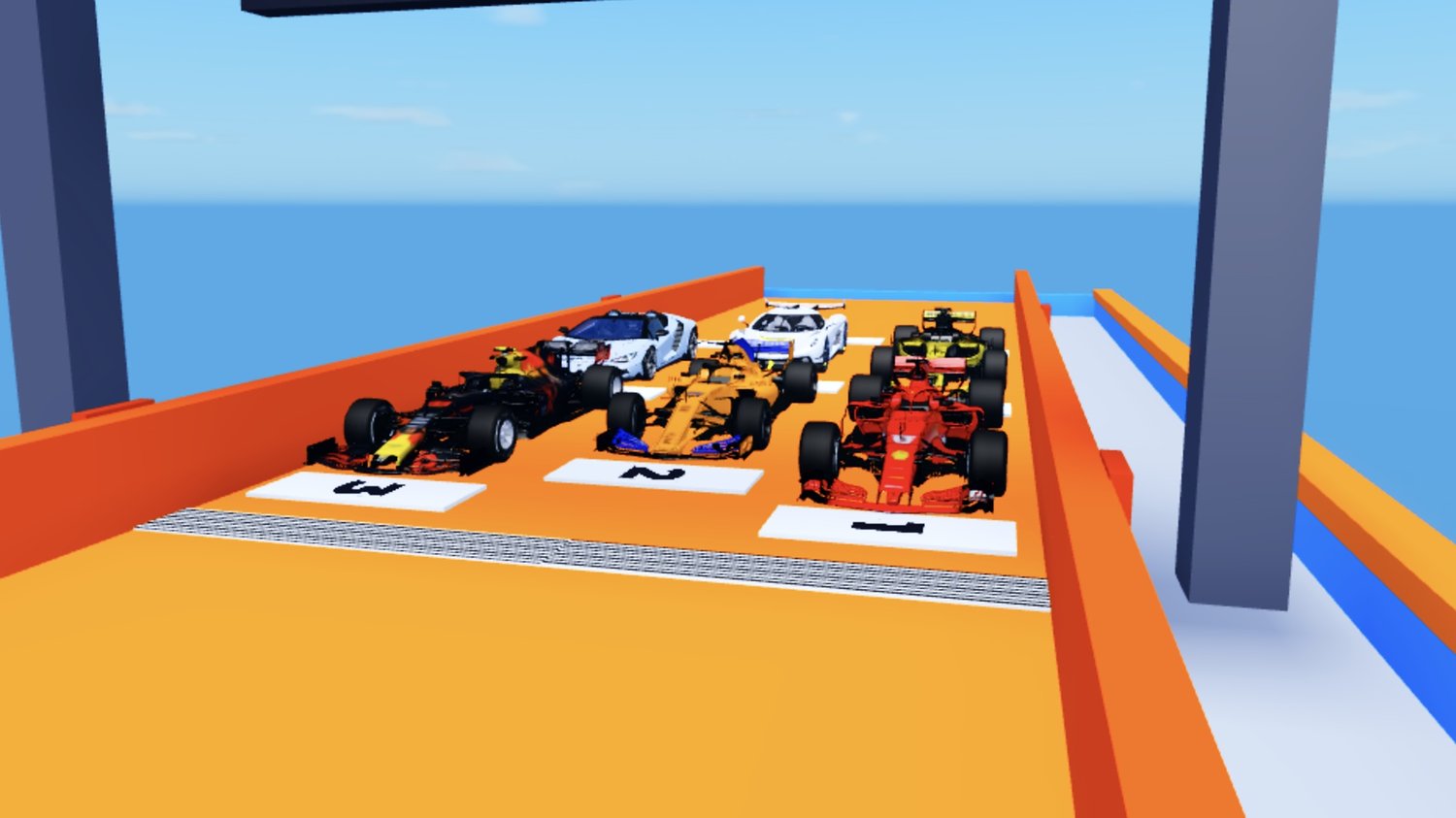
- Multiplayer racing supports up to nine players with a starting grid, countdown lights, race timer, live positions, and checkpoints.
- Track selection system displays each course's difficulty, available payout, and the player's personal best time.
- Race results screen provides options to race again, return to the garage, or return to the main spawn area.
- Checkpoint respawning allows players to continue from their latest checkpoint after falling from the track.
- Automatic vehicle recovery resets cars after they fall off the course or become flipped during a race.
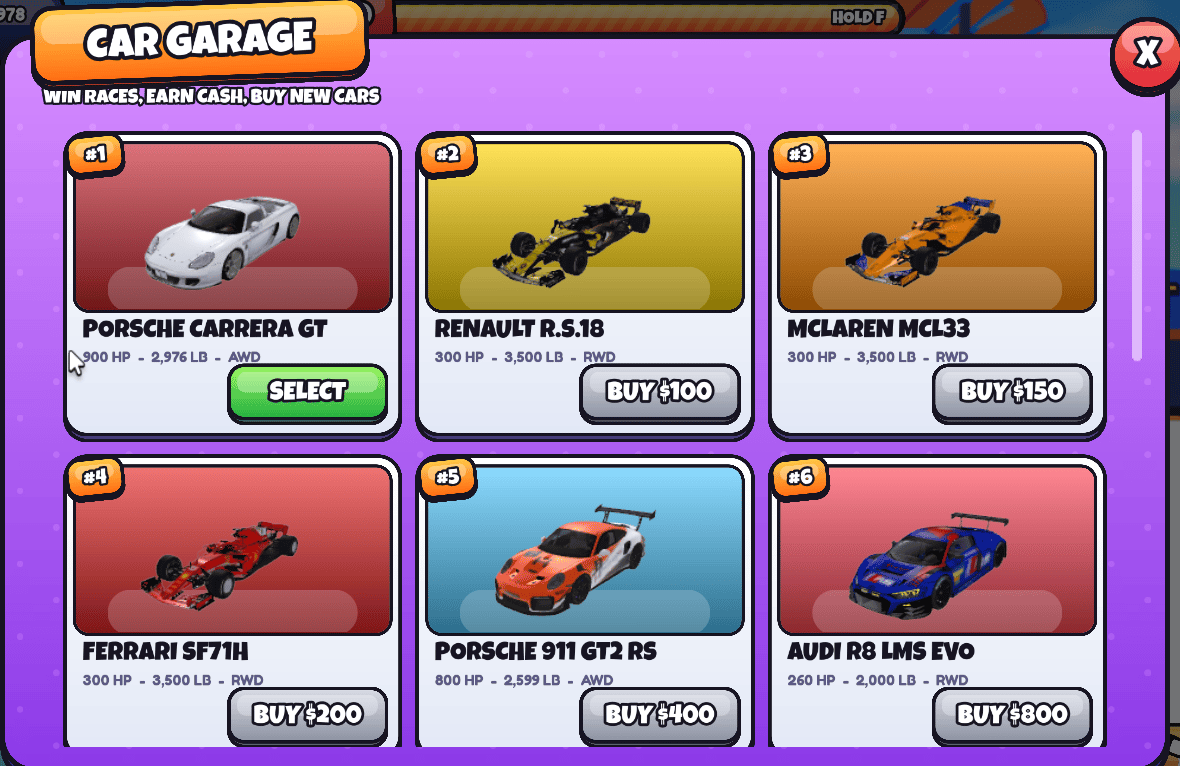
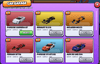
- Fifteen different race cars are included, ranging from starter vehicles to higher-priced performance cars.
- Car garage provides live 3D vehicle previews alongside horsepower, weight, drivetrain, price, and ownership information.
- Vehicle shop includes Buy and Select controls with prices ranging from $100 to $25,000.
- Showroom area displays vehicles rotating on individual presentation pedestals.
- Players can earn money from completing races and collecting coins placed throughout the game world.
- XP and level progression gives players additional progression alongside their saved money and vehicle collection.
- Player data saves between sessions, including money, owned cars, best race times, and other progression statistics.
- TURBO boost can be activated by holding F, with a dedicated meter that refills for repeated use during gameplay.
- Boost pads and launch pads provide additional acceleration and help players reach jumps and elevated sections of the tracks.
- Magnetic track sections help keep vehicles attached during loops, spirals, and banked racing sections.
- Mid-air vehicle balancing gives players additional control when approaching jumps and landing sections.
- Cars automatically recover from collisions with obstacles so crashes cost racing time without immediately ending the race.
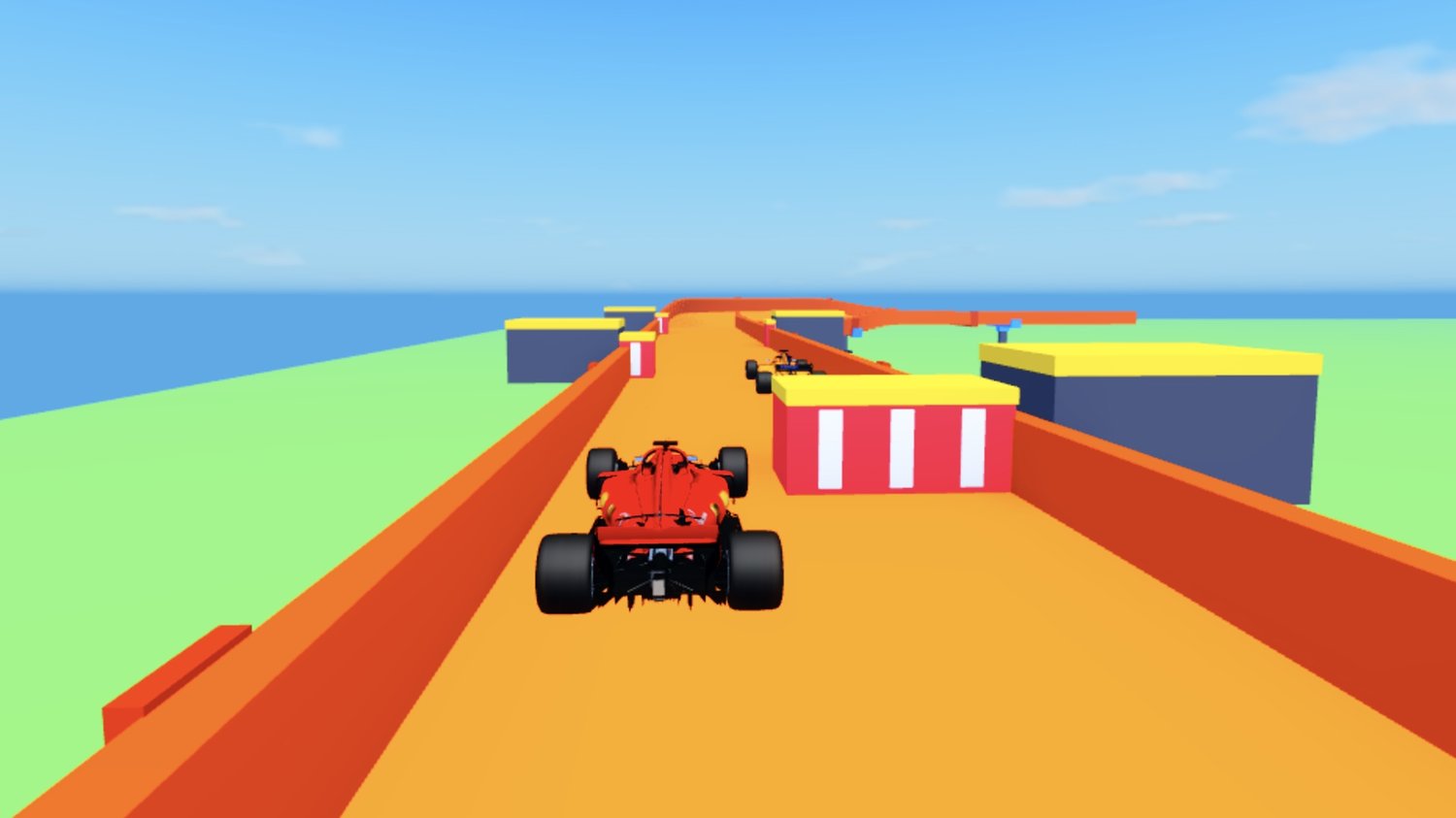
- Chase camera changes its view as speed increases, with speed lines and camera shake during turbo use.
- First-person driving view is available alongside the standard chase camera.
- Keyboard, gamepad, and touchscreen controls are supported, including an on-screen TURBO button for mobile players.
- Large outdoor racing world includes a beach, ocean, colorful city skyline, low-poly trees, dunes, and a dedicated stunt park.
- Spawn plaza includes race pads for each track, a garage building, grandstands, and a How to Play information board.
- Race tracks use individual race pads that allow players to enter their chosen course directly from the spawn area.
- Results screens include finish effects and confetti when players complete a race.
- Background music uses Roblox's licensed music library with an available mute control.
- Sound effects are included for turbo, boost pads, launch pads, and vehicle driving.
- Server-side checks handle money, rewards, and vehicle purchases to validate important gameplay transactions.
- Saving includes retry handling, autosaving, and protection against invalid data overwriting existing player saves.
- Car prices can be changed through the vehicle Price attribute without rebuilding the shop system.
- Track payouts can be adjusted through the game's configuration system for easier customization.
6a8c12bf1c48a7044f67d8ae