
Your Cart
Loading

Squishy Simulator – Roblox Pet Tycoon Game

On Sale
$9.99
$9.99
Added to cart

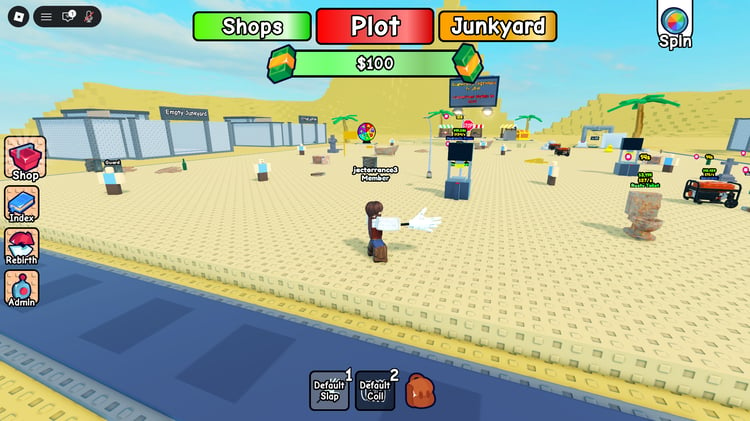
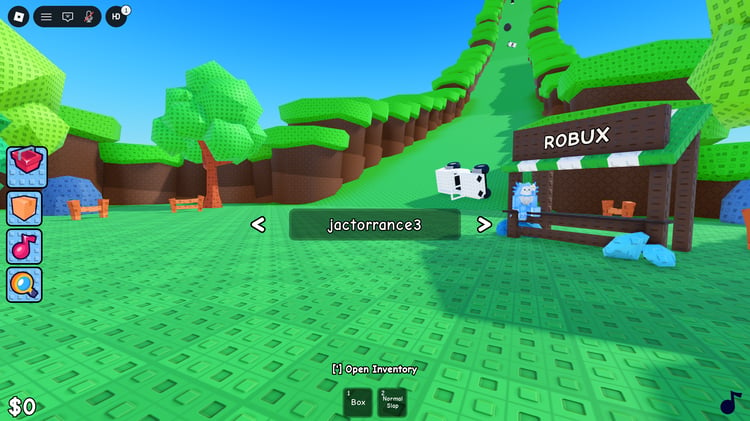
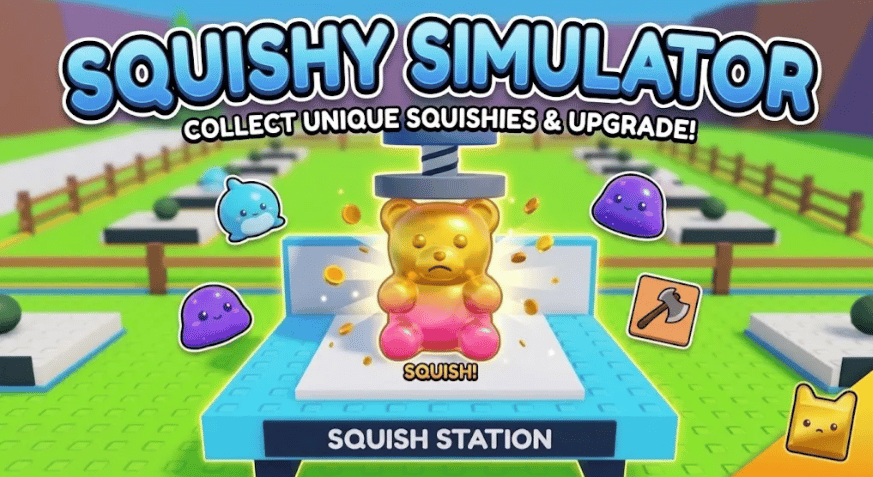
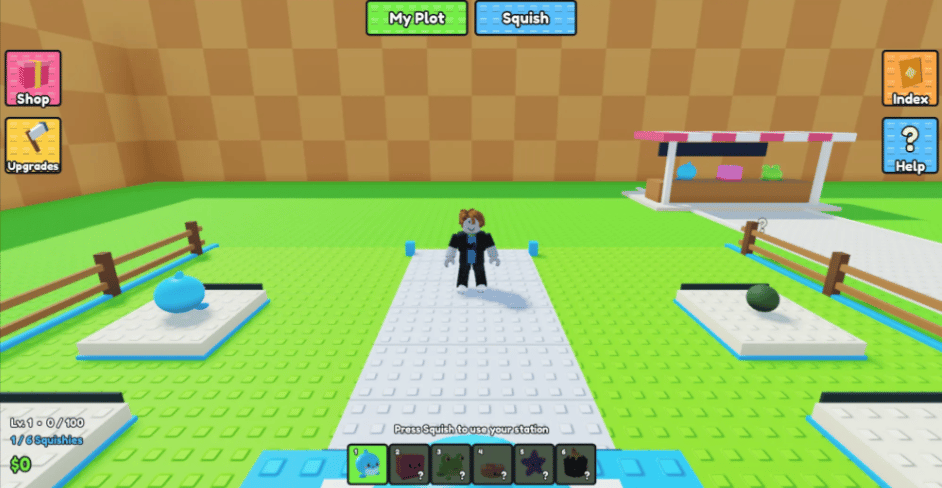
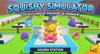
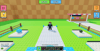
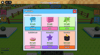
Squishy Simulator is a Roblox pet-collection and tycoon-style game where players collect different squishy creatures and use them at stations on their personal plot. The game features a colorful environment with fenced plots, collectible displays, a shop, and an index for tracking available squishies.

Players can improve their squishing abilities through upgrades, earn cash from squish interactions, unlock additional squishies, and expand their collection. The interface includes menus for the shop, upgrades, index, help, and personal plot management.


KEY FEATURES:


  • Dozens of unique squishy creature models available to collect and display.
  • Personal player plots with dedicated squish stations for managing your collection.
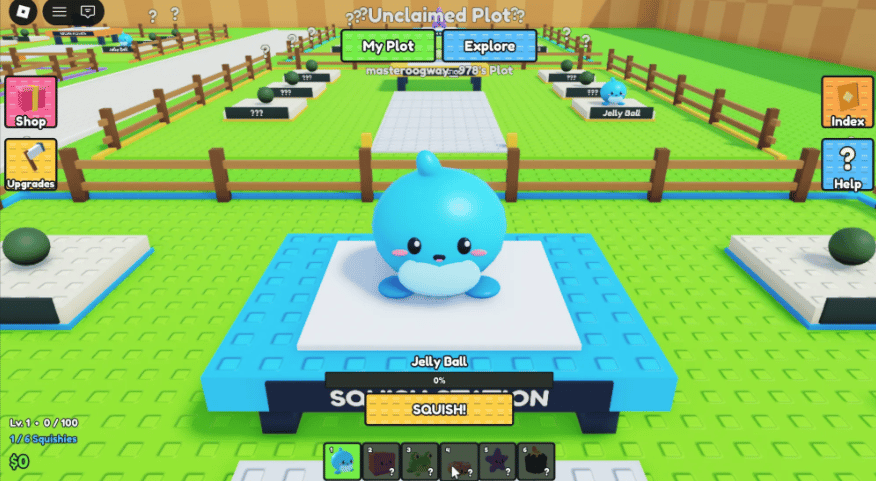
  • Squish stations allow players to interact with and earn cash from their equipped squishies.
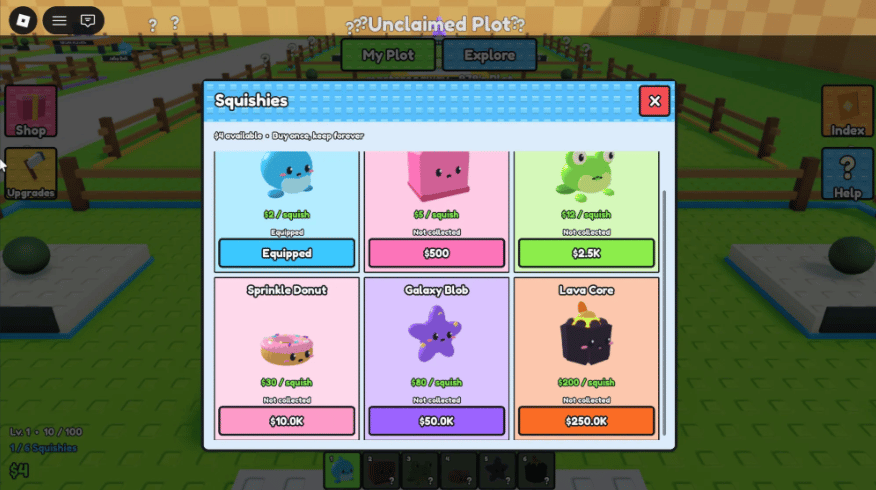
  • Squishy collection index displays available creatures and their individual cash values.
  • Multiple collectible rarities and designs provide different squishy options to unlock.
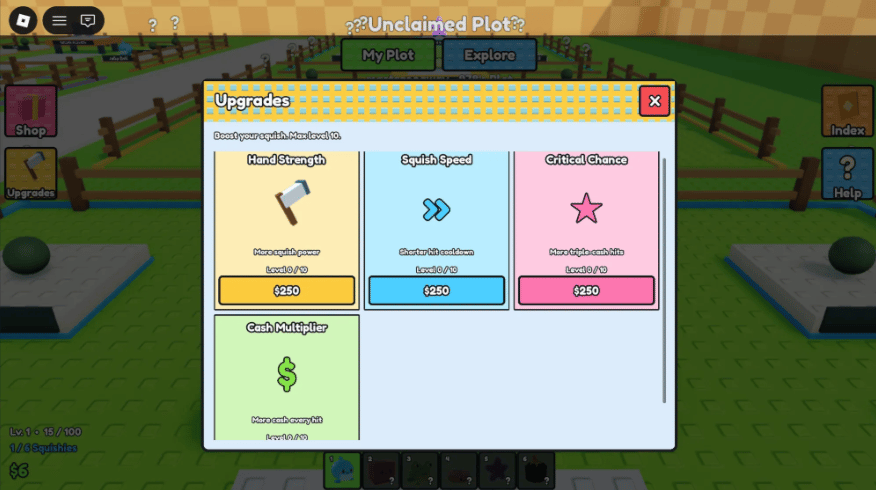
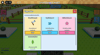
  • Hand Strength upgrade increases the power of each squish interaction.
  • Squish Speed upgrade reduces the cooldown between individual squish interactions.
  • Critical Chance upgrade provides opportunities for higher-value triple-cash hits.
  • Cash Multiplier upgrade increases the amount of money earned from squishing.
  • Upgrade menu provides multiple progression paths with individual upgrade levels.
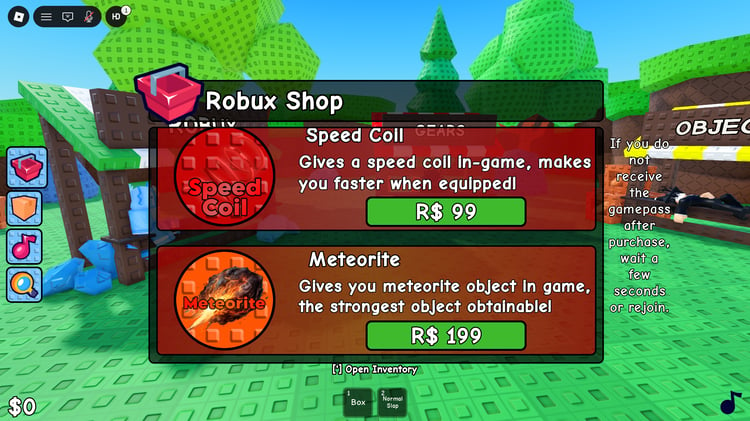
  • Shop interface provides access to additional game purchases and available items.
  • Plot system allows players to claim and manage their own dedicated area.
  • Fenced plot areas create separate spaces for displaying and organizing player collections.
  • On-screen collection bar provides quick access to equipped and unlocked squishies.
  • Level progression tracks player advancement alongside squish and cash statistics.
  • Cash and squish counters are displayed directly within the gameplay interface.
  • Explore and My Plot menus provide navigation between personal and shared areas.
  • Colorful Roblox-style interface uses dedicated menus for gameplay systems and progression.
  • Squishy models include varied shapes, colors, faces, and themed creature designs.


6a8c12bf1c48a7044f67d8ae
You will get a RBXL (118KB) file

KW Studio • Product Guide

Before you use this product

Review the detected asset type, seller context, setup requirements and testing steps before adding this Roblox Studio product to a live experience.

This Roblox Studio asset is listed through KW Studio. Review the live product description, screenshots, seller details, delivery information and setup expectations before use.
Asset type Roblox Studio Asset
Seller Seller shown on page
Availability Shown on product page
Seller status Seller details shown on page

Seller context

Seller shown on this product page

Marketplace seller

KW Studio shows seller details on the product page when available. Full seller background information belongs on the seller profile page, while this product FAQ focuses on product setup, delivery, testing, and buyer expectations.

Product questions and setup guidance

Answers are adapted automatically from the live product page, detected asset type and available seller information.

This is a downloadable Roblox Studio asset listed through KW Studio. Review the product title, screenshots, description, visible features, seller information, and file expectations before using it in a live Roblox experience.

When a KW Studio product page shows a Verified Seller badge, it means the seller has passed KW Studio’s seller verification checks shown on the page. Buyers should still review the product description, screenshots, and setup expectations before purchase or download.

This product is sold by the seller shown on this page. When available, KW Studio displays the seller name, contact options, seller tags, and a seller profile link. Longer seller background information should be reviewed on the seller profile page instead of inside the product description.

Download the file, open or import it inside Roblox Studio, review the Explorer structure, and test the asset in a separate place before adding it to your main project.

This asset can be useful for Roblox developers who want a faster starting point, but the final use depends on your project goals, game structure, customization work, and testing process.

Test the asset in Roblox Studio before publishing. Check file structure, scripts if included, scale, performance, mobile usability, permissions, missing parts, and whether the asset fits your own game.

Some Roblox Studio assets may require importing, configuration, testing, ID replacement, scripting knowledge, or customization depending on what is included.

For product-specific questions, use the seller contact methods shown on this product page when available. For marketplace support, download issues, duplicate purchases, mistaken purchases, unclear listings, or escalation, contact KW Studio support.

KW Studio products are downloadable Roblox Studio assets. Free products and paid products should both be tested before use. Paid purchases are generally final once delivery or download access begins, except where required by law or where KW Studio determines that a genuine delivery, duplicate purchase, seller, or product issue requires support action.

Digital product notice: KW Studio products are downloadable Roblox Studio assets. Free products and paid products should both be tested inside Roblox Studio before publishing. Paid purchases are generally final once delivery or download access begins, except where required by law or where KW Studio determines that a genuine delivery, duplicate purchase, seller, or product issue requires support action. If you believe you purchased by mistake, do not download the file and contact help@kwstudio.org. Review the KW Studio Digital Delivery Policy and KW Studio Digital Asset License before purchase.