Player Report System V2 – Roblox Moderation Tool
On Sale
$2.99
$2.99
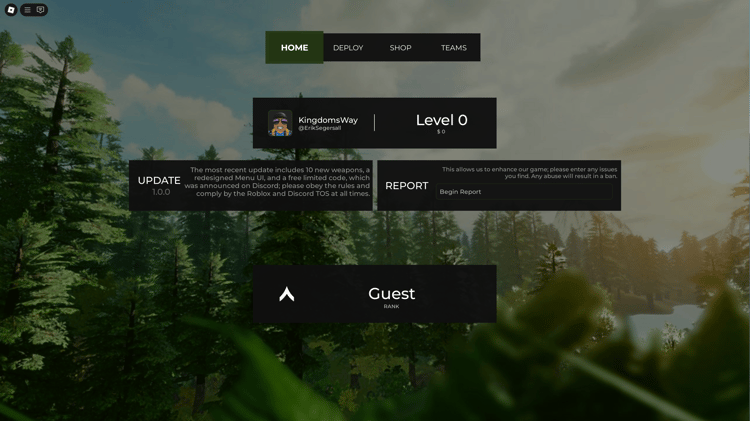
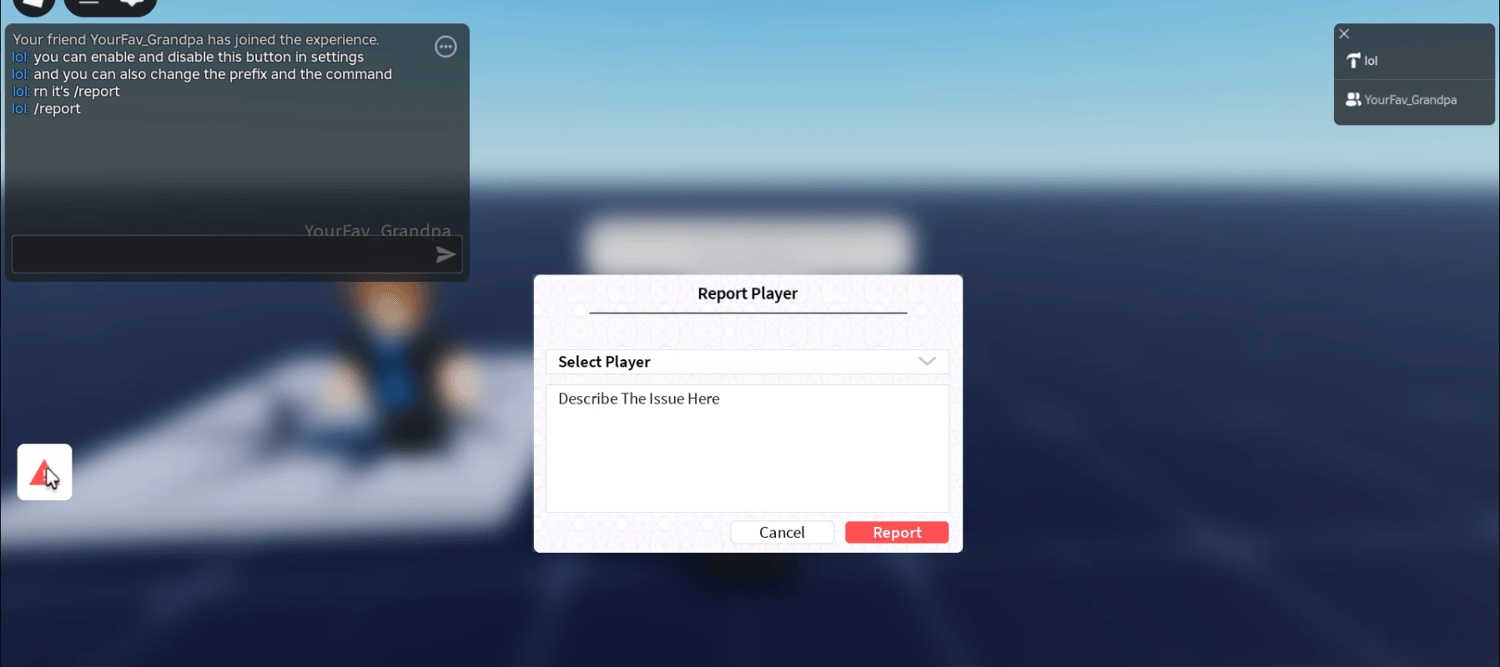
The Player Report System V2 provides an in-game interface for submitting reports about other players. Users can select a player, enter a description of the issue, and submit the report through a dedicated form.
Players can access the reporting interface through an on-screen report button or a chat command. The system includes configurable settings for adapting its appearance and behavior to different Roblox experiences.
Webhook logging supports the recording of submitted reports for moderation review. The interface includes player selection, a text field for describing incidents, and controls for submitting or cancelling a report.
KEY FEATURES
- Dedicated report button for opening the player reporting interface
- Chat command for accessing the report form during gameplay
- Player selection dropdown for choosing the person being reported
- Text input area for describing the reported incident
- Submit and cancel buttons for managing report submissions
- Webhook logging for sending report information to a configured destination
- Configurable settings for adjusting system behavior and presentation
- Modern graphical interface with clearly separated reporting controls
- In-game reporting workflow that players can access without leaving the experience
- Moderation support for collecting player-submitted incident descriptions
6a95a8e82a4f6cf2832f4324