

Your Cart
Loading

Open Crates For Anime – Anime Unit Collection Simulator

On Sale
$19.99
$19.99
Added to cart

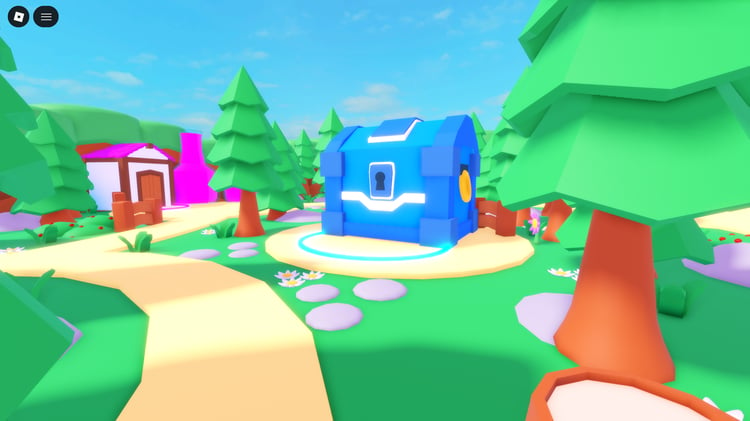
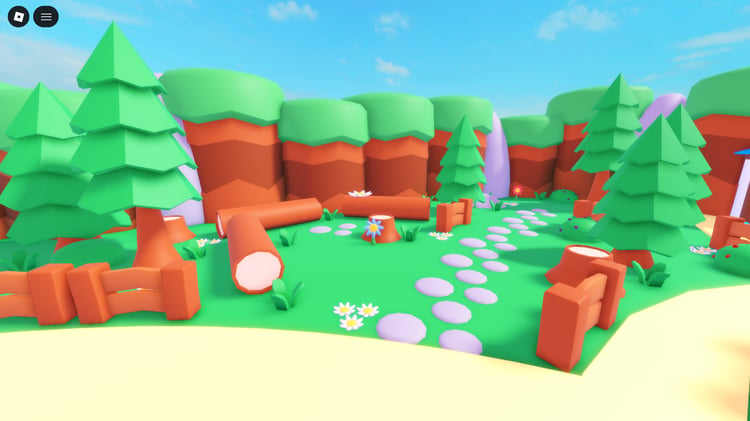
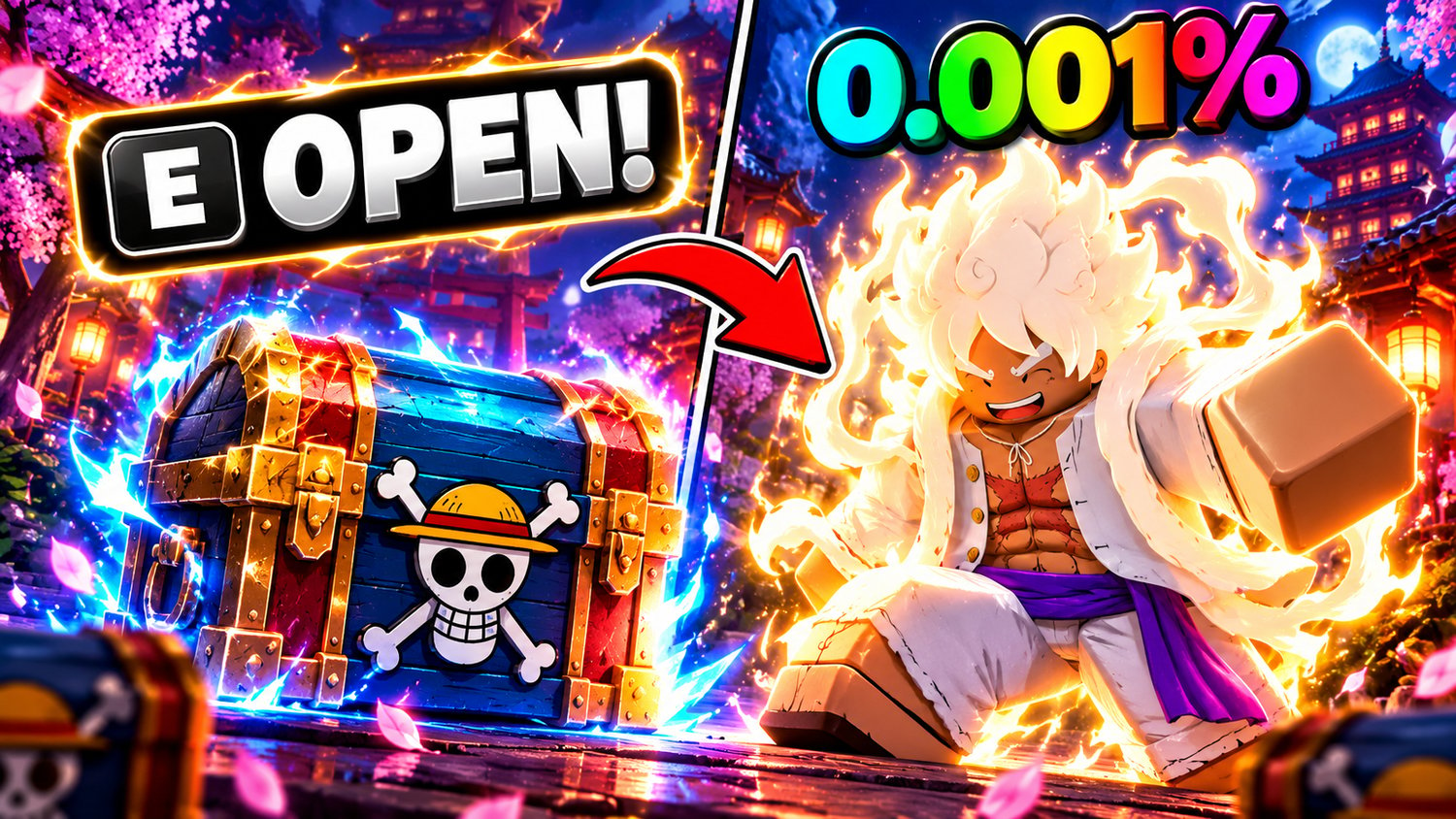
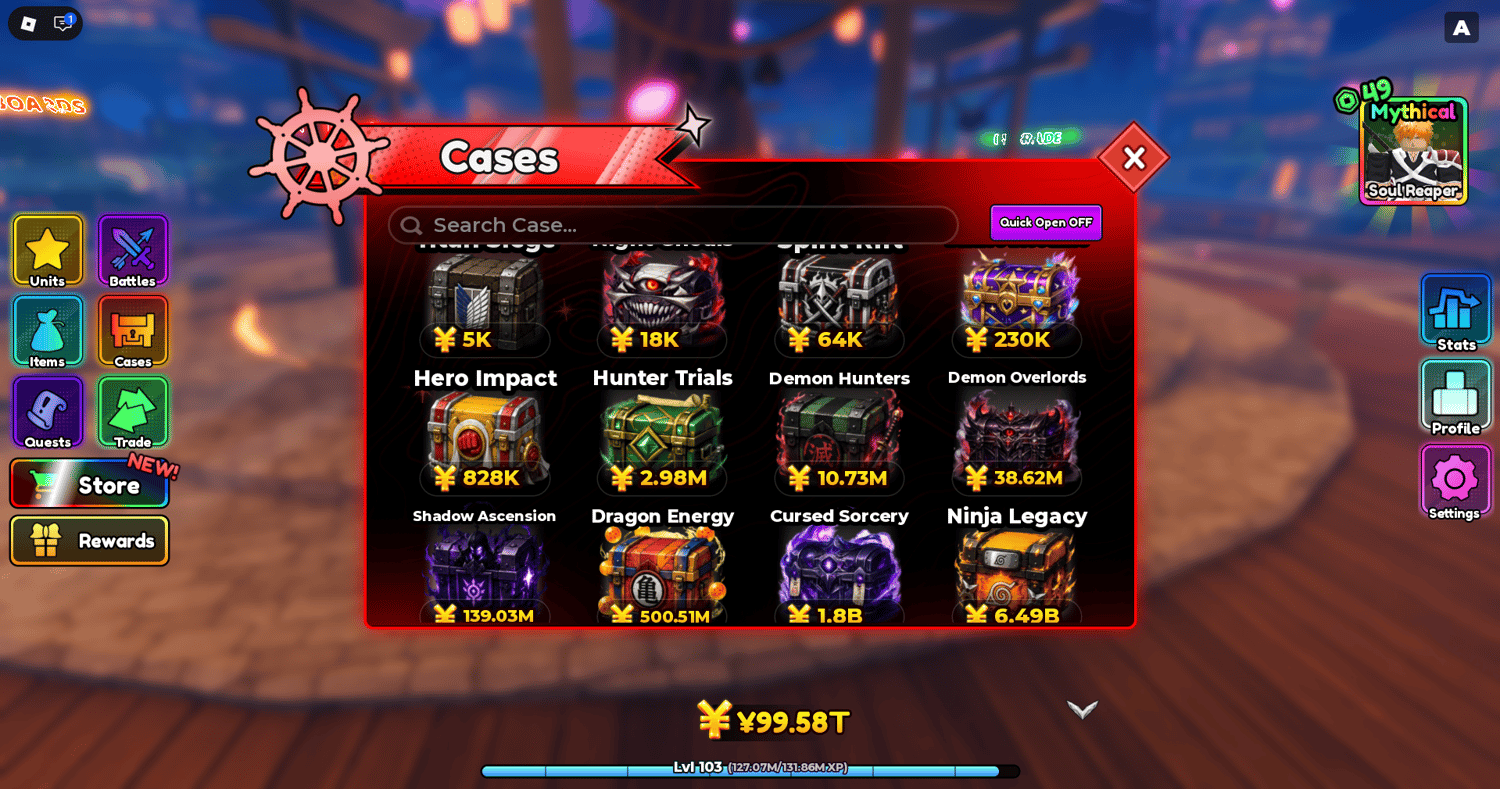
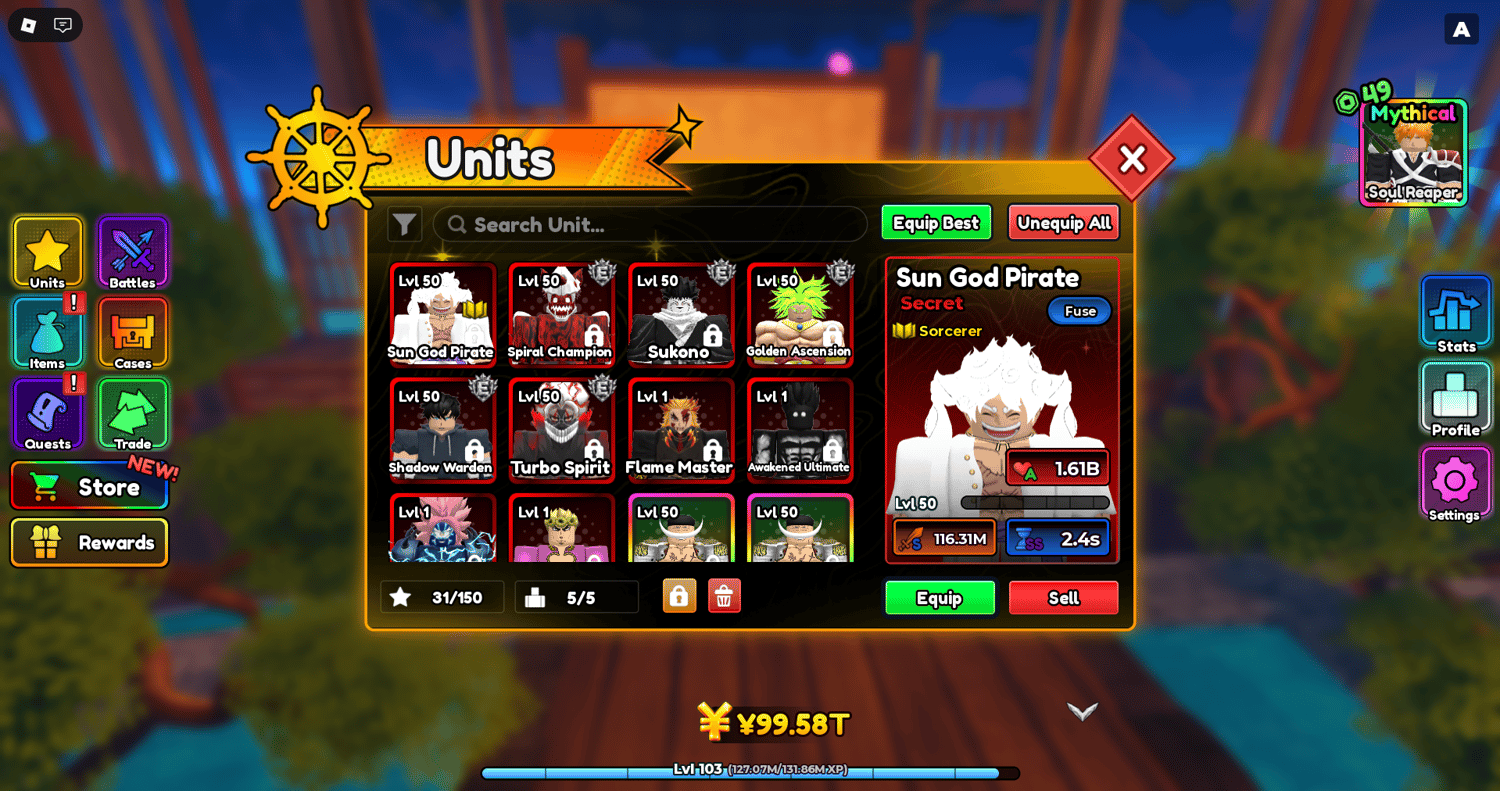
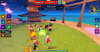
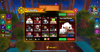
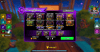
Open Crates For Anime is a complete Roblox game built around opening cases, collecting anime units, and developing a powerful squad. Players can discover 92 collectible units across seven rarity tiers, unlock 14 unique traits, improve their luck, and use special pity systems to support Legendary and Mythical unit pulls. With 16 cases and special crates, triple openings, auto-selling, and rare pull announcements, the game combines collection progression with case-opening mechanics.

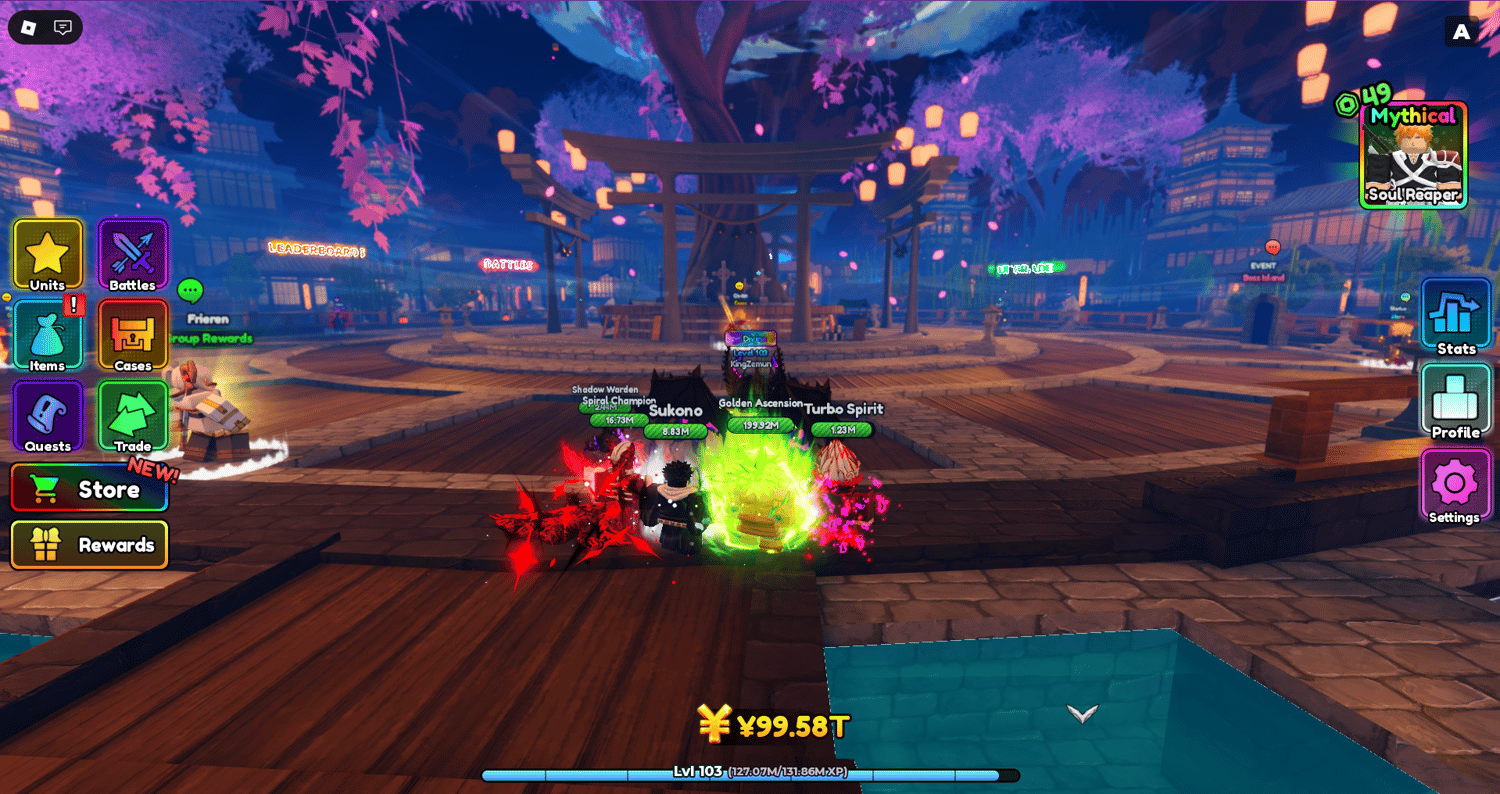
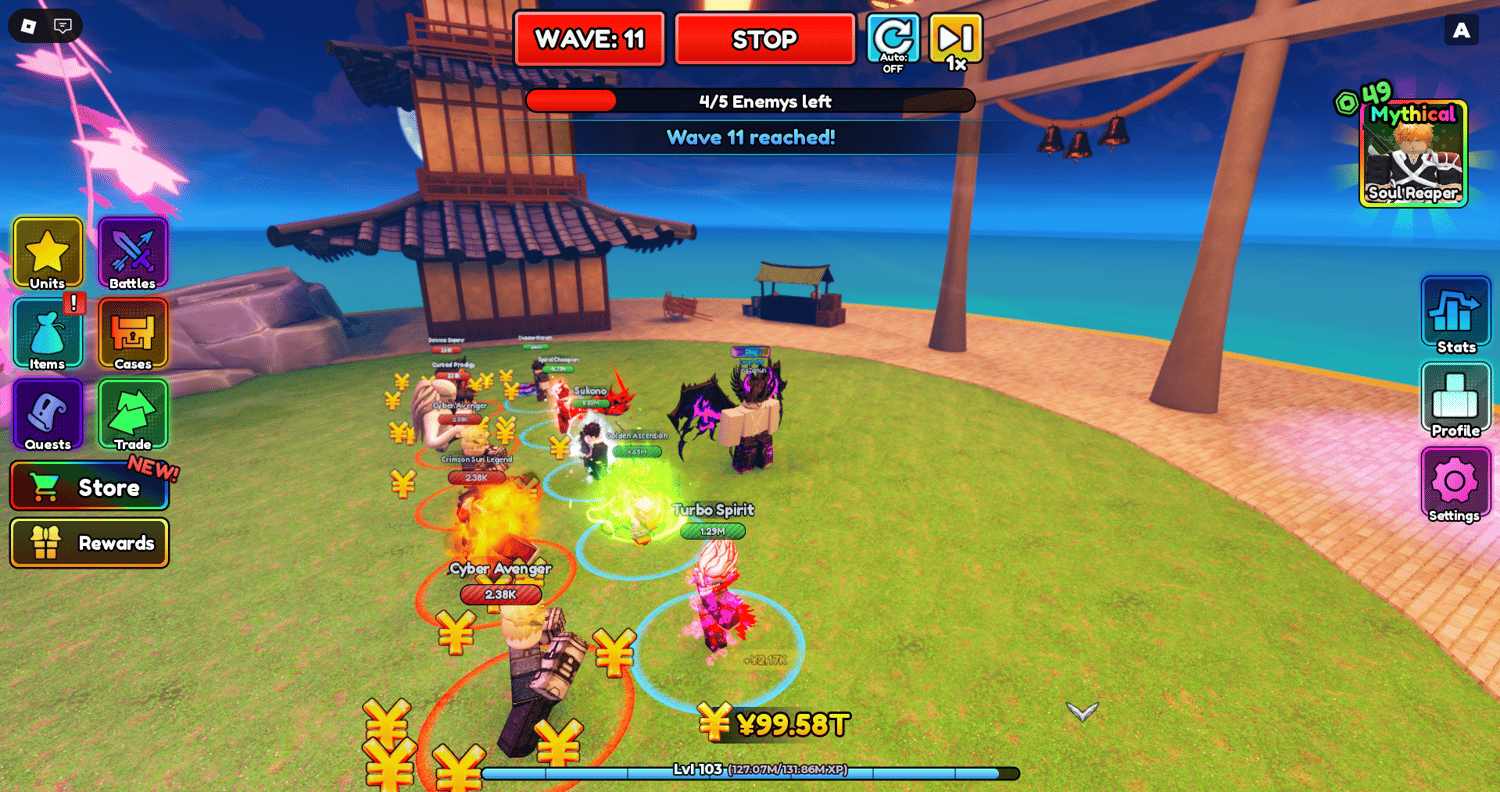
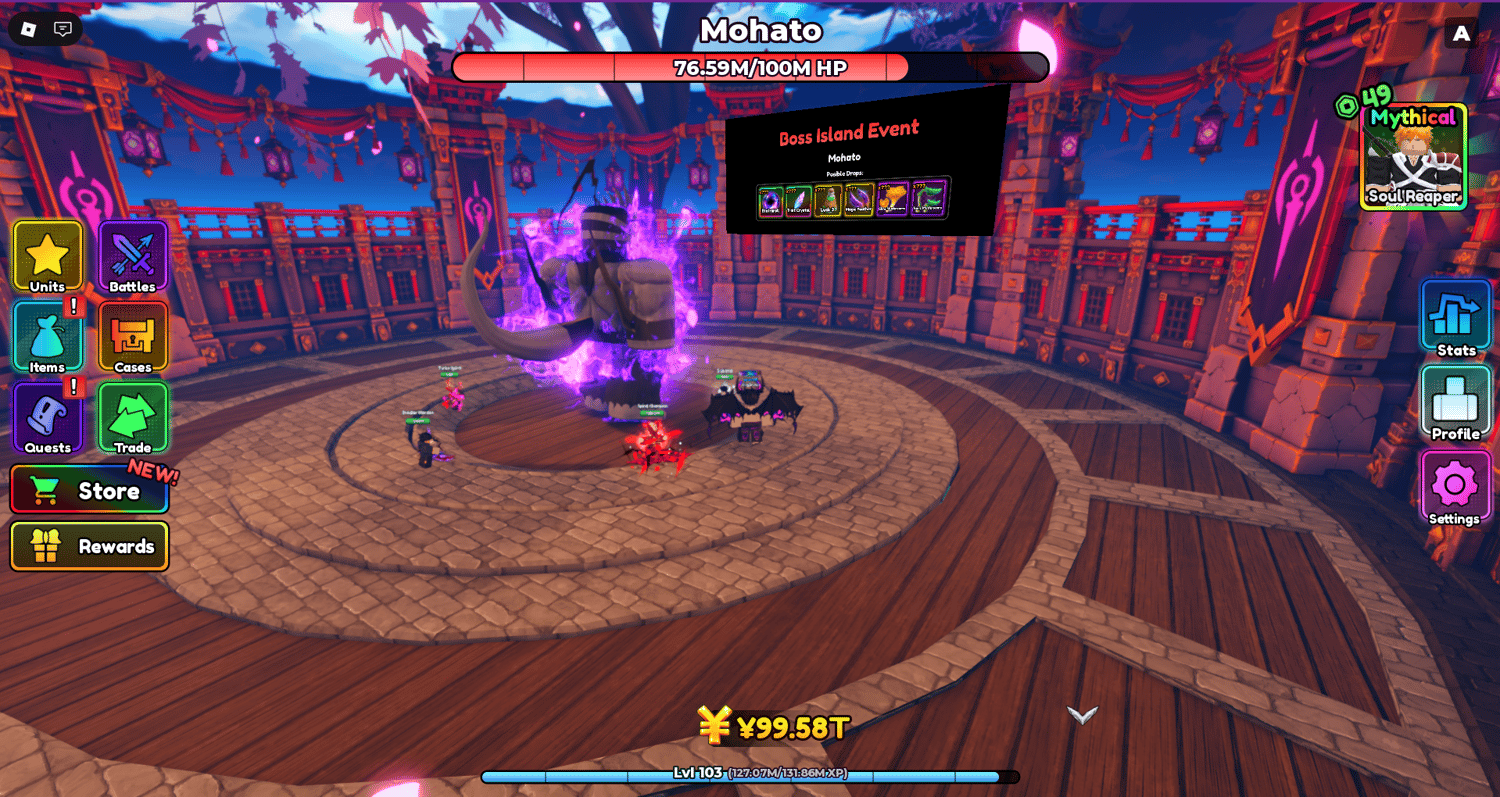
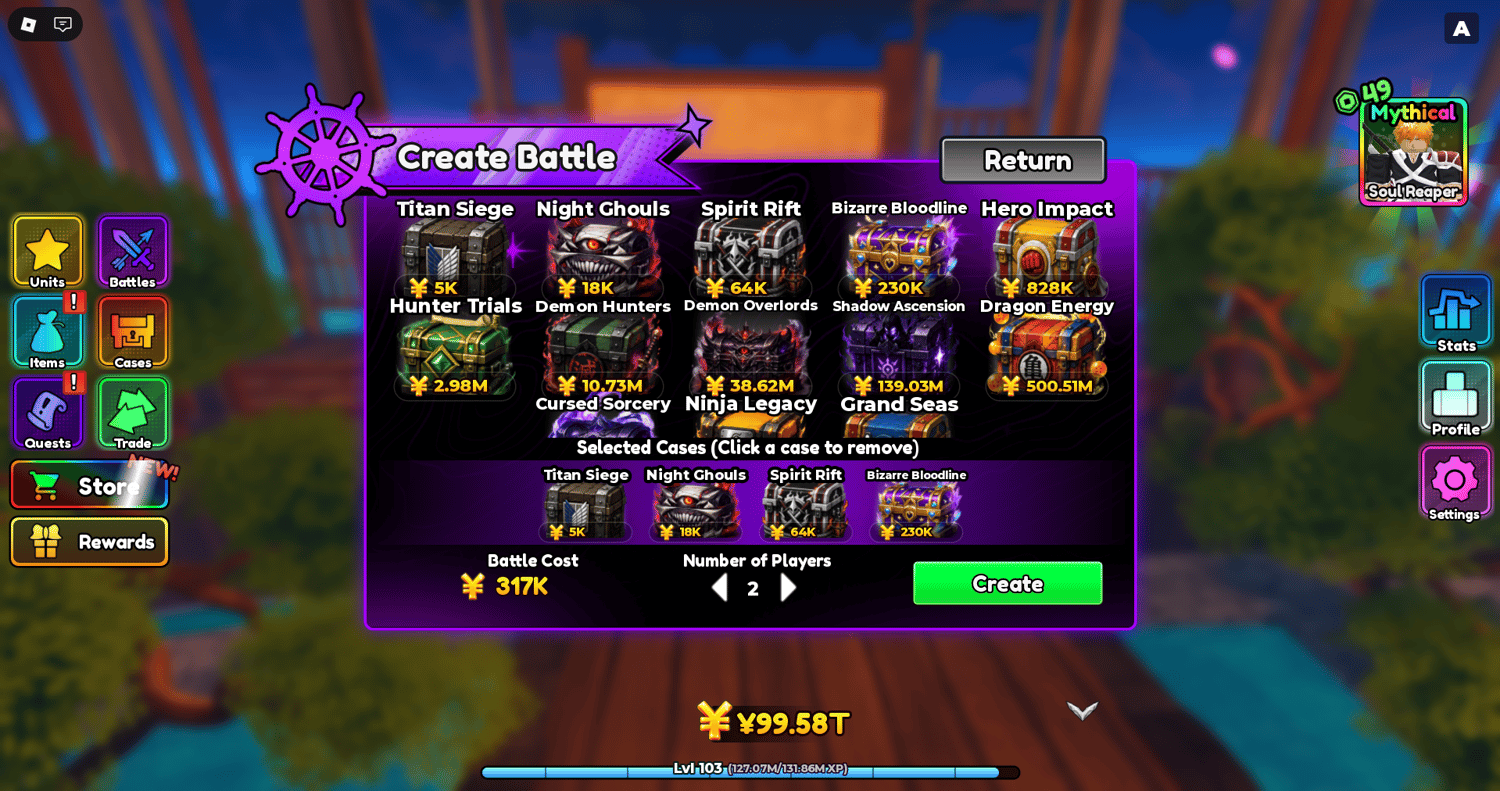
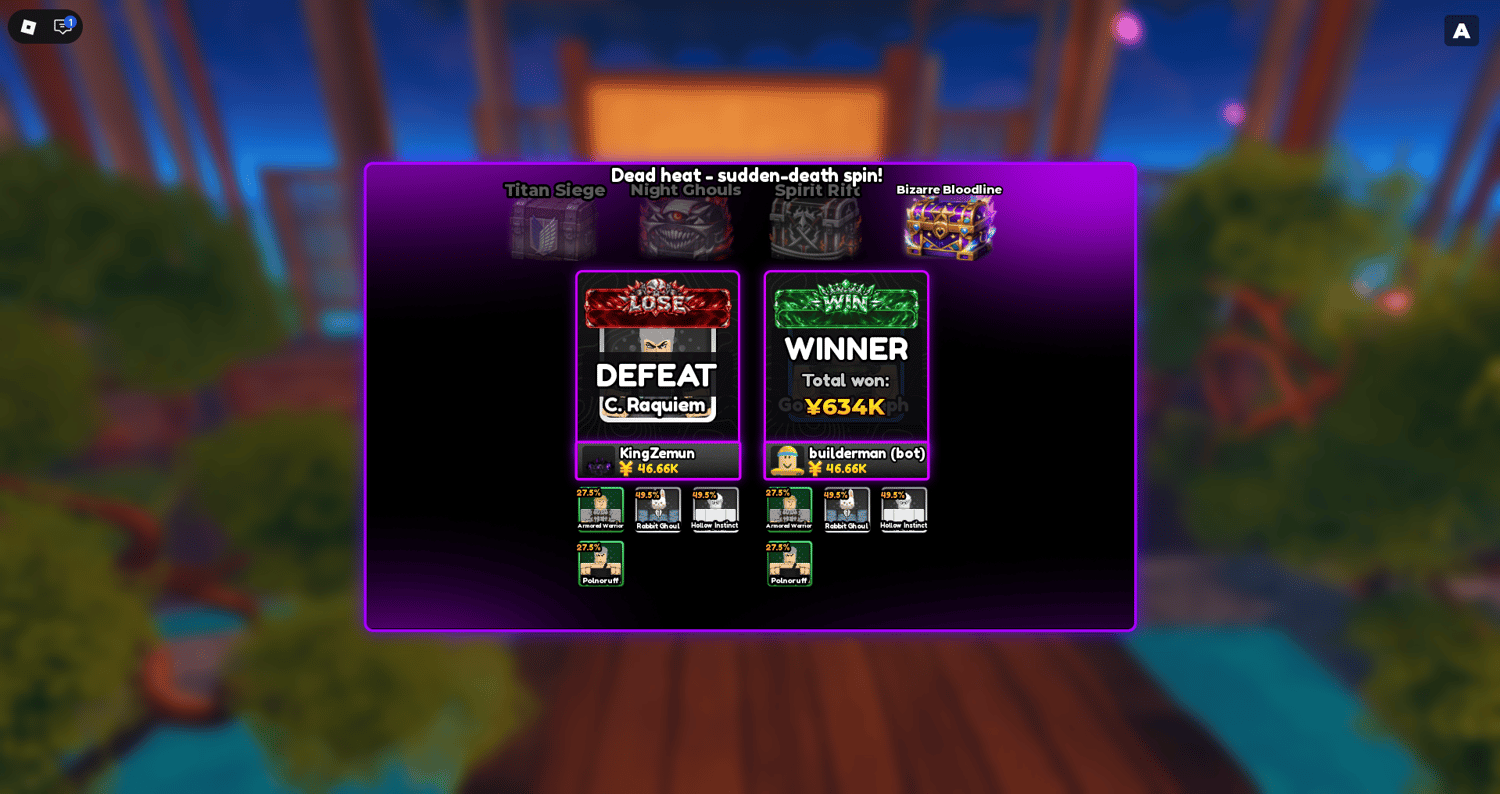
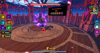
Beyond collecting, players can assemble squads of up to five units, level them up to level 50, improve their damage and health, and participate in wave-based combat and boss battles. The game also includes personal bases, passive Yen income, crafting, quests, multiplayer case battles, trading, and global events.

The complete project features persistent player data, mobile and PC support, monetization systems, and an admin panel with announcement, event, and moderation controls. Game icons, thumbnails, marketing images, and setup documentation are included to help with configuration and customization.


KEY FEATURES


  • 16 cases and special crates containing collectible anime units.
  • 92 collectible anime units across seven rarity tiers.
  • 14 unique traits that add variety to unit collection and progression.
  • Case-opening and luck systems for obtaining different units.
  • Legendary and Mythical pity systems.
  • Triple case opening for opening multiple cases in one action.
  • Auto-sell system for managing unwanted unit pulls.
  • Rare pull announcements that highlight special case-opening results.
  • Personal player bases for individual progression.
  • Wave-based combat system featuring collected units.
  • Unit leveling system with a maximum level of 50.
  • Unit damage and health upgrades for improving combat performance.
  • Squad system supporting up to five units.
  • Inventory capacity for up to 150 units.
  • Yen currency and passive income system.
  • Trait rerolls and stat grades for unit customization.
  • Potions and consumable items for additional gameplay benefits.
  • 15 crafting recipes for creating items.
  • Quest system with progression objectives and rewards.
  • Playtime rewards for spending time in the game.
  • Player levels and ranks for tracking progression.
  • Multiplayer case battles for competing against other players.
  • Bot-filled battle seats when additional opponents are needed.
  • Player trading system for exchanging units.
  • Boss Island with boss encounters and rewards.
  • Global luck, damage, and Yen events.
  • Six global leaderboards for tracking player achievements.
  • Group rewards for eligible players.
  • VIP and Premium Crates with additional case-opening options.
  • Complete admin panel with global announcements and event controls.
  • Player moderation and data wipe tools for administration.
  • Multiple gamepasses and developer products for monetization.
  • Persistent player data for saving progression between sessions.
  • Mobile and PC support.
  • Game icon, thumbnails, and marketing images included.
  • Detailed setup and README guide for installation and configuration.
  • Monetization configuration guide for configuring purchases.
  • Animation setup instructions for the included animation systems.
  • Fully scripted game with an organized project structure.
  • Customizable systems for expanding gameplay and progression.


Test game here


Video here


6a5b82d5948c4c8ff5c94f41
You will get a RBXL (2MB) file

KW Studio • Product Guide

Before you use this product

Review the detected asset type, seller context, setup requirements and testing steps before adding this Roblox Studio product to a live experience.

This Roblox Studio asset is listed through KW Studio. Review the live product description, screenshots, seller details, delivery information and setup expectations before use.
Asset type Roblox Studio Asset
Seller Seller shown on page
Availability Shown on product page
Seller status Seller details shown on page

Seller context

Seller shown on this product page

Marketplace seller

KW Studio shows seller details on the product page when available. Full seller background information belongs on the seller profile page, while this product FAQ focuses on product setup, delivery, testing, and buyer expectations.

Product questions and setup guidance

Answers are adapted automatically from the live product page, detected asset type and available seller information.

This is a downloadable Roblox Studio asset listed through KW Studio. Review the product title, screenshots, description, visible features, seller information, and file expectations before using it in a live Roblox experience.

When a KW Studio product page shows a Verified Seller badge, it means the seller has passed KW Studio’s seller verification checks shown on the page. Buyers should still review the product description, screenshots, and setup expectations before purchase or download.

This product is sold by the seller shown on this page. When available, KW Studio displays the seller name, contact options, seller tags, and a seller profile link. Longer seller background information should be reviewed on the seller profile page instead of inside the product description.

Download the file, open or import it inside Roblox Studio, review the Explorer structure, and test the asset in a separate place before adding it to your main project.

This asset can be useful for Roblox developers who want a faster starting point, but the final use depends on your project goals, game structure, customization work, and testing process.

Test the asset in Roblox Studio before publishing. Check file structure, scripts if included, scale, performance, mobile usability, permissions, missing parts, and whether the asset fits your own game.

Some Roblox Studio assets may require importing, configuration, testing, ID replacement, scripting knowledge, or customization depending on what is included.

For product-specific questions, use the seller contact methods shown on this product page when available. For marketplace support, download issues, duplicate purchases, mistaken purchases, unclear listings, or escalation, contact KW Studio support.

KW Studio products are downloadable Roblox Studio assets. Free products and paid products should both be tested before use. Paid purchases are generally final once delivery or download access begins, except where required by law or where KW Studio determines that a genuine delivery, duplicate purchase, seller, or product issue requires support action.

Digital product notice: KW Studio products are downloadable Roblox Studio assets. Free products and paid products should both be tested inside Roblox Studio before publishing. Paid purchases are generally final once delivery or download access begins, except where required by law or where KW Studio determines that a genuine delivery, duplicate purchase, seller, or product issue requires support action. If you believe you purchased by mistake, do not download the file and contact help@kwstudio.org. Review the KW Studio Digital Delivery Policy and KW Studio Digital Asset License before purchase.