
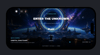
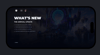
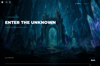
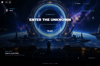
Nexus Ultimate Menu Loading Screen – Roblox User Interface
On Sale
$13.99
$13.99
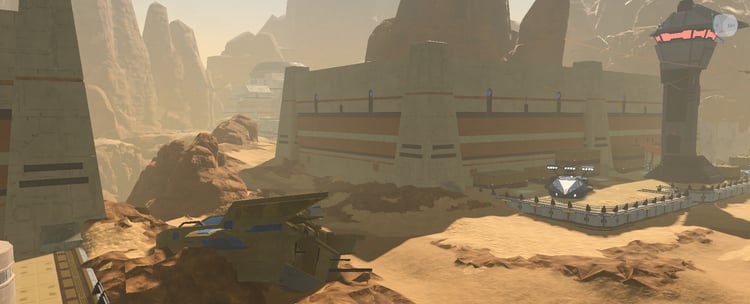
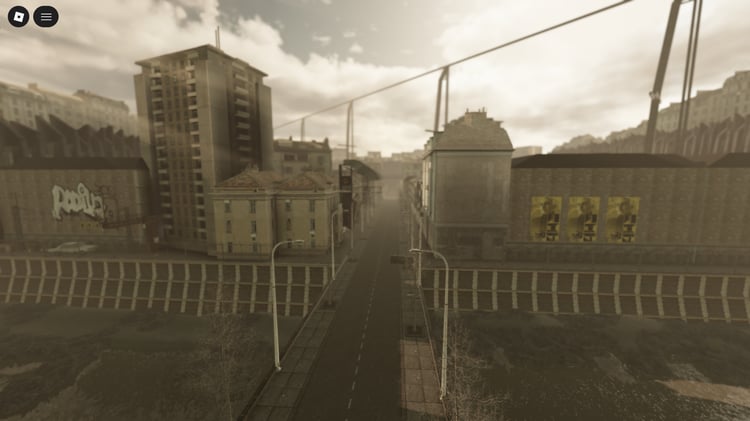
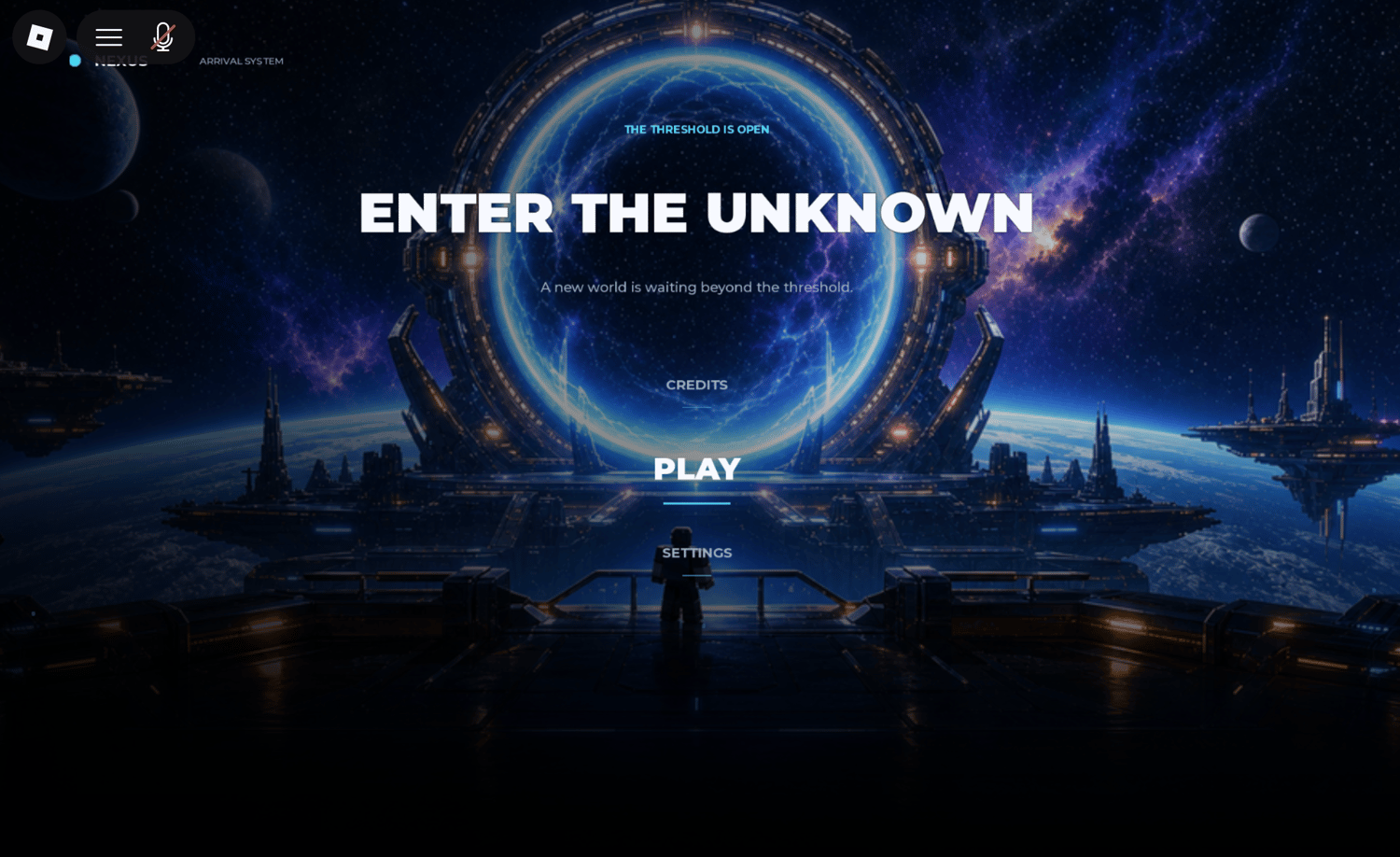
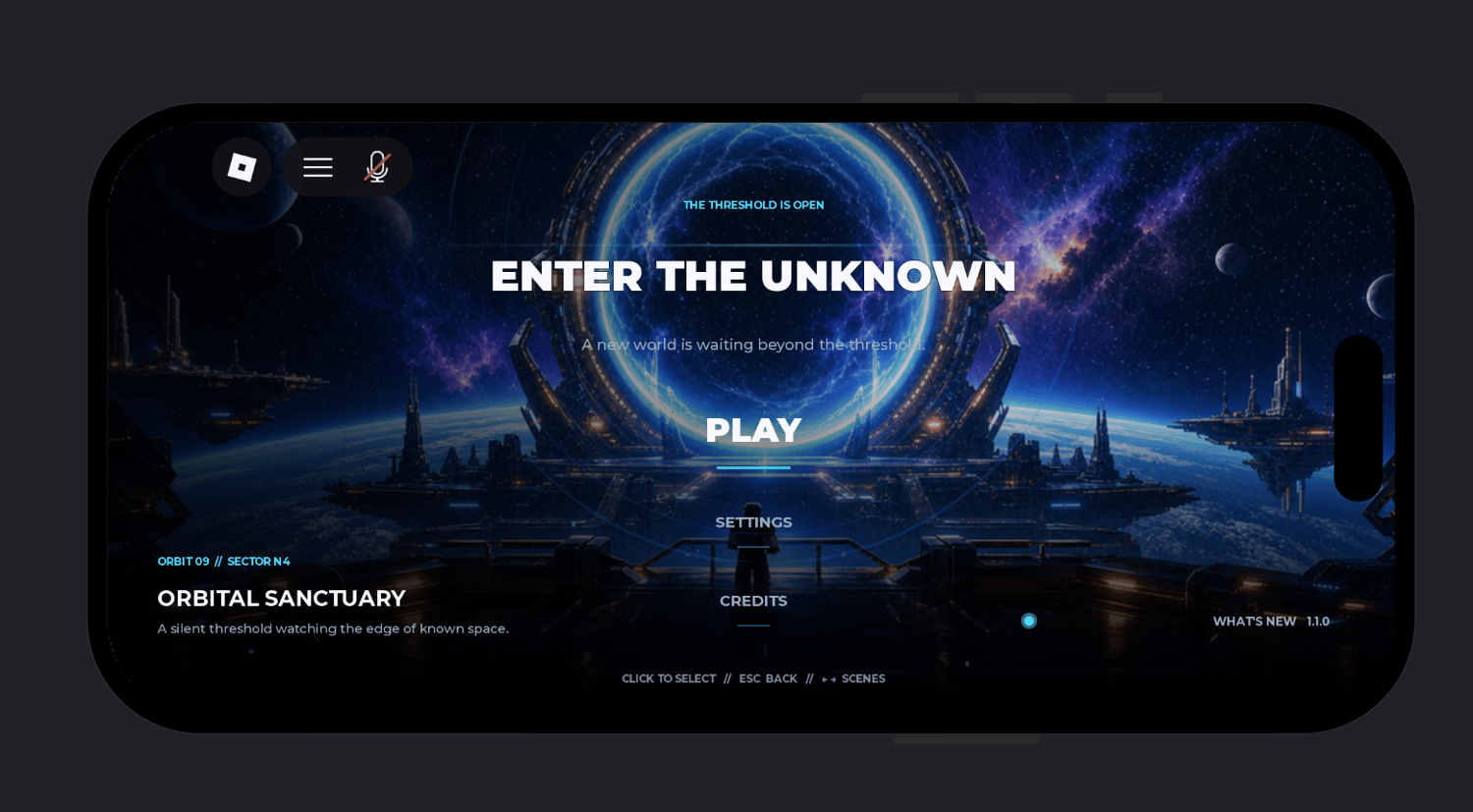
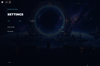
The Nexus Ultimate Menu Loading Screen is a complete Roblox user interface that combines a cinematic loading sequence with an animated main menu experience. It includes customizable backgrounds, responsive layouts, accessibility options, and personalized player interactions to create a polished first impression.
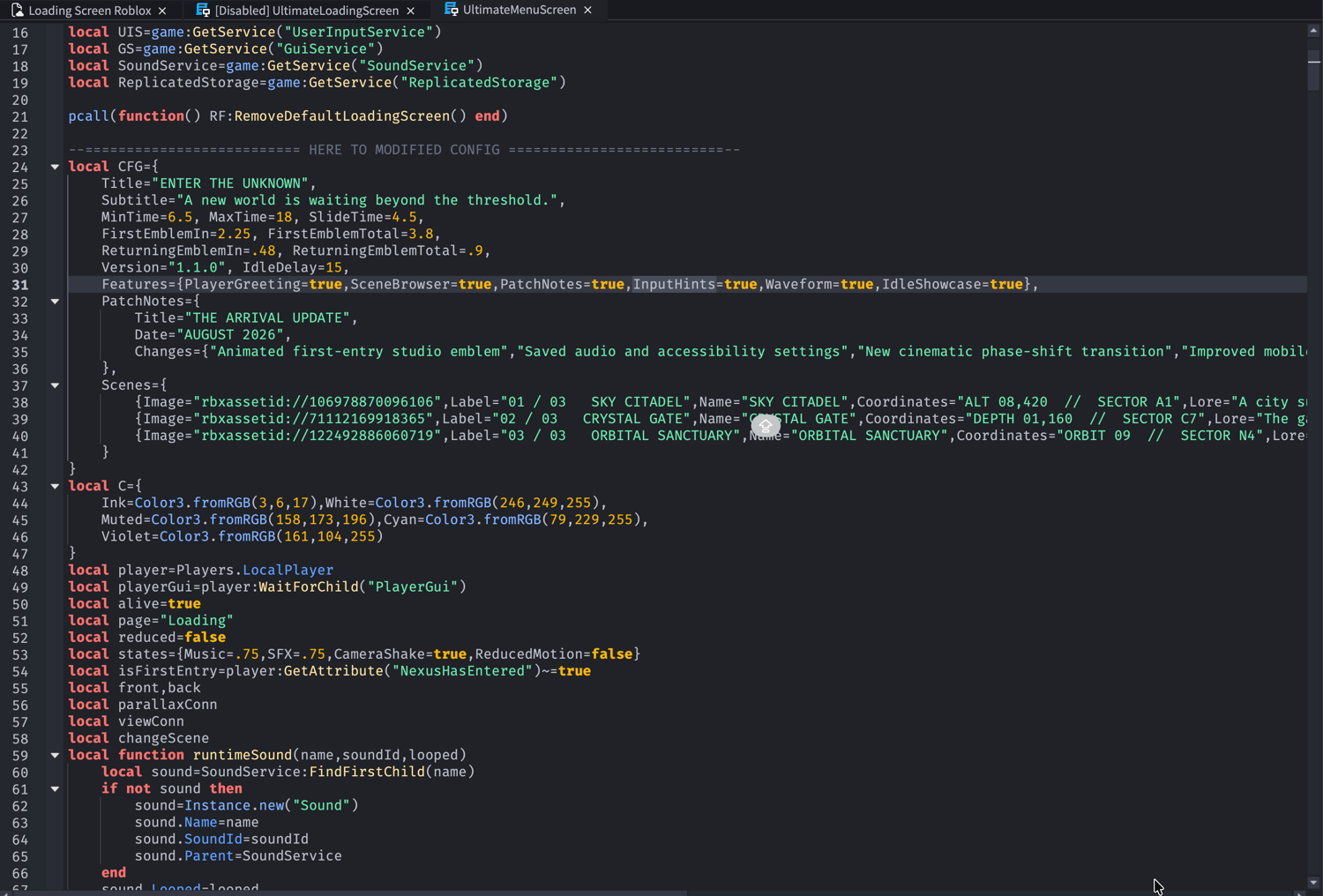
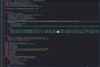
Everything is generated automatically through Lua, eliminating the need to manually build GUI hierarchies or place Workspace models. The package includes an automatic installer, customizable settings, and saved player preferences for quick integration into any Roblox project.
Key Features
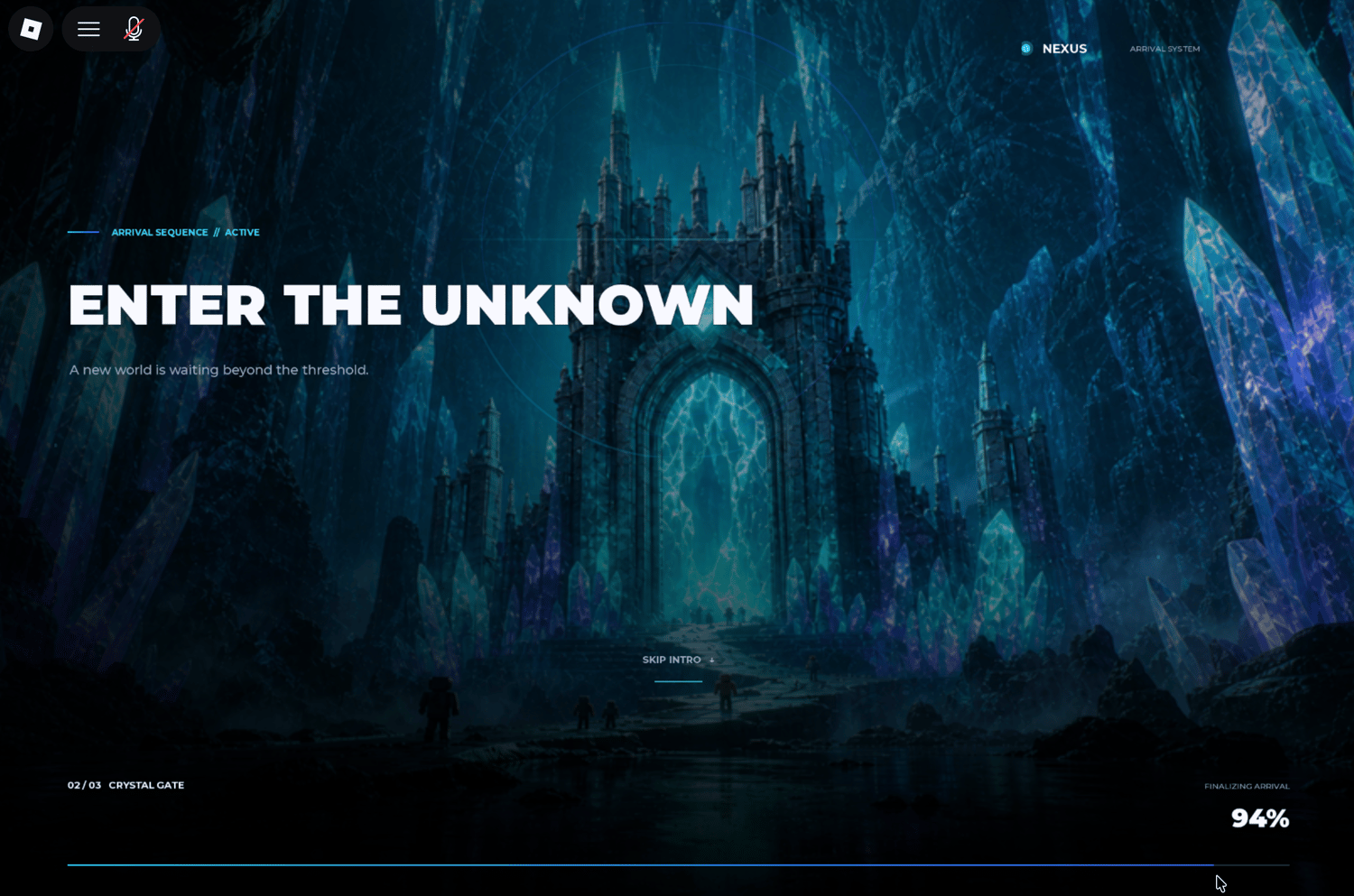
- Cinematic loading screen with animated introduction sequence
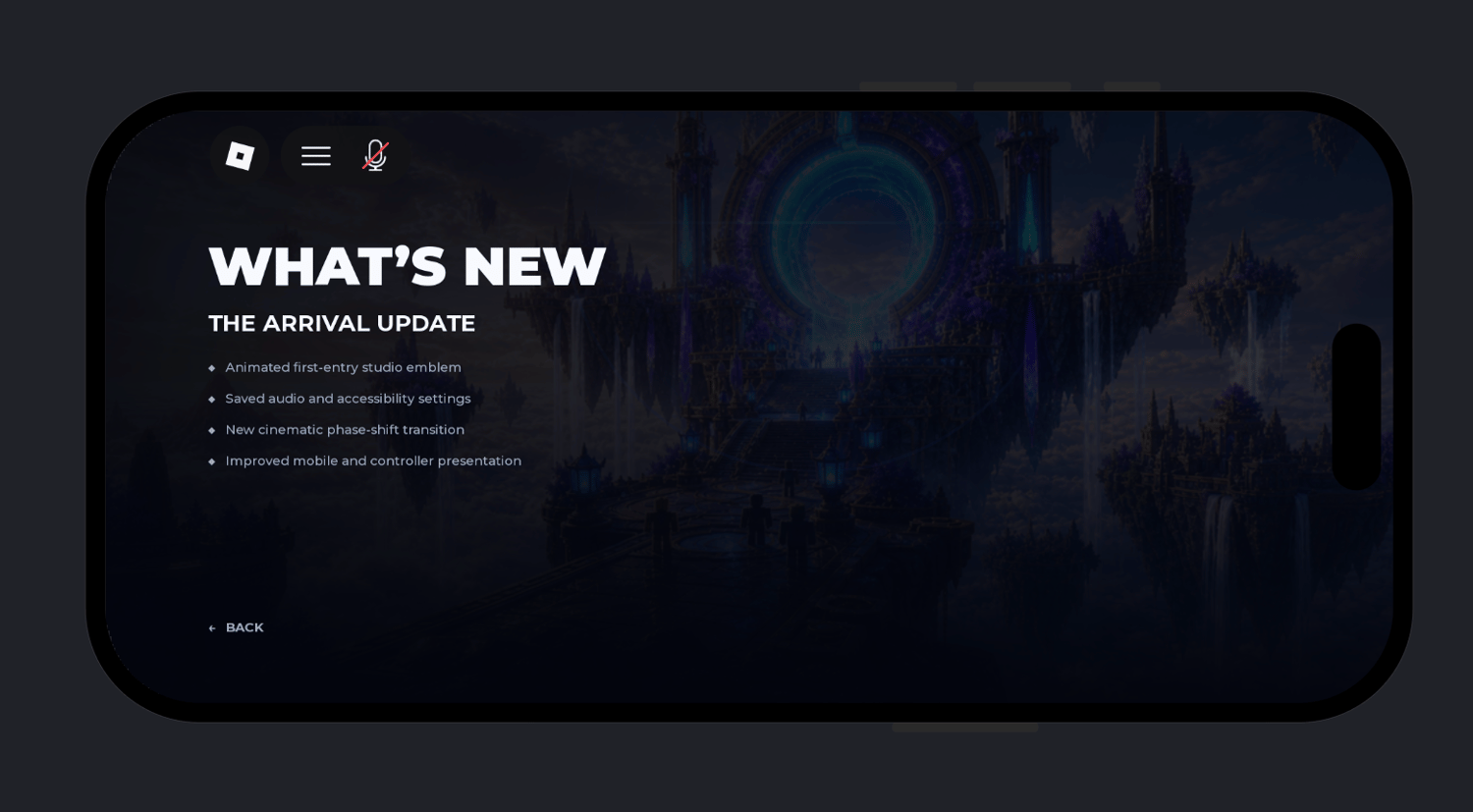
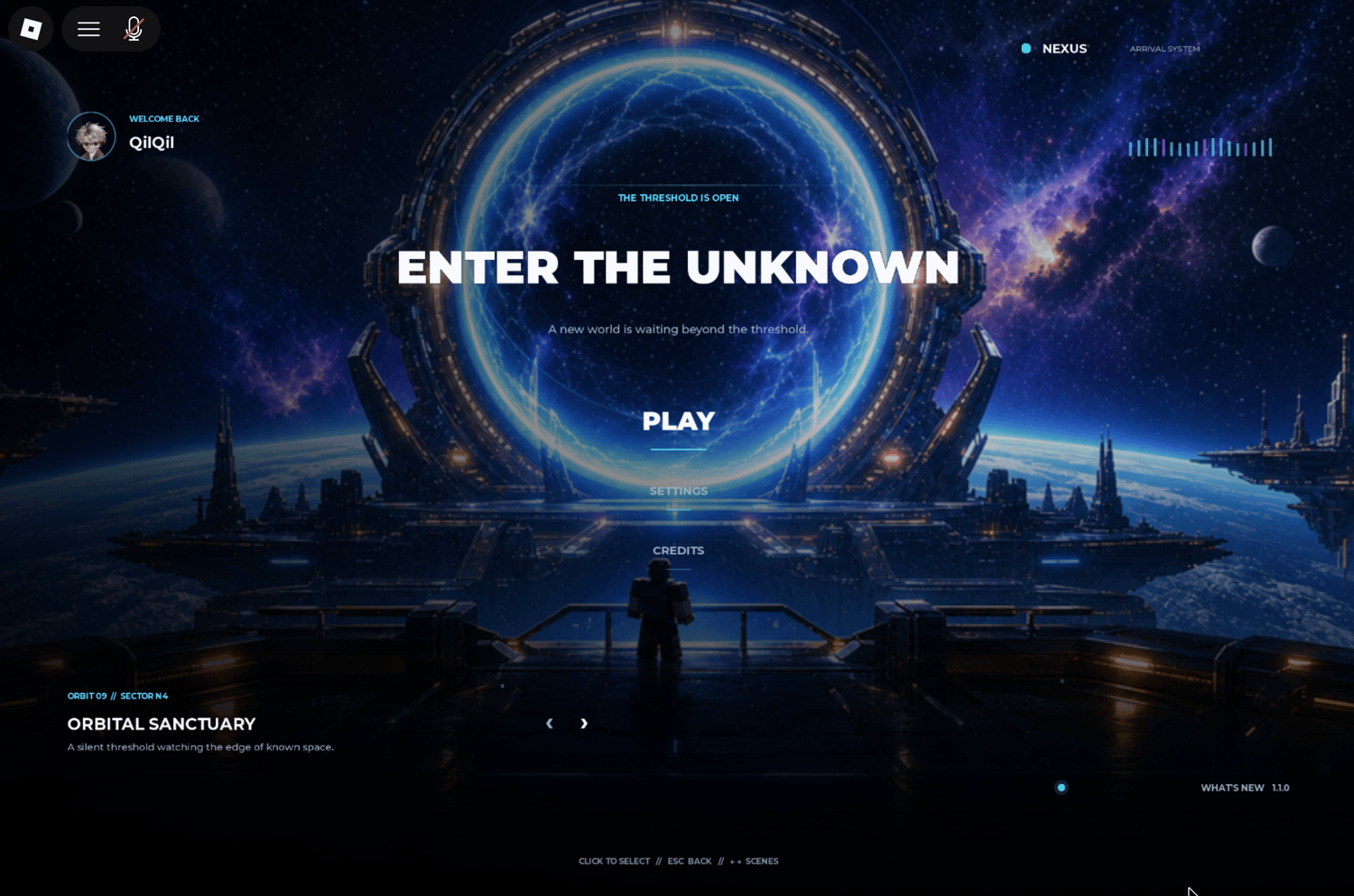
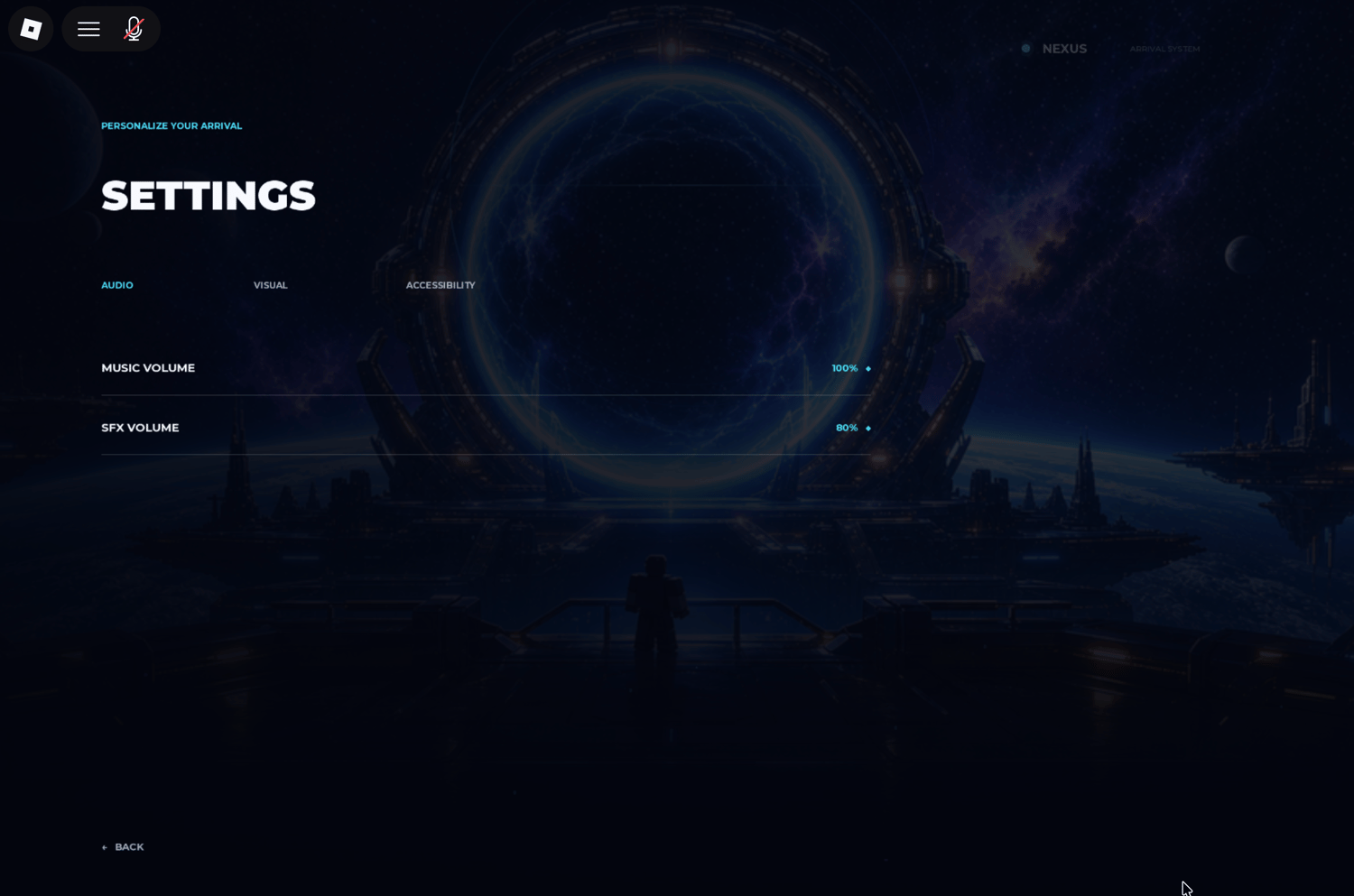
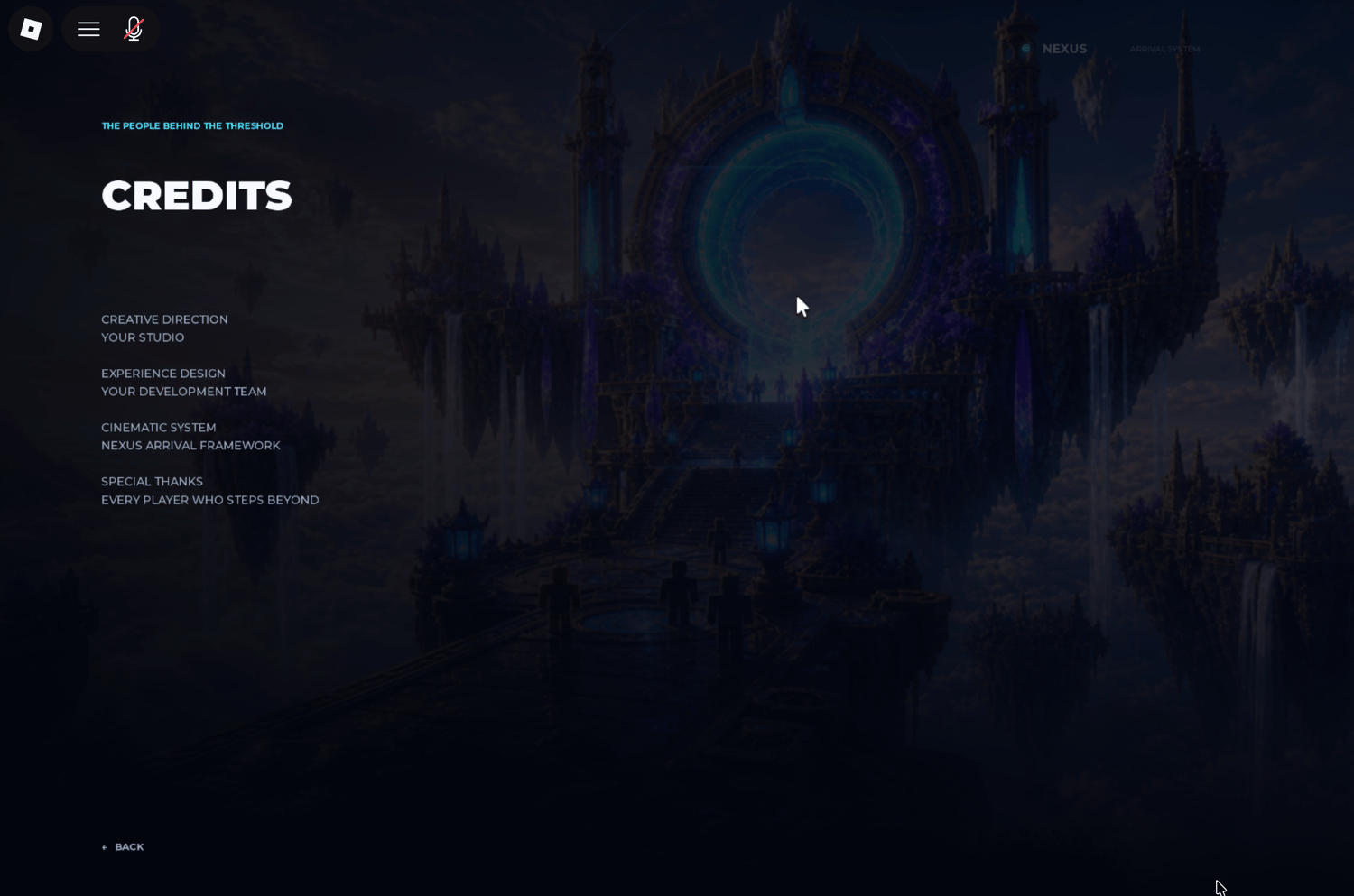
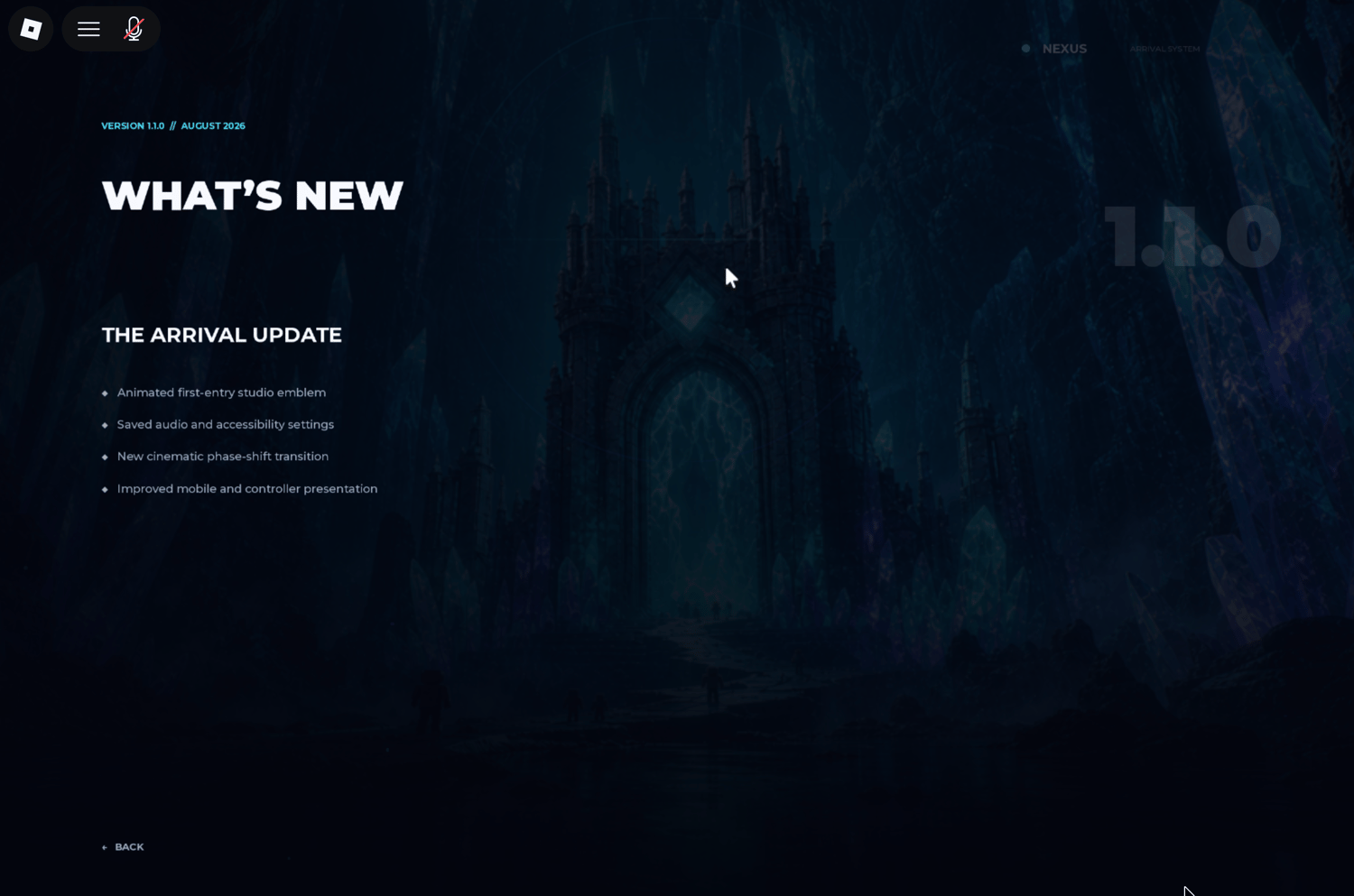
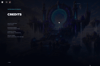
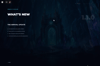
- Animated main menu with Play, Settings, Credits, and What's New pages
- Separate animations for first-time and returning players
- Smooth loading progress indicator with premium Skip button
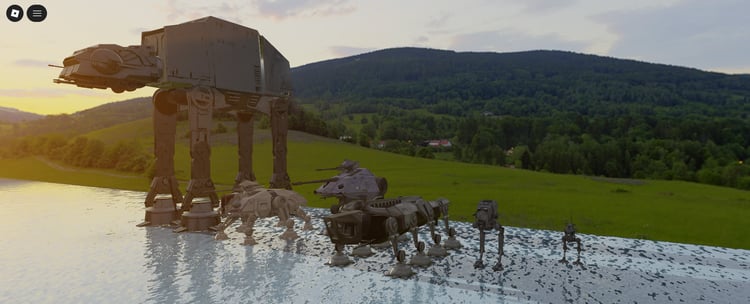
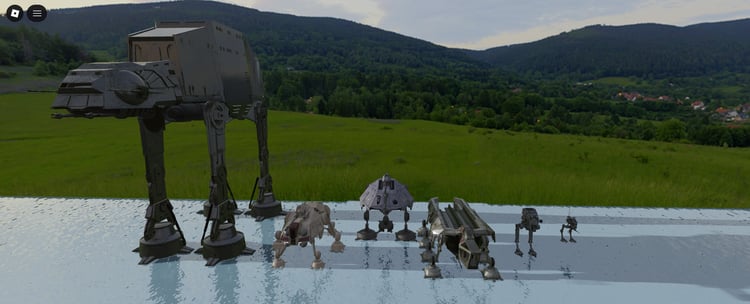
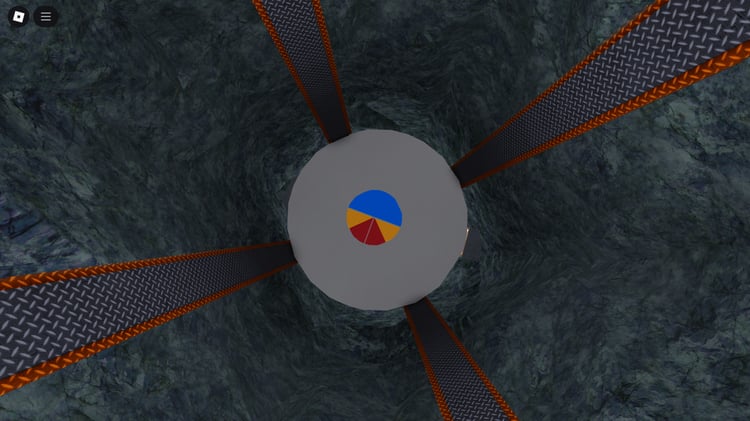
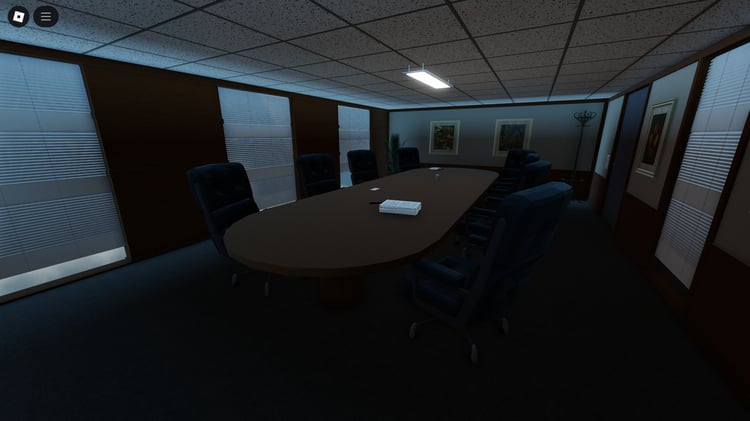
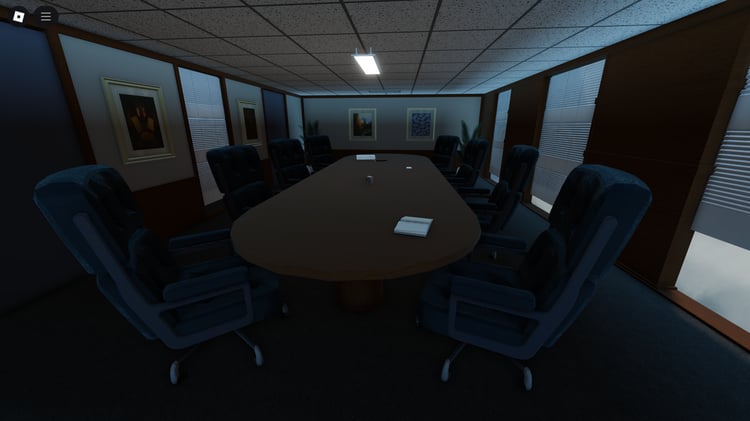
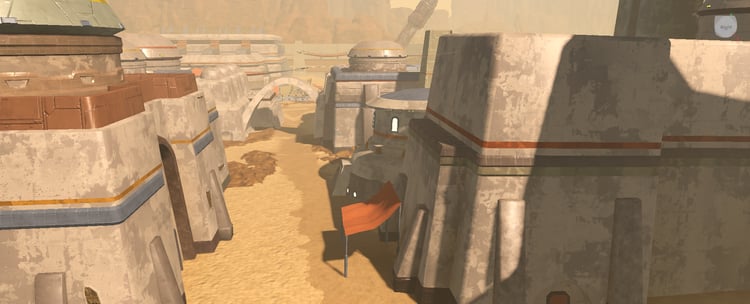
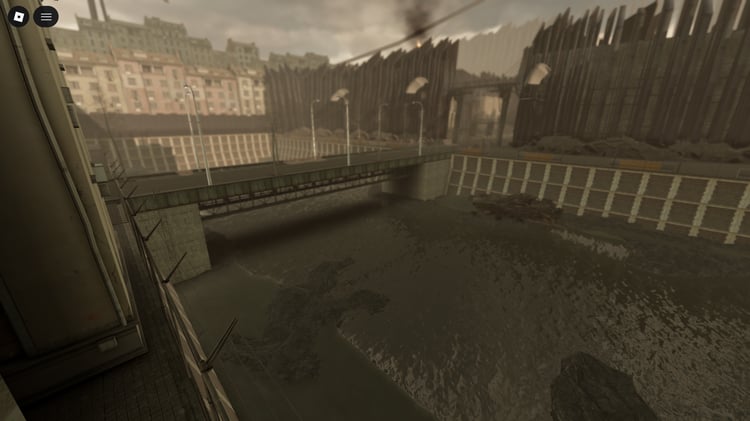
- Automatic cinematic background slideshow with three included scenes
- Custom scene names, coordinates, and lore support
- Cinematic letterboxing and custom phase-shift Play transition
- Personalized player greeting with avatar display
- Animated studio branding and optional patch notes page
- Music-reactive waveform and cinematic idle showcase mode
- Dynamic desktop, mobile, and controller interface hints
- Smooth button hover, selection, and transition animations
- Complete settings menu with Audio, Visual, and Accessibility tabs
- Music volume, sound effects volume, camera shake, and reduced-motion controls
- Automatically saves player preferences and first-entry progress
- Fully responsive interface for desktop, mobile, and controller users
- Automatic Lua-generated installation without Workspace models or complex GUI setup
- Includes automatic installer, configuration system, and documentation
6a5d86369cc375ddec6617d0