Your Cart
Loading

Napoleonic Flag Capture & Battle System – Roblox Gameplay System

On Sale
$19.99
$19.99
Added to cart

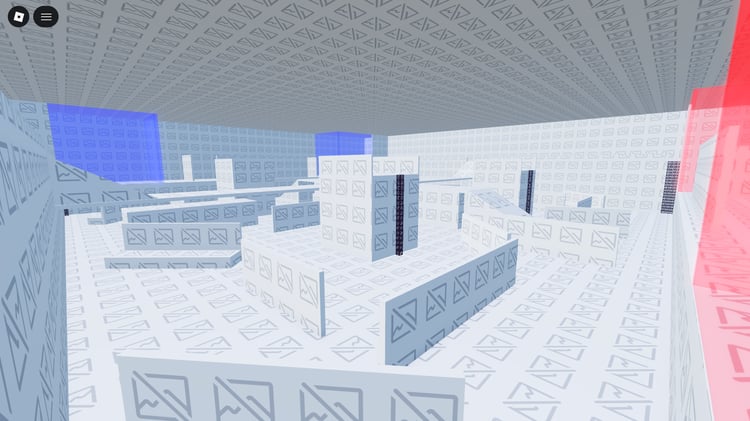
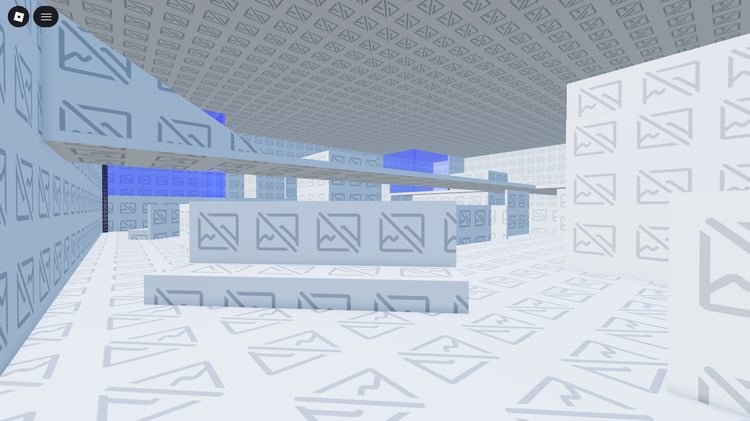
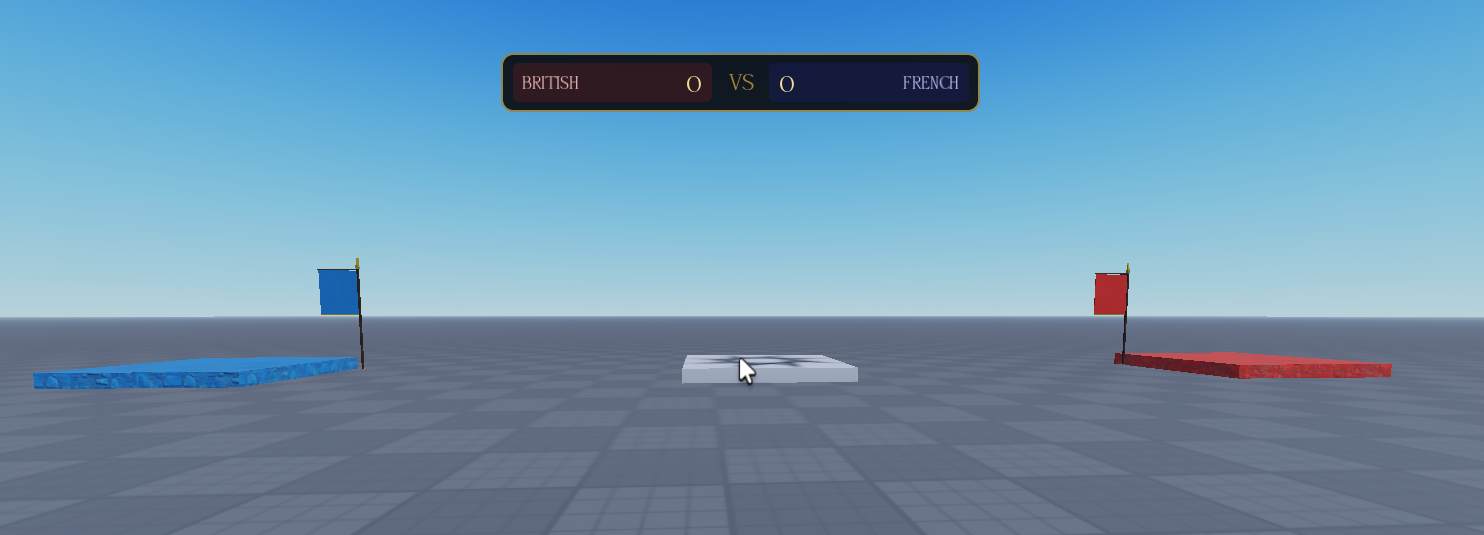
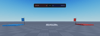
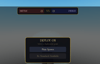
This scripted Roblox system provides a complete flag capture and team scoring setup for Napoleonic warfare games. Players can pick up friendly or enemy flags, carry them, drop them, and capture opposing flags after holding them for the required duration.

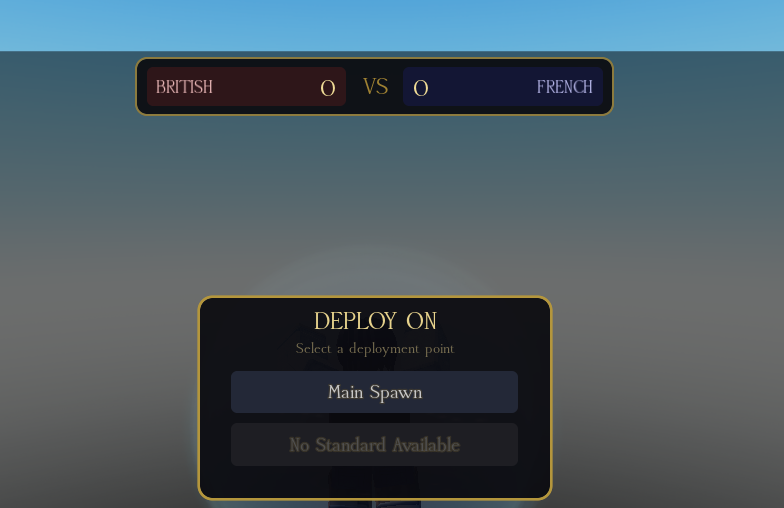
The system includes flag capture progression, team score changes, kill and death scoring, kill streak announcements, kill feed, respawn timers, deployment selection, and animated battle UI. An admin panel provides server-side controls for flags and team scores, with configurable group permissions and gameplay values.


Key Features


  • Proximity Prompt flag pickup system with different friendly and enemy pickup times
  • G/X key controls for dropping carried flags onto the battlefield
  • Dropped flags remain at their current location until recovered
  • Enemy flag capture after holding the flag for 15 seconds
  • Captured flags disappear and respawn at their original location after 30 seconds
  • On-screen flag respawn timer bar showing remaining return time
  • Top-screen capture progress bar displaying the current captor's name
  • Animated banner announcements for flag pickups, drops, captures, and respawns
  • Top-center team scoreboard with animated score counters
  • Flag capture awards +50 points to the capturing team
  • Flag capture removes -30 points from the opposing team
  • Enemy kill rewards +5 team points
  • Player death deducts -2 points from the player's team
  • Kill streak announcements for 3, 5, and 10 consecutive kills
  • Automatic right-side kill feed with six-second fade timing
  • Death screen with dark overlay and “YOU HAVE FALLEN” announcement
  • Deployment menu requiring Main Spawn or Standard Bearer selection
  • Standard Bearer deployment restricted while a teammate is carrying the team flag
  • Character held underground until a deployment location is selected
  • Detailed flag model with wooden pole and gold spearhead
  • Flag crossbar with hanging banner and two-sided decals
  • Gold bottom trim and decorative pole cap
  • M-key admin panel with server-side permission validation
  • Admin group-rank and username authorization system
  • Admin controls for placing British and French flags
  • Admin option to remove all placed flags
  • Admin controls for setting exact team scores
  • Admin controls for adding or subtracting team points
  • Admin score reset function for returning all scores to zero
  • Admin notification messages confirming completed actions
  • ReplicatedStorage configuration module for group ID and minimum rank
  • Configurable admin usernames through the configuration module
  • Configurable point values and gameplay timers
  • Studio testing support with two-player local server testing
  • Button hover effects throughout the user interface
  • Bodoni typography across the interface
  • Gold UI accents with dark background styling


6a844ea540d52e4a197439be
You will get a RBXL (86KB) file

KW Studio • Product Guide

Before you use this product

Review the detected asset type, seller context, setup requirements and testing steps before adding this Roblox Studio product to a live experience.

This Roblox Studio asset is listed through KW Studio. Review the live product description, screenshots, seller details, delivery information and setup expectations before use.
Asset type Roblox Studio Asset
Seller Seller shown on page
Availability Shown on product page
Seller status Seller details shown on page

Seller context

Seller shown on this product page

Marketplace seller

KW Studio shows seller details on the product page when available. Full seller background information belongs on the seller profile page, while this product FAQ focuses on product setup, delivery, testing, and buyer expectations.

Product questions and setup guidance

Answers are adapted automatically from the live product page, detected asset type and available seller information.

This is a downloadable Roblox Studio asset listed through KW Studio. Review the product title, screenshots, description, visible features, seller information, and file expectations before using it in a live Roblox experience.

When a KW Studio product page shows a Verified Seller badge, it means the seller has passed KW Studio’s seller verification checks shown on the page. Buyers should still review the product description, screenshots, and setup expectations before purchase or download.

This product is sold by the seller shown on this page. When available, KW Studio displays the seller name, contact options, seller tags, and a seller profile link. Longer seller background information should be reviewed on the seller profile page instead of inside the product description.

Download the file, open or import it inside Roblox Studio, review the Explorer structure, and test the asset in a separate place before adding it to your main project.

This asset can be useful for Roblox developers who want a faster starting point, but the final use depends on your project goals, game structure, customization work, and testing process.

Test the asset in Roblox Studio before publishing. Check file structure, scripts if included, scale, performance, mobile usability, permissions, missing parts, and whether the asset fits your own game.

Some Roblox Studio assets may require importing, configuration, testing, ID replacement, scripting knowledge, or customization depending on what is included.

For product-specific questions, use the seller contact methods shown on this product page when available. For marketplace support, download issues, duplicate purchases, mistaken purchases, unclear listings, or escalation, contact KW Studio support.

KW Studio products are downloadable Roblox Studio assets. Free products and paid products should both be tested before use. Paid purchases are generally final once delivery or download access begins, except where required by law or where KW Studio determines that a genuine delivery, duplicate purchase, seller, or product issue requires support action.

Digital product notice: KW Studio products are downloadable Roblox Studio assets. Free products and paid products should both be tested inside Roblox Studio before publishing. Paid purchases are generally final once delivery or download access begins, except where required by law or where KW Studio determines that a genuine delivery, duplicate purchase, seller, or product issue requires support action. If you believe you purchased by mistake, do not download the file and contact help@kwstudio.org. Review the KW Studio Digital Delivery Policy and KW Studio Digital Asset License before purchase.