Your Cart
Loading

Howitzer Command – Roblox Artillery Strike System

On Sale
$2.99
$2.99
Added to cart

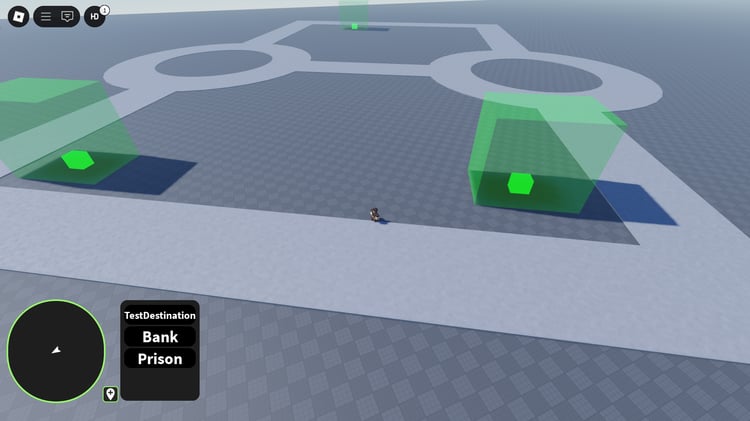
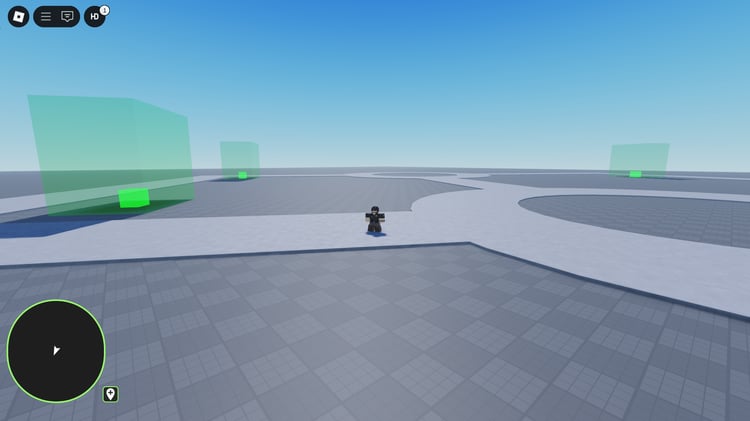
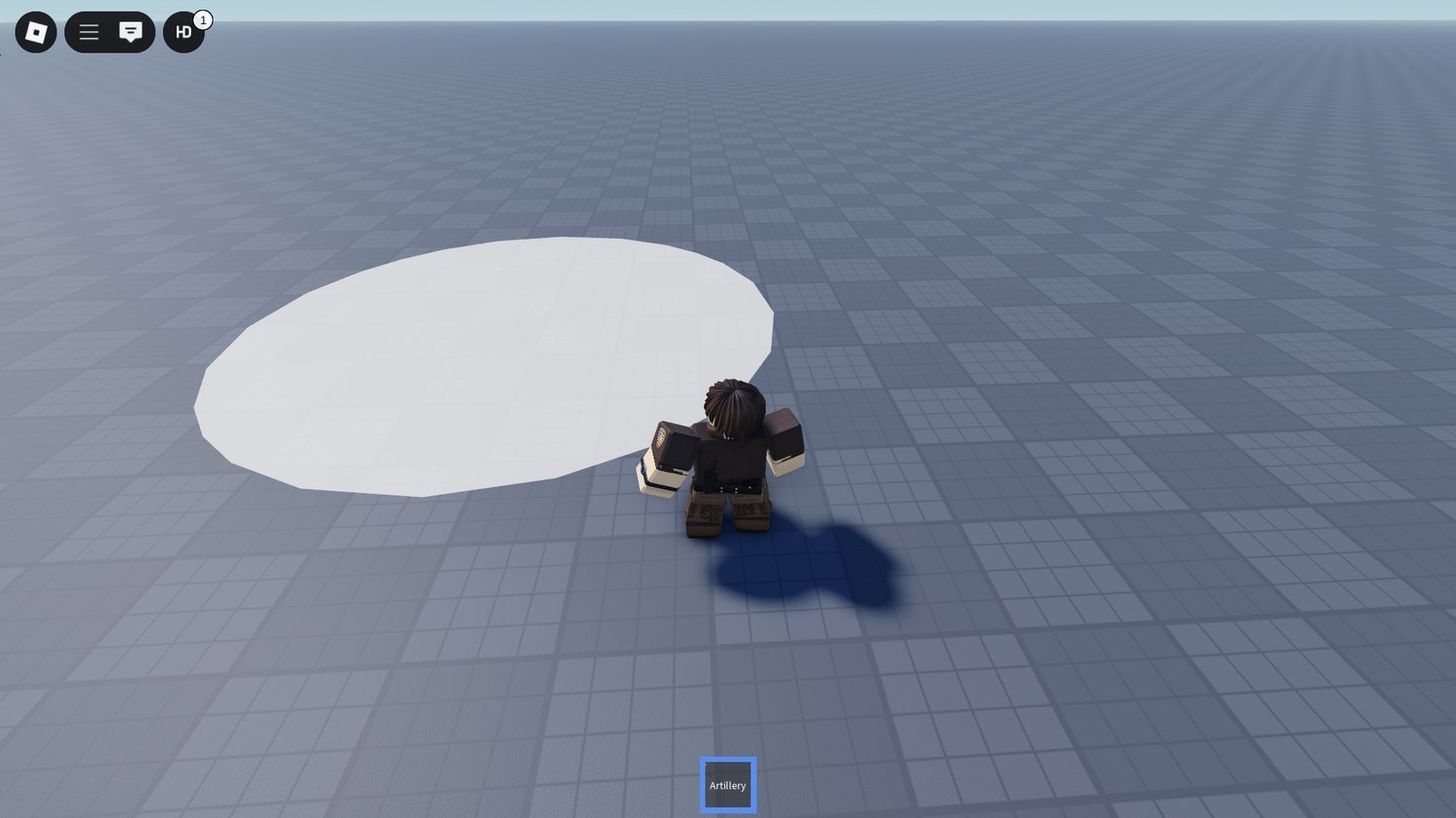
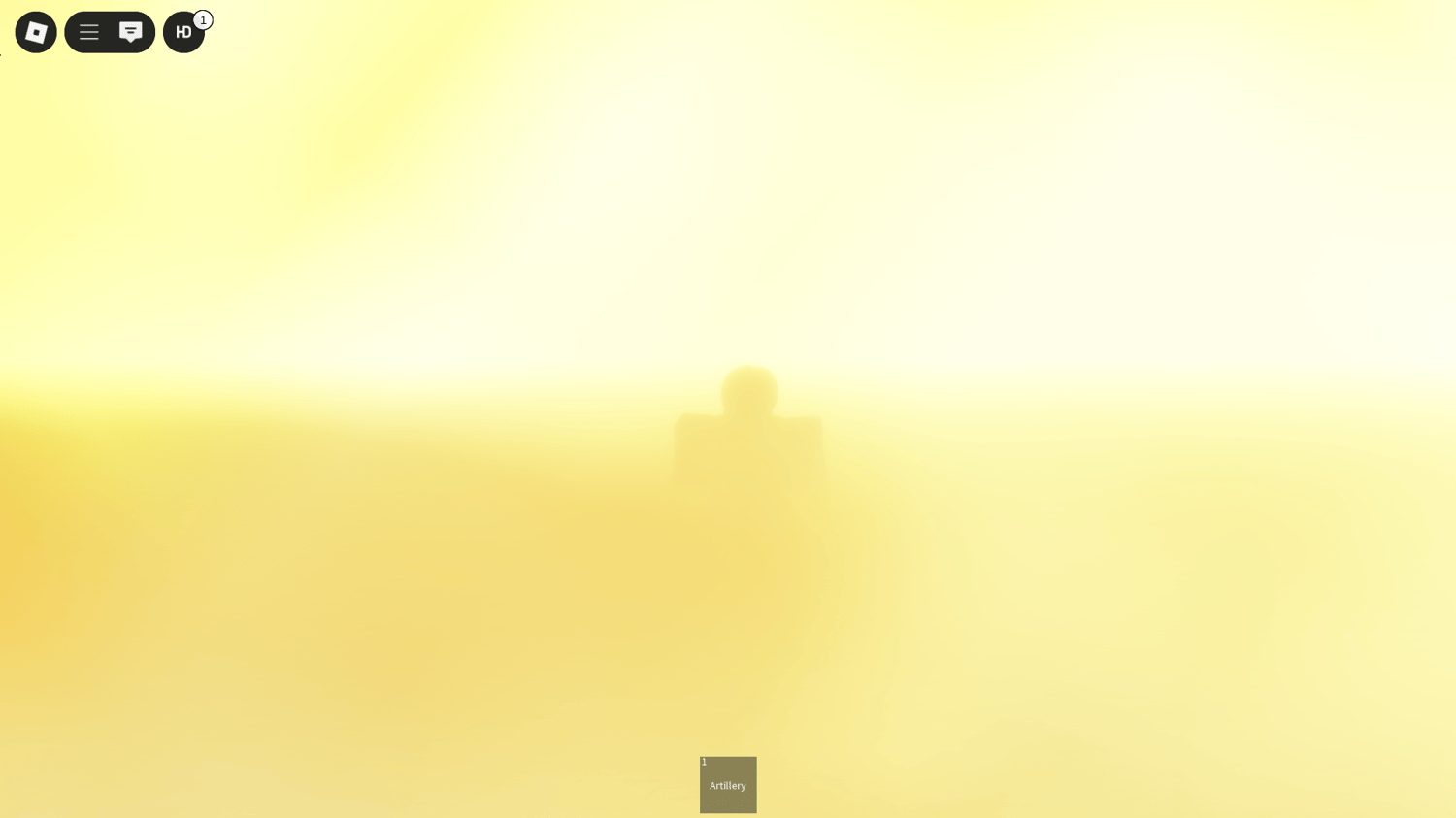
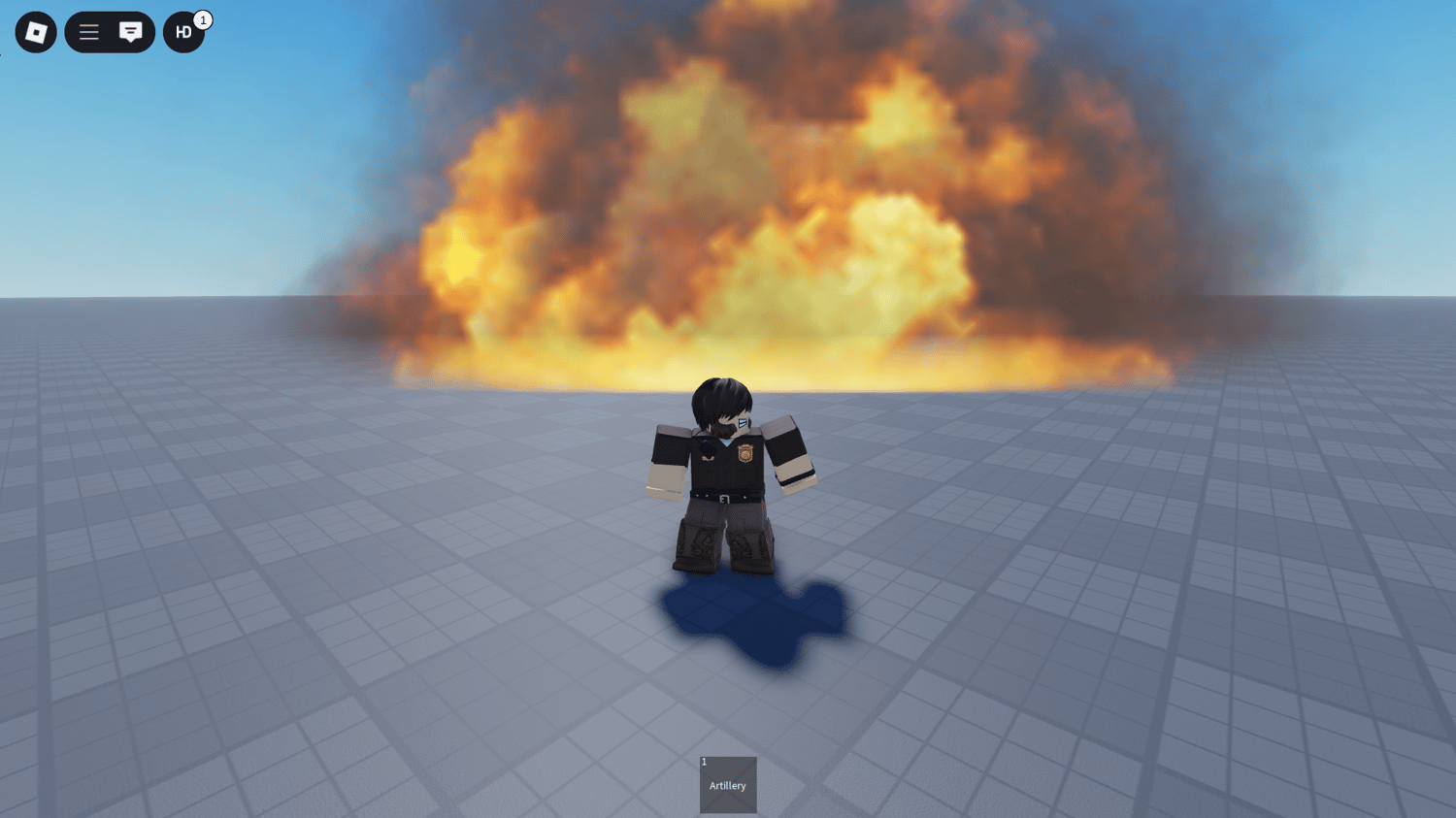
Howitzer Command brings heavy firepower to your Roblox battlefield with a polished, working artillery strike system built for realism and control. Players use the included artillery tool to call targeted strikes, mark coordinates, and adjust salvo settings while the script handles timing, spread, and damage balancing. Designed for reliable performance in multiplayer matches, the system features configurable cooldowns, scalable damage, and friendly-fire safeguards so developers can tune it for any game. Visual and audio feedback — including smoke, shockwaves, and distant thunder — deliver cinematic impact without sacrificing server stability. Easy to integrate and extend, Howitzer Command fits seamlessly into war, strategy, or scenario-based maps where tactical strikes change the flow of battle.


Key Features:


  • Fully working artillery strike system with deployable tool
  • Target marking and coordinate-based strike calls
  • Configurable salvo size, delay, spread, and damage values
  • Friendly-fire protection and team-safe options
  • Realistic FX: explosions, smoke, shockwaves, and soundscapes
  • Optimized for multiplayer performance and server stability
  • Easy-to-edit script for developer customization and events
  • Supports chaining strikes, timed barrages, and AI-triggered strikes

Perfect For:


  • Roblox war and military simulation games
  • Large-scale maps that require tactical artillery support
  • Team-based objectives and strategic push/defend modes
  • Event-driven scenarios and cinematic battle sequences
  • Developers wanting a plug-and-play, customizable strike system


69f20a62b49e7fefae83f78a
You will get a RBXM (28KB) file

KW Studio • Product Guide

Before you use this product

Review the detected asset type, seller context, setup requirements and testing steps before adding this Roblox Studio product to a live experience.

This Roblox Studio asset is listed through KW Studio. Review the live product description, screenshots, seller details, delivery information and setup expectations before use.
Asset type Roblox Studio Asset
Seller Seller shown on page
Availability Shown on product page
Seller status Seller details shown on page

Seller context

Seller shown on this product page

Marketplace seller

KW Studio shows seller details on the product page when available. Full seller background information belongs on the seller profile page, while this product FAQ focuses on product setup, delivery, testing, and buyer expectations.

Product questions and setup guidance

Answers are adapted automatically from the live product page, detected asset type and available seller information.

This is a downloadable Roblox Studio asset listed through KW Studio. Review the product title, screenshots, description, visible features, seller information, and file expectations before using it in a live Roblox experience.

When a KW Studio product page shows a Verified Seller badge, it means the seller has passed KW Studio’s seller verification checks shown on the page. Buyers should still review the product description, screenshots, and setup expectations before purchase or download.

This product is sold by the seller shown on this page. When available, KW Studio displays the seller name, contact options, seller tags, and a seller profile link. Longer seller background information should be reviewed on the seller profile page instead of inside the product description.

Download the file, open or import it inside Roblox Studio, review the Explorer structure, and test the asset in a separate place before adding it to your main project.

This asset can be useful for Roblox developers who want a faster starting point, but the final use depends on your project goals, game structure, customization work, and testing process.

Test the asset in Roblox Studio before publishing. Check file structure, scripts if included, scale, performance, mobile usability, permissions, missing parts, and whether the asset fits your own game.

Some Roblox Studio assets may require importing, configuration, testing, ID replacement, scripting knowledge, or customization depending on what is included.

For product-specific questions, use the seller contact methods shown on this product page when available. For marketplace support, download issues, duplicate purchases, mistaken purchases, unclear listings, or escalation, contact KW Studio support.

KW Studio products are downloadable Roblox Studio assets. Free products and paid products should both be tested before use. Paid purchases are generally final once delivery or download access begins, except where required by law or where KW Studio determines that a genuine delivery, duplicate purchase, seller, or product issue requires support action.

Digital product notice: KW Studio products are downloadable Roblox Studio assets. Free products and paid products should both be tested inside Roblox Studio before publishing. Paid purchases are generally final once delivery or download access begins, except where required by law or where KW Studio determines that a genuine delivery, duplicate purchase, seller, or product issue requires support action. If you believe you purchased by mistake, do not download the file and contact help@kwstudio.org. Review the KW Studio Digital Delivery Policy and KW Studio Digital Asset License before purchase.