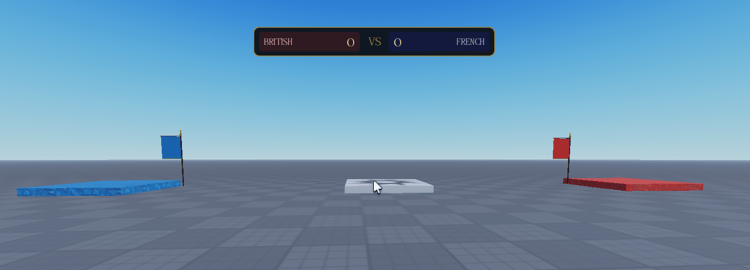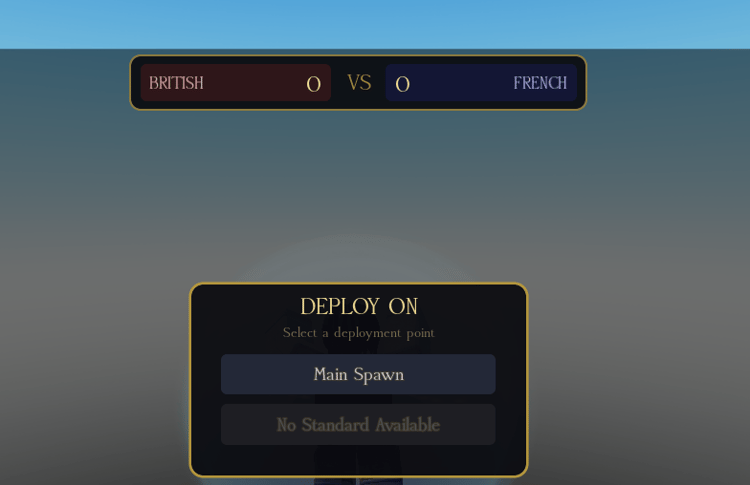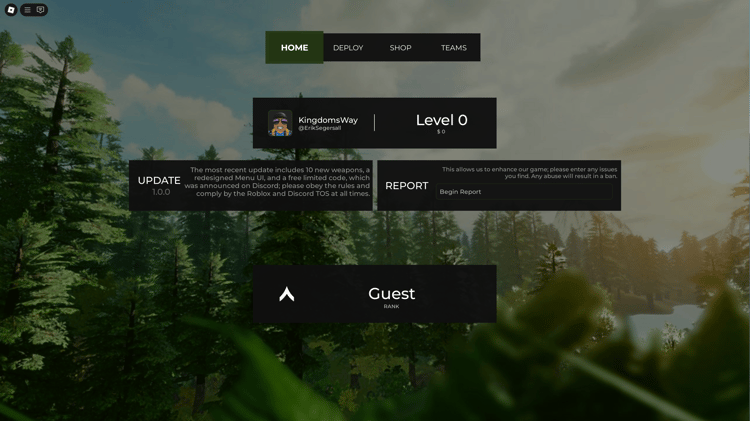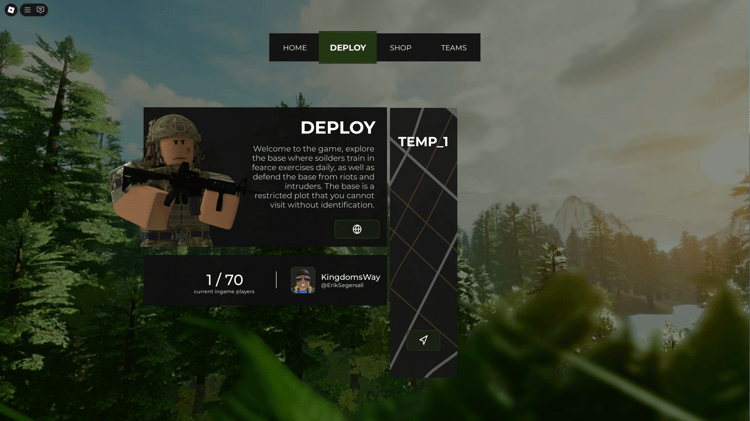



Graphics Settings GUI – Roblox Shadows and Bloom Control Interface
On Sale
$2.99
$2.99
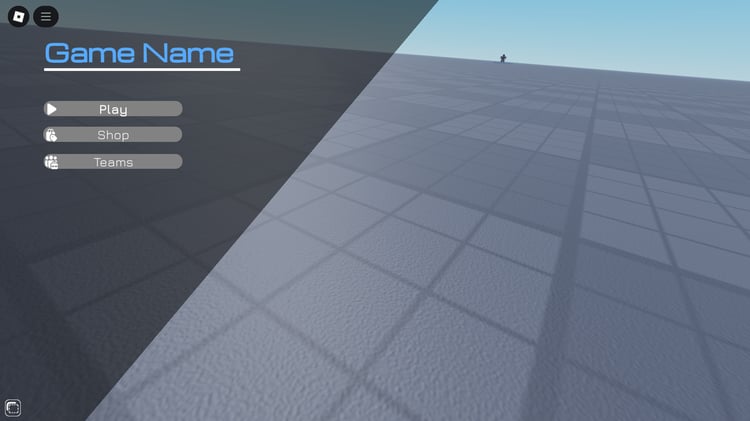
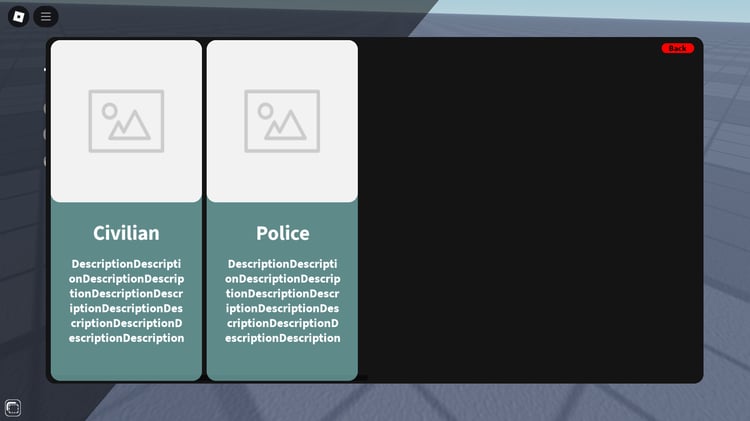
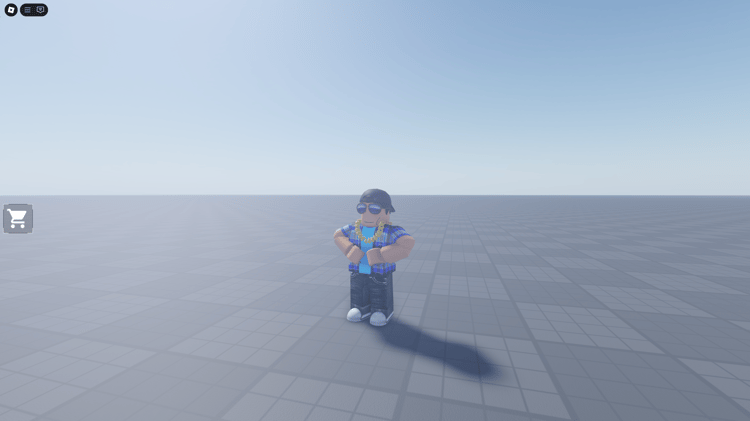
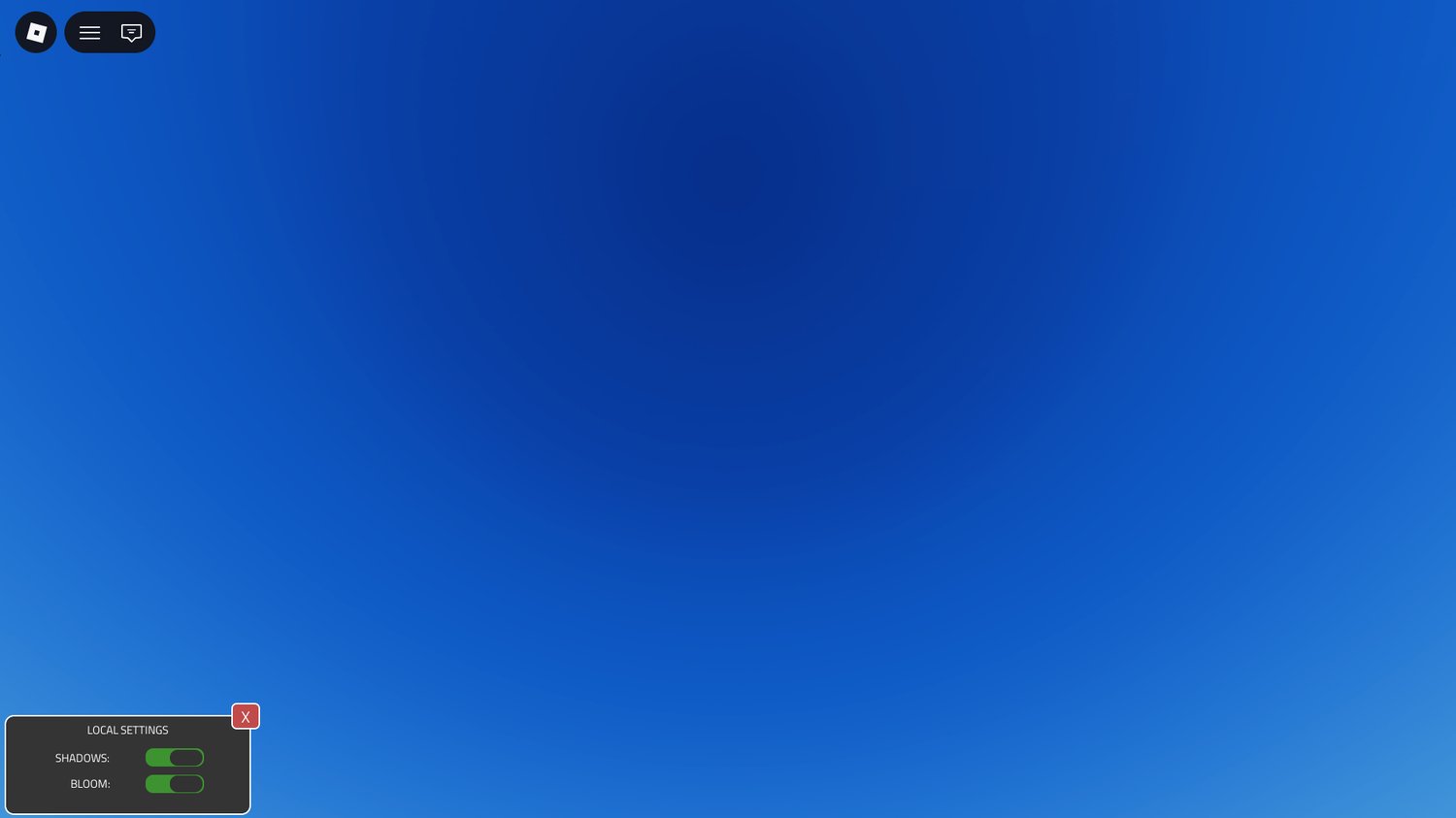
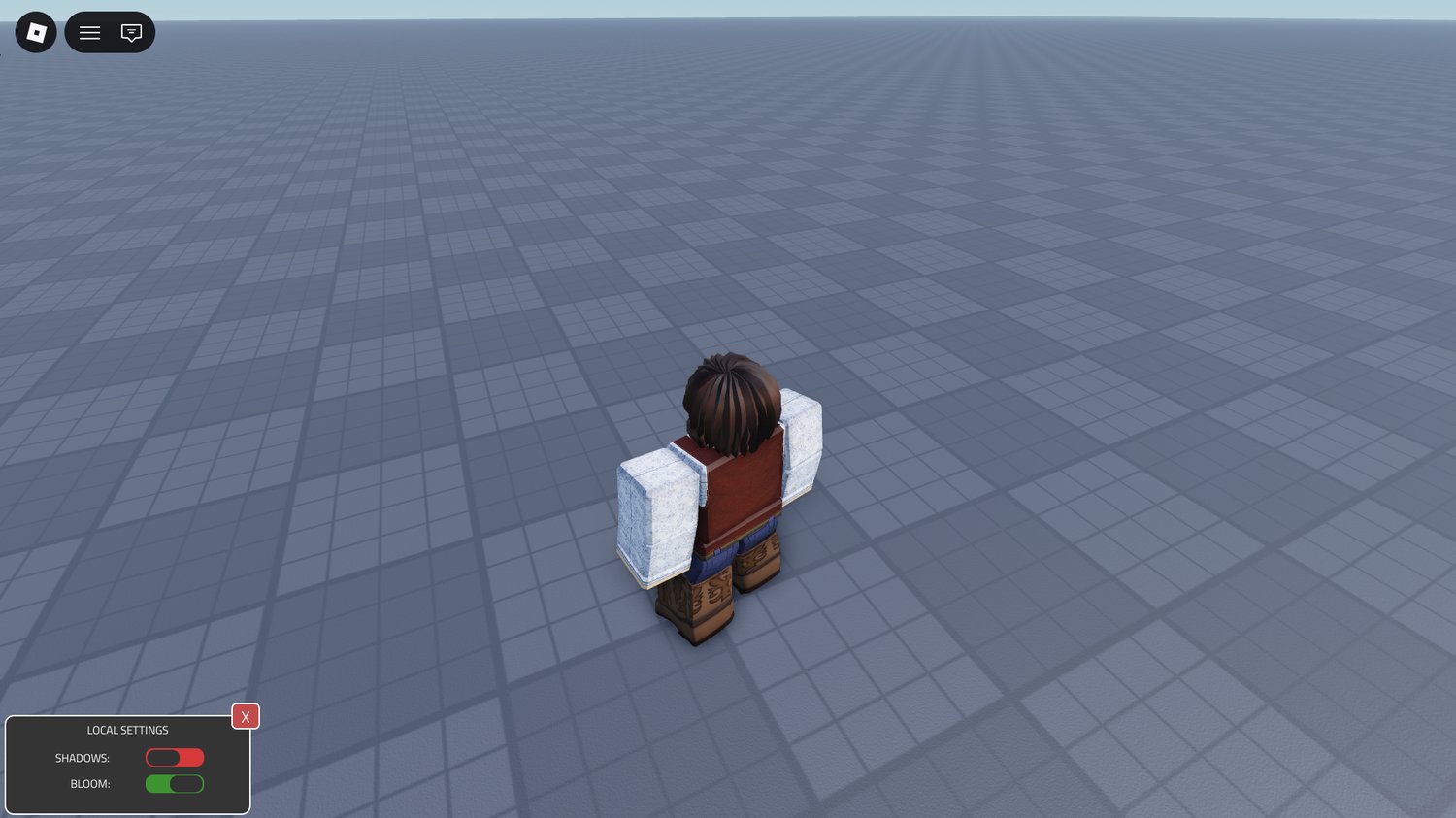
Graphics Settings GUI is a clean and practical user interface designed to give players greater control over visual effects within a Roblox experience. The layout focuses on simplicity and usability, allowing users to quickly adjust graphical elements without disrupting gameplay flow.
With built-in controls for shadows and bloom effects, this interface enhances accessibility by letting players balance performance and visual quality based on their device capabilities. Its structured design makes it easy to integrate into a wide range of game genres while maintaining a modern and polished presentation.
Key Features
- Functional graphics settings interface
- Toggle controls for shadow effects
- Bloom effect enable and disable options
- Clean and user-friendly GUI layout
- Designed for smooth integration into existing systems
- Supports improved player visual customization
Perfect For
- Performance optimization systems
- Roleplay and large open-world experiences
- Competitive gameplay environments
- Games requiring adjustable visual quality
- Developers building advanced settings menus
69f10a027fe02dc2c5b50632