
Your Cart
Loading
2 reviews

Why Most Roblox Developers Fail (And How to Avoid It)

2 reviews

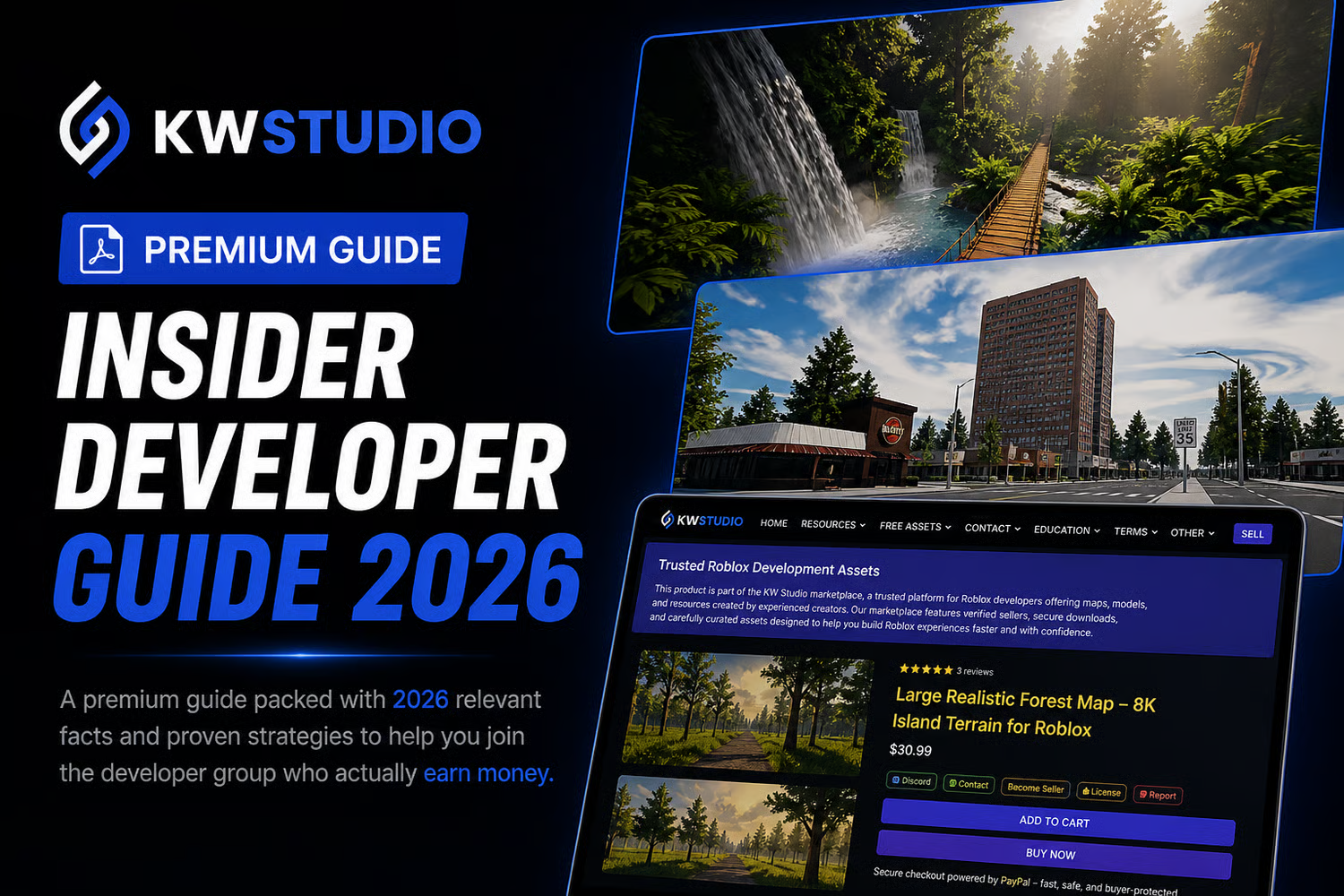
Kickstart your Roblox journey; build smarter, not harder!

Hey there, future game creators! Did you know that many Roblox developers don’t succeed? It’s not because they aren’t talented, but because they often get sidetracked by the wrong things.


This awesome free PDF guide from KW Studio is here to help you avoid those common mistakes and teach you how to think like a successful Roblox developer right from the start!


What You’ll Discover

In this quick and easy guide, you’ll learn:

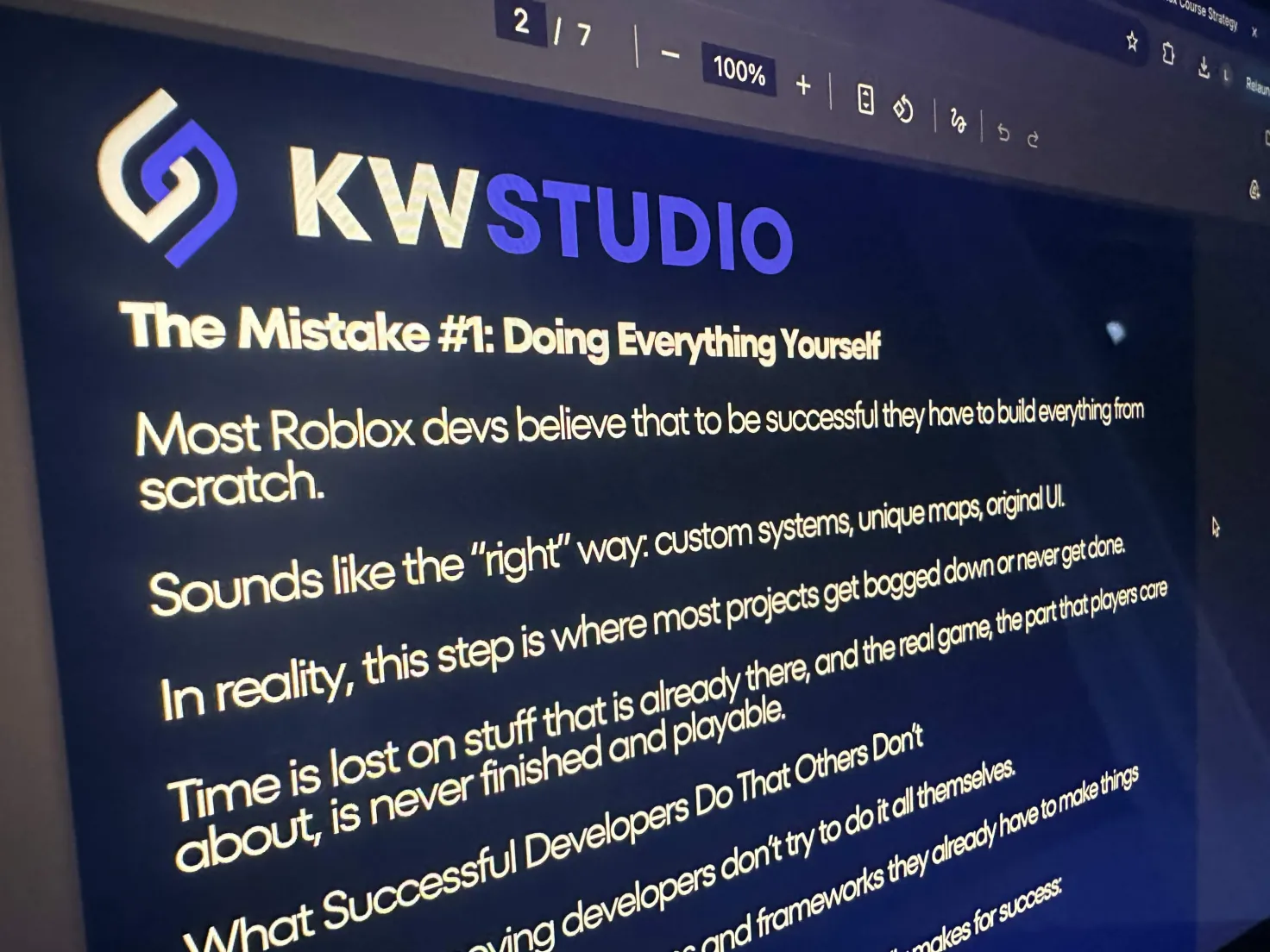
• Why trying to build everything from scratch can slow you down

• How top developers speed up their work with clever systems

• Why getting noticed and marketing your game is super important

• The benefits of launching your game early and getting feedback from real players

• The mindset shift that helps successful developers keep going, even when it gets tough


Why It’s Important

There are millions of developers on Roblox, but only a few really make it big.

This guide will help you:

• Steer clear of common beginner mistakes

• Save time and energy

• Build your game with a clear plan

• Boost your chances of finishing and launching your game


Who Should Read This

• New Roblox developers just starting out

• Developers who find it hard to finish their projects

• Anyone who wants to create games faster and smarter


Totally Free – Get Started Now!


69f10a027fe02dc2c5b50632
You will get a PDF (52MB) file

Verified Roblox Asset Reviews from Real Buyers

Sort

Anonymous

Verified Buyer

5 months ago

Reply from creator

CoreBloxDev

Verified Buyer

5 months ago

Amazing free guide

This free guide actually lays down a pretty solid foundation, especially for newer Roblox developers who are still caught up in the “I have to do everything myself” mindset.
What I really like about it is how it shifts the focus from chasing perfection to just getting things done. Ideas like launching early, prioritizing player experience, and avoiding overcomplicated systems are spot on. So many projects fizzle out because people waste weeks polishing features that players won’t even notice. The guide’s emphasis on speed, iteration, and learning from actual players is probably its best feature.
The visibility section is also crucial and often gets ignored. On Roblox, just having a good game isn’t enough. Developers really need to think about thumbnails, first impressions, and keeping players engaged from the get-go.
That said, I feel like the guide oversimplifies things a bit. While using assets and existing systems can speed things up, beginners might take this too far and lean too heavily on pre-made solutions without grasping how they actually work. This can lead to headaches later on when something breaks or needs tweaking. There’s definitely a balance between moving fast and having a solid technical understanding that isn’t fully addressed here.
Another downside is the presentation. The formatting feels a bit rushed and cluttered, making it harder to read than it should be. A clearer structure and better spacing would really help the content shine.
Overall, it’s a strong motivational and strategic starting point. It won’t teach you the nitty-gritty of building, but it will definitely help you rethink your approach to building which is just as important when you’re starting out.
Reply from creator

KW Studio • Product Guide

Before you use this product

Review the detected asset type, seller context, setup requirements and testing steps before adding this Roblox Studio product to a live experience.

This Roblox Studio asset is listed through KW Studio. Review the live product description, screenshots, seller details, delivery information and setup expectations before use.
Asset type Roblox Studio Asset
Seller Seller shown on page
Availability Shown on product page
Seller status Seller details shown on page

Seller context

Seller shown on this product page

Marketplace seller

KW Studio shows seller details on the product page when available. Full seller background information belongs on the seller profile page, while this product FAQ focuses on product setup, delivery, testing, and buyer expectations.

Product questions and setup guidance

Answers are adapted automatically from the live product page, detected asset type and available seller information.

This is a downloadable Roblox Studio asset listed through KW Studio. Review the product title, screenshots, description, visible features, seller information, and file expectations before using it in a live Roblox experience.

When a KW Studio product page shows a Verified Seller badge, it means the seller has passed KW Studio’s seller verification checks shown on the page. Buyers should still review the product description, screenshots, and setup expectations before purchase or download.

This product is sold by the seller shown on this page. When available, KW Studio displays the seller name, contact options, seller tags, and a seller profile link. Longer seller background information should be reviewed on the seller profile page instead of inside the product description.

Download the file, open or import it inside Roblox Studio, review the Explorer structure, and test the asset in a separate place before adding it to your main project.

This asset can be useful for Roblox developers who want a faster starting point, but the final use depends on your project goals, game structure, customization work, and testing process.

Test the asset in Roblox Studio before publishing. Check file structure, scripts if included, scale, performance, mobile usability, permissions, missing parts, and whether the asset fits your own game.

Some Roblox Studio assets may require importing, configuration, testing, ID replacement, scripting knowledge, or customization depending on what is included.

For product-specific questions, use the seller contact methods shown on this product page when available. For marketplace support, download issues, duplicate purchases, mistaken purchases, unclear listings, or escalation, contact KW Studio support.

KW Studio products are downloadable Roblox Studio assets. Free products and paid products should both be tested before use. Paid purchases are generally final once delivery or download access begins, except where required by law or where KW Studio determines that a genuine delivery, duplicate purchase, seller, or product issue requires support action.

Digital product notice: KW Studio products are downloadable Roblox Studio assets. Free products and paid products should both be tested inside Roblox Studio before publishing. Paid purchases are generally final once delivery or download access begins, except where required by law or where KW Studio determines that a genuine delivery, duplicate purchase, seller, or product issue requires support action. If you believe you purchased by mistake, do not download the file and contact help@kwstudio.org. Review the KW Studio Digital Delivery Policy and KW Studio Digital Asset License before purchase.